
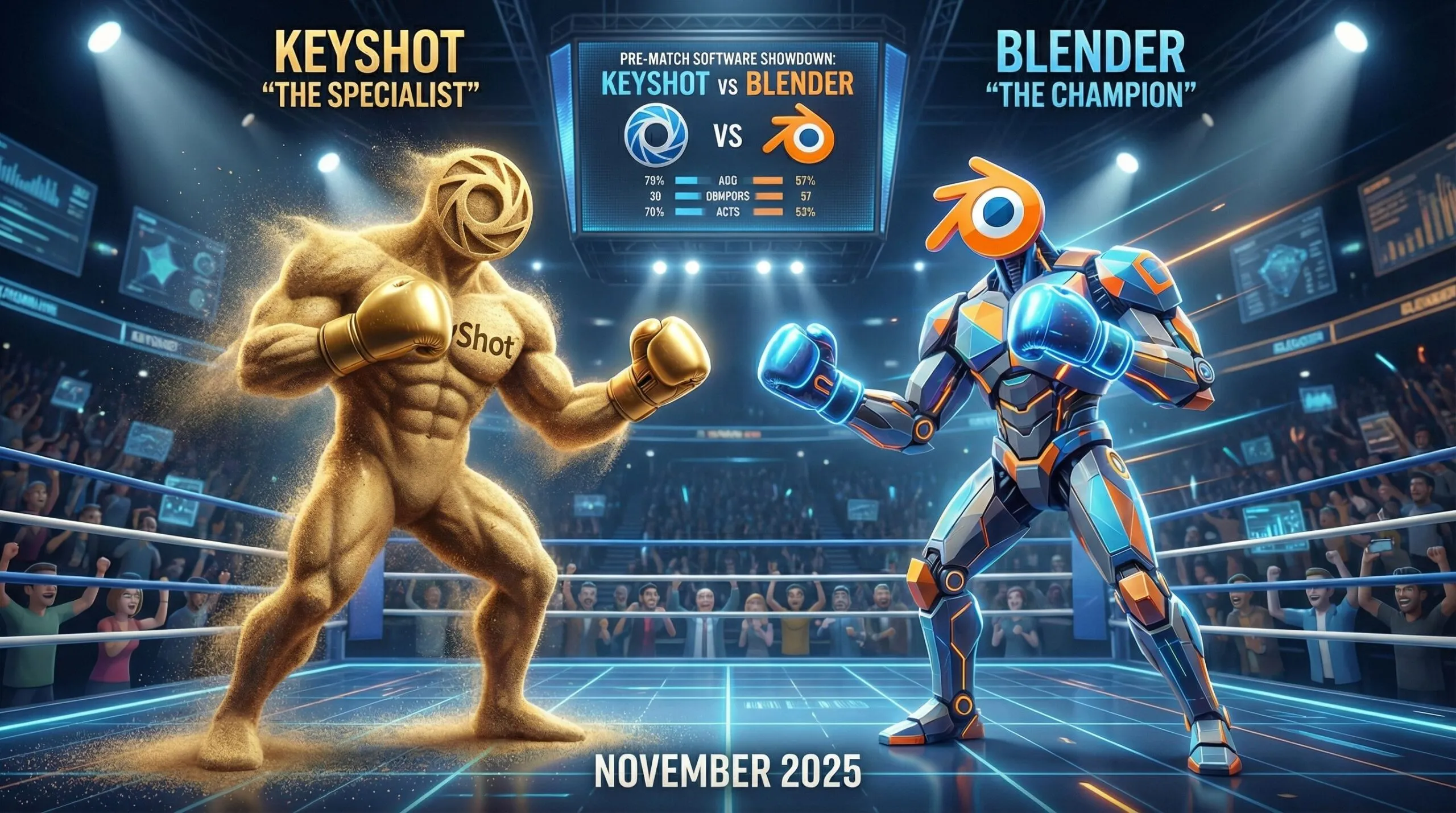
Fight of the Titans: KeyShot Studio 2025 vs Blender 5.0
This comparison article details the November 2025 releases of KeyShot Studio 2025.3 and Blender 5.0.
KeyShot Studio 2025.3 vs. Blender 5.0: The “Specialist” vs. The “Everything App”
November 2025 Market Update
This has been a massive month for the 3D industry with two heavy hitters dropping major version updates within days of each other. KeyShot Studio 2025.3 (released ~Nov 20) continues its pivot toward a “product-to-market” ecosystem, doubling down on AI and ease of use. Meanwhile, Blender 5.0 (released ~Nov 18) marks a historic milestone for the open-source giant, bringing massive geometry support and industry-standard colour pipelines that finally bridge the gap to high-end studio workflows.

Here is the definitive comparison for professionals deciding between the $1,299/year specialist tool and the free, open-source powerhouse.
At a Glance: The Core Philosophy
| Feature | KeyShot Studio 2025.3 | Blender 5.0 |
| Primary Focus | Industrial Design, Product Viz, Packaging | Generalist 3D, VFX, Animation, Game Dev |
| Pricing | $1,299 / year (Subscription only) | Free (Open Source, GPL) |
| Key New Tech | AI Shots (Generative Backplates), OpenPBR | Massive Geometry support, ACES Color |
| Learning Curve | Low (Master basic renders in days) | High (Steep, but highly rewarding) |
| Rendering Engine | CPU/GPU Ray Tracing (Scientifically accurate) | Cycles (Path Tracer) & Eevee (Real-time) |
Deep Dive: KeyShot Studio 2025.3
The “Make it Beautiful, Fast” Solution
KeyShot has officially rebranded to KeyShot Studio, signaling it is no longer just a renderer but a “content hub.” The 2025.3 update is less about reinventing the wheel and more about integrating modern tech (AI and open standards) into their famous drag-and-drop workflow.
Top New Features
- OpenPBR & Cryptomatte Support: KeyShot finally adopts industry standards. OpenPBR ensures your materials look consistent if you move them to other software, and Cryptomatte allows for professional-grade compositing (selecting objects in post-production) without manual masking.
- AI Shots Evolution: The generative AI features are now production-ready. You can generate backplates locally and, critically, save/store generated images permanently. It’s no longer a gimmick; it’s a rapid ideation tool for placing products in context.
- CAD Metadata Integration: When importing files from SolidWorks, Creo, or NX, KeyShot now reads the metadata. This is huge for enterprise workflows where you need to sort thousands of parts by manufacturer or material code automatically.
- Performance: A specific boost for AMD GPUs (up to 50% faster), ending the long-standing dominance of NVIDIA in the KeyShot ecosystem.
The Verdict: KeyShot Studio 2025.3 creates a “walled garden” that is incredibly comfortable for industrial designers who don’t want to learn UV unwrapping or shader nodes.
Deep Dive: Blender 5.0
The “Limitless Potential” Update
Blender 5.0 is a structural leap forward. The version number jump isn’t just marketing; it represents a rewrite of core systems to handle “heavy” data that previously crashed the software.
Top New Features
- Massive Geometry Support: The viewport and engine have been optimized to handle scenes with millions of objects and massive vertex counts without stuttering. This directly challenges high-end tools like Katana or Clarisse.
- ACES 1.3/2.0 & Color Management: Blender now natively supports the ACES color workflow (Academy Color Encoding System) out of the box. For VFX and film professionals, this removes the headache of manual config files and ensures colors match footage perfectly.
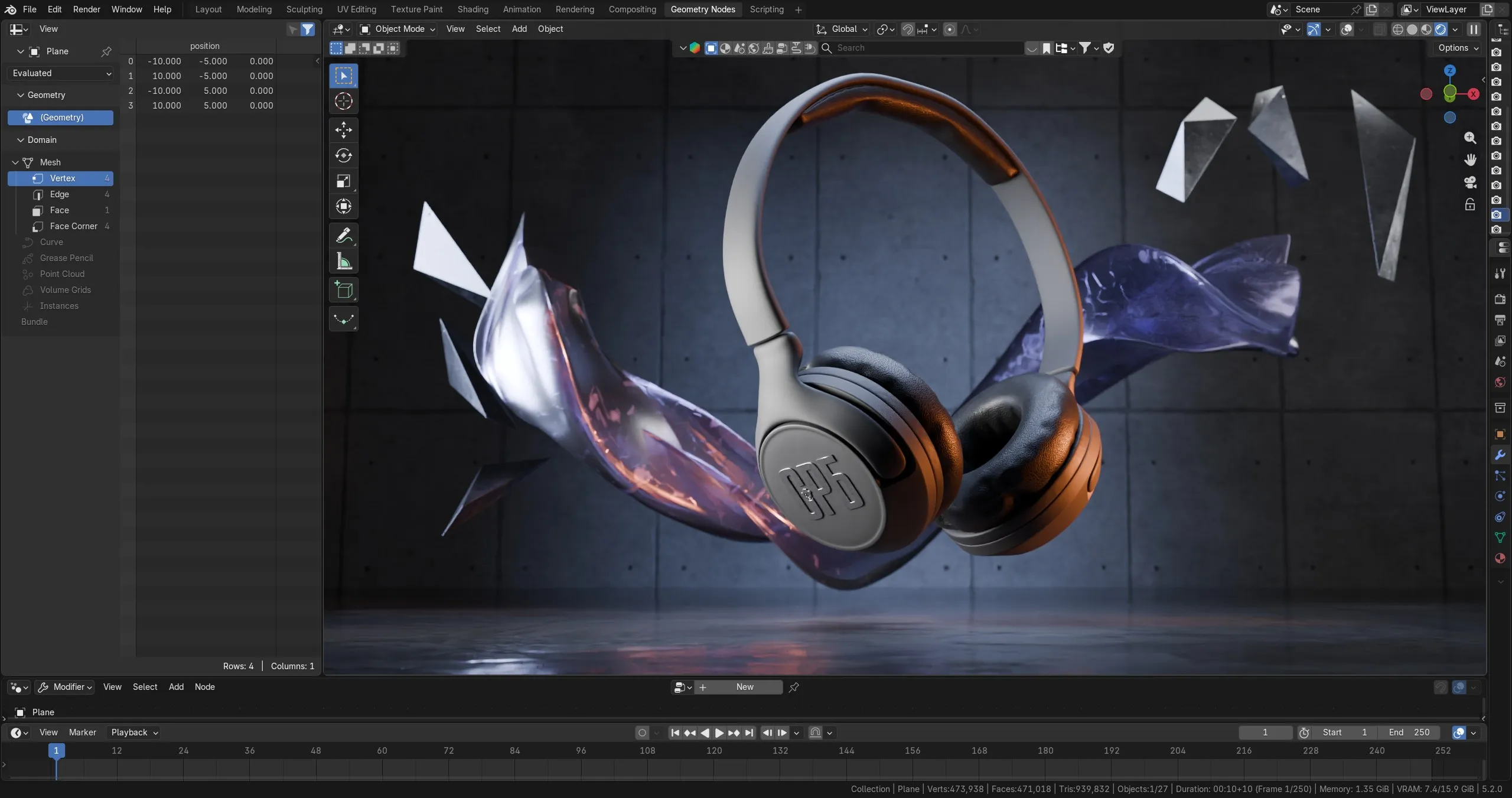
- Geometry Nodes for Volumes: You can now manipulate smoke, fire, and clouds (volumes) using Geometry Nodes. This allows for procedural weather effects and “magic” visuals that KeyShot simply cannot do.
- Grease Pencil Motion Blur: 2D/3D hybrid animation gets a massive quality boost with native motion blur, making mixed-media projects look cinematic.
The Verdict: Blender 5.0 has removed its “indie” shackles. It is now technically capable of handling Marvel-movie-level scene complexity and color accuracy.

Head-to-Head Comparison1. Rendering Quality & Speed
- KeyShot: Wins on speed to realism. You drag a “Plastic – Rough” material onto a part, and it looks perfect immediately. The new “Keep Focus” depth-of-field tool makes setting up macro shots of products effortless.
- Blender (Cycles): Wins on flexibility. Cycles 5.0 introduces “Thin-Film Iridescence” (great for bubbles or coated metals) and better Subsurface Scattering. It requires more tweaking than KeyShot, but the ceiling for complexity is higher.
2. Material Creation
- KeyShot: The Material Graph is now dockable (finally), but it remains layer-based and relatively simple. It is designed to prevent you from breaking physics.
- Blender: Shader Nodes are infinite. You can build materials that change based on object proximity, time of day, or audio input. It is powerful but intimidating for beginners.
3. The “AI” Factor
- KeyShot: Has integrated “Generative Backgrounds” directly into the UI. You type “luxury marble kitchen,” and it builds the lighting and backplate for you to drop your product into.
- Blender: AI is currently relying on 3rd-party add-ons. There is no native “Generate Background” button in Blender 5.0, meaning you have to build the scene yourself or find assets.
Final Recommendation: Which One for You?
Choose KeyShot Studio 2025.3 if:
- You are an Industrial Designer or Engineer who needs to present a CAD model beautifully in 15 minutes.
- Your company pays for the license ($1,299/yr).
- You rely on heavy CAD data (SolidWorks/Creo) and need perfect translation of assembly structures.
- You want “AI Assistance” (backplates/environments) built directly into your renderer.
Choose Blender 5.0 if:
- You are a 3D Artist, Animator, or Generalist.
- You need to model the product, not just render it (KeyShot’s modeling tools are still very basic).
- You are working on complex scenes with smoke, physics, or massive environments.
- Budget is a concern (Free vs. $1,299).
What this all means for us – 3d product animators. What software is better for 3D product animations?
KeyShot Studio 2025.3: The Quick-Turnaround Presentation Tool
For product animation, KeyShot Studio 2025.3 solidifies its position as the fastest route from “raw CAD to client approval.” The rebranding to a “content hub” emphasizes speed and ease of use. With the new OpenPBR support, materials are now standardized, ensuring consistency if you need to move assets later. The standout feature for animation workflows is the AMD GPU performance boost (up to 50%), which significantly reduces render times for hardware that previously lagged behind NVIDIA. However, its animation capabilities remain focused on “presentation”—turntables, camera pans, and metadata-driven exploded views. It is the ideal tool when you need a photorealistic, standard product reveal in hours rather than days, utilizing the new AI Shots to instantly generate contextual backplates without modeling environments.
Blender 5.0: The High-End Cinematography Engine
Blender 5.0 represents a structural leap that makes it the superior choice for high-complexity, custom product commercials. The introduction of massive geometry support means you can now animate high-poly CAD assemblies alongside millions of environmental objects without viewport stuttering—a massive win for complex mechanical animations. The native integration of ACES color management allows for studio-grade color accuracy that matches video footage perfectly. Furthermore, the update to Geometry Nodes for volumes allows for procedural effects (like smoke, steam, or liquid pouring) that KeyShot simply cannot handle. If your agency needs to produce a “cinematic” ad with physics, custom rigging, or stylized motion blur (now improved in 5.0), Blender is the undisputed winner, despite the steeper learning curve.
Summary Verdict
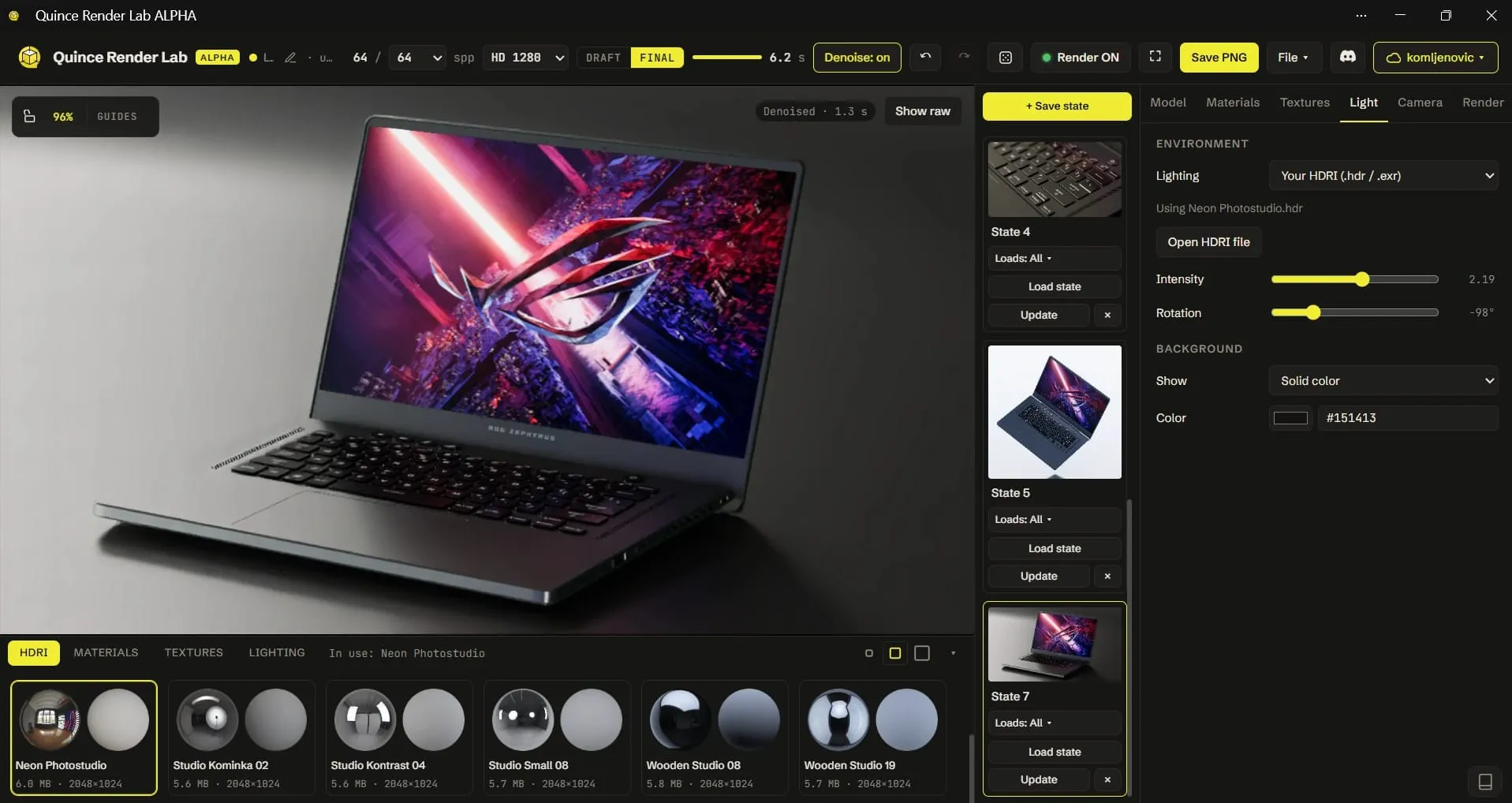
For a creative director, the choice depends on the “story” of the animation. If the goal is to strictly showcase the industrial design with high fidelity and speed, KeyShot 2025.3 is the efficiency king. If the goal is to create an emotional or highly technical narrative involving physics, complex environments, or web-ready interactivity (baking textures for Babylon.js), Blender 5.0 is the necessary powerhouse. And if all you need is a clean still from a CAD file and you have neither license, a free browser-based renderer is worth a ten minute test first.
View official videos of new features in Keyshot and Blender 3D
What’s new in KeyShot Studio 2025.3
What’s new in Blender 3D 5.0 RC
Related Articles
Elevate Your Digital Showcase: How to Get an Interactive 3D Model on a Website
You Have a KeyShot File but No Animator. Here Is How to Get a Product Video Made
Tech Giants Head-to-Head: Laptop 3D Product Animation Showdown
Quince Render Lab: Free Online 3D Rendering for Product Shots
Is Blender 3D Good Enough for Professional Product Animation?
Smartwatch 3D Product Animation Ranking: Who Told The Best Visual Story?
 Rachel A