
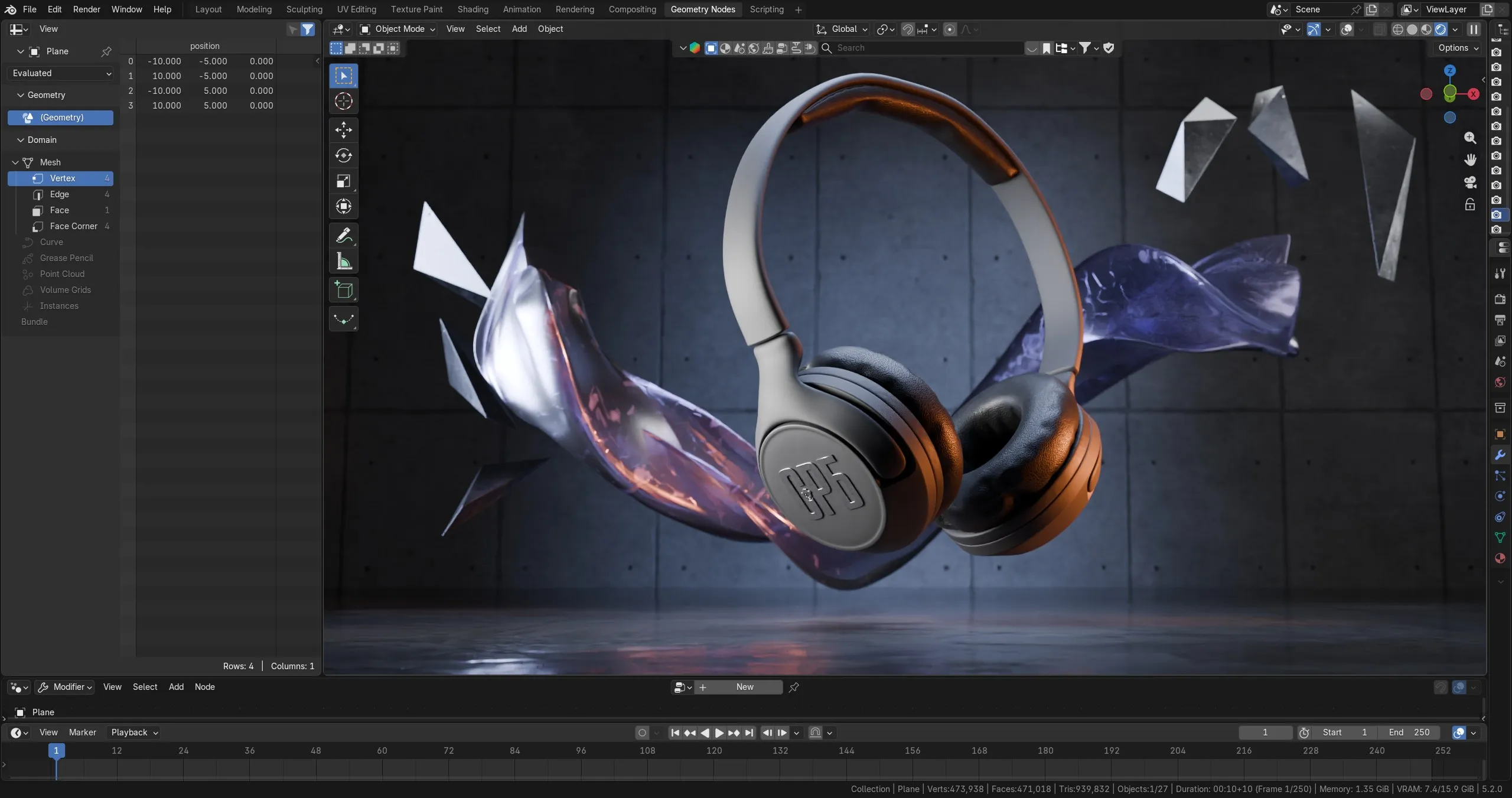
Is Blender 3D Good Enough for Professional Product Animation?
It usually comes up on the second call, after the quote has landed and someone on the client side has done twenty minutes of research.
“We noticed the software you use is free. Should we be concerned?”
It is a fair question, asked badly. Nobody actually cares about the licence. What they are asking is whether they are about to hand a flagship product launch to a studio that cut a corner somewhere, and whether the corner will show up in the final render at 4K on a trade show wall.
The honest answer has two parts. The software is not the risk. But there is a real technical question buried underneath this one, and almost nobody asks it.
The short answer
Blender is production-grade for product visualisation, and the industry has voted with money rather than opinion.
In January 2026, Netflix Animation Studios joined the Blender Development Fund as a Corporate Patron, describing itself as the first major animation studio to back Blender’s development. Weeks earlier, Dell Technologies signed on at Gold tier – a commitment of at least €30,000 a year, plus work on optimising Blender’s performance across its Precision workstations. AMD, NVIDIA, Epic Games and Unity have been backing the fund for years.
On the output side, Flow won the Academy Award for Best Animated Feature in March 2025 – made entirely in Blender, on a budget under $4 million, beating Inside Out 2 and The Wild Robot. Its director has since walked through the production in detail, including how a team of fifteen to twenty people handled it. That is a feature film rather than a product spot, but it settles the question of whether the renderer holds up under scrutiny.
There is also a practical reason a studio might pick it that has nothing to do with cost. Blender 5.2 LTS shipped in July 2026 with long-term support running to July 2028. For a client running a two-year product line with periodic refreshes to the same animation, a version guaranteed stable for the life of the campaign is worth more than a feature that shipped last month.
So the licence is not the issue. Here is what is.
The question that actually matters: what happens to your CAD file
If you make hardware, your design already exists. It lives in SolidWorks, Creo, Fusion, Rhino or Inventor, and it is geometrically perfect. Everything about the quality of your final animation is decided in the twenty minutes where that file becomes something a renderer can use.
This is where you should push, because the honest answer is not flattering to Blender.
Blender cannot open a STEP file on its own. STEP is a CAD exchange format that needs a dedicated importer before Blender can read it. The reason is structural: STEP stores precise geometry as B-rep and NURBS surfaces, while Blender works in polygon meshes. Once that data has been converted into triangles, the information needed to reconstruct the accurate original is gone – which is also why the conversion only runs one way.
Studios bridge the gap with add-ons built on Open CASCADE, the same CAD kernel used across the engineering software world, or by routing the file through a converter first. That part is solved and routine. If you only want to see your STEP file rendered, our free browser renderer runs that same CAD kernel in a browser tab, with no add-on to install.
What is not automatic is how well it is done. Three things get decided at import, and all three are visible in the final frame:
Tessellation tolerance. A curved surface has to be approximated with flat triangles, and import tools expose both quality presets and manual control over linear and angular tolerance. Set it loose and a bezel that should read as a smooth arc shows a faceted edge the moment the camera pushes in. Set it tight on every part of a 400-component assembly and the scene becomes unworkable. The judgement call is doing it selectively – ultra-fine on the hero surfaces the camera actually visits, coarse on the internal bracket nobody sees.
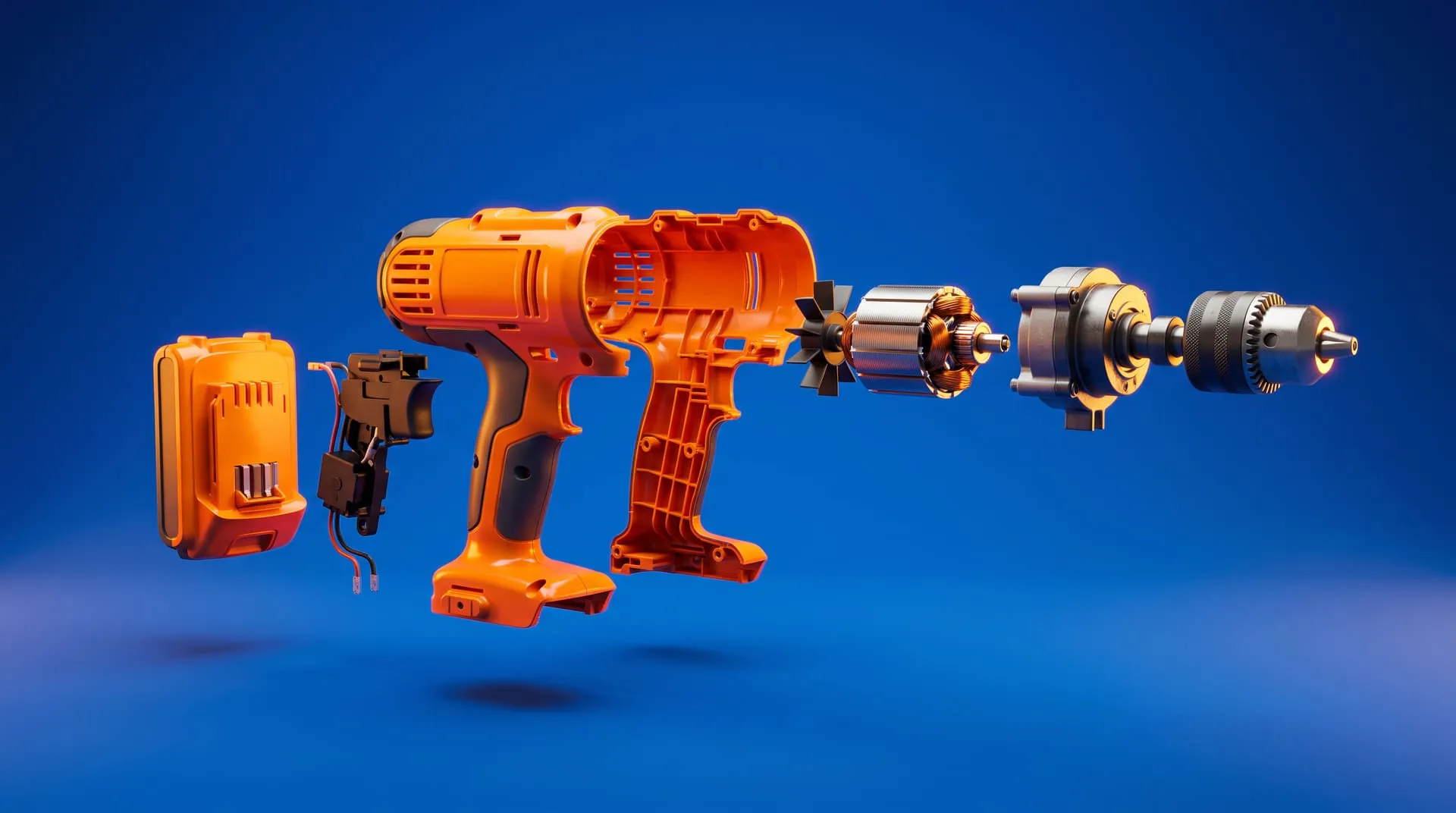
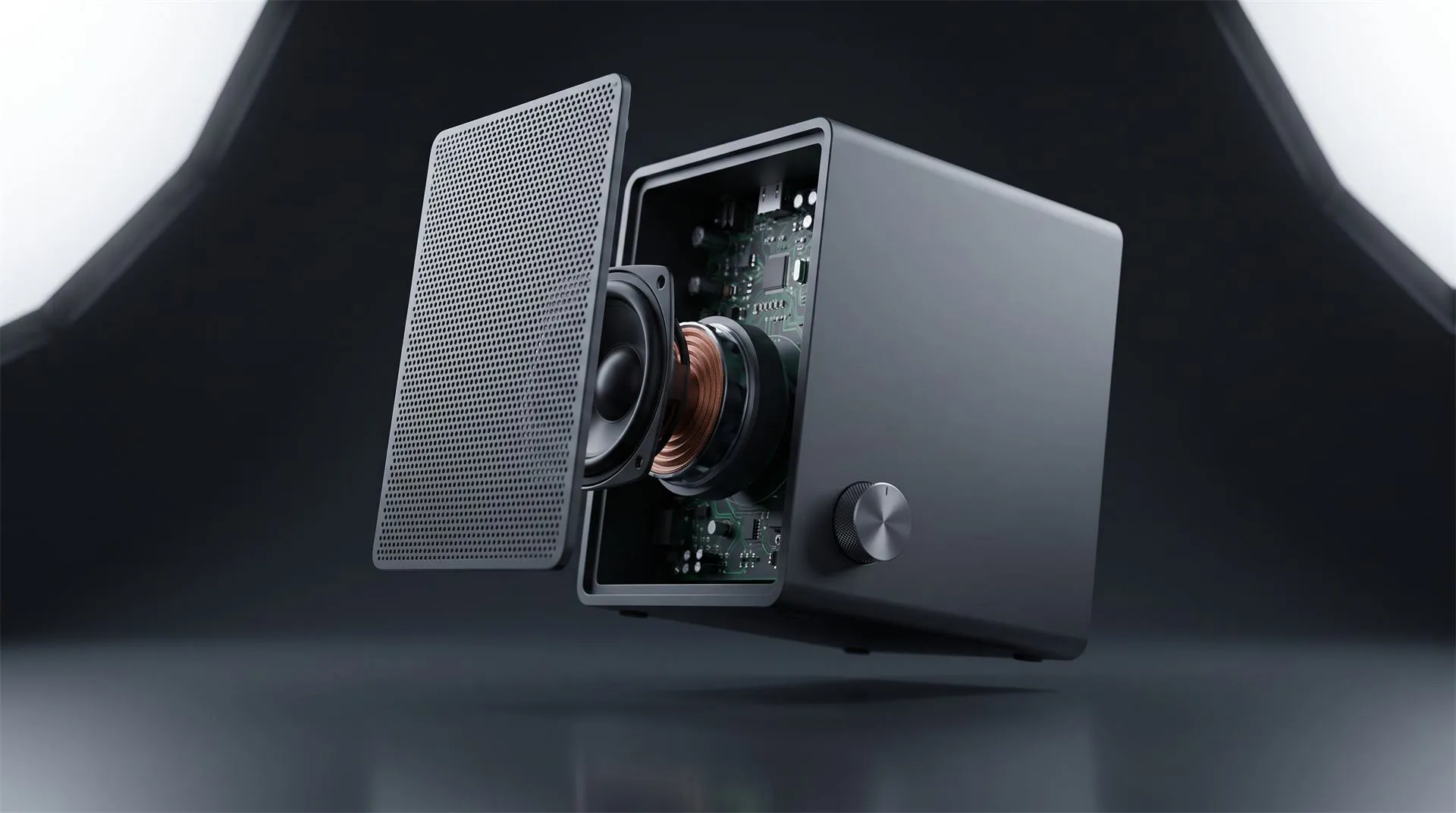
Assembly hierarchy. Your CAD assembly has structure: subassemblies, named parts, parent-child relationships. Good import preserves it, organising the incoming geometry into nested collections that mirror the original. If it does not survive, you get one undifferentiated mesh, and an exploded view becomes a manual rebuild rather than an animation.
Re-import cost. Engineering will revise the model. It always does. Ask what happens when revision C arrives after look development is finished. Current import tools can regenerate individual parts from the source file at new quality settings without pulling in the whole assembly again. A studio that has to start over is a studio that will charge you for starting over.
None of that is a Blender question. It is a competence question that the software conversation was standing in front of.
Where Blender is genuinely not the right choice
Three situations where a different answer is better, and a studio that will not tell you this is selling rather than advising.
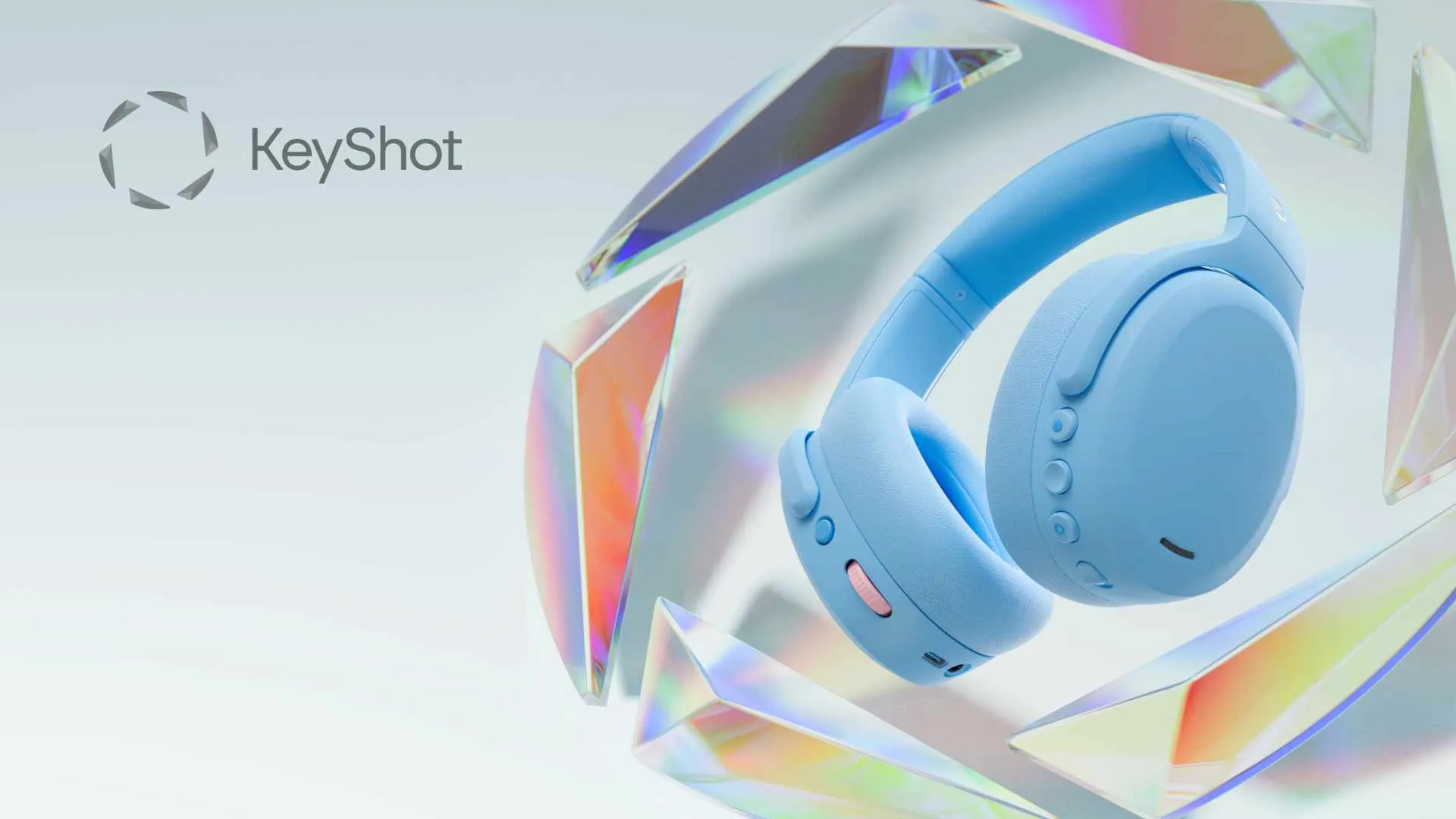
Your own team needs to produce renders in-house. If your engineers want to generate their own images between agency projects, a CAD-native renderer with a live link back to the design file is a better fit than asking mechanical engineers to learn a general-purpose 3D suite. We covered this trade-off in detail in KeyShot Studio 2025 vs Blender 5.0.
You need engineering-accurate visualisation. If the deliverable has to preserve true dimensions for measurement, inspection or technical documentation, mesh conversion is the wrong direction entirely. That is a CAD visualisation job, not an animation job.
Your pipeline mandates otherwise. Some enterprise and agency pipelines specify tools and formats contractually. If yours does, that decision is upstream of this conversation.
Five questions to ask any studio, whatever software they use
Software-agnostic. Ask these of everyone bidding, and compare the answers rather than the tool names.
- What do you need from us, and in what format? A studio that says “send whatever you have” has not thought about it. A studio that asks for STEP or your native assembly, and asks whether the model is manufacturing-ready or still in revision, has.
- How do you handle tessellation on curved surfaces for close-up shots? You are not auditing the answer for technical accuracy. You are checking whether the question lands as familiar or as a surprise.
- Does our assembly structure survive your import? This directly determines whether exploded views, cutaways and part-by-part reveals are straightforward or a rebuild – and therefore what they cost.
- What happens if engineering revises the model mid-project? Get the change-order policy in writing before it happens rather than after.
- What do we receive at delivery? Master files, render passes, source project files, and at what resolutions and aspect ratios. Ask specifically whether you can get a vertical cut and a silent version, because you will need both and retrofitting them later is expensive.
How we work
We run Blender for modelling, look development, lighting, animation and rendering, with post-production in After Effects and Davinci Resolve.
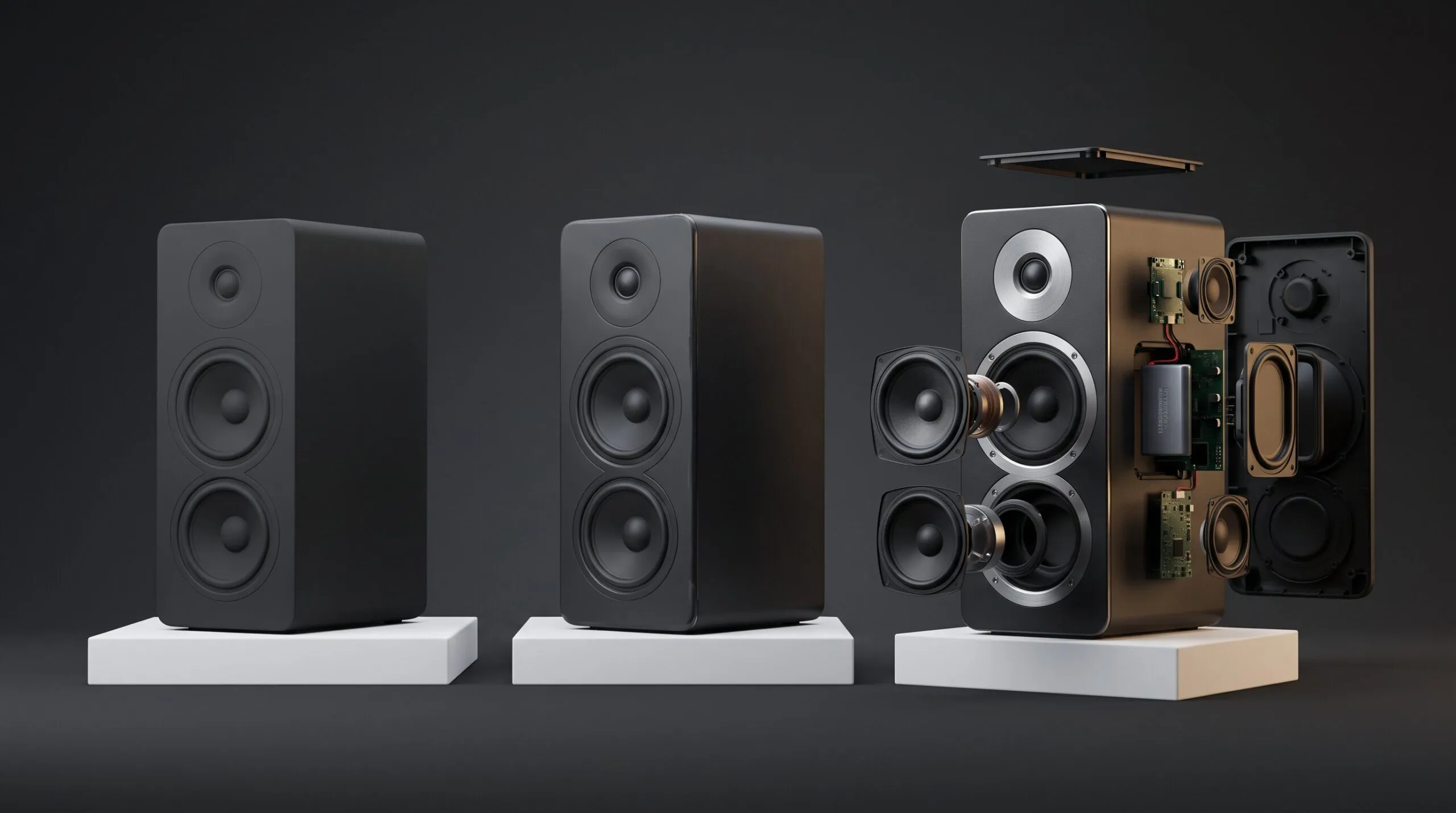
The output is CAD-to-cinematic work for hardware and consumer product brands: hero films, exploded and cutaway views, 360 spins, Amazon A+ Content listing sets, and crowdfunding launch videos.
We chose the tool because it does the job and because we are not renting our production capability from a vendor whose licensing terms can change between projects. Neither of those reasons should matter to you. What should matter is what comes out the other end, which is why the portfolio is one click away and the questions above are worth asking of us as much as of anyone else.
Related Articles
How to Choose a 3D Product Animation Studio: A Buyer’s Checklist
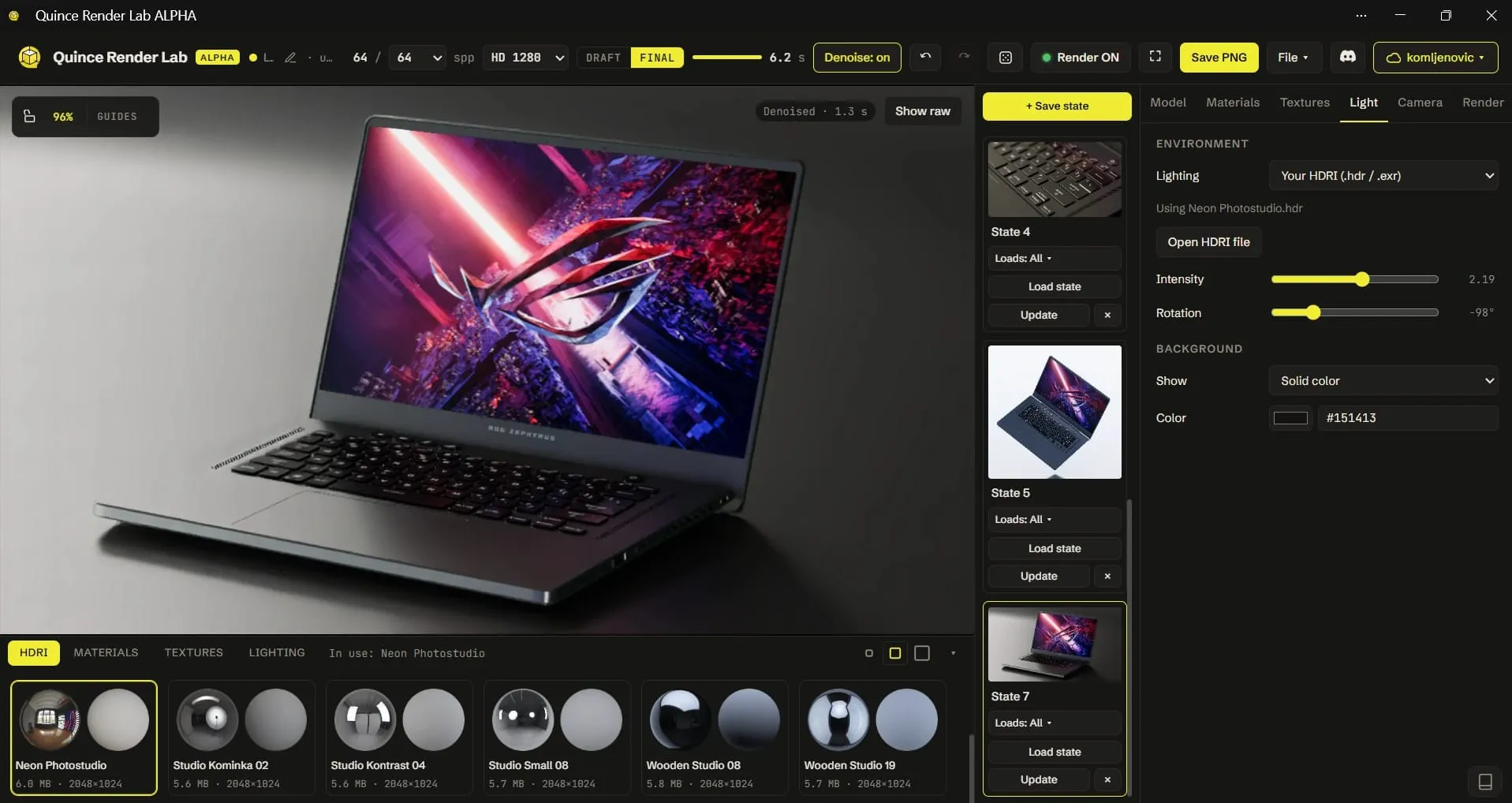
Quince Render Lab: Free Online 3D Rendering for Product Shots
You Have a KeyShot File but No Animator. Here Is How to Get a Product Video Made
Exploded View Animation From CAD: What It Takes, What It Costs, and When You Do Not Need a Studio
You Made a Product Image with AI. Here Is Why It Cannot Become Your Product Video.
3D Product Explainer Videos: Examples, Cost and How They Are Made (2026)
 Rachel A