
You Have a KeyShot File but No Animator. Here Is How to Get a Product Video Made
It is one of the most common situations we see at manufacturers, and it is a strange one when you step back and look at it.
Somewhere in the building there is a product designer who is genuinely good at KeyShot. They have a scene built off the CAD. The materials are dialed in, the HDRI lighting looks like a real photo studio, and the stills they produce go straight into the catalog, the spec sheet, the trade show banner and the Amazon listing. Nobody in marketing questions the image quality.
Then someone asks for a video.
And everything stops. Not because the assets are missing, but because the one skill nobody hired for is animation. The designer knows their way around materials and lighting, not timelines, easing curves, edit rhythm, sound design or render management. So the request bounces around for a few weeks and eventually the product launches with stills and a slideshow.
The good news is that the hard part is already done. A finished KeyShot scene is most of the way to a video. Geometry, materials, lighting and camera framing are the expensive parts of 3D production, and you have all four. What remains is motion, and there are five realistic ways to get it, ranging from free to fully outsourced.
First, decide which video you actually need
Almost every bad outsourcing decision in this space comes from skipping this step. “We need a video” covers three completely different products.
A loop or turntable. The product rotating on a clean background, or a slow orbit around it. This is for a product page, a marketplace listing, a screen at a trade show booth, a Kickstarter gallery. No story, no narration, usually no sound. Ten to fifteen seconds.
A functional explainer. The product opens, assembles, exploded-views itself, shows the mechanism, demonstrates a feature. Callouts and labels are common. This is for sales enablement, distributor training, spec-heavy B2B buyers who want to understand the thing. Thirty to sixty seconds.
A marketing film. Story, pacing, music, environment, mood, sometimes people. This is the launch video, the campaign hero, the thing on the homepage. It needs an editor and a director, not just an animator. Sixty seconds and up.
The first one you can plausibly do in-house this week. The third one you cannot, no matter how good your KeyShot designer is, because the skill gap is not technical. Be honest about which one you are asking for before you pick a route. If you are not sure which structure your launch actually needs, our free product launch video storyboard creator lays out the reveal, rotation, exploded view and feature shots for you, with estimated durations and a rough budget.
Route 1: Animate it inside KeyShot
Most people do not realize that animation is not an add-on any more. Every current KeyShot Studio tier includes it. At the time of writing that is Professional at $1,299 per year, Business at $1,599, and Enterprise on custom pricing, and the animation and KeyShotXR toolset is listed in all three. If your designer has a KeyShot seat, they already have an animation seat. Nobody has to buy anything.
What you get is genuinely capable for the first two categories above.
Camera animation covers nine types: Orbit, Panorama, Dolly, Translation, Path, Depth of Field, Zoom, Switch and Twist. Orbit alone gives you a broadcast-quality turntable in about four minutes of setup. Dolly plus Depth of Field gives you the slow push-in with the focus rack that reads as expensive. Path lets you draw a camera route through control points, and Switch cuts instantly between two cameras, which is how you build a multi-shot sequence without leaving KeyShot.
Part animation moves the geometry itself: rotations, translations, fades. This is how exploded views, opening lids, sliding drawers, rotating gears and assembly sequences get built.
For a turntable, a hero orbit, an exploded view, or a simple assembly animation, this route is correct and you should not outsource it. Give your designer half a day.
Three things to warn them about before they start.
Animations evaluate in Scene Tree order, not timeline order. KeyShot reads down the Scene Tree from top to bottom, so if a rotation is meant to happen after a translation, its position in the tree is what decides that, not where you dragged the strip. This is the single most common reason a complex part animation comes out wrong.
Avoid Global axis translations in anything complicated. They execute last regardless of where they sit in the tree, which quietly breaks multi-step sequences. Local axis orientation or keyframes behave predictably.
Render as an image sequence, not a video file. Always. If the render dies at frame 240 of 300, an image sequence means you re-render 60 frames. A video file means you re-render all 300. The sequence also goes straight into any editor.
And do the render math before committing. A ten second animation at 30fps is 300 frames. If one still currently takes two minutes to render at final quality, that is ten hours of machine time, and your designer’s workstation is unavailable for the duration. Four seconds a frame becomes 20 minutes total; four minutes a frame becomes 20 hours. This is where in-house animation usually dies, not at the creative stage.
There is now a native answer to that: KeyShot Cloud Rendering pushes the job to cloud hardware on a prepaid credit system, where one credit is one GigaSample of compute and the cost scales with resolution, samples per pixel and frame count. It supports animation, and it frees the workstation. Third party KeyShot render farms have existed for years and also work fine. Budget for one of them if you are animating in-house regularly.
Realistic outcome: turntables and mechanical sequences, done well, at zero additional software cost. Not a launch film.
Route 2: Stills plus an editor
The underrated option, and the one that gets skipped because it feels like cheating.
Render six to ten stills at very high resolution, from angles that make sense as a sequence, then move the camera in the edit instead of in 3D. Slow pans and pushes across a 6K still, cut to music, with type and product name over the top, produce a perfectly respectable fifteen second social asset. A designer with basic Davinci Resolve or CapCut skills can do this in an afternoon, and the render time is minutes rather than hours.
It works because at social viewing sizes, on a phone, in a feed, motion and rhythm carry more than true 3D camera movement does. It fails the moment you need to show how something works, because a still cannot demonstrate a mechanism.
Realistic outcome: good social and ad content this week, for almost nothing. Not a product demonstration.
Route 3: Export to Blender, Cinema 4D or Houdini
This is the route people assume is easy, and it is the one with the sharpest hidden edge.
The critical fact: KeyShot’s export formats do not carry animation. Not FBX, not glTF, not USD, not OBJ, not Alembic. The manual is explicit about it. Whatever your designer built on the KeyShot timeline does not travel. Neither does the KeyShot material graph in any real sense: FBX writes out color materials and textures as separate files, glTF and USD bake materials down into flat texture maps, and OBJ carries geometry with diffuse color only. Your carbon fiber with the anisotropic sheen arrives in Blender as a picture of carbon fiber.
So “just export the KeyShot file” is not a handoff. It is a geometry transfer plus a look-development rebuild.
If you go this way, the better move is to skip the .bip entirely and go back to the source: send the original CAD, in STEP or the native format, along with your approved KeyShot stills as the visual target. A competent 3D artist would rather rebuild materials from a clean STEP file matched against reference images than untangle exported meshes. Your KeyShot renders become the art direction rather than the raw material, which is a much more useful role for them.
Realistic outcome: unlimited creative ceiling, and a real learning curve. Sensible if you plan to bring animation in-house permanently. Slow and frustrating as a one-off.
Route 4: Hire a freelance KeyShot animator
The cheapest genuine outsourcing option, and the highest-fidelity handoff available, because it is the only route where your actual file works as-is.
You send the packaged .bip. They open it. Materials, lighting and cameras are exactly as your designer left them. They add motion, render, and send back frames or a cut. Nothing is rebuilt and nothing drifts from your approved look. If you are precious about the brand look your designer spent months getting right, this matters more than the price does.
The limits are the limits of KeyShot itself. If the brief needs fluid simulation, cloth, particles, complex motion graphics, sound design, voiceover or an actual edit with narrative structure, a KeyShot animator working alone will struggle, because those are different tools and different disciplines.
Vet on showreel over rate. There are a lot of people advertising KeyShot animation whose reels are all turntables. If you need a mechanism sequence, ask to see a mechanism sequence.
Realistic outcome: clean loops, orbits, exploded views and mechanical sequences, at freelance rates, with your look preserved exactly. Not a campaign.
Route 5: Hire an animation studio
The right answer when the deliverable is a film rather than a clip: launch video, campaign hero, crowdfunding video, trade show centerpiece. Anything with a script, a soundtrack, an environment and an edit. For a shortlist of studios that work from CAD, see our comparison of the best 3D product animation companies.
What you are buying is not rendering. Your designer can already render. You are buying storyboarding, motion design, environment and set building, simulation work, sound, voiceover, editing, and the judgement about what to show and in what order that makes 45 seconds hold attention.
Here is the part worth knowing: your KeyShot file removes the largest single line item. In most 3D video quotes, building the product model is the biggest variable cost, ranging from a few hundred for something simple to a couple of thousand for a genuinely technical assembly. If you already have production-ready geometry, that collapses to a nominal figure. On our own pricing, a client arriving with usable CAD or a KeyShot scene pays $200 for the model tier instead of $400 to $2,000, and a short video on a clean background starts around $1,200 all in rather than $1,800 to $3,400. The file your designer already made is worth real money at quoting time. Mention it in the first email.
Realistic outcome: a finished film. The most expensive route and the only one that produces one.
Which route, at a glance
| You need | Best route | Typical time | Typical cost |
|---|---|---|---|
| Turntable or product loop | In-house KeyShot | Half a day plus render | Free |
| Social clip from existing renders | Stills plus editor | An afternoon | Free |
| Exploded view or assembly sequence | In-house KeyShot, or freelancer | 1 to 3 days | Free to low four figures |
| Feature demo with callouts | Freelancer or studio | 1 to 2 weeks | Low to mid four figures |
| Launch or campaign film | Studio | 3 to 6 weeks | Mid four figures and up |
| Bringing animation in-house long term | Export to Blender or C4D | Months | Time, not money |
What to send when you hand it off
This is where most projects lose their first week. Send all of it up front, in one link, and you will get a quote in a day instead of five emails.
- The packaged KeyShot file. Package it so textures, HDRIs and backplates travel with it rather than sending a bare .bip that opens with pink materials.
- The original CAD. STEP is the safe universal choice, native format is better if you can. This matters more than the .bip if the studio does not work in KeyShot, and it is the single most useful file in the folder.
- Your approved stills. These define the target look. Say which ones are signed off and which are experiments.
- A note on what moves. Which parts rotate, open, slide, detach. A rough phone video of the physical product doing the thing is worth more than a page of description.
- Brand assets. Logo in vector, fonts, color codes, any existing video whose style you want matched.
- The message. Three sentences on what the viewer should understand by the end. Not a script, just the point.
- Deliverable spec. Duration, aspect ratios, resolution, where it will be published, whether it needs to work without sound, and the actual deadline.
Two things to check on your side first: that your KeyShot geometry is dense enough to hold up at close range on a large screen, since a mesh tuned for a static three-quarter view can reveal faceting under a moving camera, and that whoever holds the CAD internally is allowed to release it.
Common mistakes
Asking the designer to “just make a video” with no scope. They will interpret it as a launch film, feel out of their depth, and stall. Ask for a fifteen second turntable and you will have one tomorrow.
Rendering a video file instead of an image sequence. One crash and the day is gone.
Sending only the .bip to a studio that does not use KeyShot. Send the CAD.
Assuming the KeyShot timeline exports. It does not. Anything built there stays there.
Buying a launch film when a turntable would convert better. For a product page, a clean fifteen second loop frequently outperforms an expensive narrative piece, and costs nothing.
FAQ
Does KeyShot do animation, or do I need another product?
It does, and animation is included in every current KeyShot Studio tier rather than sold separately. If your team has KeyShot, they can animate today.
Can I export my KeyShot animation to Blender or After Effects?
Not the animation itself. No KeyShot export format carries animation data. You can export geometry with baked or referenced materials, and you can export rendered frames as an image sequence to composite in After Effects, but the timeline does not travel.
How long does a KeyShot animation take to render?
Frames multiplied by your per-frame still time. Ten seconds at 30fps is 300 frames, so a two minute frame is ten hours. Cloud rendering or a render farm is the usual fix.
Our designer has never animated anything. Can they learn it for this launch?
For a turntable or orbit, yes, in an afternoon. For an assembly sequence, give them a week and expect some frustration with Scene Tree evaluation order. For a launch film, no, and it is not a reflection on them.
Is my KeyShot file worth anything to a studio?
Yes, and specifically it removes the modelling cost, which is usually the largest variable in the quote. Say so when you ask for pricing.
Send us the file
If you have a KeyShot scene and a video you cannot get made, send it over. We will tell you which of the five routes above actually fits your brief, including the ones that do not involve hiring us, and if a studio is the answer you will get a fixed quote with the modelling cost already discounted for the work your designer has done.
Related Articles
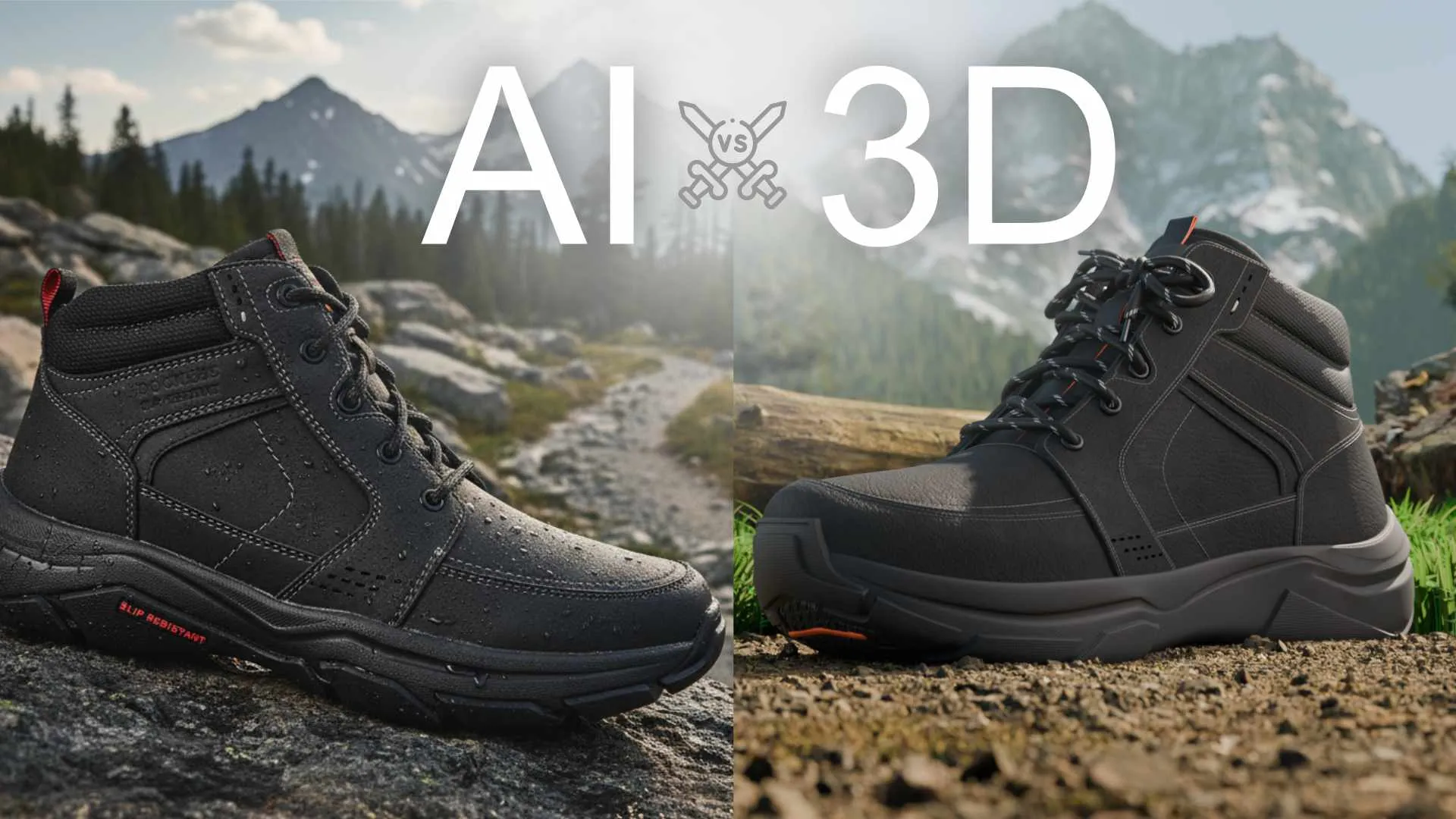
You Made a Product Image with AI. Here Is Why It Cannot Become Your Product Video.
How to Choose a 3D Product Animation Studio: A Buyer’s Checklist
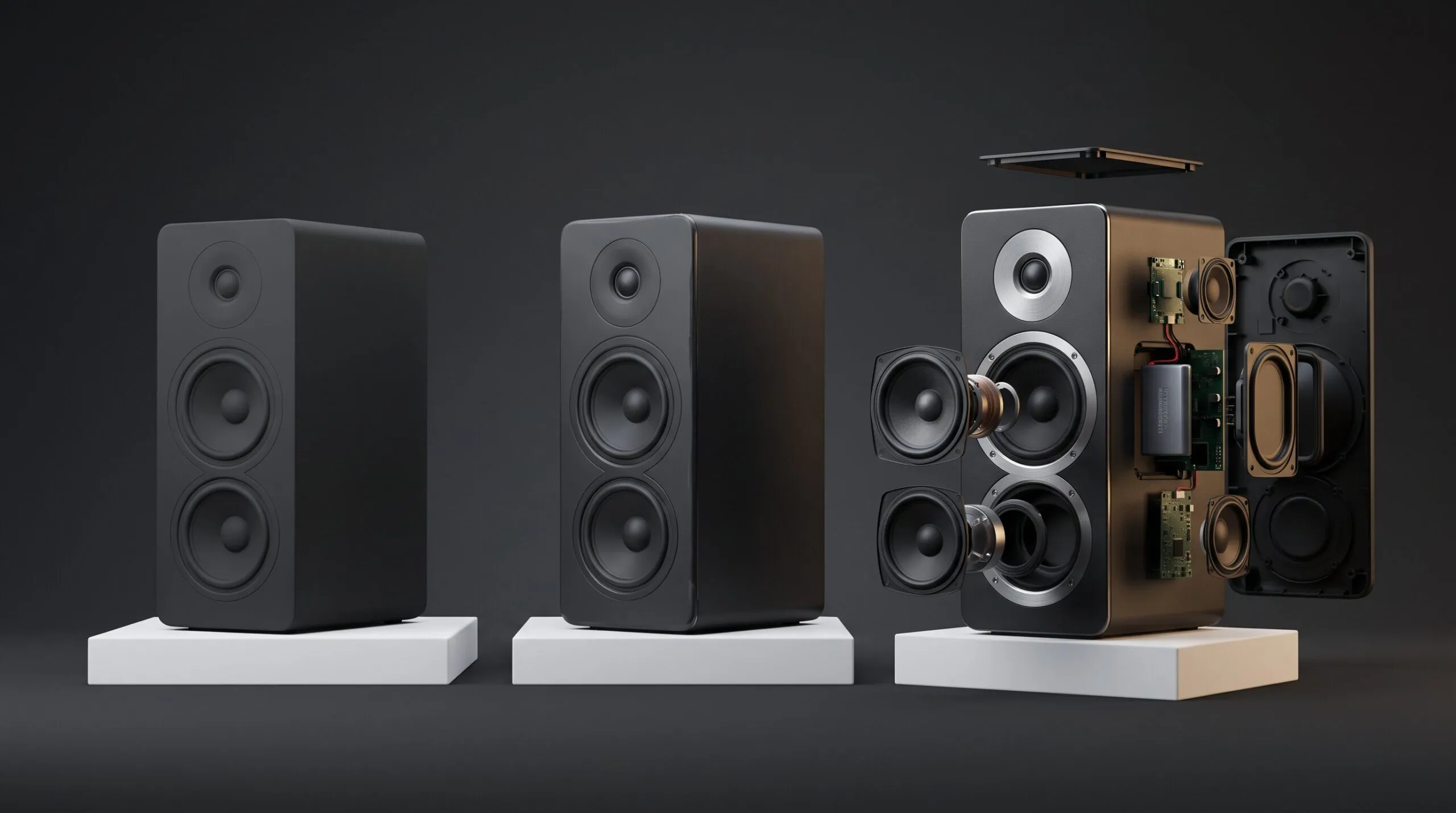
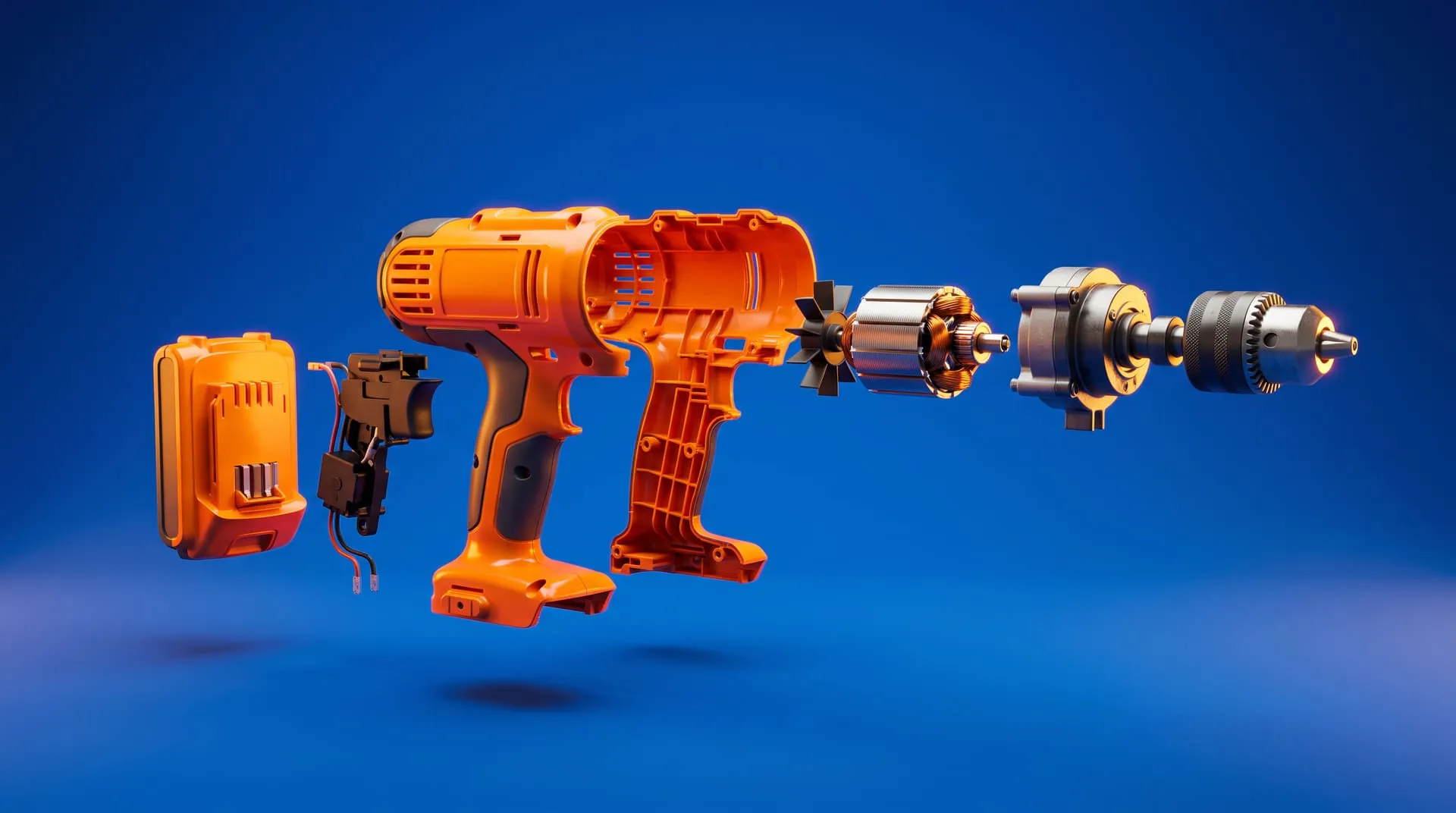
Exploded View Animation From CAD: What It Takes, What It Costs, and When You Do Not Need a Studio
3D Product Explainer Videos: Examples, Cost and How They Are Made (2026)
How Much Does 3D Product Rendering Cost in 2026? Per-Image Prices, What Drives Them and How to Pay Less
Your Product Renders Are Sitting in a Folder. Here Is How to Turn Them Into Ads That Convert on Meta and TikTok

 Rachel A