
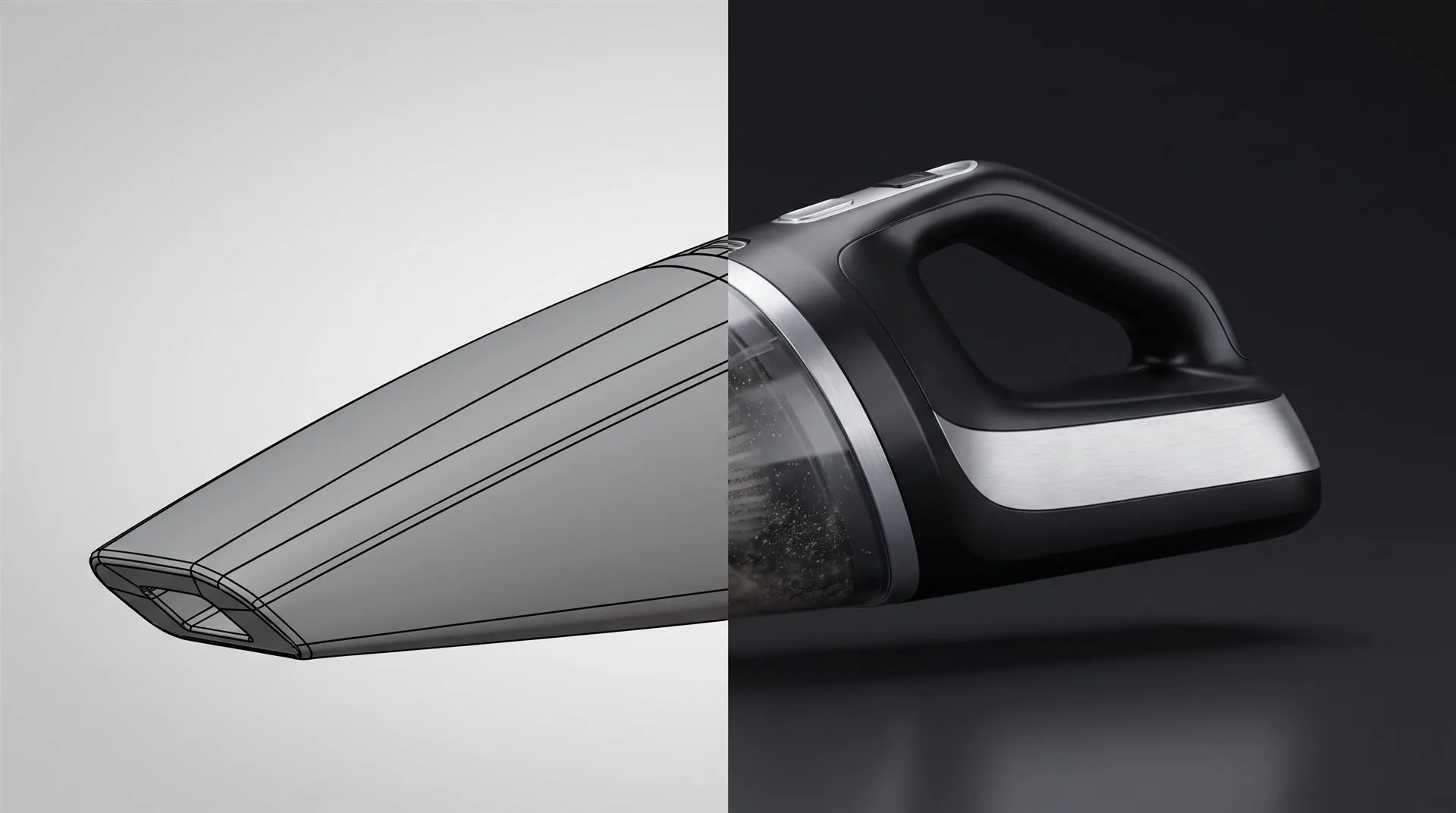
SolidWorks Animation vs a Marketing Product Video: What You Can Make in SolidWorks and When to Hand the CAD to a Studio
SolidWorks can animate your assembly with a Motion Study and render it in SolidWorks Visualize. That is enough for an engineering review, a training clip or an assembly sequence. It is usually not enough for a launch video or a paid ad, because those need art direction, lighting, editing, sound and several aspect ratios, not just moving parts.
Here is the situation we see most often. The engineer who designed the product knows SolidWorks inside out. The assembly is clean, the mates work, and someone has already made an exploded view for the manual. Then marketing asks for “a video of the product” for the website, the Kickstarter page or the trade show screen. The engineer opens MotionManager, makes the parts fly apart, saves an MP4, and everyone agrees it looks like a CAD file moving. Which is exactly what it is.
That is not a failure of SolidWorks or of the engineer. It is two different jobs with the same name. This guide explains what you can honestly make in SolidWorks, what Visualize adds, where the marketing video starts, and how to hand the CAD over cleanly when you decide you need help.
What can SolidWorks animate on its own?
Out of the box, SolidWorks can animate any assembly through MotionManager, using keyframes, mates, motors and the Animation Wizard, and save the result as a video file. You do not need extra software for a basic animation.
SolidWorks has three types of motion study, and they are built for different jobs:
- Animation. You set key points on the timeline and SolidWorks interpolates the positions in between. This is the one most people use for product clips. It is available in every SolidWorks license.
- Basic Motion. Adds simple physics such as gravity, springs, motors and contact between parts. Good for showing that a latch actually snaps or a lid actually drops. Also in core SolidWorks.
- Motion Analysis. A real kinematic and dynamic solver for forces, friction and loads. It needs the SolidWorks Motion add-in that comes with SolidWorks Premium. This is engineering simulation, not marketing.
The Animation Wizard does the fast stuff. It can rotate the model, or explode and collapse an assembly from an exploded view you have already built, with a duration and start time you set. Five minutes of work gets you a turntable or an exploded view clip.
Saving is simple. The Save Animation to File dialog writes an AVI or MP4, or a series of still images. By default it records what the viewport shows: SolidWorks shading, edges if you have them on, the gradient background. That is the “CAD look,” and it is why these clips read as engineering material the moment they play.
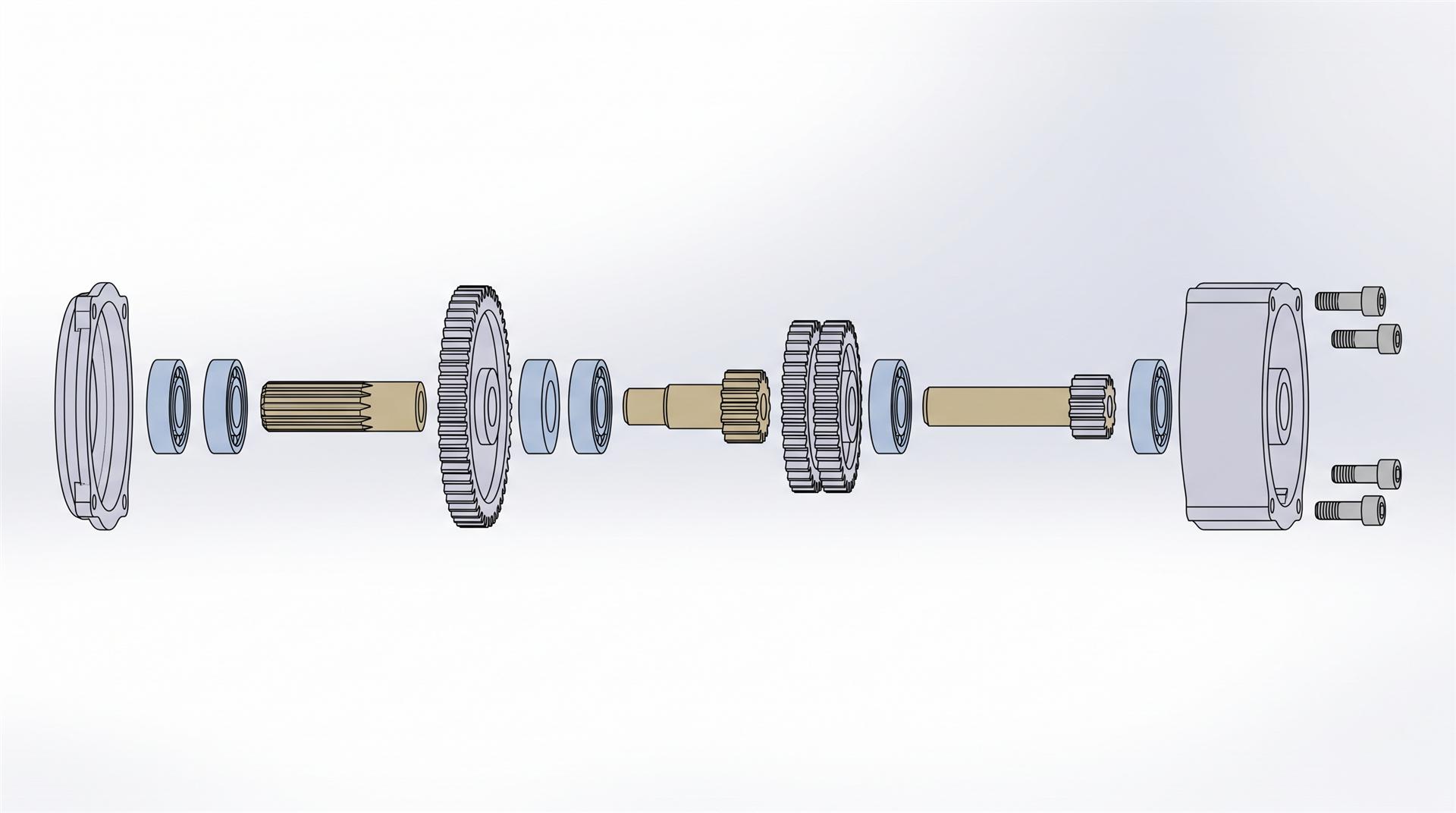
What SolidWorks does well here: exact positions, correct assembly order, parts that move the way they move in real life. What it does not do: designed lighting, believable materials, a moving camera that feels like a film, music, titles or an edit.
What does SolidWorks Visualize add, and where does it stop?
Visualize turns the same model into photorealistic frames, so your animation stops looking like a CAD viewport. It does not give you a director, an editor or a story.
A few practical points before your team plans around it:
- Which edition you have matters. A Visualize Standard seat comes with SolidWorks Professional and Premium on active subscription. The animation tools (turntables, camera moves, part animation, importing motion studies) are part of Visualize Professional. Check which one your license includes before promising marketing a video.
- Motion studies can come along. With the Visualize add-in inside SolidWorks you can export a motion study through the Export Advanced option, as SolidWorks’ own blog explains in How to Export Motion Studies to SOLIDWORKS Visualize Professional. The imported part paths cannot be edited inside Visualize, but you can add camera, environment and lighting animation on top.
- PhotoView 360 is gone. Visualize is now SolidWorks’ rendering route, and recent releases bring Visualize-based rendering of still images into the SolidWorks window itself. For animation you still work in Visualize.
Then there is render time, which is where most in-house plans stall. A 30 second clip at 30 frames per second is 900 frames. At two minutes per frame that is 30 hours of rendering, on the same workstation the engineer needs for design work. Every change to the motion means rendering again.
Realistic outcome: a clean turntable, a photoreal exploded view, a mechanism shown clearly. All useful, and often all you need for a product page or a distributor training deck.
Engineering animation vs marketing product video: what is the difference?
An engineering animation proves how the product works. A marketing product video makes someone want it. Both can come from the same SolidWorks assembly, but almost everything around the model is different.
| Engineering animation (SolidWorks / Visualize) | Marketing product video | |
|---|---|---|
| Goal | Show fit, function, assembly order | Make the product desirable, sell one idea |
| Camera | Fixed views, orbit, simple zoom | Designed shots, lens choices, depth of field, pacing |
| Materials | Default or close enough | Matched to real samples: texture, gloss, labels, logos |
| Lighting | Default studio or HDRI | Lit per shot to show shape and finish |
| Edit | One continuous take | Many shots cut to music, with titles and an end card |
| Sound | None | Music, sound design, sometimes voiceover |
| Formats | One 16:9 file | 16:9 plus 1:1 and 9:16 versions, each reframed shot by shot |
| Who signs off | Engineering | Marketing, often the founder |
Two lines in that table cause most of the trouble. Formats: a 9:16 version for Reels or TikTok is not an export setting. Each shot has to be reframed for a tall screen, and some shots have to be redesigned. Materials: CAD colors are not product finishes. A matte black housing, brushed aluminum and a printed logo all need real materials before the product looks like the thing people will hold.
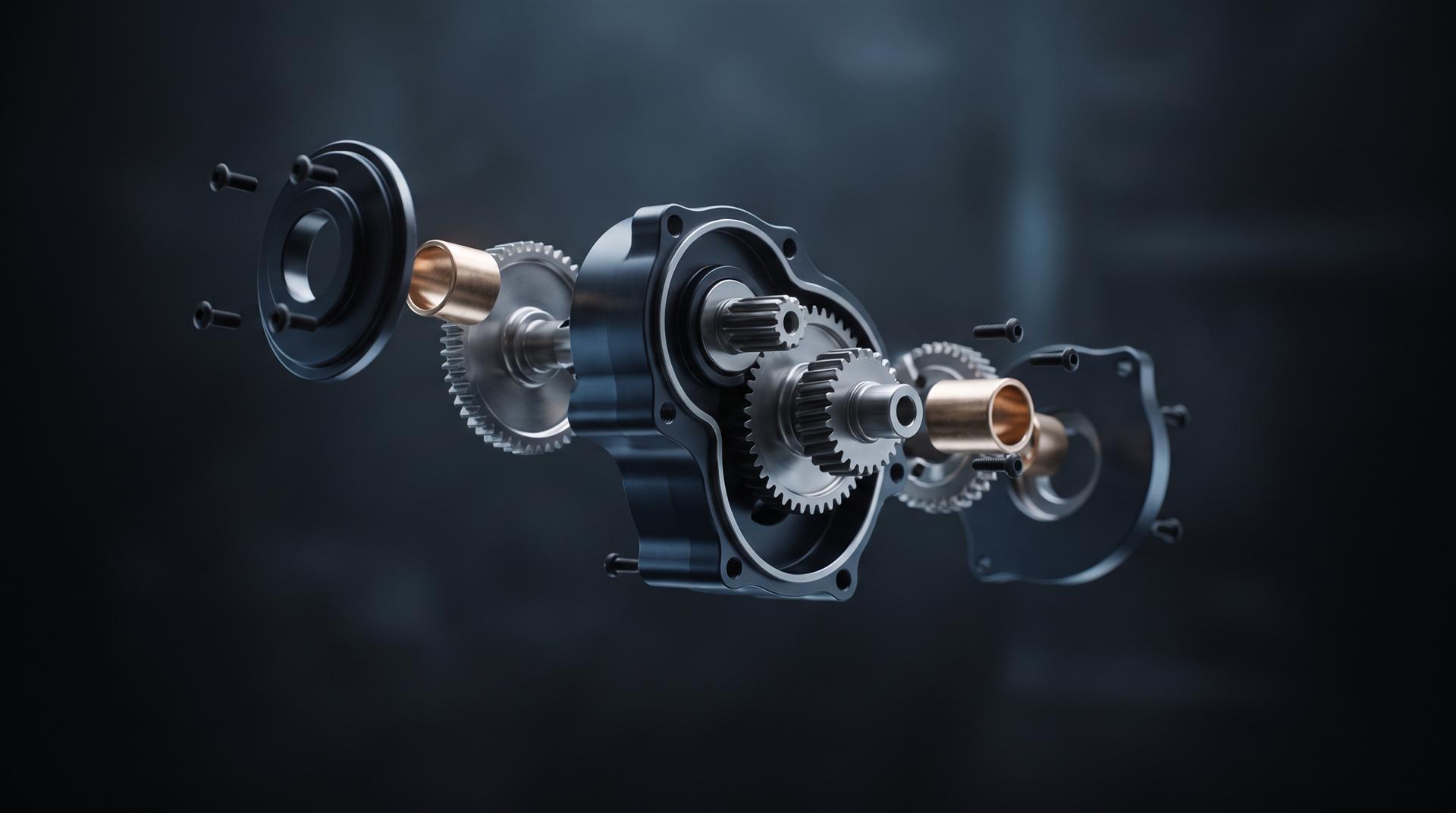
The same idea, an exploded view, can be either one. The difference is camera, light, material and timing. If you want the long version of that, our guide to exploded view animation from CAD goes through it step by step.
Which route should you take? Four honest options
Pick the route by what the video is for, not by what software you already own. Here are the four realistic paths from a SolidWorks assembly to a finished video.
- Do it all in SolidWorks. Motion Study plus Save Animation. Right for internal reviews, assembly instructions, service training and investor updates where accuracy matters more than polish. Cost: your engineer’s time.
- Visualize plus an editor. Render a turntable, an exploded view and a few hero shots in Visualize Professional, then hand the frames to someone who can cut them to music with titles in Premiere, DaVinci Resolve or CapCut. Right for a product page loop or a simple social clip. Watch the render time.
- Move the model into KeyShot or Blender. KeyShot has a plugin for CAD tools with LiveLinking, so design changes update in KeyShot without losing materials, lighting or cameras. Plan to build the motion in KeyShot’s own animation tools rather than counting on mates to carry over. Blender is free and can do anything, but it needs an add-on or a converter to read STEP, and it has a learning curve. If your company already has a KeyShot designer, read our guide on getting from a KeyShot file to a product video.
- Hand the CAD to a studio. Right for launch films, Kickstarter or Indiegogo videos, paid ads and anything that runs on the homepage. You keep engineering in charge of accuracy and let someone else handle camera, materials, edit and sound.
| Route | Best for | Software cost | Skill needed | Typical result |
|---|---|---|---|---|
| 1. SolidWorks only | Engineering, training, manuals | None beyond your license | CAD user | Accurate, looks like CAD |
| 2. Visualize + editor | Product page loop, simple social clip | Visualize Professional if you lack it | CAD user plus basic editor | Photoreal shots, simple edit |
| 3. KeyShot or Blender | Teams with a rendering artist in house | KeyShot license, or free Blender | 3D artist | Good, if someone owns animation |
| 4. Studio | Launch film, crowdfunding, ads, homepage | None | None on your side | Finished film in several formats |
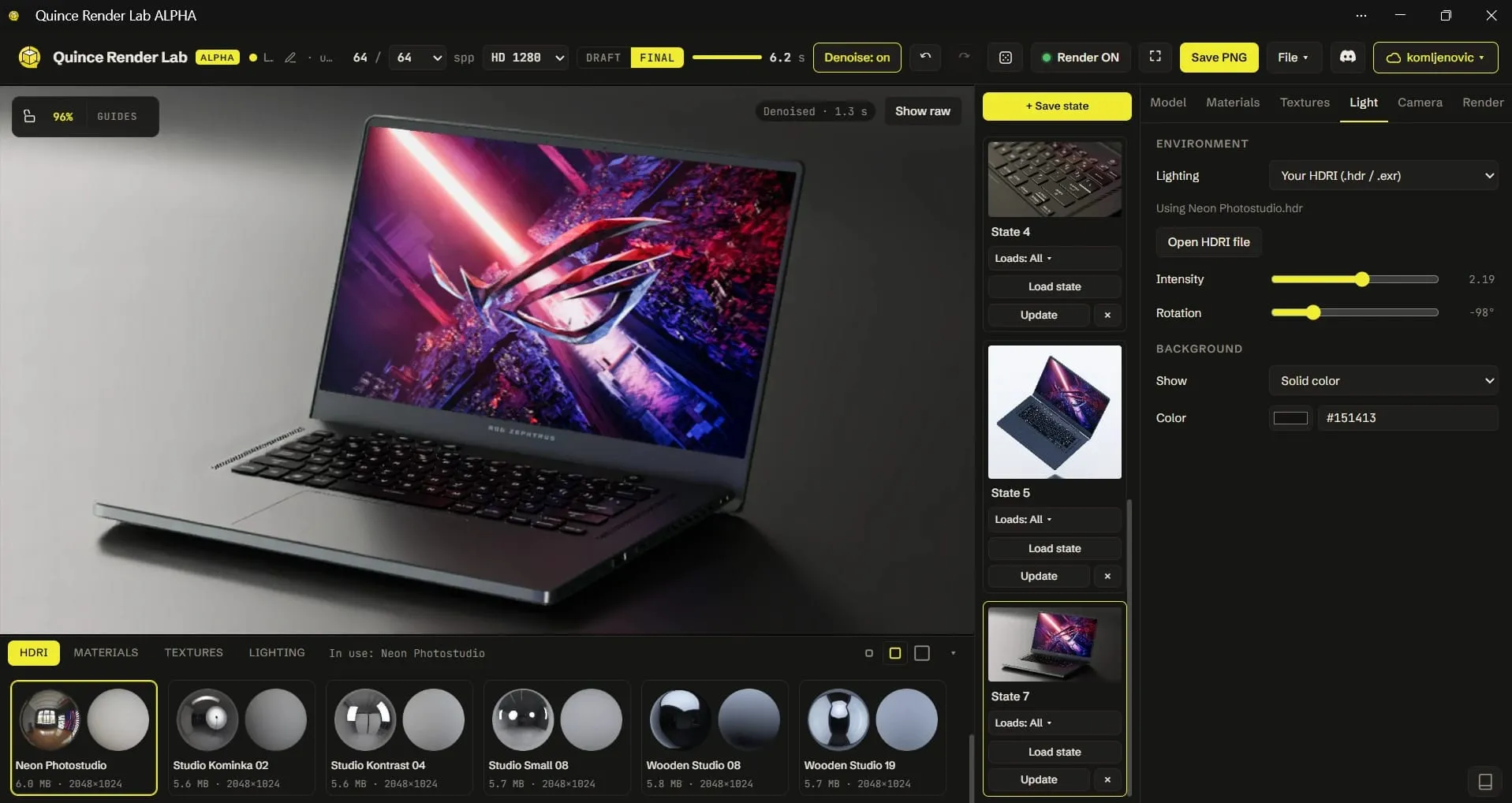
Want to test the look before deciding? Our free Render Lab opens a STEP file in the browser and lets you assign materials and render a product shot, which tells you quickly how far your model is from a marketing image.
What should you export when you hand the CAD to a studio?
Send the full assembly with its parts kept separate, plus everything that shows how the real product should look. A studio can rebuild almost anything, but every missing item turns into hours of guessing.
What to send:
- A STEP of the full assembly, with parts as separate bodies. STEP is the safe standard. Native SLDASM works too if the studio uses it.
- Native files packed with Pack and Go if you send SolidWorks files, so every referenced part travels with the assembly. Missing references are the most common reason a native file arrives broken.
- A simplified version. Remove or suppress internal screws, PCB components nobody will see, threads and fillets that only matter for manufacturing. It keeps the scene fast to work with.
- Your exploded view and motion study, even if they are rough. They show the order parts should move in, which is engineering knowledge the studio does not have.
- Finish references. Photos of samples, CMF sheet, Pantone or RAL codes, logo artwork as vector files.
- Which parts can move and how. Hinges, buttons, sliders, a lid that opens 110 degrees. A short note saves a round of corrections.
- An NDA first, if the product is unannounced. Ask how the studio stores and deletes files after the project.
If you are not sure what a studio actually does with that file, we explain the full process in what 3D product animation is and how it gets made from CAD.
How much does it cost to turn a SolidWorks model into a product video?
At Quince, a 10 to 30 second product video from your usable CAD model starts at $1,200: $200 to prepare the model, $500 for the length and $500 for a simple single-color background. A 31 to 60 second film on the same background is $1,700. A styled 3D background (a stylized studio, abstract set or pedestals) is $2,000 instead of $500. A 9:16 vertical version adds $250, and so does a 1:1 square.
A clean SolidWorks assembly is the cheapest starting point there is, because the model work is already done. A typical 30 second animation from a client’s CAD takes about 10 to 15 days.
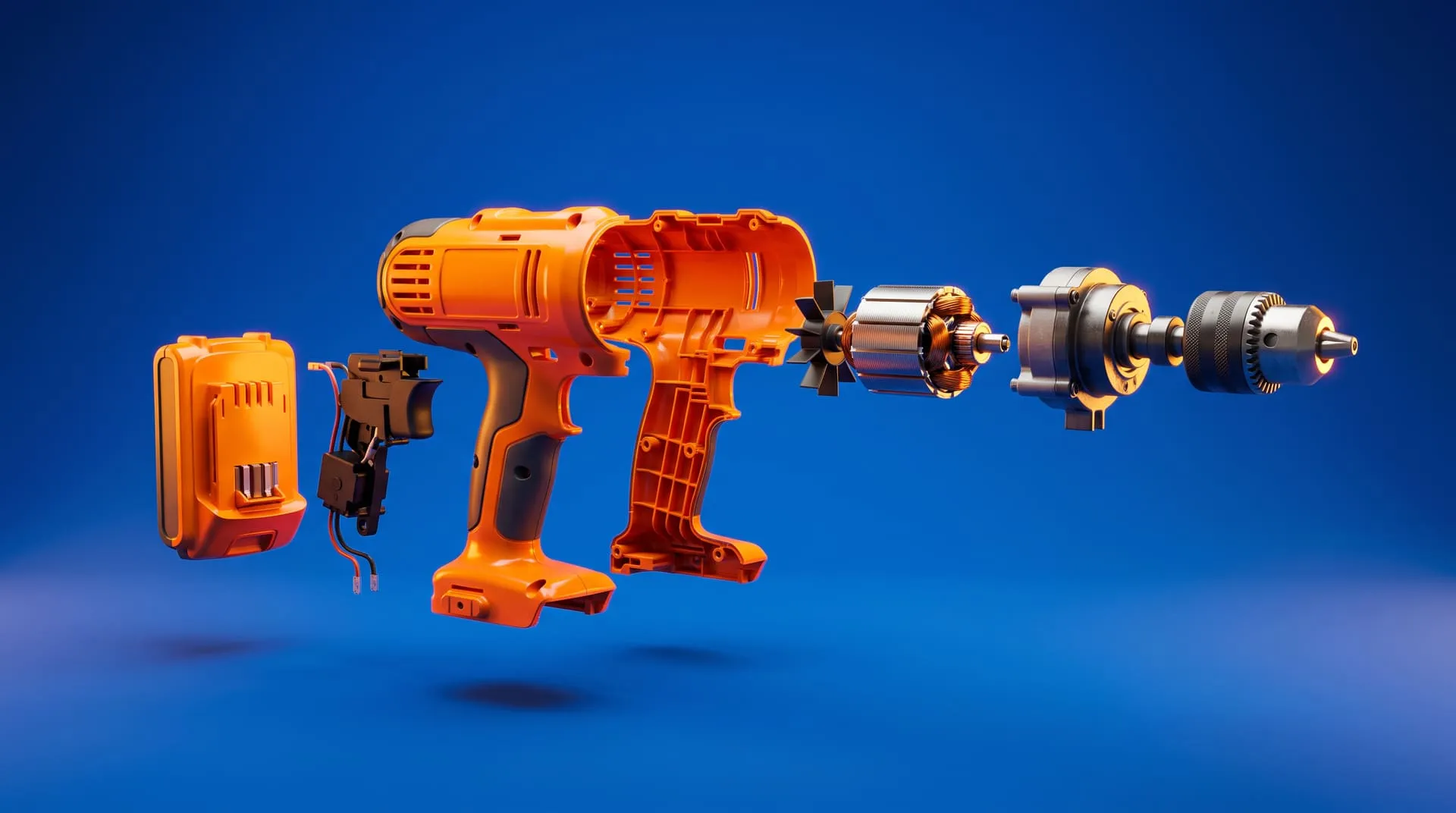
Here is a short clip in the style a launch video usually needs: an exploded view with x-ray airflow, designed light and materials, built from the product’s 3D model.
Common mistakes
Shipping the viewport recording as the launch video. It is accurate and it is free, and it tells every viewer the product is still in CAD. Keep it for engineering use.
Asking the design engineer to become an animator in two weeks. The tools are learnable. Shot design, pacing and editing are a separate craft, and the engineer has a product to finish.
Leaving CAD colors on. Default blue and grey parts make even a great product look unfinished. Materials matter more than motion.
Planning only one format. If the video will run on Instagram or TikTok, plan 9:16 from the start. Reframing afterwards is real work, not an export click.
Sending one merged body. A single STL or a flattened part with everything fused means the studio has to cut parts apart by hand before anything can explode or move.
Not agreeing who keeps the 3D scene. Owning the rendered video does not mean you own the textured 3D scene and model files. If you want to reuse them for stills, ads or a configurator later, put that in writing up front.
FAQ
Can you make a product video in SolidWorks?
Yes. A Motion Study can animate the assembly and Save Animation writes an MP4 or AVI. It works well for engineering and training videos. For a launch or ad, you also need photoreal rendering, camera work, editing and sound.
Is SolidWorks Visualize free?
A Visualize Standard seat is included with SolidWorks Professional and Premium on active subscription. The animation features sit in Visualize Professional, which is a separate license or upgrade.
How do I export a SolidWorks assembly for animation?
Export a STEP of the full assembly with parts kept as separate bodies, or send native files packed with Pack and Go. Include your exploded view, finish references and logo files.
What is the difference between Motion Study and a rendered animation?
A Motion Study defines how parts move. A rendered animation is the same motion turned into photoreal frames with materials, lighting and a designed camera. You can render a Motion Study in Visualize Professional.
How much does it cost to turn a SolidWorks model into a product video?
At Quince, from $1,200 for a 10 to 30 second video with your usable CAD and a simple background, or $1,700 for 31 to 60 seconds. Styled 3D backgrounds and extra formats cost more.
Have a SolidWorks assembly and a video to make? Send us the file. We will tell you which route fits, including the ones that do not involve hiring us.
Related Articles
You Have a KeyShot File but No Animator. Here Is How to Get a Product Video Made
Exploded View Animation From CAD: What It Takes, What It Costs, and When You Do Not Need a Studio
Industrial 3D Animation: How Equipment Makers Explain Machines You Cannot Film (Examples, Cost, Process)
How Much Does 3D Product Rendering Cost in 2026? Per-Image Prices, What Drives Them and How to Pay Less
Quince Render Lab: Free Online 3D Rendering for Product Shots
Product Teaser Videos for Physical Products: What to Show, How Long and How to Make One From CAD (2026)


 Rachel A