
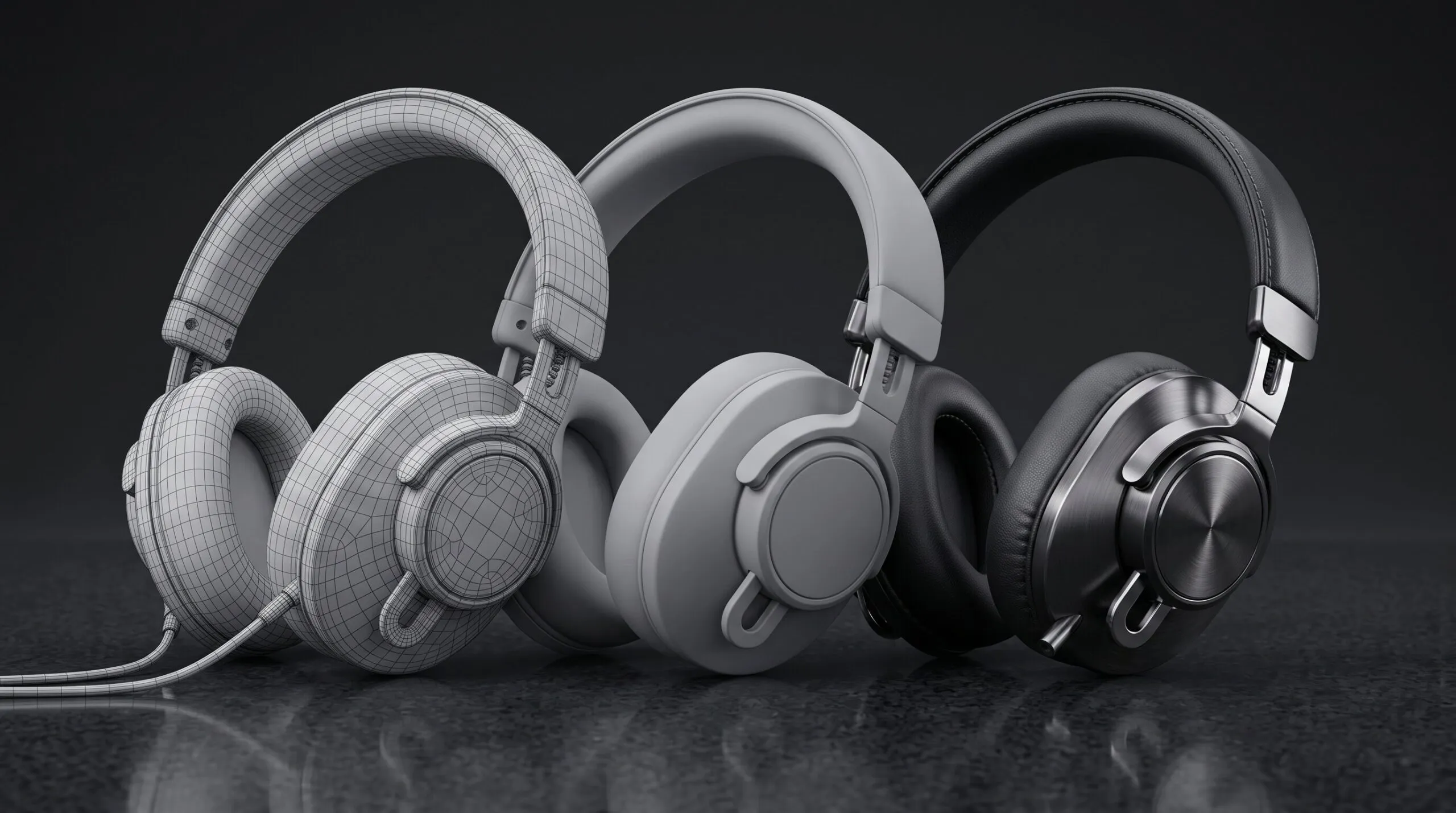
What Is 3D Product Animation, and How Does It Get Made From CAD?
Somebody in a launch meeting says “we should do a 3D animation of it,” and everybody nods. Engineering says the CAD is done, so it should be easy. Marketing assumes it is a few days of work. Your KeyShot designer, who makes beautiful stills, goes quiet, because they know that moving the product is a different job from lighting it.
This article is for the person who has to turn that nod into a brief. It explains what 3D product animation service actually is, what happens to your CAD file between the day you send it and the day a video comes back, how long each part takes, and where the money goes. It also says when you do not need a studio at all.
What is 3D product animation?
3D product animation is a video of a physical product made entirely in software, from a digital 3D model of that product, with no camera and no physical sample.
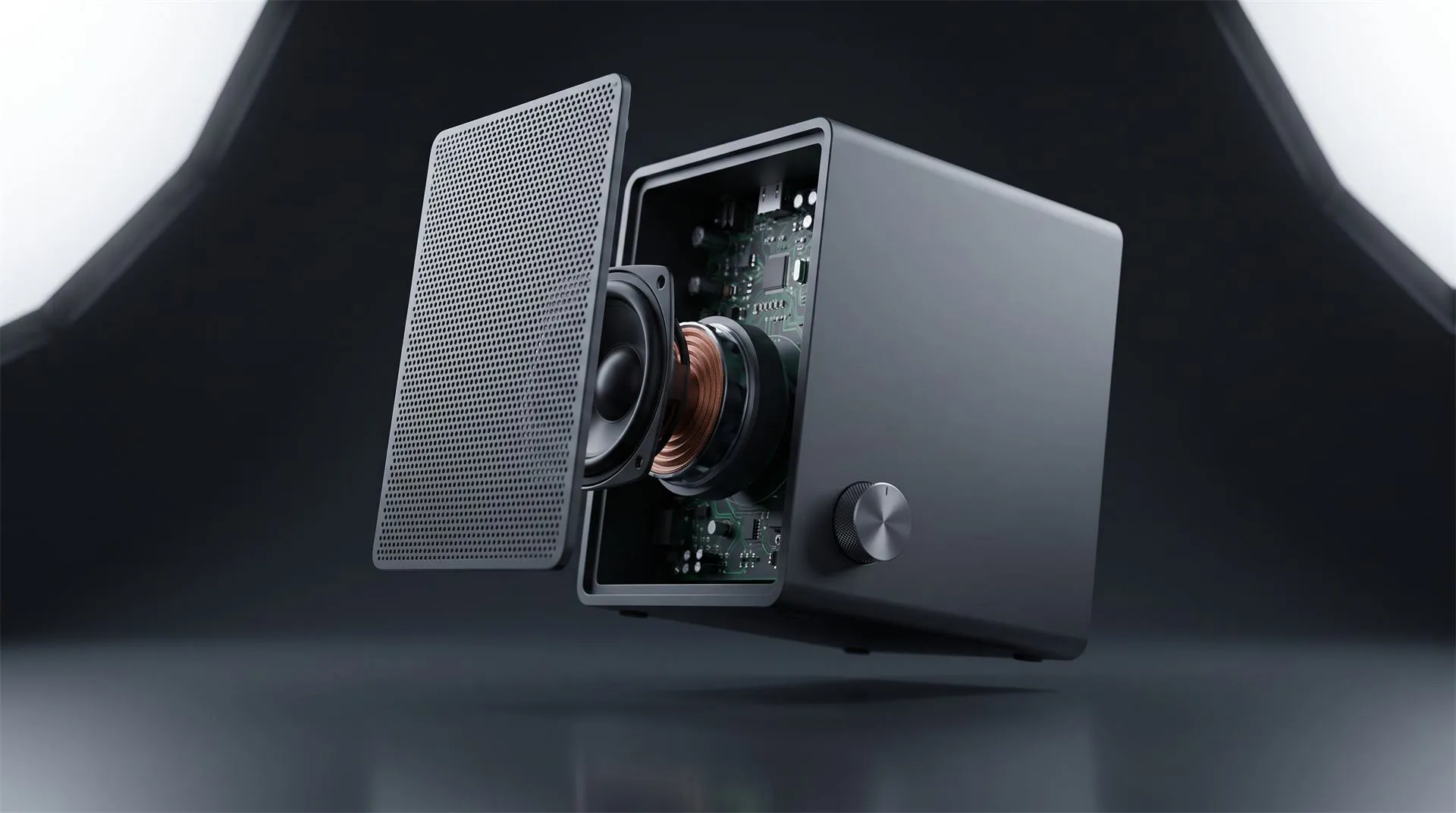
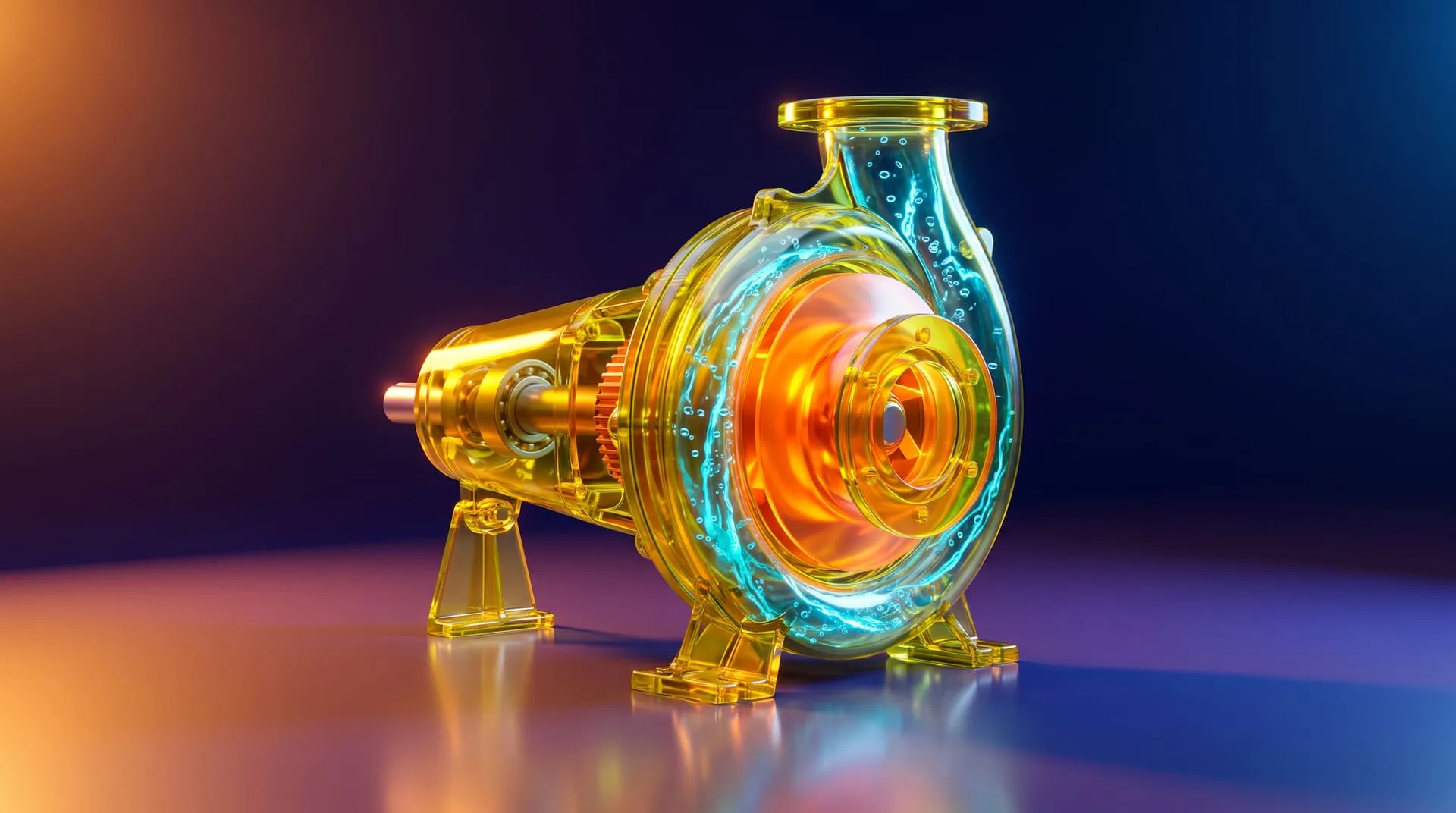
Everything you see is built: the product, the materials, the lights, the background, the camera move. Because nothing is filmed, the camera can go where a real one cannot. It can pass through a housing, hold a part suspended mid-air while the rest of the assembly separates around it, or show a cross section of airflow or liquid that nobody could photograph.
For hardware brands, it usually shows up in five places:
- Launch films. The 30 to 60 second video that carries a product announcement, on the product page, on YouTube and in paid social.
- Product page loops. Short, silent clips that show one feature each, built to autoplay.
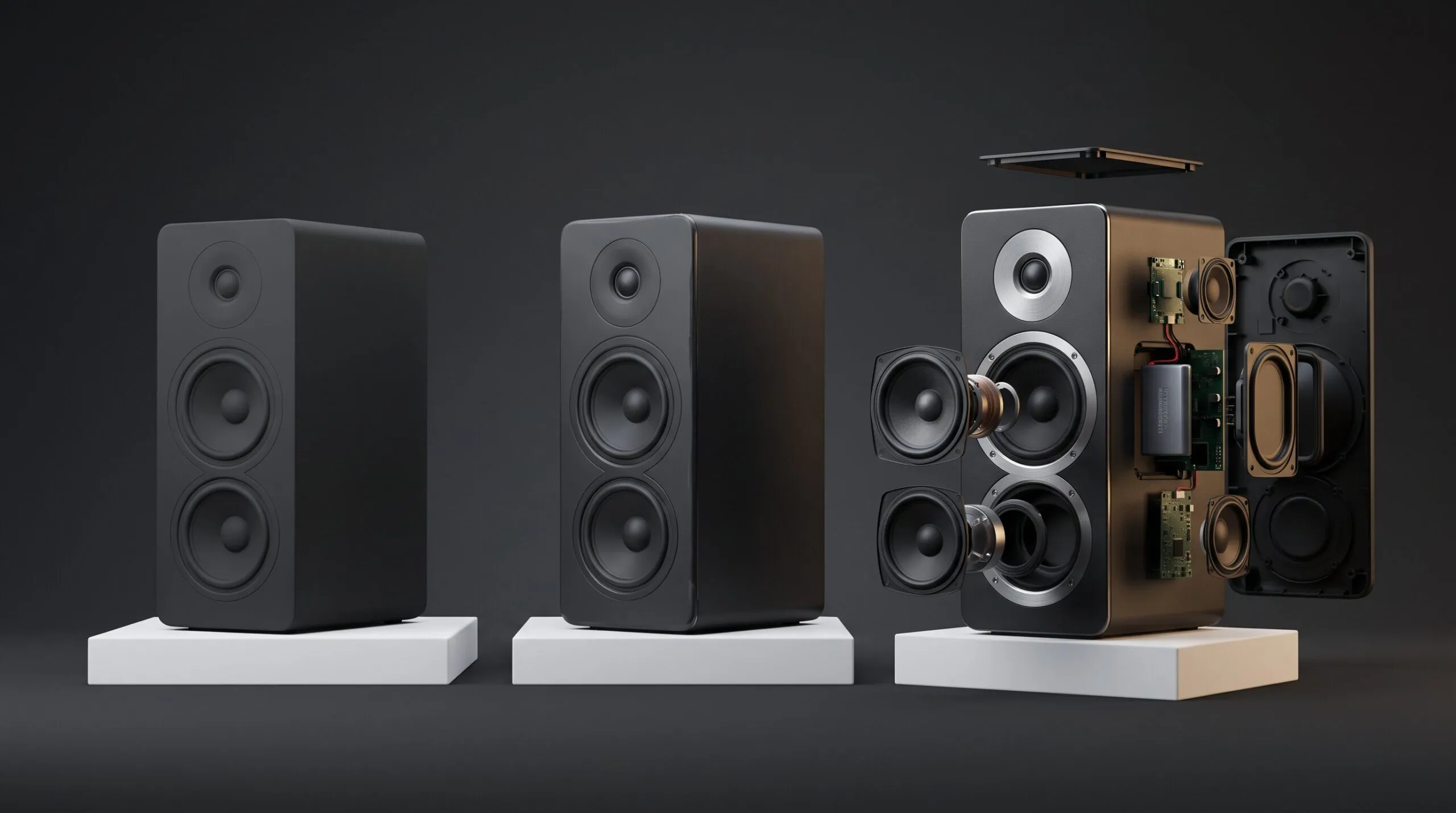
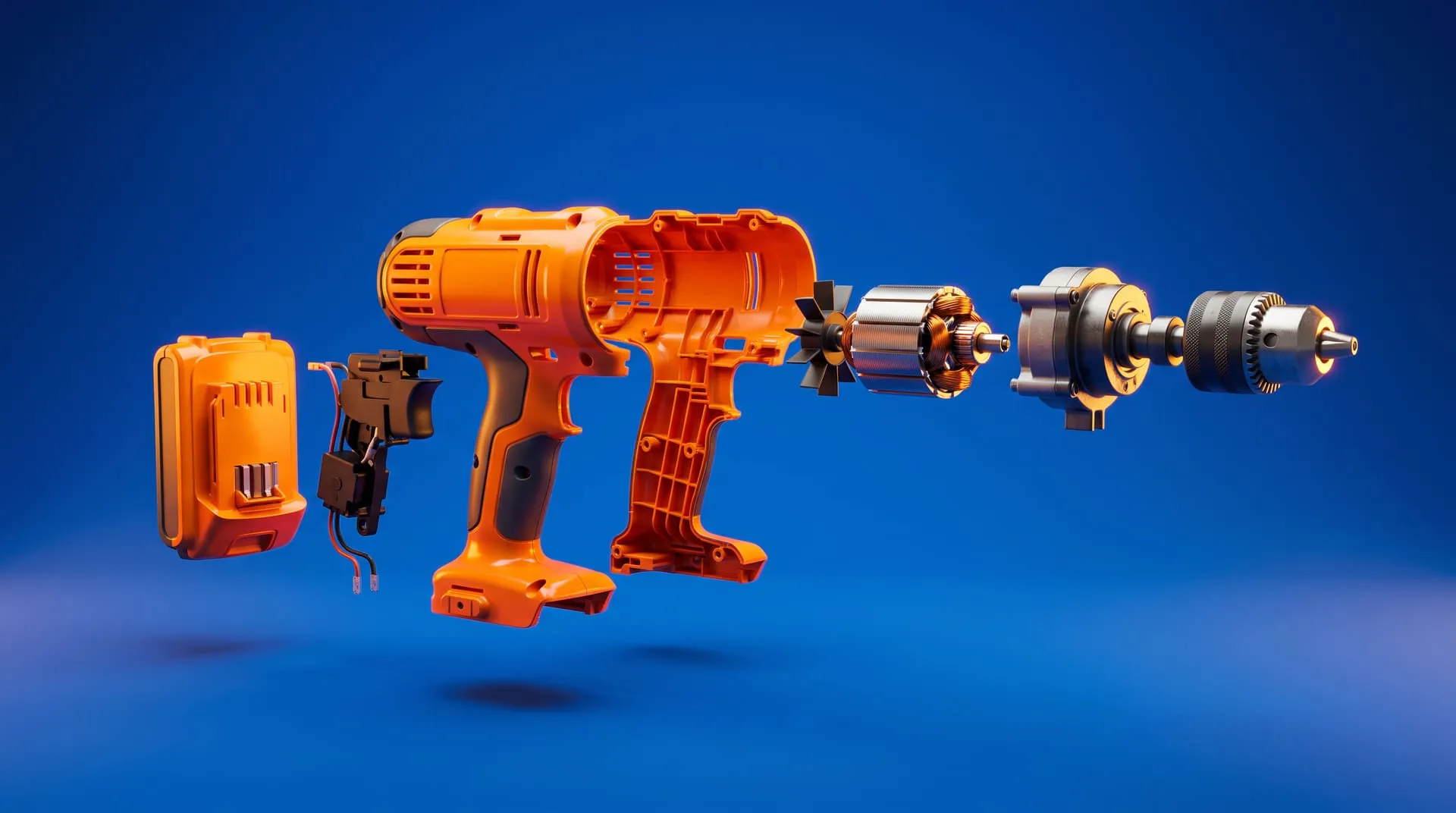
- Feature explainers. Exploded views and cutaways that show what is inside and why it matters.
- Crowdfunding videos. Kickstarter and Indiegogo campaigns, where the product often does not exist in finished form yet.
- Retail and trade show content. Loops for screens, retailer portals and marketplace listings.
If you are planning a feature explainer, we go deeper on that specific format in our guide to 3D product explainer videos.
It is different from a turntable, which is the product rotating on a plain background. A turntable is a form of 3D product animation, but it is the simplest one, and it is often something you can make in-house (more on that below).
What is 3D modeling, and how is it different from CAD?
3D modeling is building the digital geometry of an object. In product animation, it is the step that produces the version of your product the renderer can actually use.
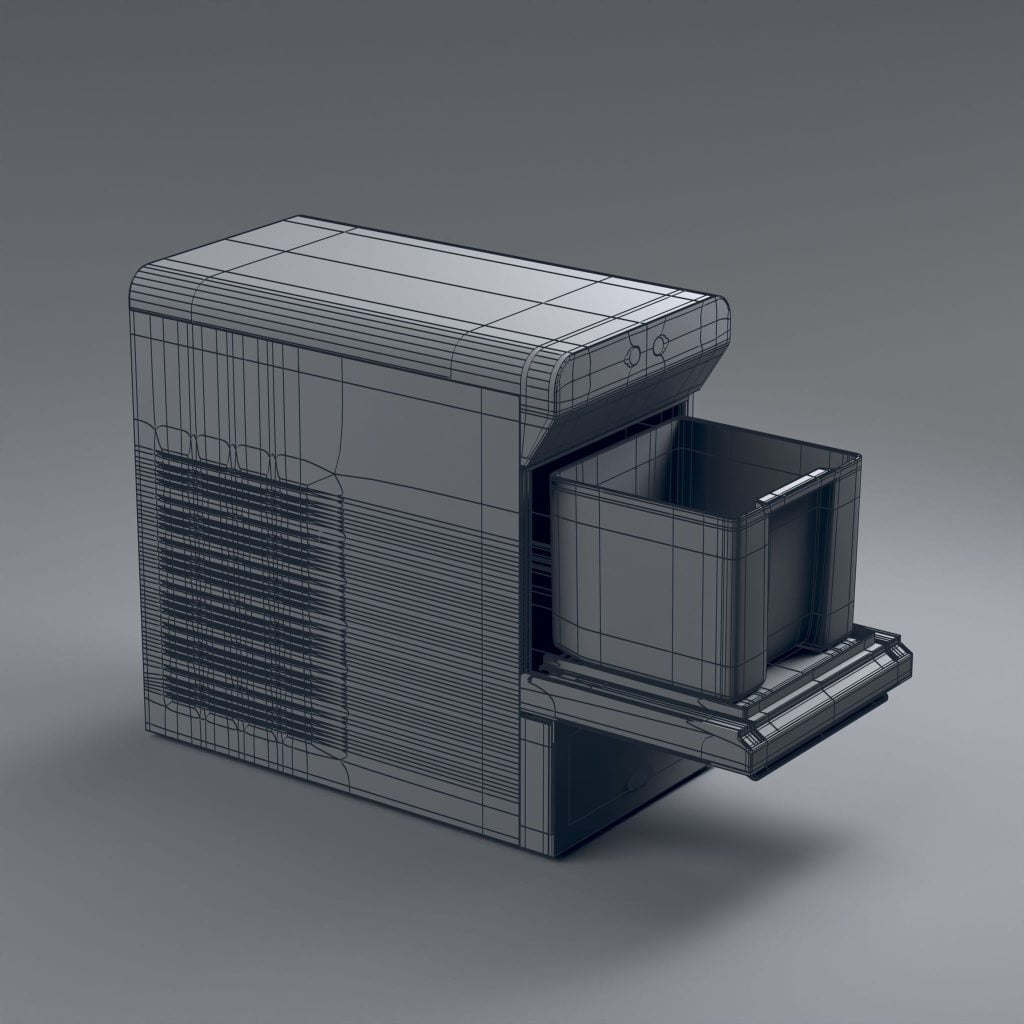
This is where most of the confusion lives, so it is worth being precise. Your engineering CAD is a 3D model, but it is the wrong kind for video. Tools like SolidWorks, Creo, NX or Fusion describe a product as mathematically exact surfaces, because the file exists to be manufactured. A renderer does not work with those surfaces. It works with meshes, which are surfaces approximated by many small polygons, usually triangles.
So the first real job in any product animation is converting one into the other. That conversion is called tessellation, and it is the reason “we have CAD, just animate it” is only half true. The CAD gives the studio the correct shape. It does not give them a file that lights, textures and moves well. You can watch that conversion happen yourself: our free Render Lab turns a STEP file into a mesh in your browser, at a low, medium or high level of detail.
If you do not have CAD at all, the studio models the product from scratch using photos, drawings and measurements. That is also 3D modeling, and it costs more and takes longer. Our 3D modeling services page covers that route separately.
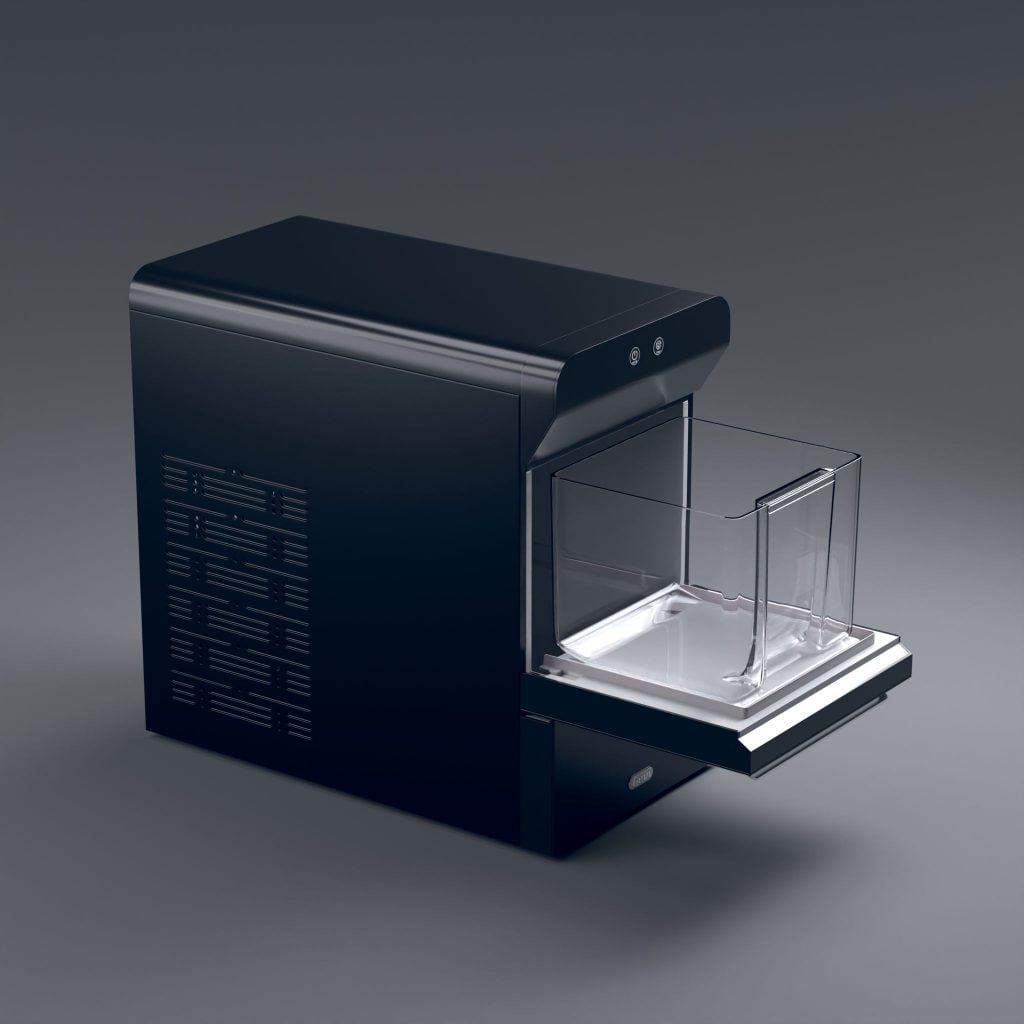
How does CAD become a finished 3D product animation?
It goes through seven stages, and the brand approves at several of them before anything expensive happens. This is the order we work in at Quince Creative, and it is close to how most serious studios run it. If you are still deciding who to brief, see our comparison of ten product animation studios for locations, specialties and published prices.
1. Brief and quote
Before anyone opens your file, the studio needs to know what the video is for. A 15 second silent loop for a product page and a 60 second launch film with sound design are different projects that happen to share a model. The questions at this stage are length, where it will run, which feature matters most, the deadline, and which aspect ratios you need.
2. CAD intake and cleanup
This is the unglamorous step that decides how the rest of the project goes. The studio imports your file, usually a STEP export if they do not use your native CAD package. STEP is a published ISO interchange standard (ISO 10303-21), which is why nearly every 3D tool can read it.
Then the file gets turned into something a renderer can use:
- Tessellation. Exact CAD surfaces become polygon meshes, at a density high enough that curves stay smooth on a close-up.
- Topology repair. Gaps, flipped faces and overlapping geometry get fixed. CAD files are often fine for manufacturing and still broken for rendering.
- Edge beveling. Real products have no perfectly sharp edges. A tiny bevel is what makes an edge catch light and read as a real object instead of a computer model.
- Scene organization. Hundreds of parts get grouped and named so the ones that need to move can move independently.
- UV unwrapping. Surfaces are laid flat so textures, like a brushed metal grain or printed labels, sit on them correctly. Blender’s manual has a good plain explanation of how UV unwrapping works.
Small details also get checked here. Fasteners, internal parts, anything blanked out for confidentiality, and anything that will be seen on camera but was never modeled because the factory did not need it.
3. Model approval
You look at the product in plain gray and confirm it is correct. This is the cheapest moment to catch a wrong bezel, an old port layout or a missing button, because nothing has been lit or animated yet. It sounds like a formality. It is the step that saves the most money when it is taken seriously.
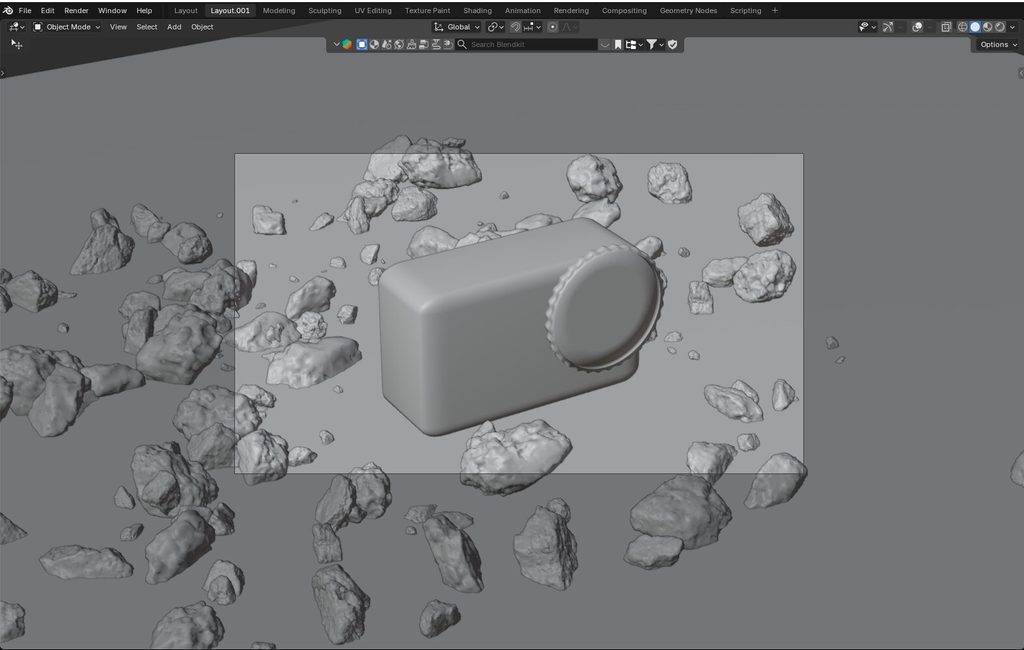
4. Look development
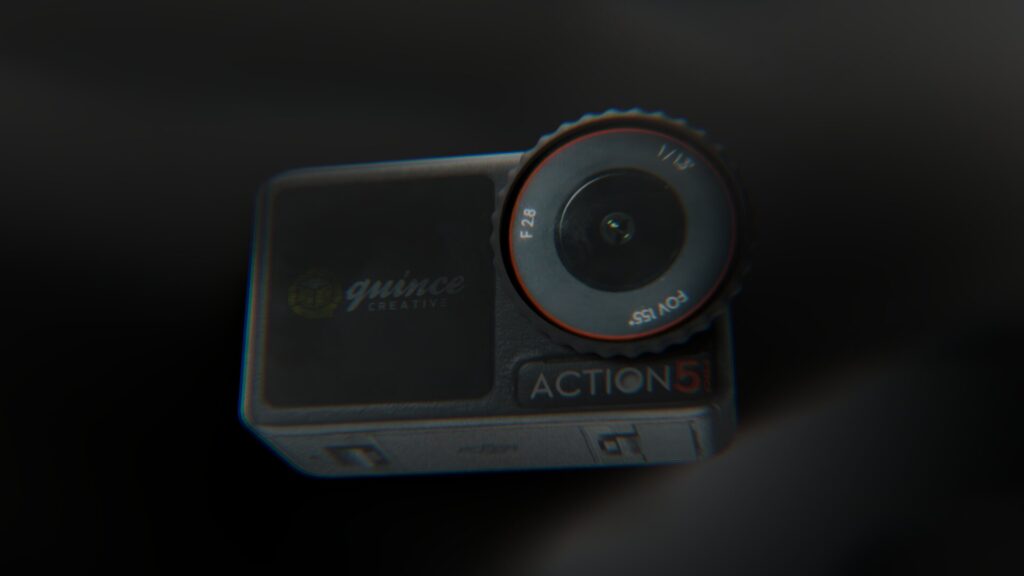
Materials, lighting and composition get locked as still frames before anything moves. This is where your anodized aluminum, soft-touch plastic, fabric or glass is matched against your color references and real samples. If you already have approved KeyShot stills, this is the stage they feed into, because they are the visual target.
5. Animatic
A rough, timed version of the whole video, often in grayscale, with the real camera moves and cut points. It is supposed to look unfinished. Its job is to let you say “the reveal is too slow” or “we never see the back” while that note costs an afternoon, not a re-render.
6. Full-quality preview
The first time you see the video with final materials and lighting in motion. Notes here are about how things look: a reflection that is too hot, a shadow that makes the product look like it is floating, a color that shifts under a certain light.
7. Final render, post and delivery
The video is rendered at full quality, then finished in post. Effects, color grading, sound design, text and callouts, and then export to every format you asked for: a landscape master, plus vertical and square cuts for social if they are in scope.
The pattern across all seven stages is the same. Each approval locks something so the next stage can build on it without going back. Our workflow page shows the same process from the client side.
How much does each stage cost you if something changes?
The later a change lands, the more it costs, because every stage is built on the one before it.
| Stage | What you approve | A change here costs | Typical example |
|---|---|---|---|
| Brief | Length, use, formats | Nothing | Switching from 60s to 30s |
| CAD cleanup and model | Geometry is correct | Low | Updated port layout from engineering |
| Look development | Materials and lighting | Low to moderate | Color target shifts after samples arrive |
| Animatic | Timing, camera, story | Moderate | Adding a feature shot or reordering the edit |
| Full-quality preview | Final look in motion | High | Changing a material once shots are lit |
| Final render | The finished video | Highest | A geometry change after rendering |
This is why engineering changes are the biggest schedule risk on hardware projects. If the housing changes after the animatic, the model, the materials on that part, and every shot it appears in may need to be redone.
3D Product Animation & Rendering Price Calculator
Choose video or still images, pick your options, and get an instant estimate.
Estimated price – 3D video
USD. Free quote within 12 hours.
This calculator gives a preliminary estimate, not a final project price. We confirm the exact quote after reviewing your files.
How long does 3D product animation take from CAD?
About 10 to 15 business days for a 30-second video when you send clean CAD, a clear brief, and approve each stage without long gaps.
That number moves for four reasons: video length, how clean the CAD is, how detailed the environment is, and how fast your side approves. Here are the realistic ranges.
| Scenario | Typical timeline | Where the time goes |
|---|---|---|
| Turntable made in-house in KeyShot | Half a day plus render time | Camera setup and rendering |
| 30s video from clean client CAD, simple background | About 10 to 15 business days | Cleanup, look development, animatic, render |
| 60s video from client CAD | About 20 business days | More shots, more render time, longer edit |
| 60s video, no model, complex product or premium cinematic look | Up to two months | Modeling from scratch and detailed environments |
Your approval speed is part of the schedule. Each stage waits for a yes. A studio can quote you ten days of production, but a week of internal review at every stage turns that into a month, and no one on the studio side can fix that.
How much does 3D product animation cost?
Most 3D product animation projects we quote fall between $1,200 and $12,000.
The four things that move the number are whether a usable model exists, video length, how detailed the background is, and add-ons like extra aspect ratios or voiceover. Having CAD makes a real difference. On our published rates, preparing a model from supplied CAD starts around $200, while a very technical model built from scratch can reach $2,000 before any animation begins. The full breakdown is on our pricing page.
When do you not need a studio?
When you need a clean turntable or a simple loop and you already have someone in-house who knows KeyShot.
KeyShot’s animation tools handle camera moves, part movements, material changes and even animated geometry imported from CAD. A capable stills designer can produce a usable product page rotation without outside help. Paying a studio for that is paying for coordination you do not need.
You need a studio when the video has to do what a turntable cannot: open the product up, explain a feature that is invisible from the outside, carry a 30 to 60 second edit with sound, or ship in several formats on a launch date that will not move. We wrote about that handoff in detail in You have a KeyShot file but no animator.
What should you send a studio to get started?
Send these and you will get a real quote and a real timeline instead of a padded guess.
- CAD. Native file if you have it, STEP otherwise. Say which software and version it came from.
- Assembly notes. Which parts need to move, separate or be seen from inside, and whether internals are modeled.
- Color and material references. Pantone or RAL codes, finish names, and photos of the real product or samples under normal light.
- Approved stills. If your KeyShot designer already has renders you like, send them. They save a whole round of look development.
- The one feature that matters most. If the video can land only one thing, name it.
- Reference videos. Two or three links, with a line on what you like about each.
- Length, placement and deadline. Target duration, where it will run, and the date it has to be live.
- Deliverables. Resolutions and aspect ratios, and whether you need versions without text.
- One approver. A single named person who can say yes at each stage.
Common mistakes
- Sending CAD that is not final. Every engineering change after model approval ripples through every later stage. If the design is still moving, say so, and plan the shots around the parts that are locked.
- Treating the animatic as optional. Skipping it means your first real notes arrive on a full-quality render, where changes are slowest and most expensive.
- Confusing a turntable with a launch film. They are priced and scheduled completely differently. Say which one you need.
- Stripping the CAD too far. Removing internal parts for confidentiality is fine, unless the video is supposed to show them. Tell the studio what was removed.
- Approving by committee. Five reviewers at each stage can double a two-week schedule on their own.
- Showing features that do not exist yet. For crowdfunding this is a rules problem, not only an honesty one. Kickstarter’s rules say prototype demonstrations “should not include any CGI or special effects to demonstrate functionality that does not yet exist.”
FAQ
What is 3D product animation in simple terms?
A video of your product made in software from a 3D model instead of filmed with a camera. It lets you show angles, cutaways and movements a real camera cannot capture.
What is 3D modeling?
Building the digital geometry of an object. For product animation, that means either converting your engineering CAD into a render-ready mesh or building the product from scratch if no CAD exists.
Can you make a 3D product animation without CAD?
Yes. The studio models the product from photos, drawings and measurements. It takes longer and costs more, and the result depends on how good the references are.
How long does it take to make a 30-second 3D product animation?
About 10 to 15 business days from clean CAD with prompt approvals. Longer videos, messy files, detailed environments or slow reviews extend it.
What file format should I send?
Your native CAD file if the studio can open it, STEP if not. FBX, OBJ or glTF also work if that is what you have.
Can AI generate a 3D product animation from CAD?
Not reliably yet. Generative video tools tend to invent or distort geometry, which is a problem the moment a customer receives the real product. AI is useful for some backgrounds and parts of post, but the product itself still comes from your CAD.
Get a timeline for your product
If you have CAD and a launch date, send both. We will come back with a staged quote, a timeline for each stage, and an honest note on which part of your product will be the hard one to get right on camera.
Related Articles
How to Choose a 3D Product Animation Studio: A Buyer’s Checklist
What Software Can You Use to Create 3D Product Images for Amazon Listings?
3D Product Explainer Videos: Examples, Cost and How They Are Made (2026)
You Have a KeyShot File but No Animator. Here Is How to Get a Product Video Made
Exploded View Animation From CAD: What It Takes, What It Costs, and When You Do Not Need a Studio
Industrial 3D Animation: How Equipment Makers Explain Machines You Cannot Film (Examples, Cost, Process)
 Rachel A