
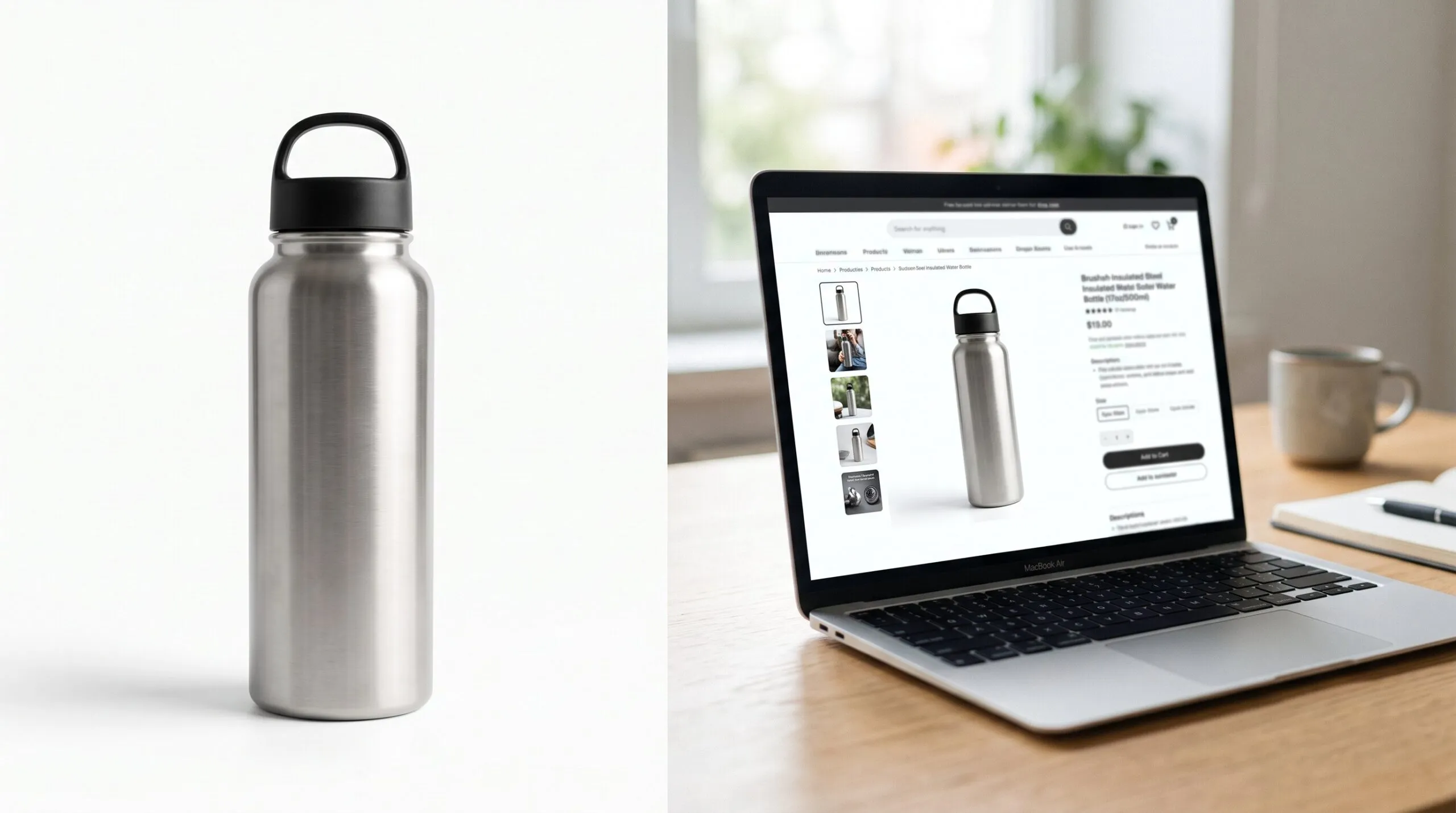
What Software Can You Use to Create 3D Product Images for Amazon Listings?
Your listing needs seven images and a main shot on pure white. The product ships in six weeks, the samples are still in a box in Shenzhen, and a photographer wants a full day plus retouching for each colorway. Someone on the team says, “We have the CAD. Can’t we just render it?”
You can. The short answer to the software question is KeyShot, Blender, SOLIDWORKS Visualize or Adobe Substance 3D Stager, and we compare them below. But after 14 years of making product images from CAD, our honest view is that the software is the smallest decision here. The two things that decide whether your Amazon images work are the quality of the model and the person lighting it. And “3D product images” means two different things on Amazon, with two different upload paths, which is where most sellers get confused.
What software can you use to create 3D product images for Amazon?
The four tools most hardware and DTC brands actually use are KeyShot, Blender, SOLIDWORKS Visualize and Adobe Substance 3D Stager. All of them can produce a photorealistic still that meets Amazon’s image specs. They differ in cost, speed and how much skill they ask of the person using them.
| Software | Cost (USD) | Best for | Learning curve | Can export GLB for Amazon 3D |
|---|---|---|---|---|
| KeyShot Studio | From $1,299 per year (Professional plan) | Fast, photoreal stills straight from CAD | Low to moderate | Yes, glTF/GLB export (check your plan) |
| Blender | Free, open source | Everything, including lifestyle scenes and animation | Steep | Yes, native glTF 2.0 exporter |
| SOLIDWORKS Visualize | Standard is included with SOLIDWORKS Professional and Premium on subscription | Teams whose engineers already work in SOLIDWORKS | Low to moderate | Check your version |
| Adobe Substance 3D Stager | Part of Adobe’s Substance 3D plans | Designers who already live in Adobe tools | Low to moderate | Check your version |
| AI image generators | Low monthly fee | Mood boards and background ideas | Low | No |
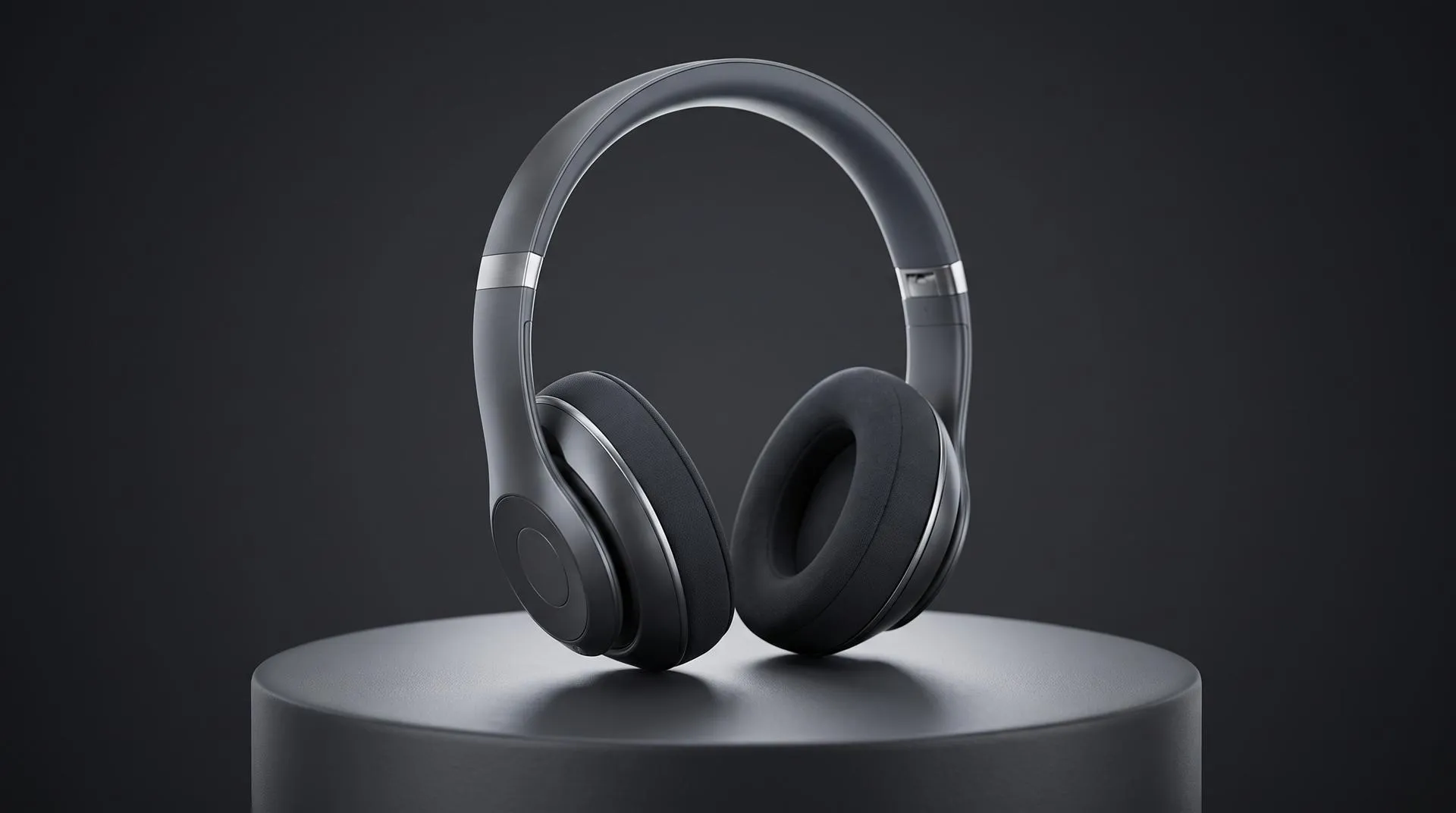
KeyShot is the default for a reason. You drop in a CAD file, pick materials from a library, and you have a clean white-background render the same afternoon. If you already have an in-house KeyShot designer, you probably have everything you need for the main image and most secondary images. We covered the tradeoffs in detail in our KeyShot vs Blender comparison.
Blender costs nothing and can do more, but it charges you in time. Lifestyle scenes, cutaways, complex materials and animation are all possible. So is spending a week learning why your aluminum looks like plastic.
SOLIDWORKS Visualize is the one you may already own. According to SOLIDWORKS, a seat of Visualize Standard comes with each seat of SOLIDWORKS Professional and Premium on active subscription. If engineering already has it, it is worth trying before you buy anything else.
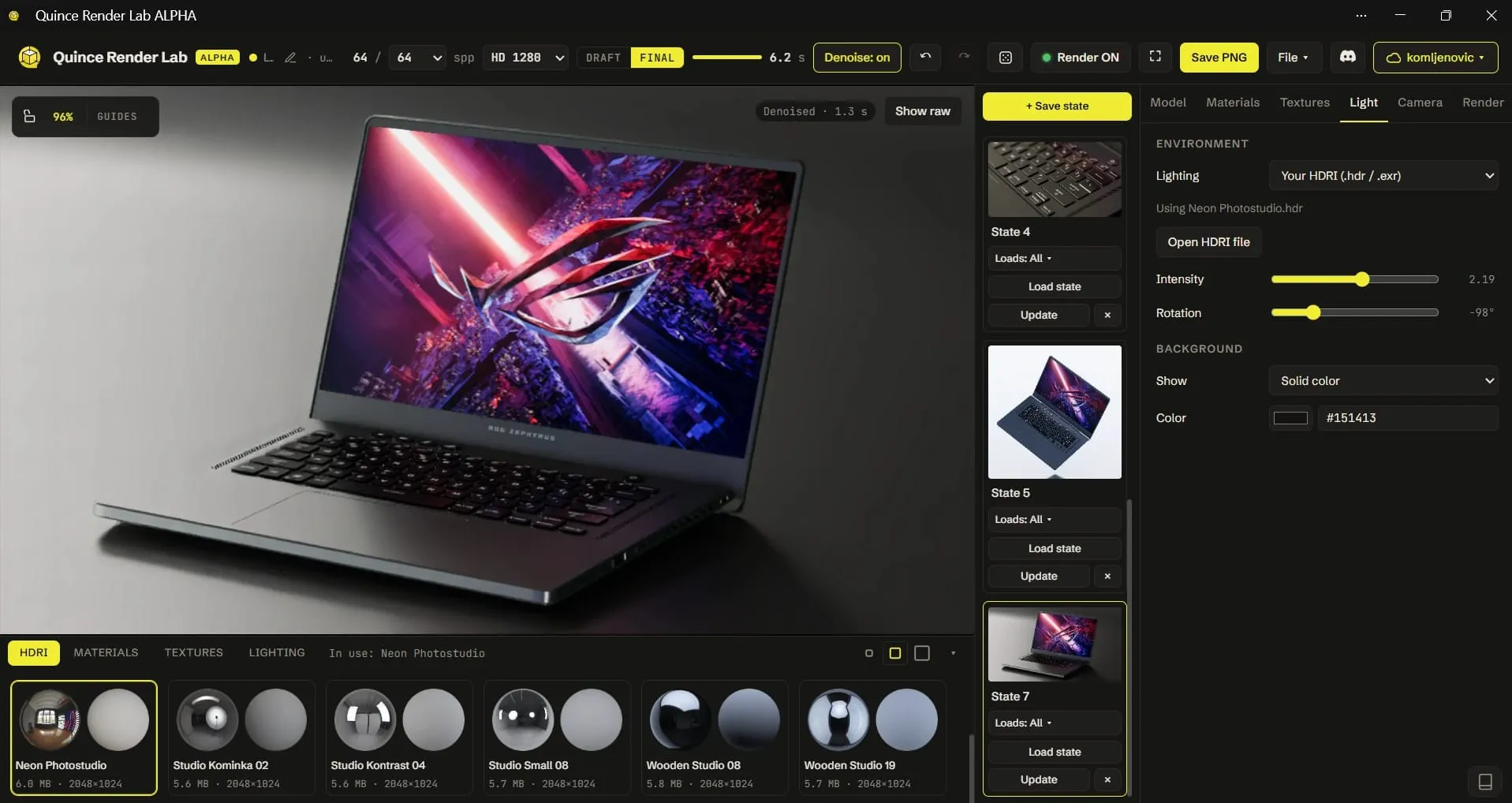
There is also a free option that needs no install. Quince Render Lab path traces in your browser, opens STEP files directly and can export a GLB, which makes it a quick way to get a clean still or a first GLB from CAD before you commit to a license.
AI generators are not a product image tool. They are useful for exploring a background or a mood. They are not built on your geometry, so they invent port layouts, button shapes and proportions. On Amazon, where the customer compares the photo to the box they just opened, that turns into returns and bad reviews.
Does Amazon allow 3D renders as the main image?
Amazon’s main image rules do not ban renders, but they do not explicitly approve them either. The rule is that the image has to accurately represent the real product.
The technical specs are clear. In its 2026 product photography standards post, an Amazon moderator lists:
- Background: pure white, RGB 255, 255, 255.
- Frame fill: the product should fill 85 to 100 percent of the frame.
- Size: at least 1,000 pixels on the longest side so zoom works, with 1,600 or more as the optimal size.
- Content: the entire product, no cropping, no text, graphics, logos, watermarks or promo messages.
- Format: JPEG preferred, PNG, TIFF and GIF also accepted.
On renders specifically, an Amazon forum representative answered a seller’s question by saying the policy is silent on how the image is made. It requires an image that accurately represents the product as “a realistic, professional-quality image.” A render that is indistinguishable from a photo and matches the real product “may not trigger issues,” but there is no guarantee.
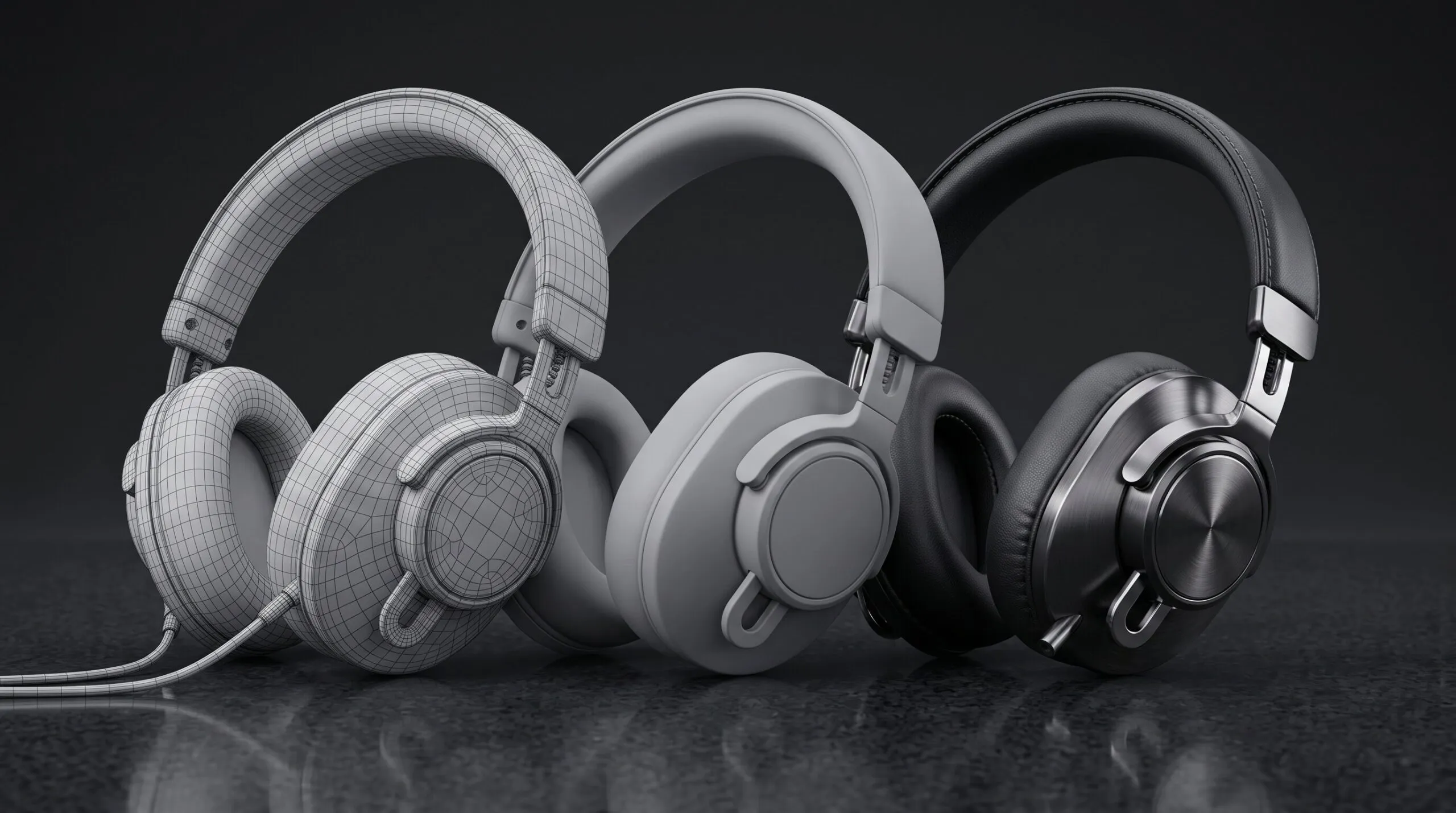
In practice, this is what we tell clients. A render built from your production CAD, with correct materials and colors, is often more accurate than a photo of a pre-production sample. The risk is not the method. The risk is a render that looks like a render: too clean, too perfect, edges with no bevel, plastic with no texture. That kind of image looks wrong to shoppers and to reviewers. We wrote about what makes renders read as real in Photorealistic 3D Product Renders That Don’t Look Fake.
Secondary image slots are where 3D does its best work anyway: exploded views, cutaways, callout infographics, size comparisons and lifestyle scenes that would cost a full photo shoot to stage.
How do you add 3D product images to an Amazon listing?
It depends on which kind of “3D image” you mean. There are two, and they go through different parts of Seller Central.
| Rendered still images | Interactive 3D model | |
|---|---|---|
| What it is | A normal JPEG or PNG made in 3D software | A GLB or glTF file shoppers can rotate |
| Who can upload | Any seller with access to the listing | Registered brand owner only |
| Categories | All | Selected categories, such as home, furniture, consumer electronics, shoes and eyewear |
| Where it goes | Main image and secondary image slots | The 3D models section of the listing |
| Review | Same as any product image | Amazon says most submissions are reviewed within two weeks |
Rendered stills upload exactly like photos. Amazon does not know or care that an image came from KeyShot. You add them through Catalog, then Upload images, the same way you would add studio photography. They have to meet the same specs above.
Interactive 3D models are a separate upload. Per Amazon’s seller forum guide to uploading 3D models, the path is Catalog, Upload images, the Image manager tab, search for the ASIN or SKU, then 3D models and Upload 3D model. The file must be GLB or glTF, and you must be the registered brand owner. Amazon also has separate technical requirements for these files, so check them in Seller Central before you export.
Both KeyShot and Blender can export the file. KeyShot lists glTF/GLB among its export formats, and Blender has a native glTF 2.0 exporter that packs geometry and textures into a single .glb file. Exporting is the easy part. A production CAD file with thousands of parts is far too heavy for a phone browser, so the model usually needs to be simplified and its materials baked first.
How do you make Amazon-ready 3D product images, step by step?
Seven steps, whether you do it in-house or hand it to a studio.
- Start from final CAD. Get the STEP or native file for the version that is actually shipping. Old CAD is the most common reason a render does not match the product.
- Clean the model. Fix gaps and flipped faces, add small bevels to edges so they catch light, and group parts sensibly. Raw CAD renders look fake mostly because of sharp edges and flat surfaces.
- Match materials to real samples. Use Pantone or RAL codes and photos of the real finish under normal light. Check colors on more than one screen.
- Light and render the main image. Pure white background, product filling 85 percent or more of the frame, at least 1,600 pixels on the long side. We render at 2,000 pixels or more so zoom holds up.
- Build the secondary set. Pick the angles and feature shots your customers ask about in reviews and questions. An exploded view or cutaway often answers what three paragraphs of bullet points cannot.
- Check against the real product. Put a render next to a production unit, or at least a golden sample, before anything goes live.
- Upload and monitor. Add stills through Upload images, and if you are the brand owner in an eligible category, add a GLB model as a separate step.
Should you do it yourself or have it done?
If you have a KeyShot designer and clean CAD, do the white-background set in-house. Paying a studio for that is paying for coordination you do not need.
Bring in outside help when you need lifestyle scenes, a GLB model that is light enough for mobile, images for a product without clean CAD, or a full set on a launch date that will not move.
| Route | Typical cost (USD) | Typical time | Good fit when |
|---|---|---|---|
| In-house KeyShot designer | Software plus staff time | A day or two for a white-background set | You have clean CAD and someone who knows lighting |
| Learn Blender yourself | Free software, lots of hours | Weeks before results look professional | You want the skill long term and have time |
| Studio, from your CAD | From $550 for up to 10 images | About a week | You need a finished, consistent set fast |
| Studio, no CAD | Modeling $400 to $2,000 added to the image cost | Longer, depends on complexity | The product exists only as photos and drawings |
Here is what our pricing looks like for Amazon stills. A set of up to 10 photorealistic images on a white or transparent background, built from your CAD, starts at $550. That is $200 to prepare the model from CAD, $250 for the images and $100 for the background. More images, lifestyle or 3D environments, and extra aspect ratios add to it, and full still image packages typically run $550 to $3,300. The breakdown is on our pricing page, and examples are on our 3D product images page.
What to send when you hand it off
- CAD. Native file if you have it, STEP otherwise, for the exact version you are shipping.
- Color and finish references. Pantone or RAL codes, finish names, and photos of real samples.
- Your current listing. The ASIN or a link, plus any competitor listings you want to beat.
- Image list. Main image plus the secondary shots you need, in order.
- Feature priorities. The two or three things customers most need to understand.
- Text for infographics. Final copy, dimensions and specs, checked by product.
- Lifestyle direction. Room type, props and mood, with a couple of reference images.
- 3D model needs. Whether you also want a GLB for Amazon’s 3D viewer, and whether you are the registered brand owner.
Common mistakes
- Rendering from outdated CAD. A render of the wrong revision is worse than no render. Customers notice a missing button.
- Letting the main image look computer-made. Perfectly sharp edges, flawless plastic and no contact shadow read as fake, even when the geometry is right.
- Putting text or badges on the main image. That belongs in secondary slots.
- Uploading raw CAD as a GLB. It will be too heavy and the materials usually will not carry over. Simplify and bake first.
- Using AI to “fix” a render. Generative tools can quietly change the product’s shape. Use them on backgrounds, not on the product.
- Getting the colors wrong. Color complaints are one of the easiest reviews to avoid. Match against a physical sample, not a screen.
FAQ
What is the best software for Amazon product renders?
KeyShot, for most brands, because it goes from CAD to a clean white-background image fastest. Blender is the best free option if you have time to learn it.
Can I use a 3D render as my Amazon main image?
Amazon’s policy does not ban renders, but it requires an image that accurately and realistically represents the product. A photoreal render built from production CAD usually meets that. A render that looks computer-made is a risk.
What size should Amazon product images be?
At least 1,000 pixels on the longest side for zoom, and 1,600 or more is better. The main image needs a pure white background and the product should fill 85 to 100 percent of the frame.
How do I add a 3D model to my Amazon listing?
In Seller Central, go to Catalog, Upload images, Image manager, find the ASIN, then 3D models. You need a GLB or glTF file, an eligible category and registered brand ownership.
How much do 3D product images for Amazon cost?
From our studio, a set of up to 10 images from your CAD starts at $550 and is usually delivered in about a week. Doing it in-house costs software plus your designer’s time.
Do I need a studio?
Not if you have a KeyShot designer and clean CAD and only need white-background shots. A studio makes sense for lifestyle scenes, cutaways, GLB models or a tight launch date.
Get your Amazon image set quoted
Send us your CAD, your ASIN and the list of shots you need. We will come back with a fixed quote, a delivery date and an honest note if your in-house designer can handle part of it.
Related Articles
How Much Does 3D Product Rendering Cost in 2026? Per-Image Prices, What Drives Them and How to Pay Less
Product Hero Shots: What They Are, Why Brands Now Render Them in CGI, and What They Cost
Quince Render Lab: Free Online 3D Rendering for Product Shots
You Have a KeyShot File but No Animator. Here Is How to Get a Product Video Made
What Is 3D Product Animation, and How Does It Get Made From CAD?
CGI vs AI for Product Visuals: Key Differences, Cost and When to Use Each (2026)


 Rachel A