
360 Product Spins: Photographed on a Turntable vs Rendered From CAD (Cost, Frames, Where to Use Them)
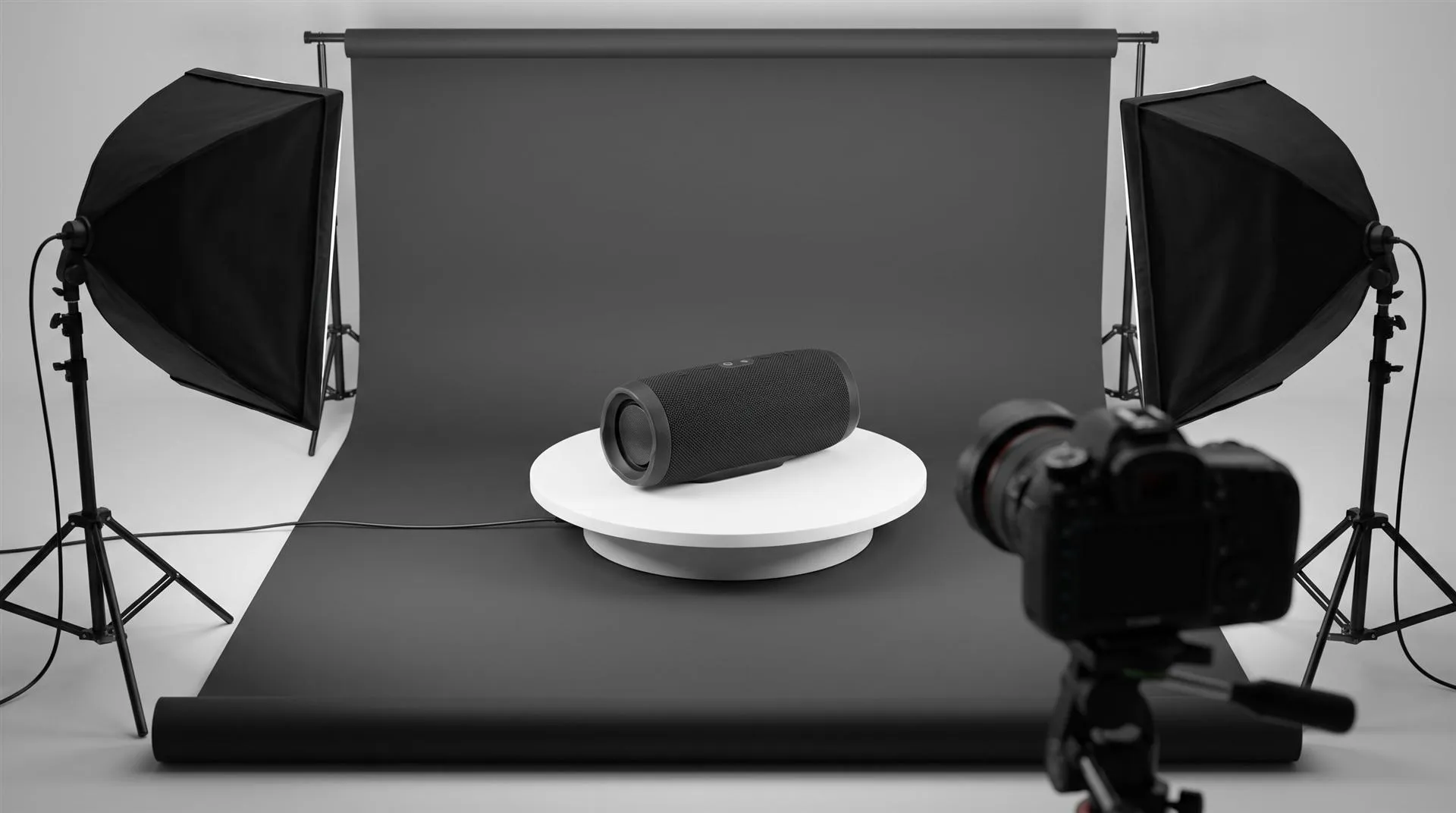
A 360 product view is an interactive spin made from 24 to 72 still frames of the same product, each one a few degrees further around, which the shopper drags to turn. You can get those frames two ways: photograph the real product on a motorized turntable, or render them from the CAD model. Photography needs a finished sample. Rendering does not.
Most of what you find when you search for this is written by companies that sell turntables and spin software, so every answer ends in “buy a turntable.” That is the right answer for some brands. For a hardware brand with chrome, glass or six colorways, or a product that is still in tooling, it often is not. This guide compares both routes honestly, so you can pick the one that fits your catalog.
What is a 360 product view?
It is a set of photos or renders taken at even steps around the product, played back in a viewer so the shopper can rotate it with a finger or mouse. The viewer is just a small script that swaps frames as you drag. Nothing in it is truly 3D, which is why it loads fast and looks exactly like the frames you supplied.
People use three different things under the same name, and it helps to separate them before you brief anyone:
- Image-sequence spin. 24, 36 or 72 frames in a viewer. The shopper controls the rotation. This is the classic “360 product view.”
- Spin video. The same rotation as a short MP4 loop. The shopper does not control it, but it plays anywhere a video plays.
- 3D model viewer. A real 3D file (GLB or USDZ) shown in a web viewer like Google’s model-viewer. The shopper can turn it any way, zoom in and often place it in their room in AR.
Turntable photography vs CGI render: how is a 360 spin made?
A photographed spin captures the real object one step at a time on a motorized turntable, while a rendered spin moves a virtual camera around the CAD model and renders every frame. The result on the product page looks the same. The work behind it is very different.

| Turntable photography | Rendered from CAD | |
|---|---|---|
| What you need | A finished sample, turntable, lights, camera, spin software | A usable CAD or 3D model and material references |
| Product not manufactured yet | Not possible | Possible, as soon as the design is frozen |
| Chrome, glass, gloss black | Hard. Every frame reflects the lights and the rig | Controlled. Reflections are designed once and stay consistent |
| Cleanup per frame | Background removal, dust, centering wobble | None. Background and centering are perfect by default |
| Extra colorways | A new sample and a new shoot for each color | Same frames re-rendered with a new material |
| Multiple rows (looking from above) | A tilt arm or a second rig, then another full shoot | Another camera path on the same model |
| Real wear, texture, one-of-a-kind items | Shows exactly what the shopper gets | Only what is in the model |
| Reuse later | Frames only | The same model feeds stills, video, a 3D configurator or a GLB for AR |
Photography wins when the product exists, is visually simple and you shoot a lot of them. Apparel, soft goods, food, refurbished or vintage items where the buyer needs to see this exact unit, and catalogs of hundreds of matte SKUs are all good turntable territory. If you shoot spins every week, buying a rig and training someone in-house is cheaper than any studio.
Rendering wins when the sample is the problem. If the product is still in tooling, if there is one hand-built prototype, if the surface is polished metal or clear plastic, or if it comes in five colors, a rendered spin is faster and cleaner. You also end up with a 3D model you can use for everything else.
One honest note: if you already have a KeyShot designer making your stills, they can likely make the spin too. KeyShot renders animations and can output every frame as a separate image as well as a video, which is exactly what a spin viewer needs. A simple rotation is a short job for someone who knows the software. You need a studio when the materials, lighting or deadline are beyond what your team has time for.
How many frames does a 360 product spin need?
Most spins use 24, 36 or 72 frames, and 36 is the usual middle ground. The math is simple: 360 degrees divided by the frame count gives the step between frames.
| Frames | Step | How it feels | Typical use |
|---|---|---|---|
| 24 | 15° | Visibly steppy when dragged slowly | Simple shapes, fast pages, mobile |
| 36 | 10° | Smooth enough for most products | Default for product pages |
| 72 | 5° | Very smooth | Detailed or high-value products, zoom-heavy pages |
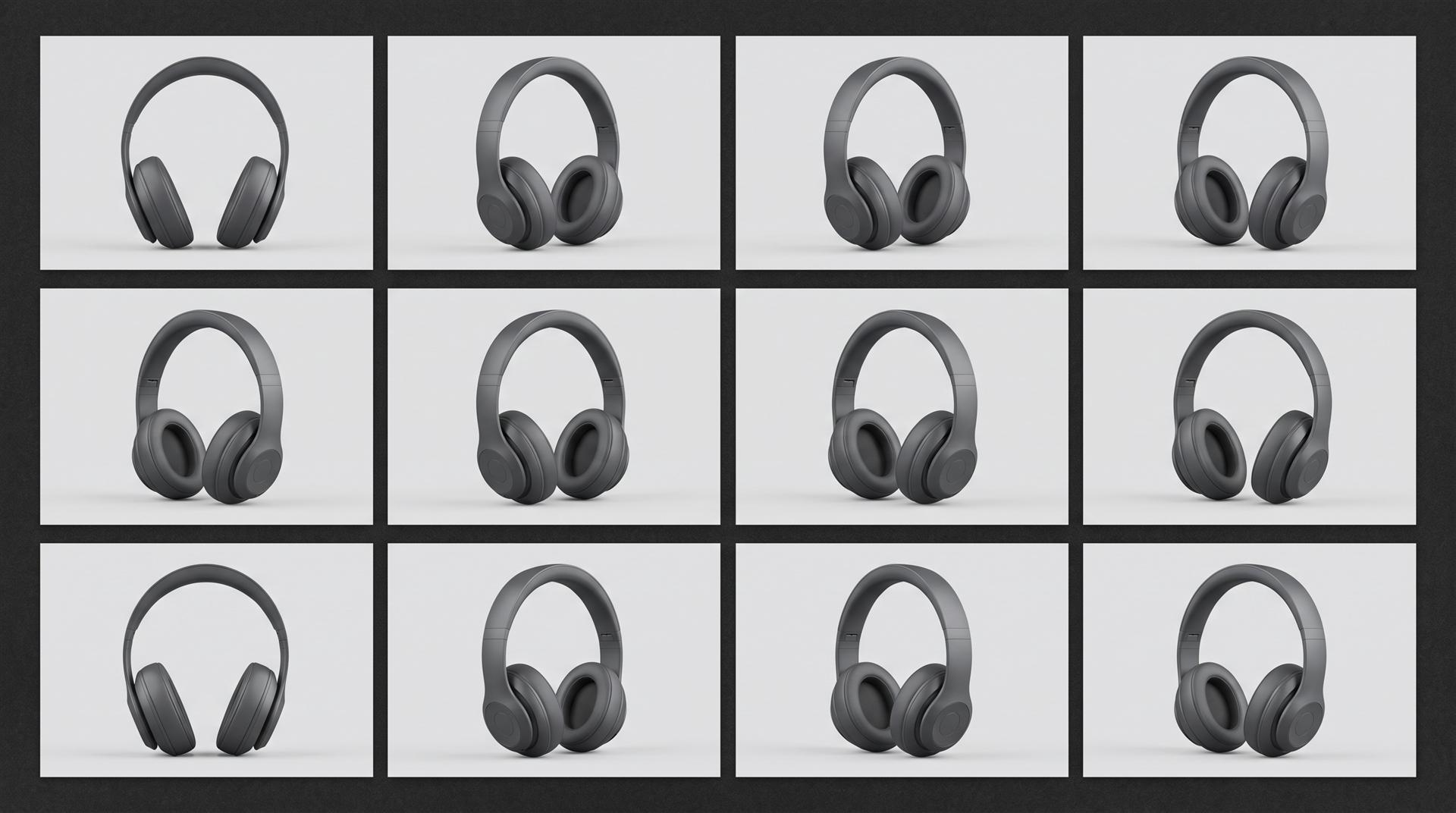
File size grows with frames, so plan it. As a rough rule of thumb, a 1500 px wide JPG frame of a product on white lands somewhere around 150 to 250 KB. A 36-frame spin is then about 5 to 9 MB, and a 72-frame spin about double that. Good viewers load a few frames first and fetch the rest while the shopper looks, but on a slow phone a 72-frame spin can still drag. If you add a second row of frames shot from above, multiply again.
With rendering, frame count barely changes the cost, because the computer does the extra frames. With photography, more frames mean more shots and more cleanup per SKU.
Where can you use a 360 product view in 2026?
On your own site, almost anywhere. On marketplaces, the answer is now mostly “use a 3D model or a video instead.” Check each channel before you order frames.
- Shopify. Shopify’s product media supports images, videos and 3D models (GLB and USDZ). An image-sequence spin needs a third-party viewer app or custom theme code. A spin as an MP4 or a 3D model works natively, if your theme supports it.
- WooCommerce and custom sites. Any spin viewer script works, and so does an interactive 3D model. We covered the options in how to get an interactive 3D model on a website.
- Amazon. Amazon now pushes 3D models. Its Seller Central team says 3D models must be GLB or glTF, that categories such as home, furniture, consumer electronics, shoes and eyewear support them, and that only the registered brand owner can upload. The older image-sequence 360 view is, by sellers’ and vendors’ accounts, no longer offered. Check what your own ASIN accepts in Seller Central before paying for spin frames.
- Ads and social. No platform takes an interactive spin. Use the spin as a short vertical or square video. Keep in mind that a 9:16 or 1:1 version is a new camera framing, not a free crop.
360 spin vs 3D configurator vs product video: which one do you need?
A spin shows the outside from every angle, a configurator lets the shopper change it, and a video explains it. They solve different problems, and you do not need all three.
| 360 spin | 3D configurator | Product video | |
|---|---|---|---|
| Shopper control | Rotate only | Rotate, zoom, change colors and parts | None, it plays |
| Best for | Showing shape and finish from every side | Many options or custom builds | Features, mechanisms, what is inside |
| Works on marketplaces | As video or 3D model | No | Yes |
| Built from | Photos or renders | A 3D model optimized for the web | Renders or footage |
| Effort | Lowest | Highest | Medium |
If your product page already has good stills and the question shoppers ask is “what does the back look like?”, a spin is enough. If the question is “what does it look like in green with the larger base?”, you are describing a configurator. If the question is “how does it work?”, you need a video.
How much does a 360 product spin cost?
At Quince, a rendered spin is quoted as a short animation: $1,200 if you send us a usable CAD model, and $1,400 to $3,000 if we build the model first. That is $200 to prepare your CAD (or $400 to $2,000 to model the product, depending on how complex it is), $500 for a 10 to 30 second animation and $500 for a plain single-color background. A square version is $250 more, and so is 4K. Spins are one of the formats we deliver alongside silo shots and colorways on our 3D product images page.
Extra colorways are the same frames re-rendered with a new material, so they cost far less than the first spin. Ask for them in the same quote.
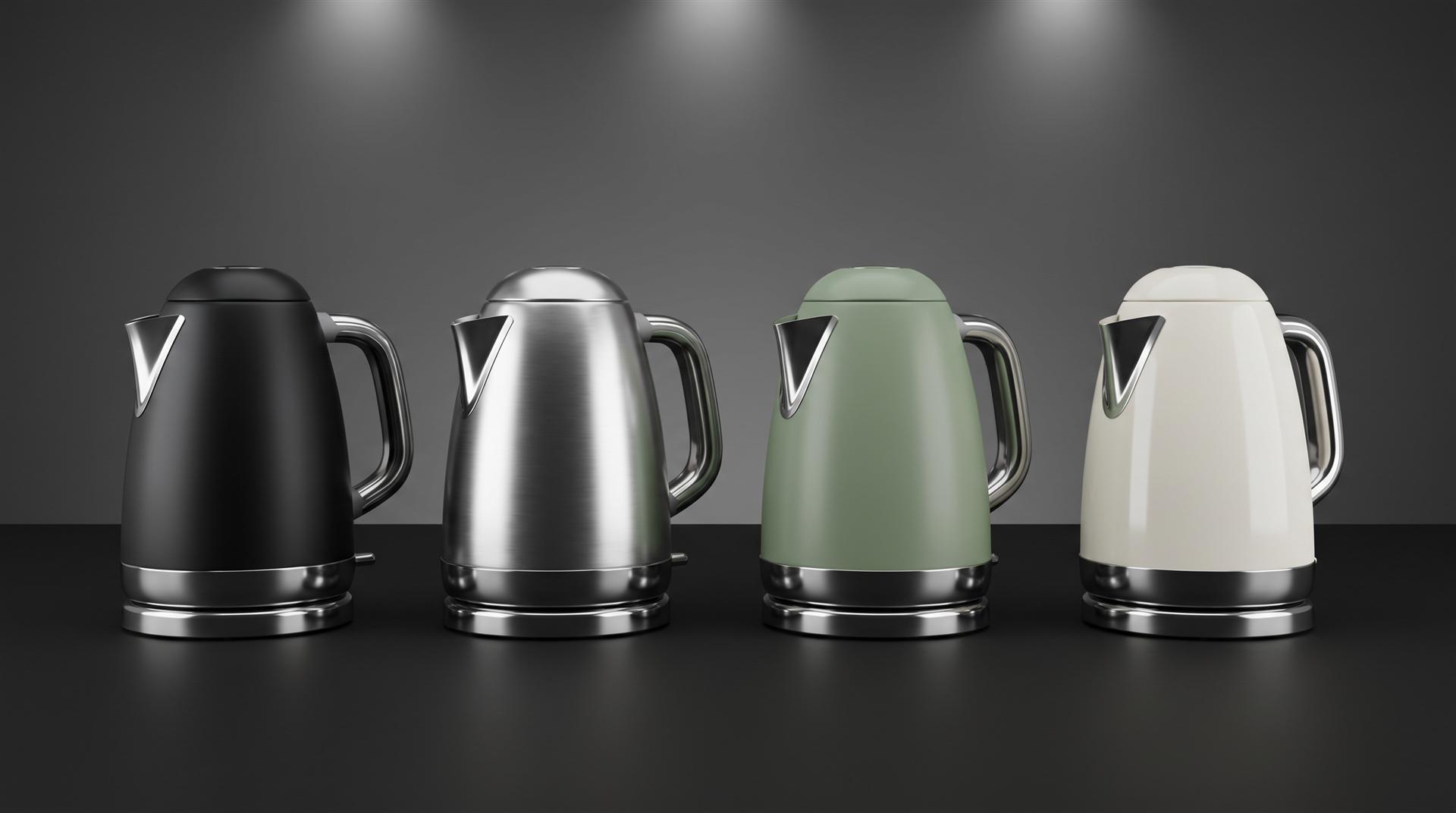
Photographed spins are priced differently: either you buy the equipment and shoot in-house, or a studio charges per SKU and per colorway, often with a setup fee. Prices vary a lot by market, so get two or three quotes for your actual product. For a wider look at how render pricing works per image, see our guide to 3D product rendering cost.
The real comparison is not the price of one spin. It is the price of your whole catalog: how many products, how many colors, and how many of them exist as physical samples today.
How to decide: a 5-step checklist
- Does the product physically exist in every color you sell? If not, render.
- Is it shiny, transparent or gloss black? If yes, rendering will save you a lot of retouching.
- How many SKUs and how often? Hundreds of simple items every month favor an in-house turntable.
- Where will the spin be shown? Your own site supports anything. Amazon wants a 3D model. Ads want a video.
- Will you need other visuals from the same product? If stills, a launch video or AR are coming, a 3D model pays for itself across all of them.
What to send a studio for a rendered 360 spin
- CAD or 3D files (STEP, IGES, SolidWorks, Fusion, OBJ, FBX or a KeyShot scene)
- Material and color references: Pantone or RAL codes, finish (matte, satin, gloss), physical samples if you have them
- Logo and label artwork as vector files
- Frame count and size (for example 36 frames, 2000 x 2000 px, white background)
- Output format: frames for a viewer, MP4 loop, or both
- Number of rows (one horizontal row, or a second row from above)
- Every colorway you need
- Where it will be published, so the frames match that platform
Common mistakes with 360 product views
Ordering spin frames for a marketplace that no longer shows them. Check the current rules for your listing first. On Amazon that now usually means a 3D model.
Shooting a pre-production sample and publishing it. Small differences in color, texture or parts become customer complaints. If the sample is not final, the spin should not be either.
Too many frames on a mobile-heavy store. 72 frames look great on a desktop and load slowly on a phone. 36 is enough for most products.
Inconsistent centering. If the product wobbles while it turns, the spin looks cheap. With photography, this comes from the product not sitting exactly on the turntable’s center.
Not asking who owns the 3D model. Owning the rendered frames does not mean you own the 3D scene and model file. If you want to reuse the model for more colors, a configurator or AR later, agree on that in writing up front.
Making a spin when shoppers need to see inside. A spin shows the outside. If the selling point is a mechanism or the internal parts, that is a job for a video or an exploded view.
FAQ
How do you make a 360 view of a product?
Either photograph the product on a motorized turntable at even steps (usually every 10 degrees) and load the frames into a spin viewer, or render the same frames from the product’s CAD model. Rendering works before the product is manufactured.
How many images do you need for a 360 product spin?
Usually 24, 36 or 72. Thirty-six frames, one every 10 degrees, is smooth enough for most products and keeps the page light.
Can a 360 spin be rendered from a CAD file instead of photographed?
Yes. A virtual camera circles the model and renders each frame. The frames come out perfectly centered with clean backgrounds, and other colorways are re-renders of the same frames.
Can AI (ChatGPT) create a 360 product view?
Not reliably. Image generators redraw the product in every frame, so the shape, buttons and logo shift as it turns. A spin needs every frame to be the same object, which is what a 3D model gives you.
How much does a 360 product spin cost?
At Quince, a rendered spin is quoted as a short animation: $1,200 with your usable CAD model, or $1,400 to $3,000 if we model the product first. Photographed spins are priced per SKU and colorway, so get quotes for your own product.
Does Amazon still support 360 product views?
Amazon now supports 3D models in GLB or glTF format for eligible categories, uploaded by the registered brand owner. Check Seller Central for your own listing before ordering image-sequence frames.
Not sure whether your product needs a turntable, a rendered spin or something else? Send us the file. We will tell you which route fits, including the ones that do not involve hiring us.
Related Articles
What Software Can You Use to Create 3D Product Images for Amazon Listings?
How Much Does 3D Product Rendering Cost in 2026? Per-Image Prices, What Drives Them and How to Pay Less
Product Hero Shots: What They Are, Why Brands Now Render Them in CGI, and What They Cost
Your Catalog Keeps Growing and Every New Product Means Another Photoshoot. Build the Asset Library Instead
Quince Render Lab: Free Online 3D Rendering for Product Shots
Product Launch Video for Physical Products: Structure, Examples and Cost (2026)

 Rachel A