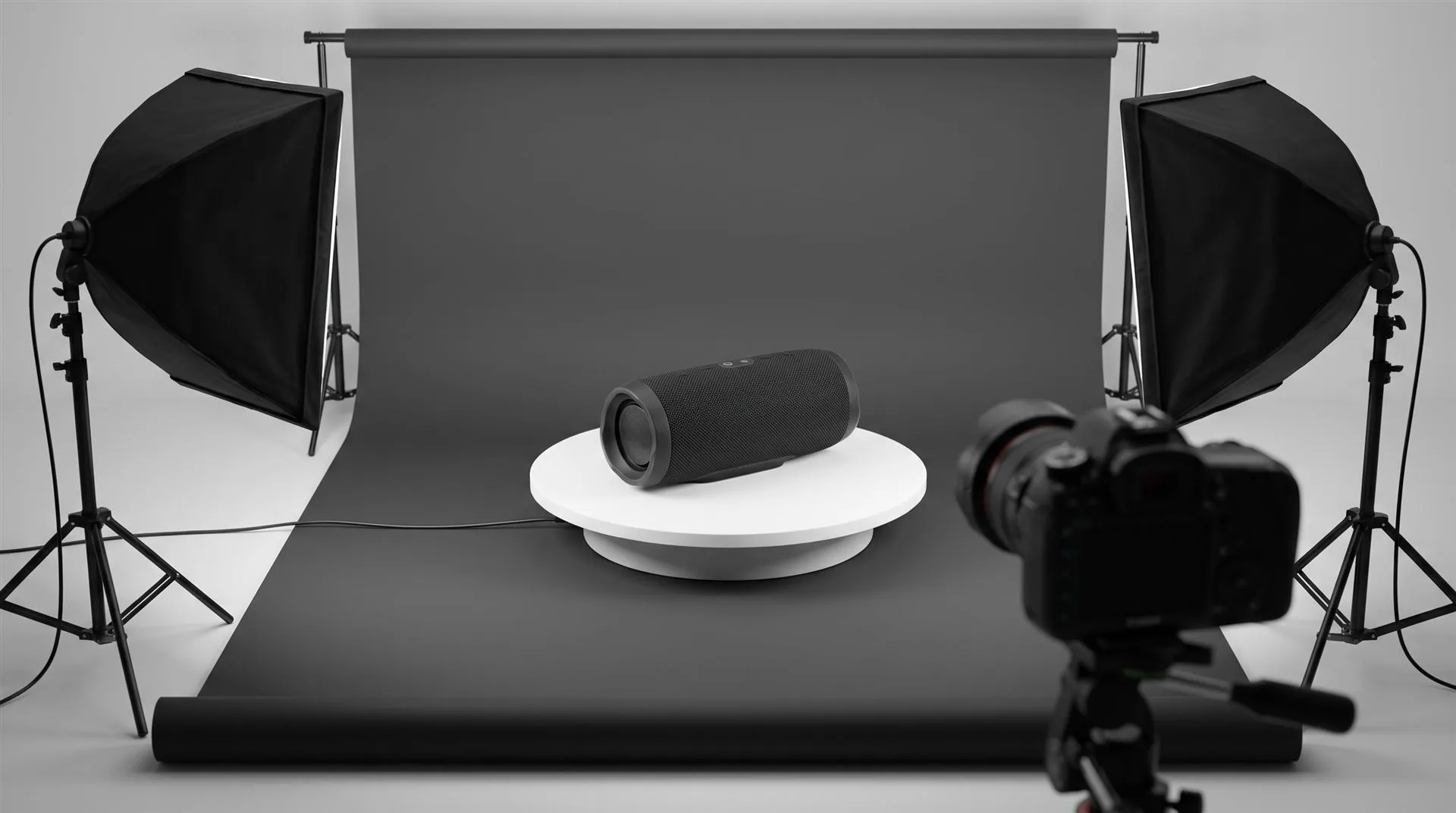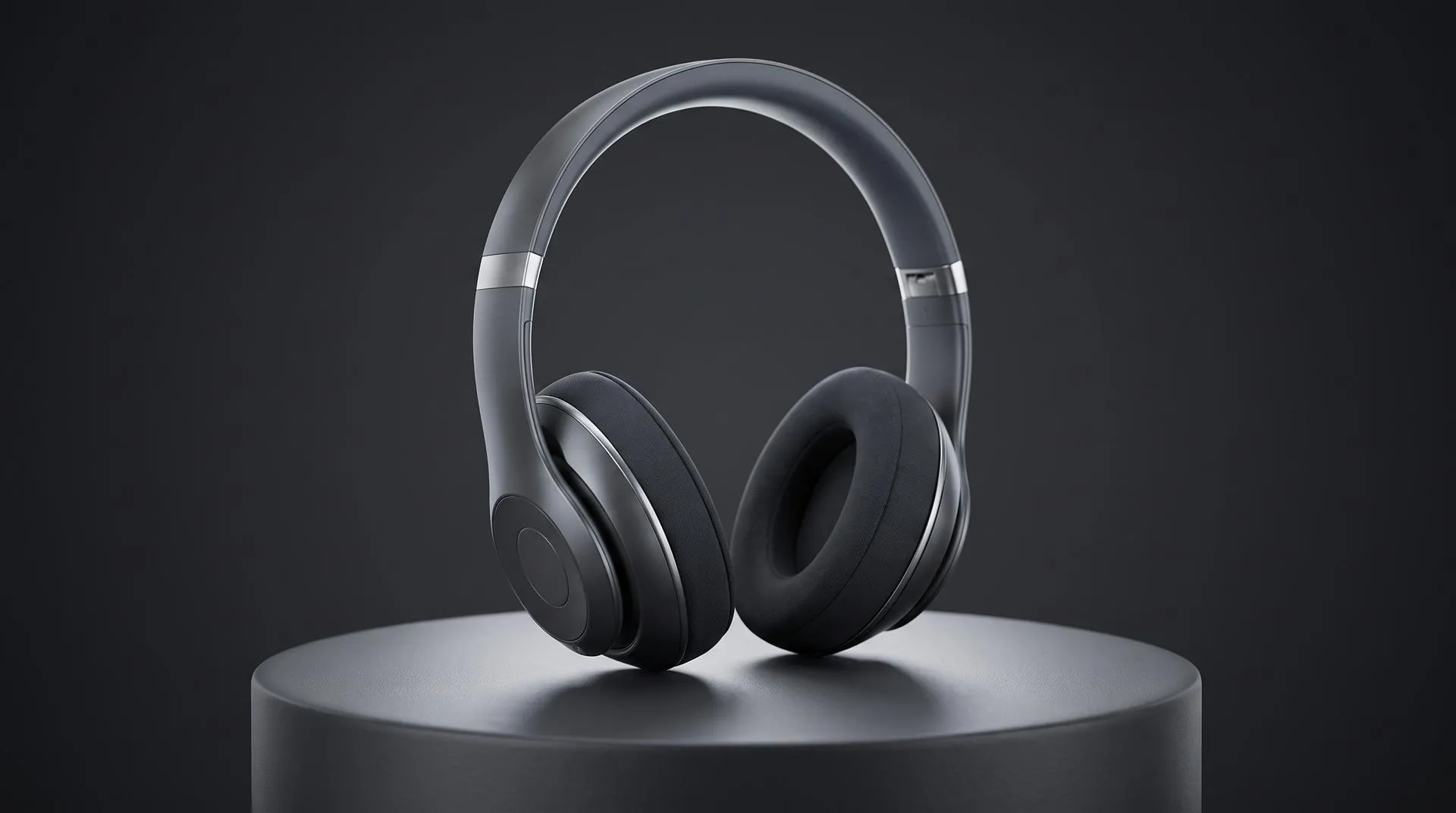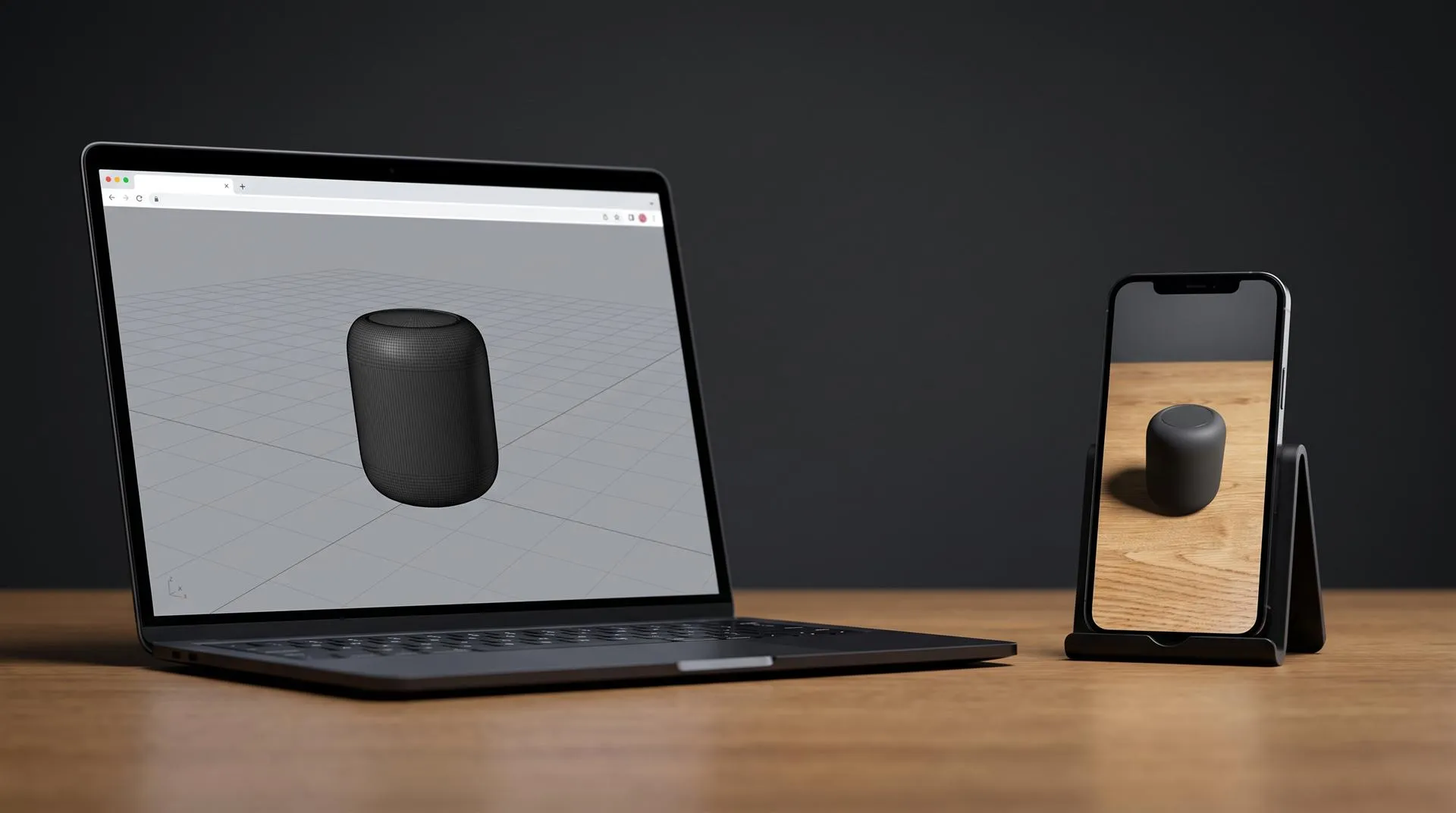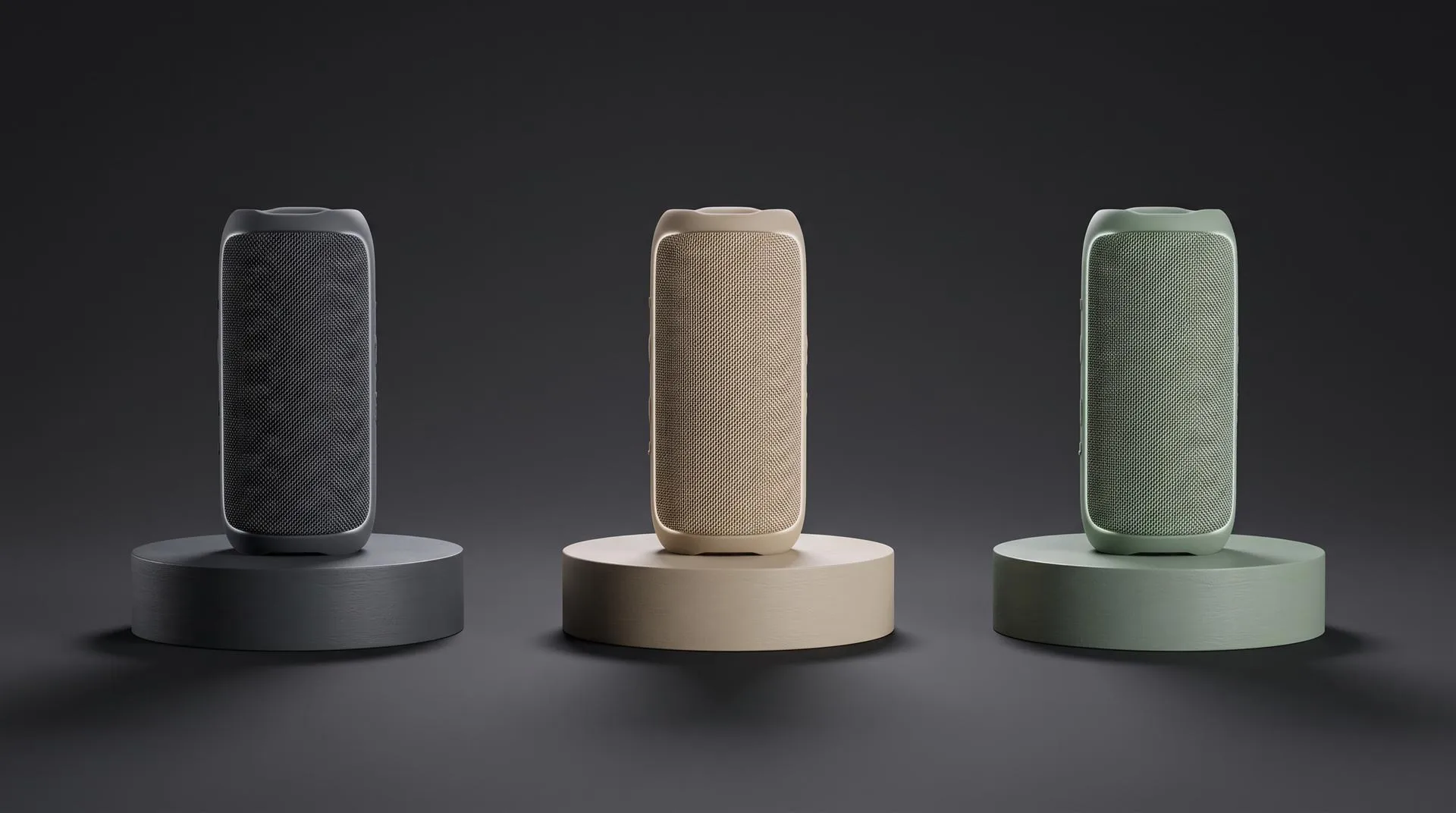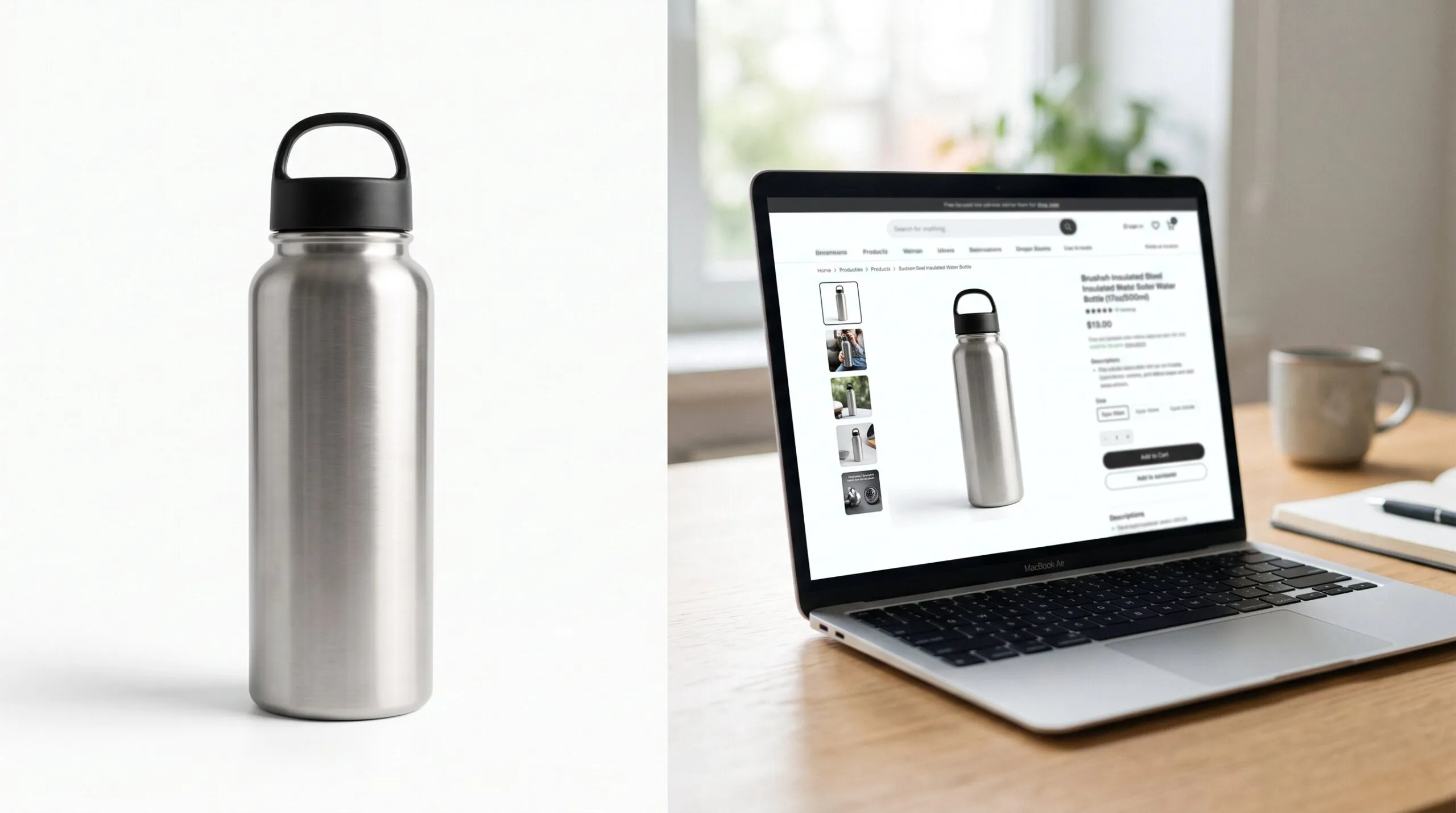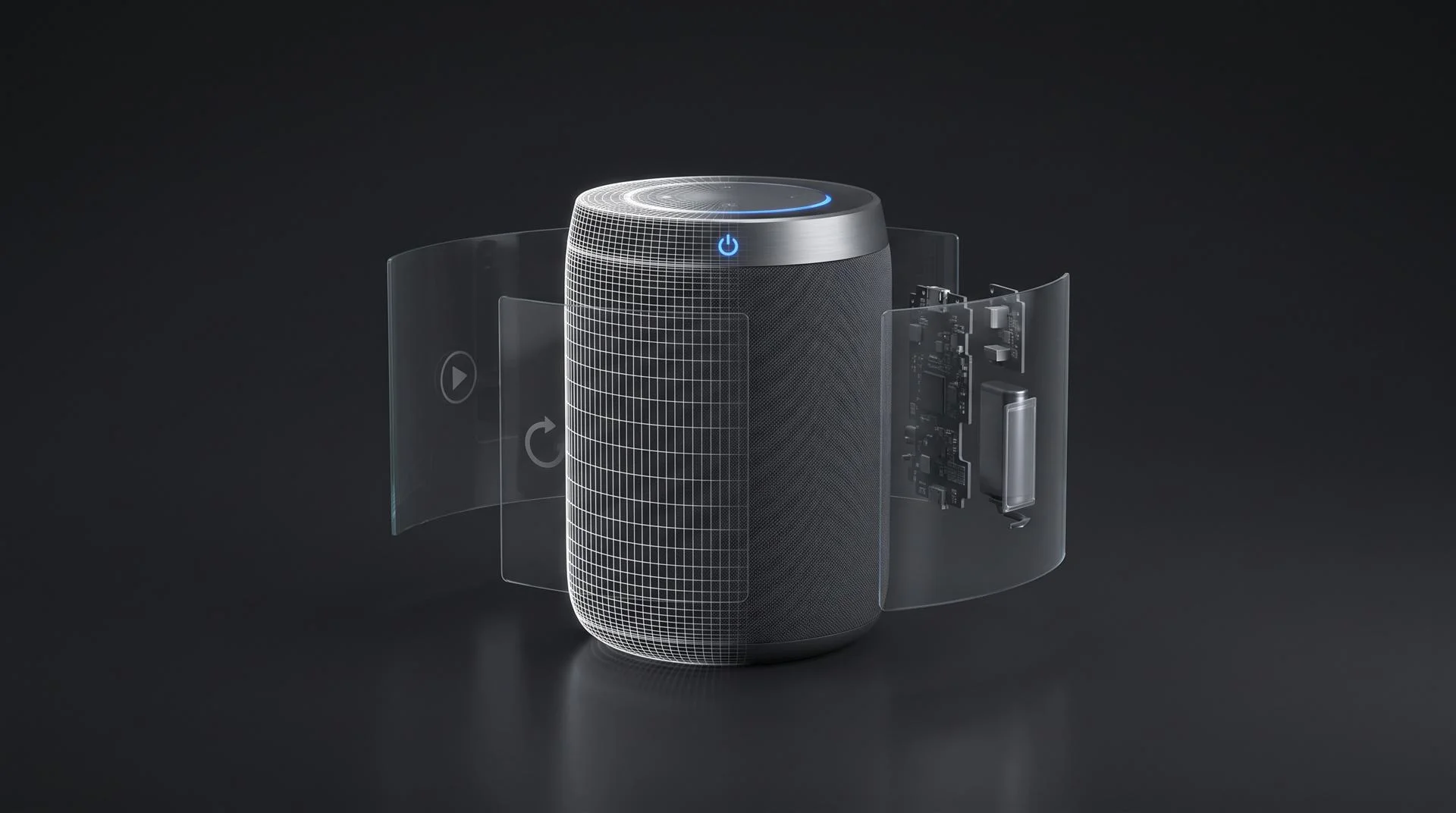
3D product visualization means building a photorealistic 3D model of a product, usually from its CAD files, and using that one model to make everything a brand needs to show it: still renders, lifestyle scenes, animation, 360 spins, AR and web 3D, and interactive configurators. You build the model once. Each output is a different way of using it.
The trouble is that the term covers so much it stops being useful. Your launch is a few months out, your designer has a CAD model and maybe some KeyShot stills, and someone said “we need 3D.” Search for it and you get software lists, AR platforms and glossaries, and none of them say which of these things your product needs. This guide does, including when you can skip a format.
What is 3D product visualization?
It is the umbrella term for any image, video or interactive view of a product made from a 3D model instead of a camera. The model is a digital copy of the product with real dimensions, materials, colors and printed graphics. Once it exists, you can light it, move it, cut it open or put it in any setting without a physical sample.
People also call it CGI product imagery, product rendering or 3D product content. The only real difference between “rendering” and “visualization” is scope. A render is one output: a finished image or frame. Visualization is the whole job, from the model to every output that comes from it.
One 3D model, six outputs: what does each one do?
The six common outputs are still renders, lifestyle scenes, animation, 360 spins, AR and web 3D, and configurators, and each one answers a different question a buyer has. The table below is the short version. Prices are Quince prices and assume you send us a usable CAD model.
| Output | What it answers | Where it is used | Quince price (with your CAD) | Typical timeline |
|---|---|---|---|---|
| Still renders (silo, detail, colorways) | “What does it look like?” | Amazon, product pages, catalogs, retail sell-in | $550 for up to 10 images on a plain background | Up to a week for about 10 images |
| Lifestyle scenes | “Where does it live?” | Hero banners, ads, social, packaging | $950 for up to 10 images in a 3D environment | Up to a week, depending on the scene |
| Animation | “How does it work? What is inside?” | Launch videos, ads, trade shows, sales decks | From $1,200 for 10 to 30 seconds | About 10 to 15 days for 30 seconds |
| 360 spin | “What does the back look like?” | Your own product page | From $1,200, quoted as a short animation | Quoted as a short animation |
| AR and web 3D (GLB, USDZ) | “Will it fit? How big is it really?” | Product pages, Shopify, Android and iPhone AR | Quoted per project | Quoted per project |
| Configurator | “What does my version look like?” | Your own site, custom or made-to-order products | From a few thousand dollars | Quoted per project |
The model is expensive to build and cheap to reuse. Once it exists, a new colorway or the next set of renders costs much less than the first. But the outputs are not interchangeable: a 360 spin will not explain a mechanism, and a launch video will not tell a shopper whether a sofa fits their room.
Owning the outputs is not the same as owning the model. If you buy a set of renders or a video, you do not automatically get the 3D scene and model files. If you plan to reuse the model for AR, a configurator or next year’s colorways, agree on file ownership in writing before the work starts.
Which format fits which goal?
Start from the channel, not the format: each sales channel has one or two outputs that do most of the work. Here is how it usually breaks down for hardware and consumer product brands.
- Amazon and marketplaces. Stills first. Your main image has to be the product on a pure white background, and the rest of the gallery is detail shots, features and lifestyle scenes. A short product video comes next. Some marketplaces also accept 3D models for eligible categories, so check your own listing before ordering anything interactive.
- Your own product page. Stills plus one thing that lets the shopper look closer. For a product with a simple outer shape, a 360 spin or a 3D viewer is enough. For a product with many options, a configurator. For a product with a hidden mechanism, a short animation loop.
- Kickstarter and crowdfunding. Split it in three. Pre-launch ads and landing pages can use photorealistic renders and animation, and that is where they work hardest. The campaign page is different: Kickstarter’s rules for hardware and product design projects say plainly, “We do not allow photorealistic renderings.” There you need prototype footage, plus technical styles like exploded views, cutaways and CAD-style visuals that nobody could mistake for a photo. After you fund, the same model goes back to full photoreal for retail and Amazon.
- Trade shows. Animation. A loop on a booth screen has to stop people walking past, and motion does that better than a still.
- Sales team and distributors. Stills and a 60 to 90 second explainer. Sales reps need something they can drop into a deck and something they can play on a call.
If you are still choosing, the honest default for most hardware launches is a stills set plus one short animation. Everything else is added when a specific channel asks for it.
AR product visualization: when does it actually help?
AR helps when the buyer’s real doubt is size, fit or how the product looks in their own space, and it does very little when the doubt is about features. It works by placing the 3D model in the camera view on a phone. On iPhone and iPad, Apple’s AR Quick Look opens USDZ files straight from Safari. On Android, Google’s Scene Viewer does the same with glTF and GLB files.
- Furniture and home goods. The strongest case. “Will this fit next to my couch?” is exactly the question AR answers.
- Footwear and wearables. Useful for style and scale. It will not tell anyone how a shoe fits, but it shows how it looks.
- Electronics. Mixed. AR is good for size (a monitor on a desk, a speaker on a shelf). It cannot show what makes most electronics worth buying, like the screen, the sound or the internals. For those, animation does more.
On your own site, the most common way to show a 3D model, with an AR button for phones, is Google’s free model-viewer web component. On Shopify, product media supports GLB and USDZ 3D models directly, as long as your theme supports them. GLB is the web version of the open glTF format, and USDZ is Apple’s.
The catch with AR is the file, not the technology. A model built for photorealistic renders is often far too heavy for a phone. It needs to be simplified and its materials baked down so it loads in a few seconds and still looks right. That optimization is real work, and it is why AR files are quoted per project rather than priced off a list.
Where does the 3D model come from?
There are three sources: your CAD files, a 3D scan of a physical product, or modeling from scratch using drawings and photos. CAD is by far the best for hardware.
- From CAD. If you designed the product in SolidWorks, Fusion, Creo, Rhino or similar, the geometry already exists and it is accurate. A studio converts it, cleans it up and adds materials and graphics. At Quince, preparing a usable CAD model or KeyShot scene is $200.
- From a 3D scan. Good for organic shapes and products that already exist, like food, cosmetics packaging or a hand-sculpted object. Scans usually need cleanup, and they struggle with shiny, black or transparent surfaces.
- From scratch. When there is no CAD, a 3D artist builds the model from photos, dimensions and a physical sample. Our 3D modeling services run $400 for a simple object, $800 for a medium-complexity one and $2,000 for a very technical one.
One honest note. If you already have a KeyShot designer making good stills, you probably do not need a studio for stills. You may need one for animation, AR files or a configurator, which are different skills.
Visualization studio vs platform: which one do you need?
A platform gives you software to show 3D models on your store, and a studio makes the models and content that go into it. Some brands need both.
| Visualization platform (Zakeke, Threekit type tools) | Visualization studio (like us) | |
|---|---|---|
| What you get | Software: a 3D viewer, AR, a configurator builder | Content: models, renders, animation, AR files, custom configurators |
| Who builds the model | Ask them. Depending on the plan, it may be you, them or a partner | The studio |
| Best for | Big catalogs with many SKUs and options that change often | Launches, hero content, video, products that need to look perfect |
| Video and launch films | Not their job | Yes |
| How you pay | Usually a software plan, check their pricing | Per project |
Go with a platform if your problem is scale. Hundreds of SKUs, options that change every season and a team that will manage the content itself is platform territory, and a studio is the wrong tool.
Go with a studio if your problem is quality or the story. One flagship product, a launch, a mechanism that needs explaining or a model that has to look exactly like the real thing is studio work. Platforms also need good models, and a studio can supply them.
How much does 3D product visualization cost?
Every format starts with the model ($200 if your CAD is usable, $400 to $2,000 if it has to be built), and then each output is priced on top of it. These are Quince prices from our pricing page:
- Stills. 1 to 10 images are $250, plus $100 for a plain background or $500 for a 3D environment.
- Animation. 10 to 30 seconds is $500 and 31 to 60 seconds is $1,000, plus $500 for a plain background or $2,000 for a simple 3D studio set. Square or vertical versions are $250 each, because each one is a new camera framing, not a crop.
- Configurators. A few thousand dollars for one product with a few colors, if the model exists. Around $10,000 for several parts connected to Shopify. $20,000 to $40,000 for complex tools that calculate parts and quantities.
- AR files. Quoted per project, since it depends on how heavy the model is and how many variants you need.
Because the model is shared, several outputs ordered together cost less than the same outputs from different vendors.
How to choose the right format in 5 steps
- Name the one question your buyer cannot answer today. Looks, inside, size, or “my version.” That points to stills, animation, AR or a configurator.
- List the channels where it has to appear. Amazon, your site, ads, Kickstarter, a booth. Drop any format the channel cannot show.
- Check what you already have. A usable CAD model and existing stills change both the price and the starting point.
- Pick one core output and one add-on. For most launches that is a stills set and a short animation.
- Plan the model for reuse. If AR or a configurator might come later, say so now, and get the model files in the contract.
What to send when you hand it off
- CAD files (STEP, IGES, SolidWorks, Fusion, Creo, Rhino) or your KeyShot scene
- Material and color references: Pantone or RAL codes, finish (matte, satin, gloss), physical samples if you have them
- Logos and printed graphics as vector files
- Every colorway and variant you sell
- The channels where it will appear, with sizes and aspect ratios
- For AR or web 3D: the platform (Shopify, custom site, Amazon) and any file size limit
- For a configurator: the full list of options, which ones combine and your store platform
- Your launch date and any hard deadlines before it
Common mistakes
Buying every format at once. Most brands use two of the six. Start with what your main channel needs and add the rest when there is a reason.
Using campaign page renders that break Kickstarter’s rules. A photoreal hero render on a hardware campaign page can get the project stopped. Keep photoreal for ads and technical styles for the page.
Assuming a render model works in AR. A heavy render model will choke a phone. It needs to be optimized first.
Not getting the model files in writing. Owning the images does not mean you own the 3D scene. Without the model, every new output starts from zero.
Buying a platform before you have models. A configurator with no good 3D models behind it shows nothing.
FAQ
What is 3D product visualization?
It is the process of building a photorealistic 3D model of a product, usually from CAD, and using it to create renders, animation, 360 spins, AR views and configurators. One model feeds all of them.
How much does 3D product visualization cost?
At Quince, a set of up to 10 stills from your CAD on a plain background is $550, and a 10 to 30 second animation is $1,200. Building the model from scratch adds $400 to $2,000. Configurators start at a few thousand dollars.
What is the difference between 3D rendering and 3D visualization?
Rendering is one step: turning a 3D scene into a finished image or frame. Visualization is the whole job, from building the model to every output that comes from it, including interactive ones like AR and configurators.
Do I need a CAD file for 3D product visualization?
No, but it helps. With CAD, the model is accurate and cheaper to prepare. Without it, a 3D artist models the product from photos, dimensions and a sample, which costs more and takes longer.
Is AR product visualization worth it for ecommerce?
For furniture, home goods and anything where size and fit matter, often yes. For electronics, where the value is in features and internals, animation usually does more than AR.
Not sure which of these your product actually needs? Send us the file. We will tell you which route fits, including the ones that do not involve hiring us.