
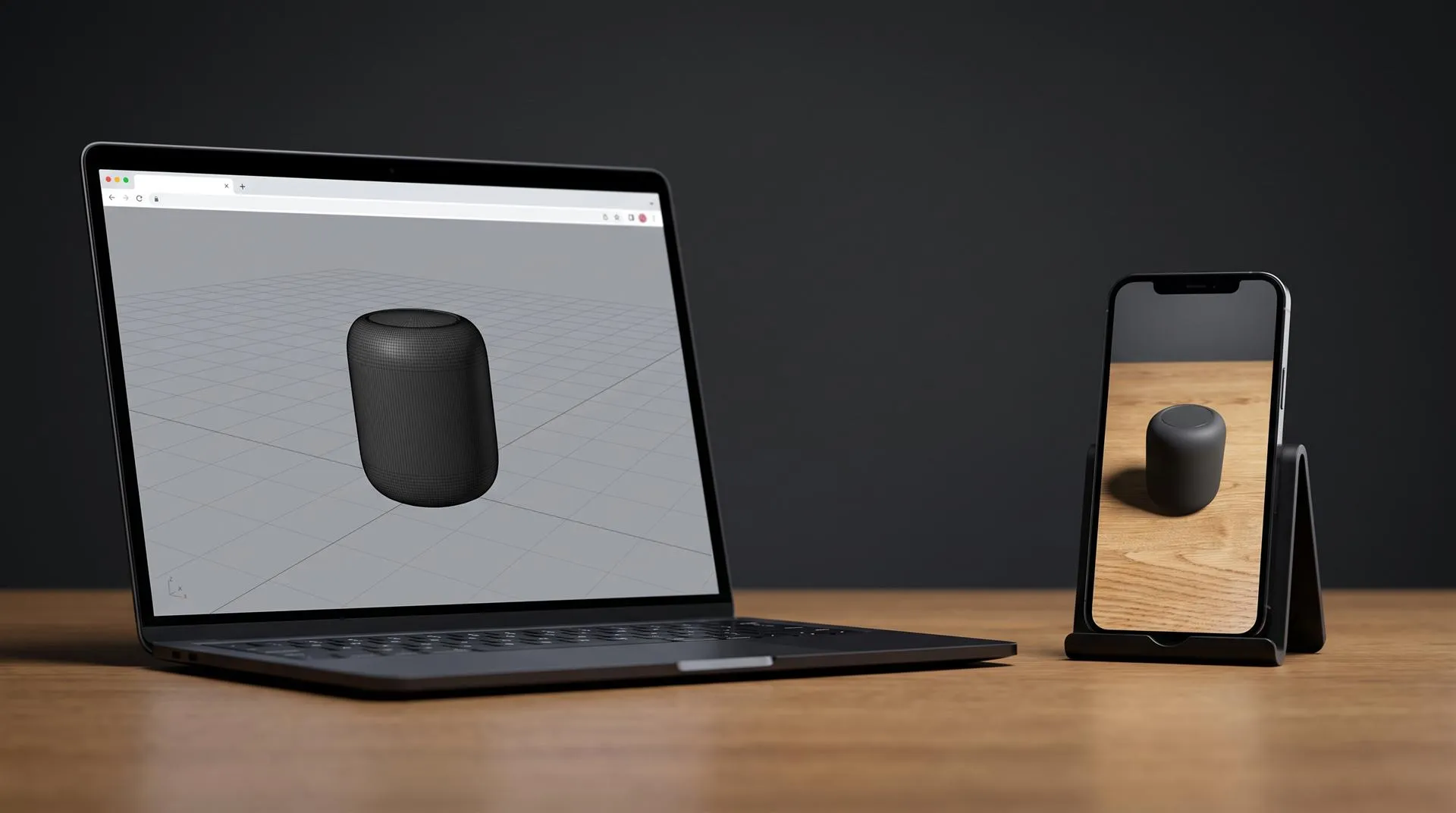
GLB vs USDZ for Product Pages: Which 3D File Formats You Need for Web 3D and iPhone AR
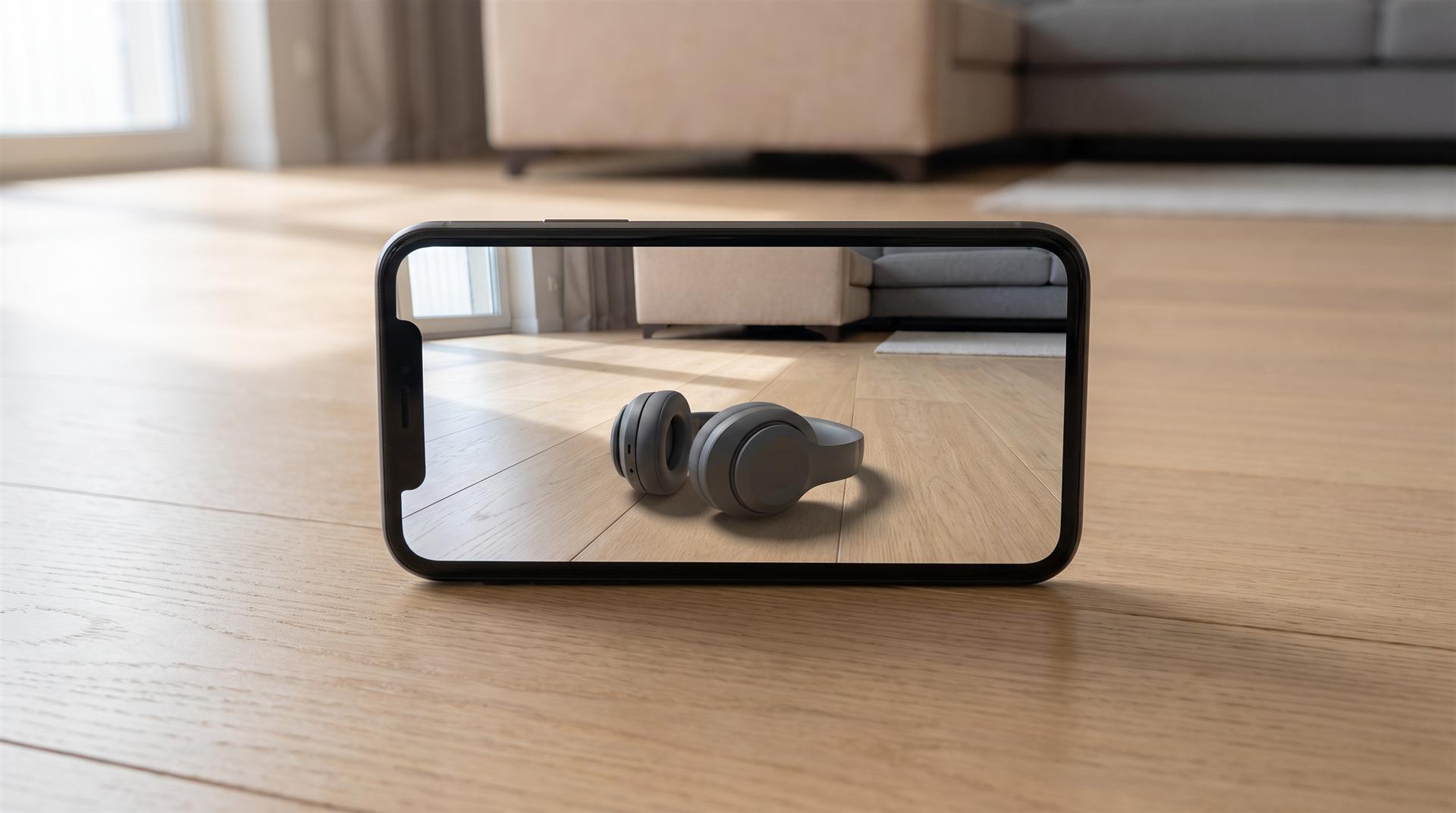
GLB is the standard 3D format for websites and Android, and USDZ is the format iPhone and iPad use for AR Quick Look. A product page that offers both a 3D viewer and “view in your room” usually needs both files. You can convert GLB to USDZ, but the cleanest result comes from exporting both from the same 3D model.
Usually this comes up mid-project. Your developer asks for “a GLB and a USDZ,” your KeyShot designer has never exported either, and the online converter you tried turned satin black into shiny plastic. Here is what each file does, which ones your store needs and how to get them.
What is the difference between GLB and USDZ?
GLB is the single-file version of glTF, an open web format from the Khronos Group, and USDZ is a zipped package of Pixar’s USD format that Apple adopted for AR. Both hold geometry, materials and textures in one file. They are built for different viewers.
The Khronos Group calls glTF “the JPEG of 3D,” and glTF 2.0 is an ISO/IEC international standard. GLB packs the whole glTF scene into one binary file, which is why web viewers, Android and marketplaces default to it. Apple’s AR Quick Look is built around USDZ: Safari, Messages, Mail and other built-in apps “use Quick Look to display USDZ files of virtual objects in 3D on iPhone, iPad, and Apple Vision Pro.”
| GLB (glTF 2.0) | USDZ | |
|---|---|---|
| Made by | Khronos Group, open standard | Pixar USD, packaged by Apple for AR |
| Where it works | Web viewers, Android AR (Scene Viewer), Shopify, Amazon 3D | iPhone and iPad AR Quick Look, Apple Vision Pro, Mac preview |
| Typical use on a product page | The 3D viewer the shopper rotates on the page | The “view in AR” button on iOS |
| Materials | PBR (metal, roughness, normal maps), plus extensions for clear coat, transmission and more | PBR through USD Preview Surface, a smaller set of options |
| Animation | Supported. Android Scene Viewer plays only the first animation, on a loop | Supported in Quick Look, but some converters drop it |
| Compression | Draco meshes and KTX2 textures can cut size a lot | A zip package. Size depends mostly on the textures |
| Open and edit in Blender | Yes, import and export | Yes, import and export |
Which format does your product page need?
Most stores need a GLB for the viewer and a USDZ for iPhone AR, but some platforms make the USDZ for you. Check your platform before you pay anyone to make files you do not need.
Shopify. Shopify product media accepts GLB and USDZ files up to 500 MB, and its help page says “files are converted to ensure both a .USDZ and .GLB version of the model is available.” Files over 15 MB are optimized automatically. So on Shopify you can upload one GLB and let the platform make the iPhone version. Upload your own USDZ too if the automatic one changes how your materials look.
Amazon. Amazon’s 3D models are GLB too. Its Seller Central team states that 3D models must be in GLB or GLTF format, and only the registered brand owner in an eligible category can upload them. You do not send Amazon a USDZ.
Your own site. Most custom sites use Google’s model-viewer, a free web component. It shows the GLB on the page and hands it to Android’s Scene Viewer for AR. For iPhone you have two options: point its ios-src attribute at your own USDZ, or let model-viewer generate a USDZ on the fly when the AR button is pressed. The docs are honest that “USDZ generation is not perfect, for instance animations are not yet supported, so in some cases supplying ios-src may give better results.” If your product has an opening lid or a moving part in AR, supply your own USDZ. Our guide to getting an interactive 3D model on your website covers the viewer setup in more depth.
A 3D configurator. A configurator runs on GLB in the browser. If it also offers iPhone AR, every combination needs a matching USDZ, or the configurator has to generate one. Settle that at the start of a 3D product configurator project, not at the end.
How do you convert GLB to USDZ?
You have three realistic routes: Apple’s Reality Converter on a Mac, Blender’s USDZ export, or asking the studio that made the model to export both files. Online converters work for a quick test, but check the result on a real iPhone before it goes live.
- Apple Reality Converter (Mac only, free). Apple introduced it in its WWDC20 session The artist’s AR toolkit as a tool to “convert existing 3D assets into USDZ.” It accepts FBX, OBJ, USD and glTF. Drop the GLB in, check the materials in the preview, set the units and export. If a compressed GLB will not open, try an uncompressed export of the same file.
- Blender (free, Windows, Mac, Linux). Import the GLB, check the materials, then export USD and give the file a
.usdzextension. The Blender manual says “to export the Blender scene as a USDZ archive, set the file extension of the output file to .usdz,” and it converts Principled BSDF materials to USD Preview Surface. It also has a texture downsampling option for USDZ, which helps keep the file small. - Ask for both files from the source model. Whoever built the model can export GLB and USDZ from the same scene, check each one on its target device and fix the materials separately. This is the most reliable route, and it is what we do on our 3D modeling projects.
USDZ to GLB works too, with the same tools in reverse. Blender imports USDZ packages and exports GLB. It is less common, usually when a brand has an AR file from an old campaign and now wants a web viewer.
Whatever route you take, test on the device. Open the USDZ on an iPhone and the GLB on an Android phone and a desktop browser. A file that looks right in a converter preview can still come out too shiny, too dark or the wrong size in AR.
How big should GLB and USDZ files be for a product page?
Aim for a few megabytes, and treat 10 MB as an upper limit for mobile. Google’s Scene Viewer guidelines recommend keeping models under about 10 MB, with up to 100,000 triangles (30,000 to 50,000 is ideal), no more than 10 materials and textures no larger than 2048 x 2048.
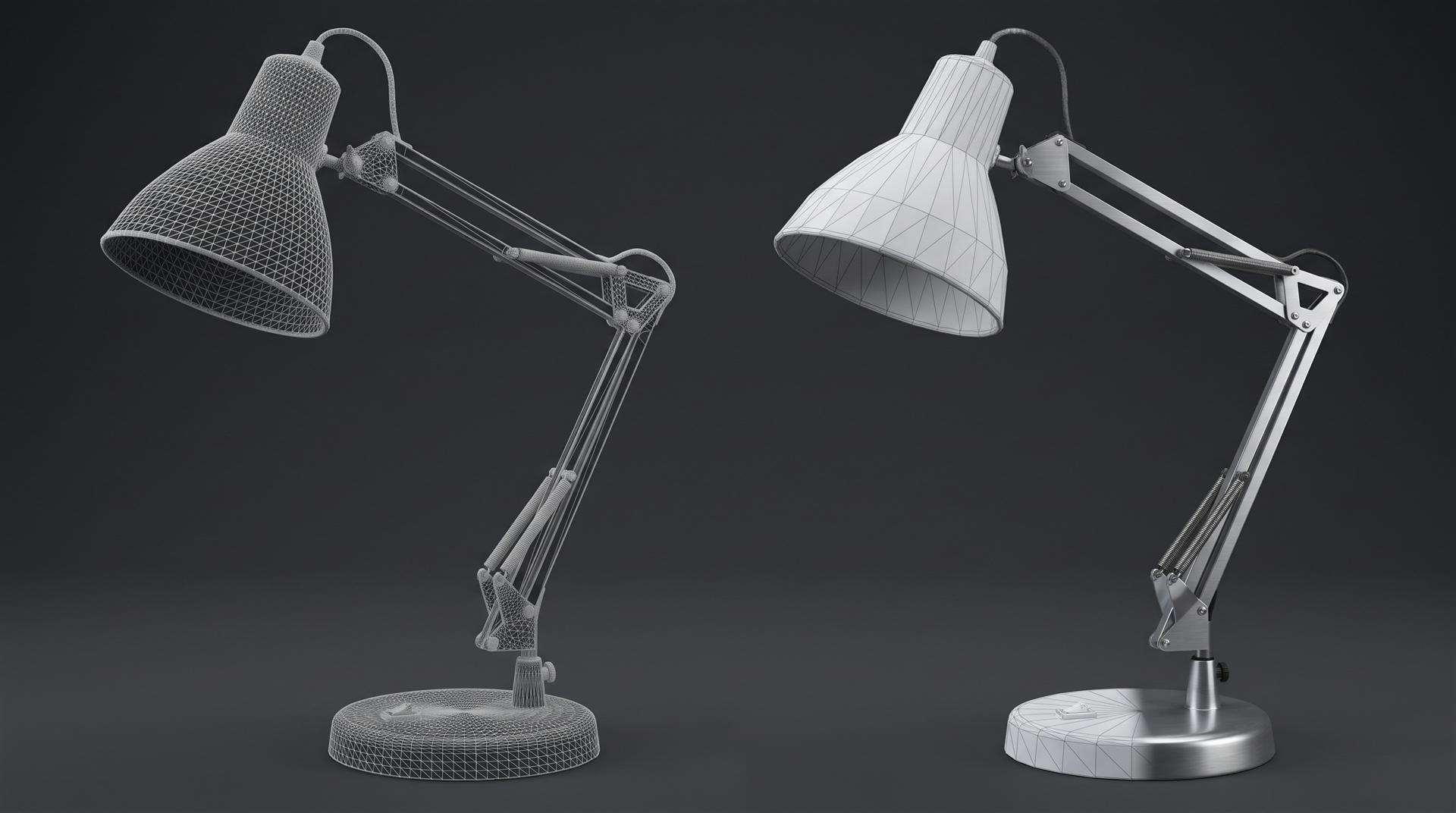
A raw CAD export is nowhere near these numbers. It can carry millions of triangles and dozens of parts, each with its own material. Making a good web file means:
- Reducing the triangle count on hidden and flat areas, while keeping curved edges smooth where the shopper will zoom.
- Removing internal parts like boards, screws and cables that no one will ever see.
- Merging materials so a product with 40 CAD bodies ends up with a handful of materials.
- Baking detail into textures, such as small text, knurling or vents, instead of modeling every hole.
- Compressing the GLB with Draco or KTX2 if your viewer supports it. Keep an uncompressed copy for USDZ conversion.
Set the scale correctly. Scene Viewer expects 1 unit to equal 1 meter, and Reality Converter asks for units on export. “View in your room” only helps a sale if the product shows up at its real size.
What should you ask a studio to deliver?
Ask for a GLB, a USDZ, and a poster image, all exported from the same model and tested on real devices. Write it into the quote so it is not a surprise at handover.
Checklist for the handoff:
- GLB for the web viewer, under your size target, with a compressed and an uncompressed version if you plan to convert it later.
- USDZ for iPhone and iPad AR, checked in AR Quick Look, with real-world scale.
- Poster image (a still render of the model’s first view) so the page shows something before the 3D loads.
- Each color or variant as its own file pair, or a clear note on how the configurator switches them.
- Animation, if any, tested in both formats, with a note on which viewers will play it.
- The source 3D scene and model files. Receiving GLB and USDZ files is not the same as owning the editable model. If you want to make new variants or hand the model to another team later, agree on that before the work starts.
- Your platform and its limits (Shopify, Amazon, your own model-viewer page), so the studio exports for the right target.
One honest note: if you already have a clean model and a designer who knows Blender, you probably do not need a studio for this. Exporting both formats and checking them on two phones is an afternoon of work. A studio earns its fee when the model starts as heavy CAD, when materials have to survive the trip to both formats, or when there are many variants to keep consistent.
Common mistakes with GLB and USDZ files
- Uploading raw CAD as a GLB. It loads slowly, breaks on mobile and usually loses its materials. Optimize first.
- Trusting the automatic USDZ without looking. Platform and viewer conversions are convenient, but brushed metal, clear plastic and fabric are where they tend to go wrong. Open it on an iPhone.
- Losing animations in conversion. An opening lid that plays in your GLB may not survive the trip to USDZ. Export the USDZ from the source scene if motion matters.
- Wrong units. Millimeters in, meters expected, and the product shows up 1,000 times too large in AR.
- Compressed files in the converter. Draco and KTX2 are great for the web viewer, but a converter may refuse them. Keep an uncompressed master.
- Assuming you own the model because you have the files. A GLB is a delivery file. The editable scene is a separate item to agree on.
FAQ
What is the difference between GLB and USDZ?
GLB is the binary form of glTF, the open standard for 3D on the web and Android. USDZ is the Apple-favored format for AR Quick Look on iPhone and iPad. Many product pages use both.
How do I convert GLB to USDZ?
Use Apple’s Reality Converter on a Mac, or import the GLB into Blender and export with a .usdz extension. Then check the result in AR on a real iPhone.
Does Android use GLB?
Yes. Android’s Scene Viewer, which most Android browsers use for AR, supports glTF 2.0 and GLB. Android does not need a USDZ.
Which format is best for Shopify product pages?
Upload a GLB. Shopify converts it so both a GLB and a USDZ version are available. Upload your own USDZ only if the automatic one looks wrong.
Can I get both files from one 3D model?
Yes, and that is the best way to do it. One clean, optimized model can be exported to GLB and USDZ, along with stills and video from the same source.
Not sure which files your page needs?
Send us your product page, your platform and whatever 3D files you have now, even if it is only CAD. We will tell you which formats you actually need and whether your own team can make them, including when the answer does not involve hiring us.
Related Articles
360 Product Spins: Photographed on a Turntable vs Rendered From CAD (Cost, Frames, Where to Use Them)
What Software Can You Use to Create 3D Product Images for Amazon Listings?
Render Station: Free Online 3D Rendering for Product Shots
Compress Video Without Uploading It: A Free Browser Compressor for Product Videos
How Much Does 3D Product Rendering Cost in 2026? Per-Image Prices, What Drives Them and How to Pay Less
It Is 2026, Apple Puts AI in Every Device, and It Still Launched Its New Hardware With 3D Animation

 Rachel A