
How Much Does 3D Product Rendering Cost in 2026? Per-Image Prices, What Drives Them and How to Pay Less
A 3D product render usually costs $50 to $700 per image for a clean shot on white, $500 to $3,000 for a lifestyle scene, and more for a premium hero shot. The 3D model is the biggest single cost. Once it exists, extra angles and colorways cost a fraction of the first image.
That is the short answer. The longer one matters more, because “per image” is a misleading way to think about renders. You are not really buying images. You are paying once for a digital copy of your product, and then paying a much smaller amount for every picture taken of it.
Most price guides you will find for “3D rendering cost” are written for architects and real estate. Those numbers do not apply to a speaker, a monitor or a kitchen appliance. This guide covers products only.
What does each type of product render cost?
Prices depend mostly on the type of shot, because each type needs a different amount of scene work. The ranges below come from 2026 price guides published by rendering studios and marketplaces in the US, Canada and the UK. They are market ranges, not our prices. Ours are further down.
| Render type | Typical market price per image | What it is used for | What pushes the price up |
|---|---|---|---|
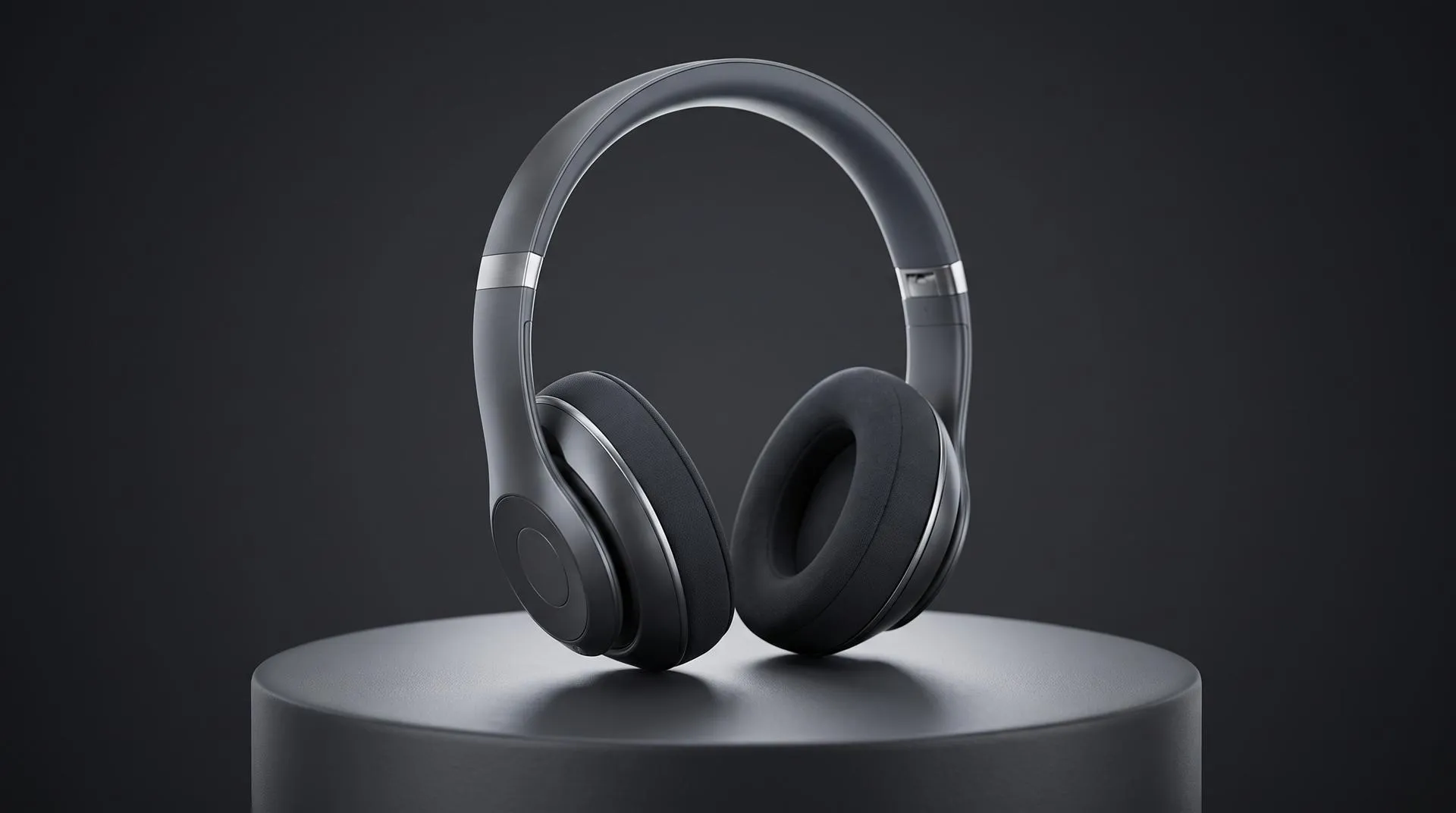
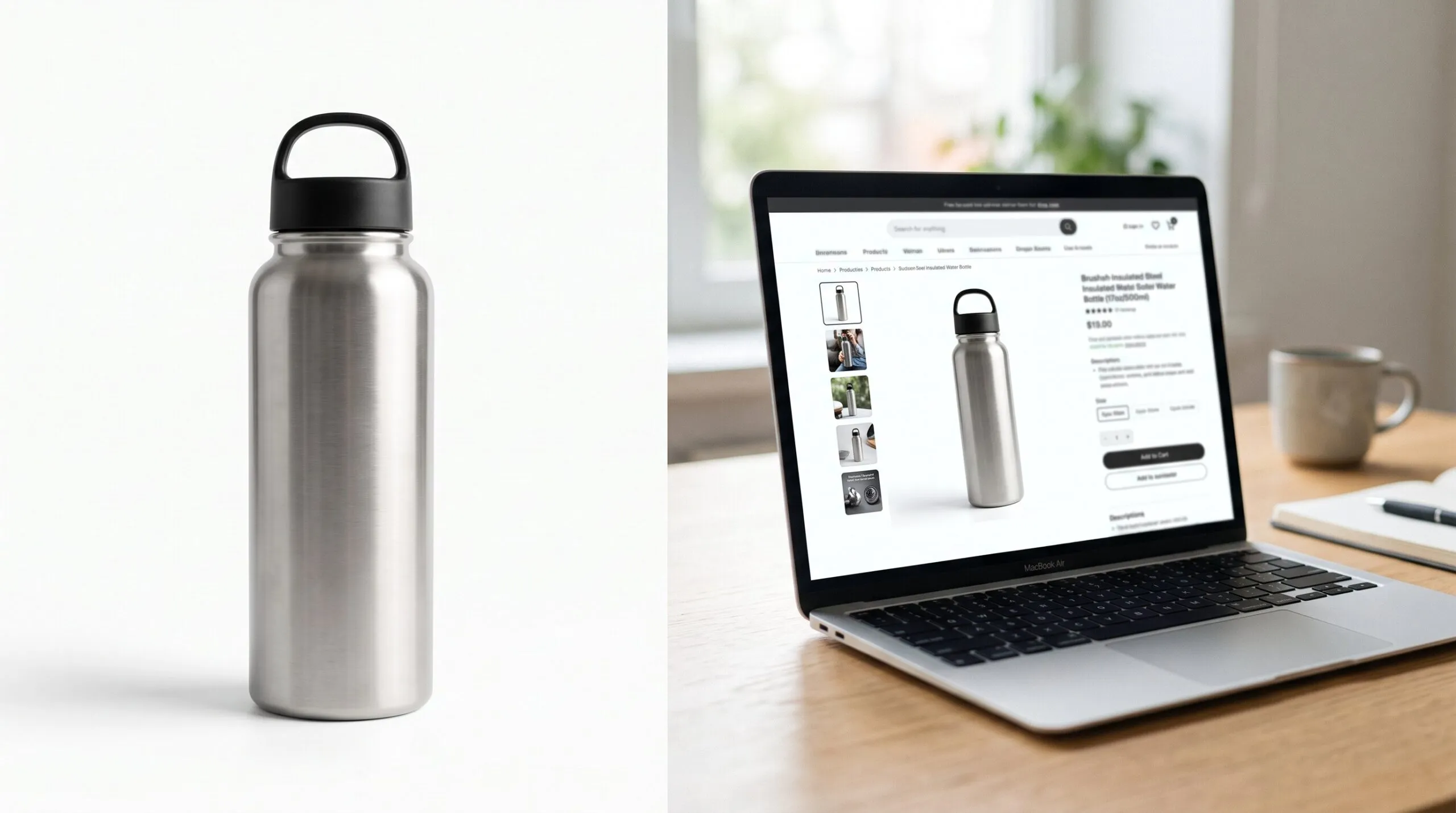
| Silo on white | $50 to $700 | Amazon main image, Shopify catalog, spec sheets | Reflective or clear materials, fine detail like grilles and knurling |
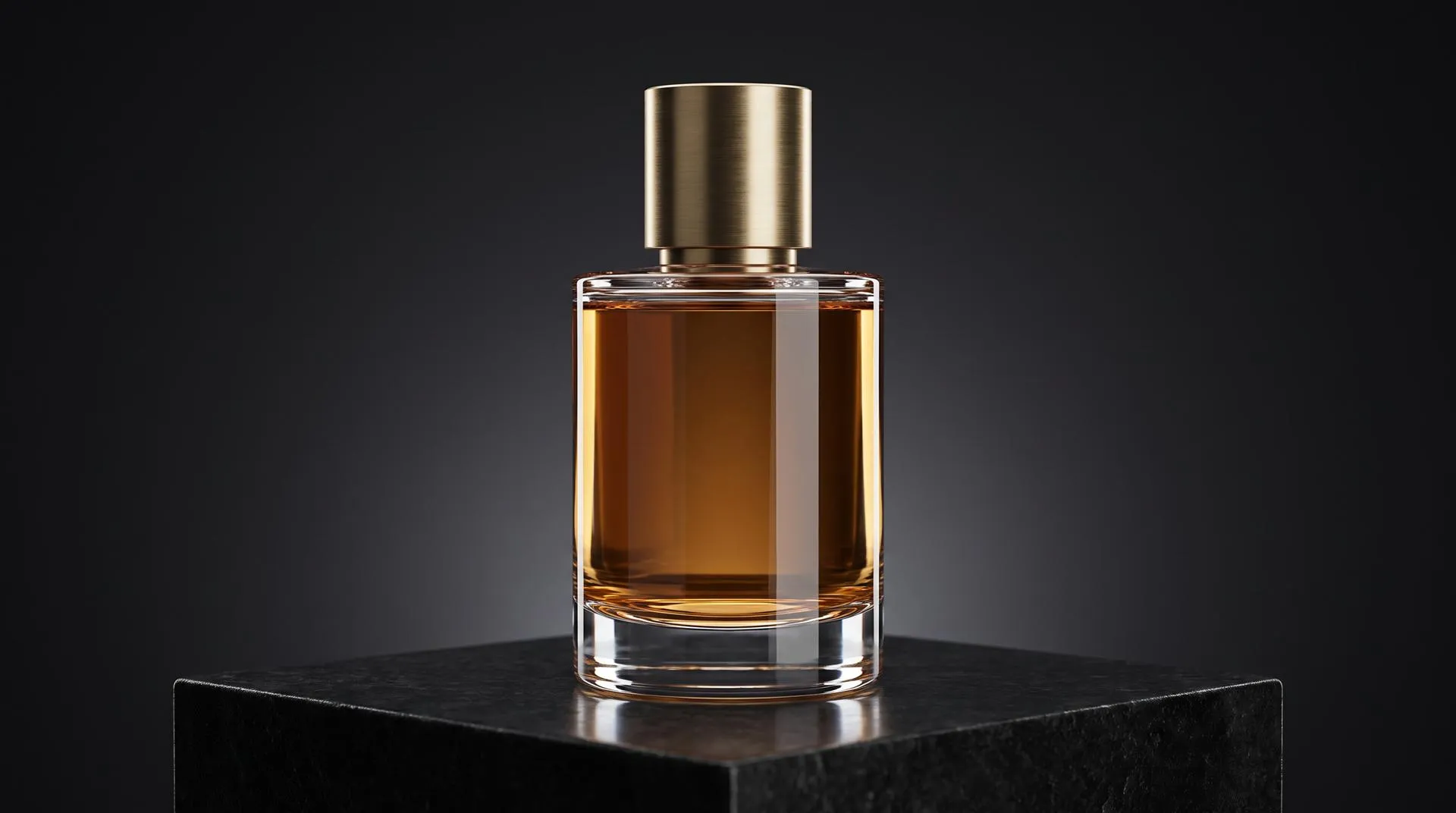
| Hero shot | $700 to $1,500 | Homepage banner, launch page, ads | Custom lighting, close-up detail, art direction rounds |
| Lifestyle scene | $500 to $3,000 | Secondary listing images, social, email | Building the room or setting, props, realistic clutter |
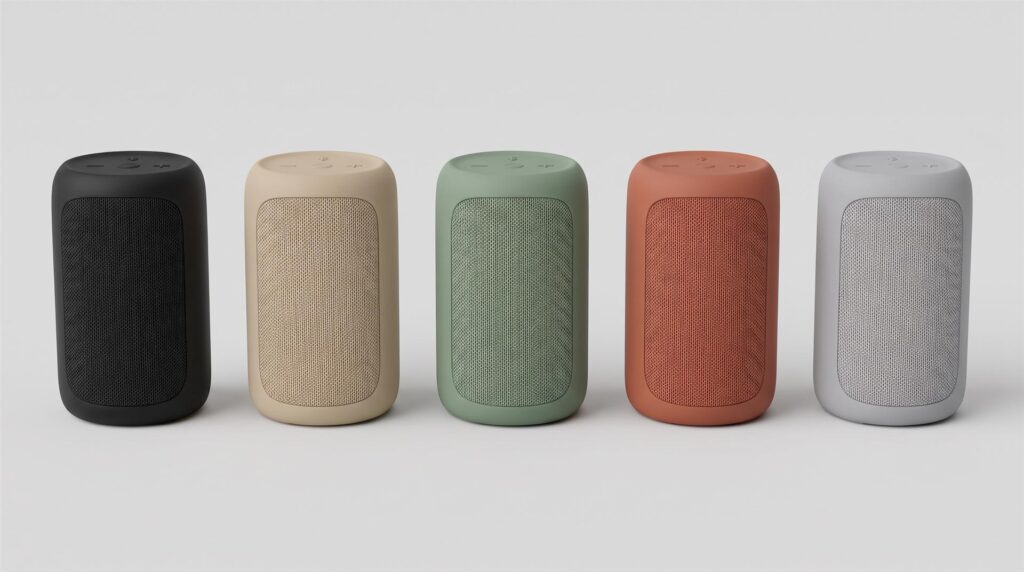
| Extra colorway | From about $60 per finish | Showing every color on the product page | Number of finishes times number of angles |
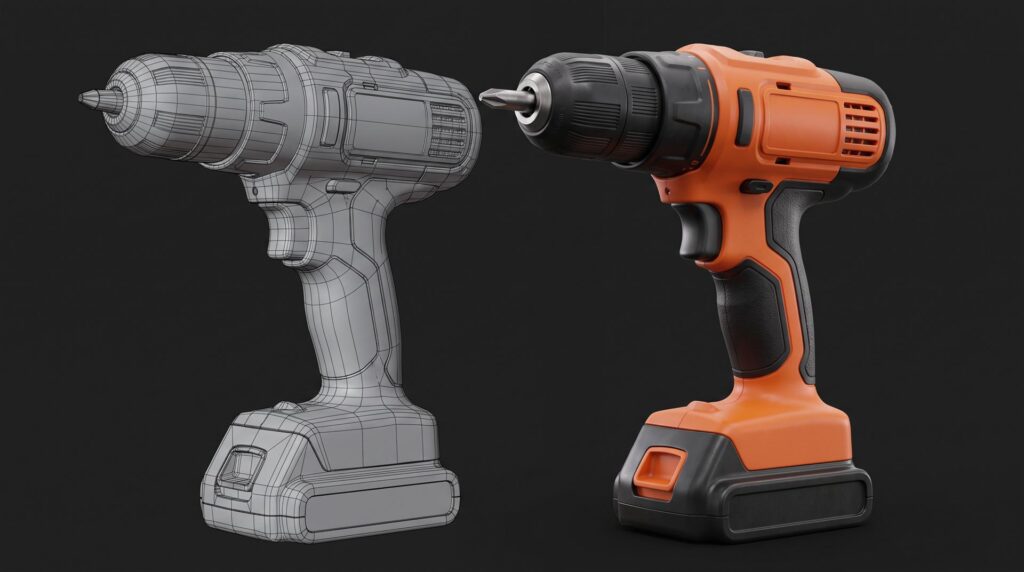
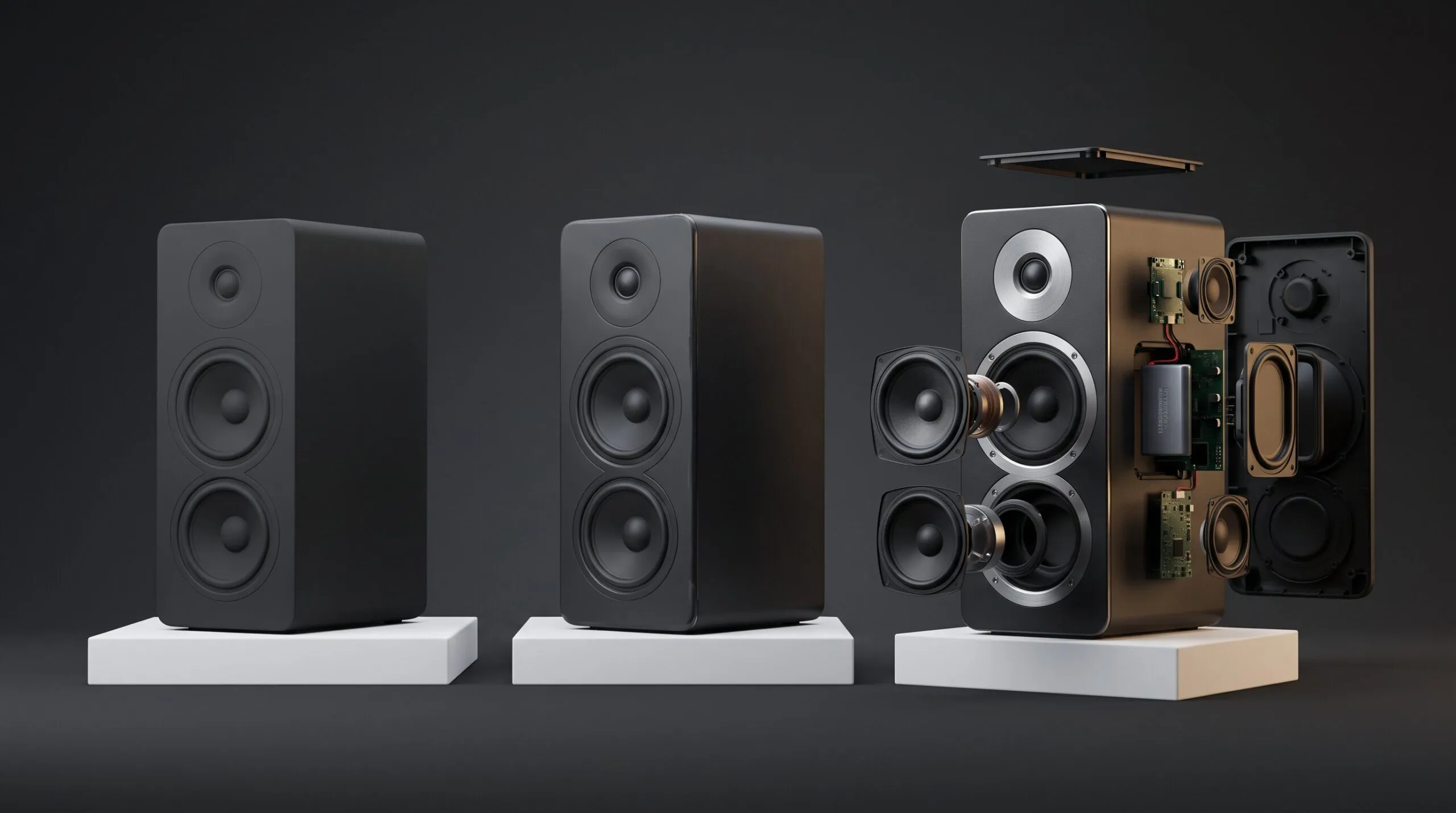
| Technical or exploded still | $400 to $1,000 | Feature callouts, B2B sales decks | Number of parts, how the model was built |
| 360 spin | $500 to $2,000 | Interactive product viewer | Frame count, it is really a short animation |
Freelancers sit at the bottom of each range, mid-level studios in the middle, and premium studios at the top. Hourly rates in the same guides run roughly $25 to $150 for freelancers and $75 to $250 for studios. Most product work is quoted as a fixed price, though, not by the hour.
What drives the price of a product render?
The 3D model is almost always the biggest cost, and it is the one you control the most. Everything else is smaller and easier to predict.
Modeling from CAD or from scratch. If your engineers have a STEP or SolidWorks file, the studio cleans it up and adds materials. If you only have photos and dimensions, someone has to build the product by hand. That can cost more than all the images combined. Our 3D modeling services page explains what we need for each case.
Materials. Matte plastic is easy. Brushed aluminum, glass, clear acrylic, chrome and fabric take longer to get right, because they show every mistake in the lighting.
Number of angles. Each new camera means new composition and a new render. It is cheaper than the first image, but not free.
Background. A plain white or transparent background is the cheapest option. A full 3D environment, like a kitchen or a desk setup, can cost more than the product shots themselves.
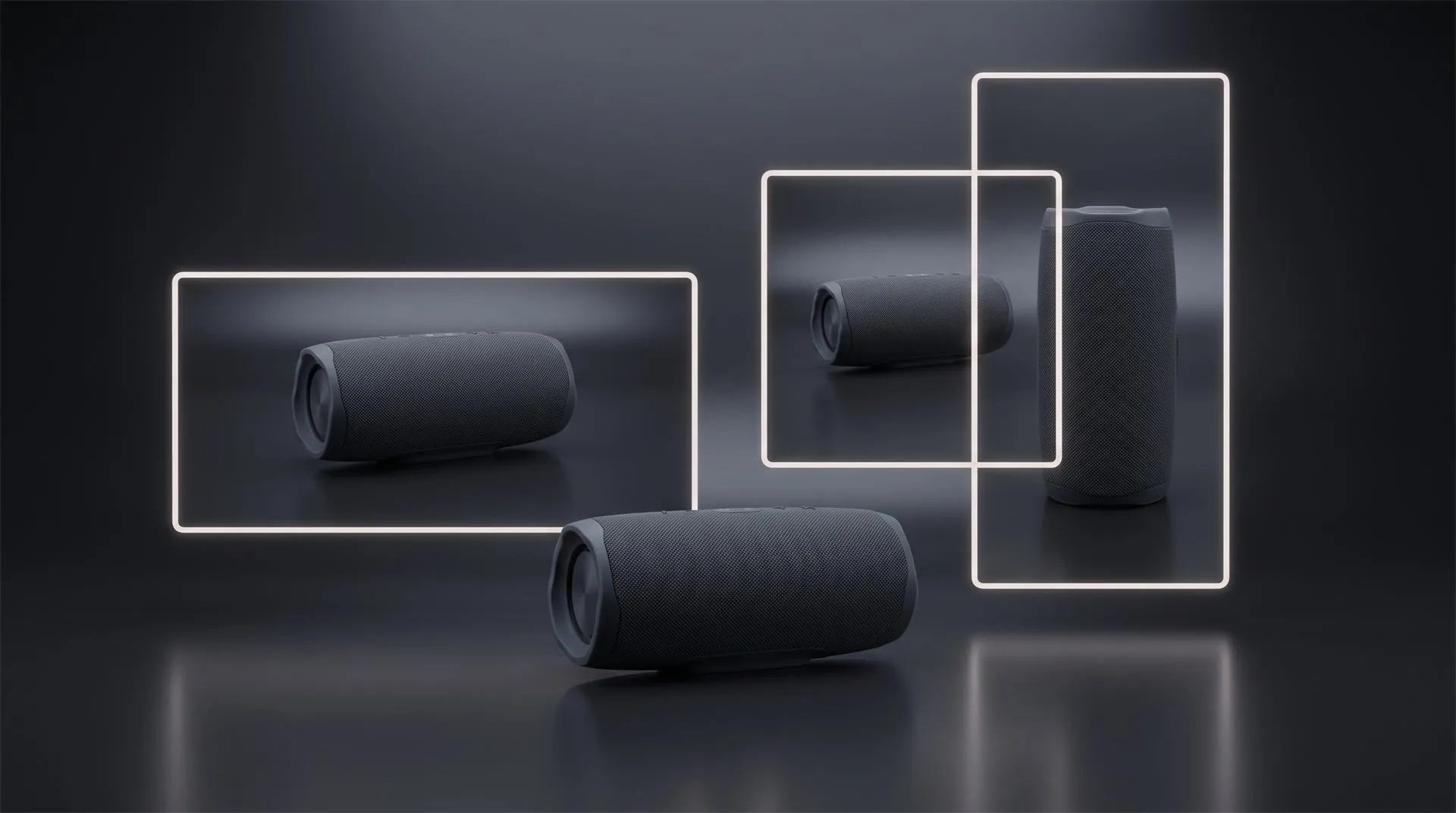
Resolution and format. Standard web sizes are cheap. Large print sizes add render time. A different aspect ratio, like 1:1 or 9:16 for social, is not an automatic export. Someone has to recompose the camera for each format.
Revisions. Most studios include two or three rounds. Changes to the product design after approval usually start a new quote.
Deadline. Rush work costs extra, usually because a studio has to move other projects.
Why does the tenth image cost less than the first?
Because the expensive part, the model with its materials and lighting, is already done. Image ten is a new camera angle on a scene that already exists. A new colorway is a material swap on a model that already exists.
You can see this in how our own prices work. Our still image calculator charges for the model once, then for the image count in tiers, then for the background:
| Project | Model | Images | Background | Total | Per image |
|---|---|---|---|---|---|
| 10 images, your CAD, white background | $200 | $250 | $100 | $550 | $55 |
| 20 images, your CAD, white background | $200 | $400 | $100 | $700 | $35 |
| 50 images, your CAD, white background | $200 | $500 | $100 | $800 | $16 |
| 10 images, your CAD, 3D environment | $200 | $250 | $500 | $950 | $95 |
| 10 images, medium modeling from scratch, white | $800 | $250 | $100 | $1,150 | $115 |
Square and vertical versions are $100 each on top. A set of up to 10 images from your CAD file is typically delivered in about a week.
The honest flip side: if you need one image, the per-image math does not help you. Our minimum with your CAD file is $550 whether you take one image or ten. For a single shot, a freelancer or doing it yourself is often the better deal.
Studio vs freelancer vs doing it yourself
The cheapest route depends on how many images you need and who already sits on your team.
| Route | Typical cost | Good for | Watch out for |
|---|---|---|---|
| Do it yourself | Software plus your time | Teams that already have a 3D designer | Learning curve, lighting is harder than it looks |
| Freelancer | $50 to $500 per image | One or two images, simple products | Varying quality, slow revision cycles |
| Studio | $250 to $1,200 per image, less in packages | Full sets, colorways, launch campaigns | Minimum project size |
If you already have an in-house KeyShot designer, you may not need anyone for stills. A KeyShot Studio Professional license costs $1,299 per year at the time of writing, and a good designer can produce a full catalog with it. Blender is free and fully capable, though it takes longer to learn.
If you want to test what your product looks like before paying anyone, our free Render Lab renders a GLB or CAD file in your browser. It will not replace a studio for a launch, but it shows you very quickly whether your model is clean enough to work with.
Render vs product photoshoot: when does 3D pay off?
For one simple product in one color, a photographer is usually cheaper. Published 2026 rates for a basic catalog photo on white start around $25 to $70 per image. Day rates run $1,000 to $3,000, plus studio rental, sample shipping and retouching.
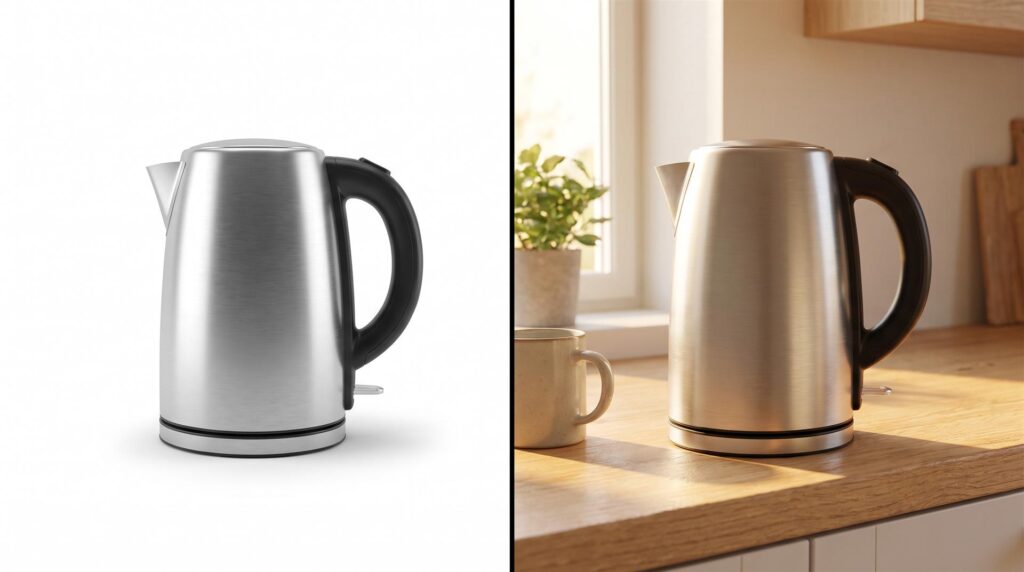
3D starts to win when any of these are true:
-
The product does not exist yet, and you need images for a pre-order page or a pitch deck.
-
You sell many colorways or finishes.
-
The product is hard to photograph: glass, chrome, black gloss, or anything that shows fingerprints and dust.
-
You update the line often, and every update would mean a new shoot.
-
You also want animation later, because the same model can be reused for video.
Marketplace rules apply to renders too. Amazon’s own product photo guide asks for a pure white background (RGB 255, 255, 255) on the main image. Google’s Merchant Center image rules ask for a clean view of the actual item and do not accept mockups that fail to show the physical product. A render built from your real CAD file meets that bar. A loose approximation of the product does not.
How to pay less for product renders
-
Send the real CAD file. It is the single biggest saving. With our pricing it is the difference between $200 and up to $2,000 for the model.
-
Order all angles and colorways in one batch. Coming back for five more images later often costs more than adding them up front.
-
Start with a white background. Add one or two lifestyle scenes only where they earn their cost, like the second slot on your listing.
-
Agree on formats early. If you need square and vertical versions, ask for them in the first quote, not after the cameras are locked.
-
Collect feedback in one place. Three people sending separate comments is how two revision rounds become five.
-
Ask who owns the model. Owning the images does not mean you own the 3D model or scene files. If you want to reuse the model for video, a configurator or another studio, agree on it before the project starts.
For more on what our renders include, see our 3D product rendering services page.
How to get an accurate quote: what to send
A studio can only quote accurately what it can see. A short brief with the right files gets you a real price in one reply instead of a range.
Checklist:
-
CAD file (STEP, IGES, SolidWorks or similar), or photos plus dimensions if there is no CAD
-
List of shots: how many angles, which ones are silo and which are lifestyle
-
Every colorway and finish, with color codes or physical samples if accuracy matters
-
Material references, especially for metal, glass and fabric
-
Where the images will be used: Amazon, Shopify, print, social
-
Required formats and sizes
-
Deadline, and whether it is fixed
-
Two or three reference images you like
Common mistakes
-
Comparing per-image prices without asking what is included. A $50 render with no modeling and a $300 render with modeling are not the same offer.
-
Ordering one image to “test” a studio. You pay the full model cost for one picture. Ask for their portfolio of similar products instead.
-
Sending a CAD file with internal parts nobody will see. It is fine to send it, but say which parts matter so nobody spends time on screws inside the housing.
-
Changing the design after the drafts are approved. That is a new model, not a revision.
-
Assuming you get the 3D files. Most studios deliver images by default. If you need the model, ask before you sign.
-
Using architectural price guides to budget. Room renders and product renders are priced on different work.
FAQ
How much does a 3D product render cost per image?
Published 2026 ranges run from about $50 to $700 for a silo shot on white and $500 to $3,000 for a lifestyle scene. In a package with an existing CAD file, the per-image cost can drop well below that. Our 10 image set starts at $550.
What is the typical hourly rate for 3D rendering services?
Roughly $25 to $150 an hour for freelancers and $75 to $250 for studios. Most product rendering is quoted as a fixed price per project, so ask for that instead.
How long does a product rendering take?
A set of around 10 images from a usable CAD file typically takes about a week. Modeling from scratch and full 3D environments add time.
Is 3D rendering cheaper than a product photoshoot?
For one simple product in one color, usually not. For many colorways, hard-to-photograph materials or products that do not exist yet, 3D is usually cheaper and faster.
Do extra angles and colorways from the same model cost less?
Yes. The model, materials and lighting are already built, so each extra angle or color is a small part of the first image’s cost.
Get a real number for your product
Send us the CAD file and a rough shot list. We will tell you what it costs and which route makes sense, including the ones that do not involve hiring us. Contact us here.
Related Articles
Product Hero Shots: What They Are, Why Brands Now Render Them in CGI, and What They Cost
What Software Can You Use to Create 3D Product Images for Amazon Listings?
How to Choose a 3D Product Animation Studio: A Buyer’s Checklist
3D Product Animation Trends in 2026: What Brands Are Doing Now
Your Catalog Keeps Growing and Every New Product Means Another Photoshoot. Build the Asset Library Instead
You Have a KeyShot File but No Animator. Here Is How to Get a Product Video Made
 Rachel A