

Your Product Renders Are Sitting in a Folder. Here Is How to Turn Them Into Ads That Convert on Meta and TikTok
You paid for the renders. They are beautiful. They are on the website, in the deck, on the packaging, and they are also sitting in a folder doing nothing while your Meta account burns through creative every single week.
That is the situation almost every hardware and DTC brand lands in. The performance team needs a constant stream of short vertical ads to feed the auction, and they need new ones before the old ones fatigue. The product team has a set of gorgeous, approved, production-ready 3D assets that nobody is turning into motion. The two never quite meet, so the ad account ends up running the same three tired clips, or a stock-music slideshow, or a UGC video where the product is a blurry thing in someone’s hand.
The renders you already own are the single best ad input in the building. This is how to actually use them.
First, understand what the feed is doing to your creative
Paid social is not a place you put one great video. It is a furnace. The algorithms on both platforms reward variety and punish repetition, so you are not making an ad, you are feeding a system that wants many ads and wants fresh ones constantly.
Meta’s own delivery works best when you give it a spread of creatives to choose between, not one polished hero. A campaign with eight to twelve varied assets routinely beats one with two, because the system needs options to match creative to viewer. TikTok is the same story: its creative guidance pushes several distinct creatives per ad group and frequent refreshes, because creative fatigue is the thing quietly killing your cost per result.
This is the part that changes everything about how you should think about your renders. The bottleneck in performance creative is not making one beautiful thing. It is making many good things, cheaply, over and over. And that is precisely what 3D is built to do.
Why the usual answers fail for a premium physical product
When a brand needs ad creative volume, the market offers three cheap routes. For a premium physical product, all three have a specific failure mode.
UGC and phone footage. Great for social proof, hopeless for the product itself. A ten dollar an hour editor shooting a product in a kitchen gets you authenticity and a soft, badly lit, unbranded version of the thing you spent a fortune designing. Fine as a testimonial, wrong as the hero.
AI video generators. Fast and cheap, and they warp the product. The current tools hallucinate geometry, drift the logo, melt the edges and invent details that are not on your real object. For a lifestyle vibe they can work. Point them at a precise piece of hardware and they will quietly redesign it, which is a brand problem and sometimes a legal one.
Another live shoot. Slow, expensive, and it gives you exactly what you capture on the day. Want the same shot in a second colorway, a different angle, or a new format next month? Book the studio again.
None of these is bad in isolation. They are just the wrong tool when the product is the hero and has to look flawless in motion. That is the exact case where the asset you already have wins.
Why a 3D asset is the best ad input there is
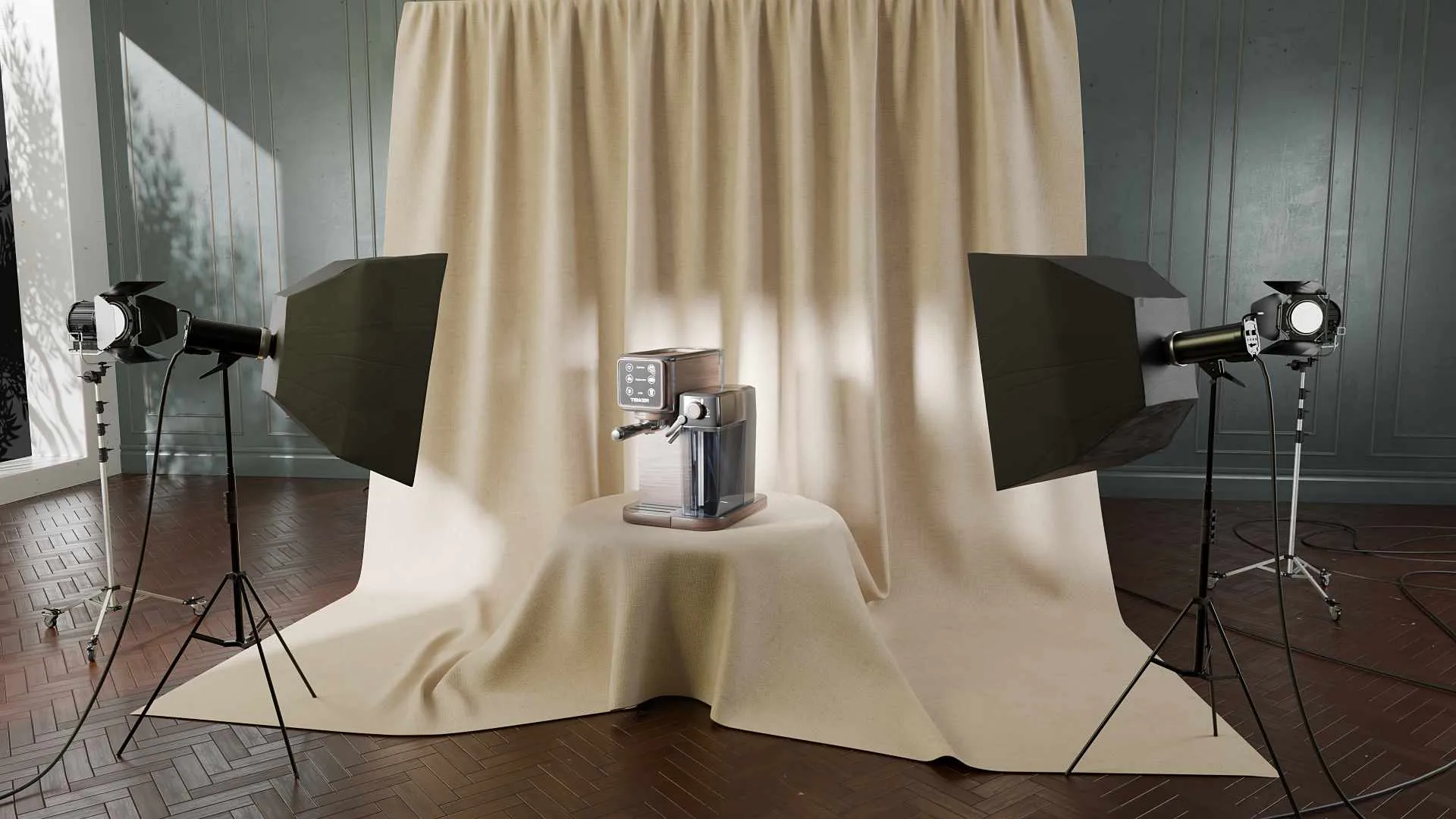
A finished render is not a picture. Behind it sits geometry, materials, lighting and a camera, and once that master exists, motion becomes far cheaper to produce and endlessly repeatable.
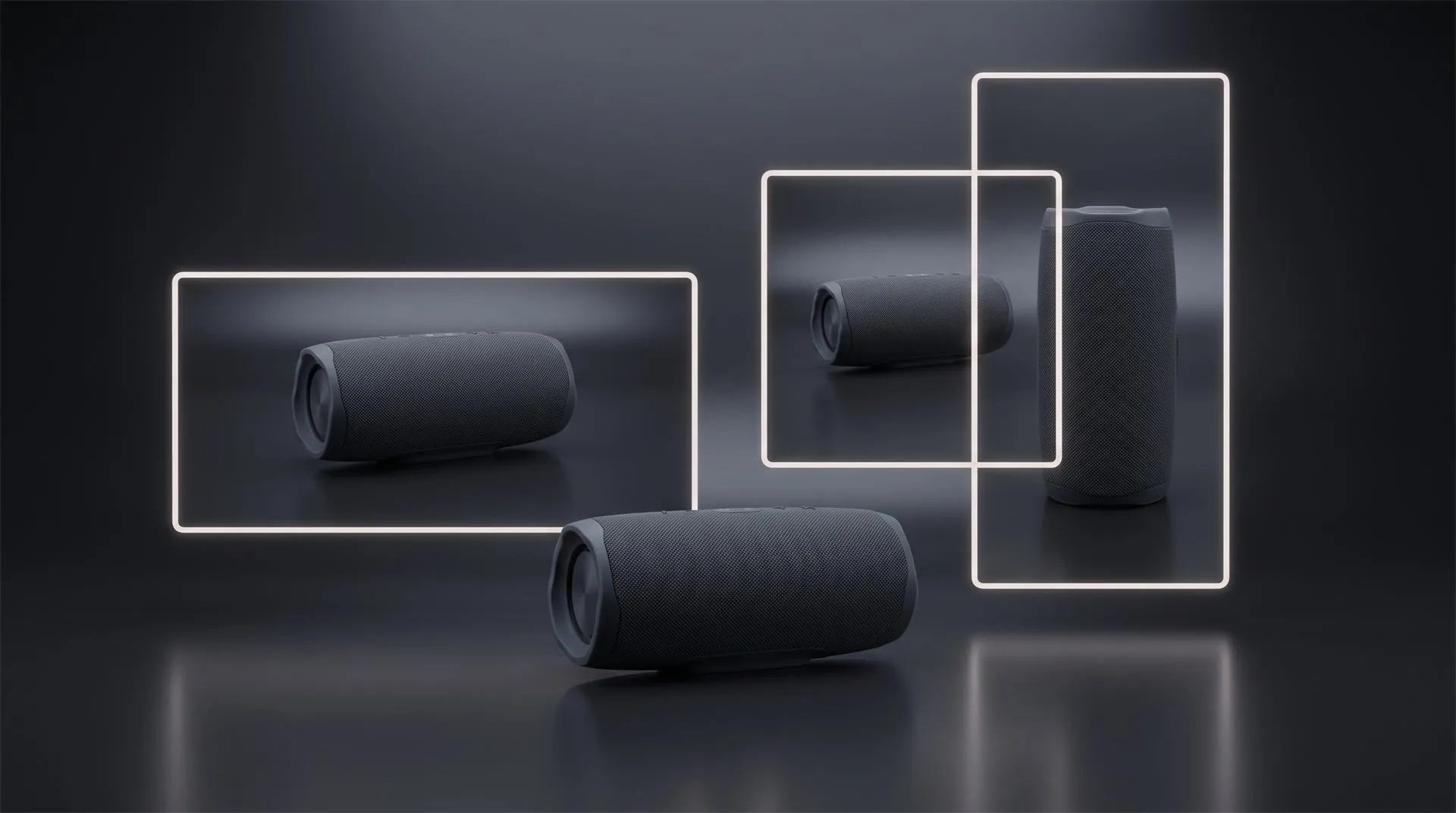
From one master asset you can generate a dozen different ad concepts without reshooting anything. The camera can whip around the product for a hook, push in on the feature that matters, explode the thing apart to show what is inside, or hold a slow hero beat. You can recolor it for every variant and drop it onto different backgrounds off the same master, cheaply, because nothing is rebuilt. Reformatting into different aspect ratios is a bit more involved: a 9:16 Reel, a 1:1 feed ad and a 16:9 placement usually need the camera reframed for each so the composition still reads, so treat multi-format cutdowns as real editing work rather than a free export. It is still far cheaper than shooting each format separately, and the product looks identical and perfect in every one, because it is the same digital object every time. For every format your launch needs across channels, not just paid social, the free asset planner spells out the dimensions.
That is the whole argument. Performance marketing needs volume and variation to test its way to a winner. A 3D master produces that volume and variation at a fraction of the cost of producing each one from scratch. You are not buying an ad. You are buying an ad factory that runs on the file you already made. (This is the same reusable-asset logic that makes 3D beat repeat photography across a catalog, applied to the ad account instead of the product page.)
What actually makes a 3D product ad convert
Owning the asset is not the same as knowing how to cut it for the feed. A gorgeous turntable is not an ad. Here is what separates creative that converts from a pretty clip that gets scrolled past.
- Win the first second, with the product. On both platforms the opening frames decide everything, and the audience judges in about a second whether to keep watching. Open on motion and on the product doing something, never on a logo, a slow fade or a title card. Your best 3D move, the reveal, the snap-together, the surprising angle, belongs at frame one, not at the end.
- Vertical first, then adapt. Shoot the master for 9:16 full screen, because that is what fills a phone and what both platforms now treat as the default. Then produce the 1:1 and 4:5 feed cuts from the same scene, reframing the camera for each so the layout still holds rather than cropping the vertical and hoping. Meta’s own testing found Reels ads built as 9:16 video with sound and safe-zone-aware layout delivered a materially lower cost per result than static image ads. Vertical is not a nice-to-have, it is the format the money lives in.
- Make it work with the sound off, then reward sound on. Most people meet your ad muted. The message has to land through motion and on-screen text alone, so put your value proposition on screen in a few bold words, then let music and sound design deepen it for the people who turn audio on. One benefit, stated plainly, beats a paragraph nobody reads.
- Respect the safe zone. Both platforms lay their own interface over your video: a username and caption up top, a stack of buttons and text along the bottom. Keep your product and your key words centered and out of those margins, or the platform will bury your message under its own UI. Check the current dimensions in the Meta Ads Guide before you lock the layout.
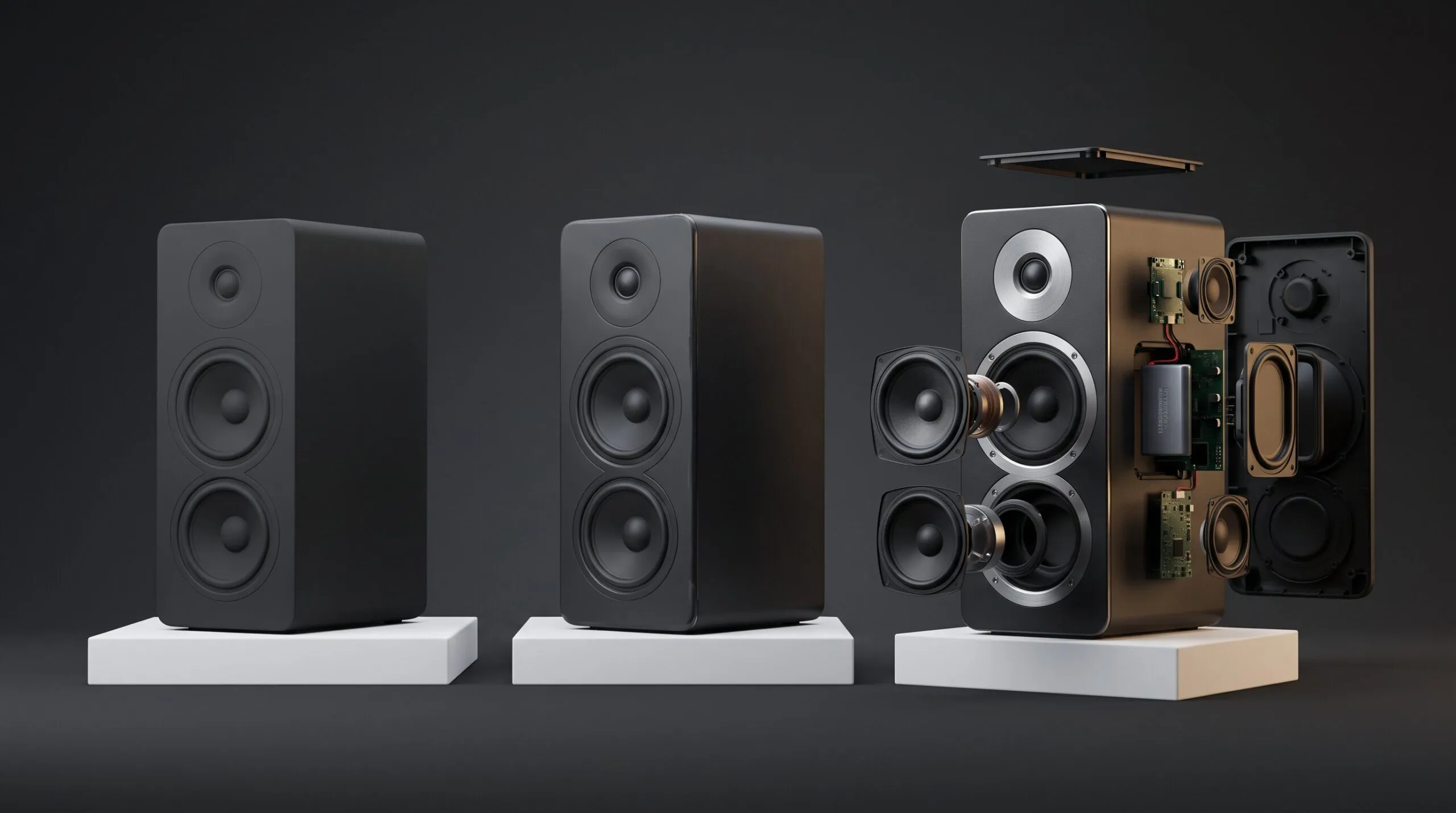
- Show the benefit, not just the beauty. A render that only says “look how nice this is” does not convert. Motion should demonstrate something: how it works, what is inside, why it is better, how it fits the hand or the room. This is where 3D crushes both photography and UGC, because it can open the product up, cut it in half, and animate the mechanism in a way a real camera never could.
- Cut for testing, not for one perfect film. Build the master so it yields many short variants: different hooks over the same body, different first frames, different lengths, different on-screen claims. Keep each cut tight, roughly fifteen to thirty seconds for direct response and often shorter, and hand the ad account a spread to test rather than one precious edit.
The economics: one master, a month of ads
This is the number that should decide it.
A live shoot or a UGC batch buys you a fixed set of clips, and when they fatigue you pay again for the next set. A 3D master is built once, and every subsequent variant, a new hook, a new colorway, a new seasonal angle, is a re-render plus editing, not a reshoot. A new colorway is close to free; a new format still costs some camera and editing time, but a small fraction of shooting it. The cost per additional ad drops sharply exactly as your need for fresh creative rises, while photography and UGC have the opposite curve, where each new wave costs roughly what the last one did.
For a brand running always-on paid social, that gap compounds fast. The first 3D ad can look more expensive than a UGC clip on day one. By the tenth variant in the third week, the 3D route is the cheap one, and it is the only route where the product looked flawless in every single cut.
Where UGC and live footage still win
3D is the wrong tool for some of the most important ads you will run, and pretending otherwise will cost you.
Social proof and testimonials. A real customer, a real face, real words. This is UGC’s home turf, it builds trust that a render cannot, and you should shoot it for real.
Human context and lifestyle. Hands, homes, the messy real world around the product. Often faster and more convincing captured live than built in 3D.
Founder and brand story. The person talking to camera. That is a shoot, not a render.
The winning play is not 3D instead of everything. It is 3D for the product, live for the people, running side by side in the same account. The 3D library carries the hero product ads, the feature demos and the endless format and colorway variants, while UGC and live footage carry the trust. Most brands that scale on paid social end up running both, deliberately.
Which route fits which ad
| The ad you need | Best route | Why |
|---|---|---|
| Hero product ad, product is the star | 3D from your renders | Flawless product, infinite angles and variants |
| Feature or mechanism demo | 3D from your renders | Only 3D can open it up and show inside |
| Colorway and format variations for testing | 3D from your renders | Recolor and re-cut, no reshoot |
| Customer testimonial or review | UGC | Trust comes from a real person |
| Lifestyle, in-context, human hands | Live or UGC | Real world reads as authentic |
| Founder or brand story | Live shoot | A face to camera, not a render |
What to hand over to get it made
Send this in one place and you will get a plan and a quote back quickly instead of a week of questions.
- The 3D scene or model, not just the rendered images. The actual KeyShot, Blender or C4D file, the one with the geometry, materials and lighting inside it. This is the highest-value item by far, because if it exists, the expensive part, the model, is already done. Send your rendered images too, but as reference for the target look, not in place of the file. A folder of renders is a set of pictures; it is not a 3D scene, and on its own it does not mean the model exists.
- The original CAD. STEP is the safe universal format, native is better. This matters if whoever builds the ads does not work in your rendering tool, and it protects the accuracy of the product.
- The variant list. Every colorway, finish and configuration you want ad cuts for. This is what sizes the reuse.
- The offer and the hook ideas. What the ad is selling and what the viewer should feel or understand in the first two seconds. Not a full script, just the point and the angle.
- Format and placement spec. Which platforms, which ratios, sound-off requirement, and how many variants you want to launch and test.
- Brand assets. Logo in vector, fonts, color codes, and any existing ads whose look you want matched or beaten.
One thing to check on your side: that your render geometry holds up under a moving close-up. A model tuned for a static three-quarter still can reveal faceting when the camera pushes in, and paid social is unforgiving on a large phone screen.
Common mistakes
Running a turntable as an ad. A slow 360 on a clean background is a product-page asset, not a hook. The feed will scroll past it. Open on motion with intent.
One perfect edit instead of ten to test. The algorithm wants a spread. Give it variants, not a single hero, and let the data pick the winner.
Ignoring sound-off. If the message needs audio to make sense, most of your audience never gets it. Put it on screen.
Pointing an AI video tool at precise hardware. It will redraw your product. For an exact physical object, animate the real geometry, do not let a model hallucinate it.
Letting the UI eat your message. Text and product in the bottom third get covered by the platform’s own buttons. Center the important stuff.
Booking a reshoot for a second colorway. If you own the 3D master, a new color is a material swap, not a studio day. Reshooting is paying twice for something you already have.
FAQ
We already have product renders. Can they become video ads?
It depends on what you actually have, and the distinction matters a lot. If you have the 3D scene the renders were made from, the model, materials and lighting, then the expensive part is done and turning it into motion is fast and repeatable across as many variants as you need. But a render is a flat image, not a 3D file. Brands often assume that owning renders means owning the model, and frequently it turns out the designer or agency delivered pictures only and the scene sits with them or was never kept. If the 3D file does not exist, the product has to be modelled first, which is the single largest cost, and you are effectively starting at the beginning rather than halfway there. So the real first question is not whether your renders can move. It is whether you have the 3D scene behind them, or only the images.
Why not just use an AI video tool on our renders?
For an abstract or lifestyle mood, you can. For a precise physical product, current AI video tends to warp the geometry, drift the logo and invent details, which distorts the exact object you are trying to sell. Animating the real 3D asset keeps the product accurate.
What aspect ratio should product ads be?
Vertical 9:16 as the primary, since it fills the phone and is the default for Reels, Stories and TikTok, then 1:1 or 4:5 versions for feed placements. From a 3D master, all of these come out of the same scene.
How long should the ad be?
Short. For direct response, roughly fifteen to thirty seconds and often less, with the hook and the product in the opening frames. Front-load everything, because most viewers decide almost instantly.
Is it cheaper than UGC or a shoot?
Not on the very first clip. It becomes cheaper fast, because every additional variant is a re-render rather than a new shoot, exactly when your ad account needs a steady stream of fresh creative.
Do we still need UGC?
For testimonials, human context and brand-story ads, yes. The strongest accounts run 3D for the product and UGC or live for the people, in parallel.
Send us your renders
If you have product renders or a 3D scene sitting unused and an ad account that needs fresh creative, send them over. We will tell you which ad concepts your existing assets can produce, how many variants you can test from one master, and what it costs to turn the file you already paid for into a month of ads.
Related Articles
Your Catalog Keeps Growing and Every New Product Means Another Photoshoot. Build the Asset Library Instead
You Made a Product Image with AI. Here Is Why It Cannot Become Your Product Video.
You Have a KeyShot File but No Animator. Here Is How to Get a Product Video Made
How to Choose a 3D Product Animation Studio: A Buyer’s Checklist
3D Product Animation Trends in 2026: What Brands Are Doing Now
3D Product Demo Videos for Physical Products: Examples, Cost and Process

 Rachel A