
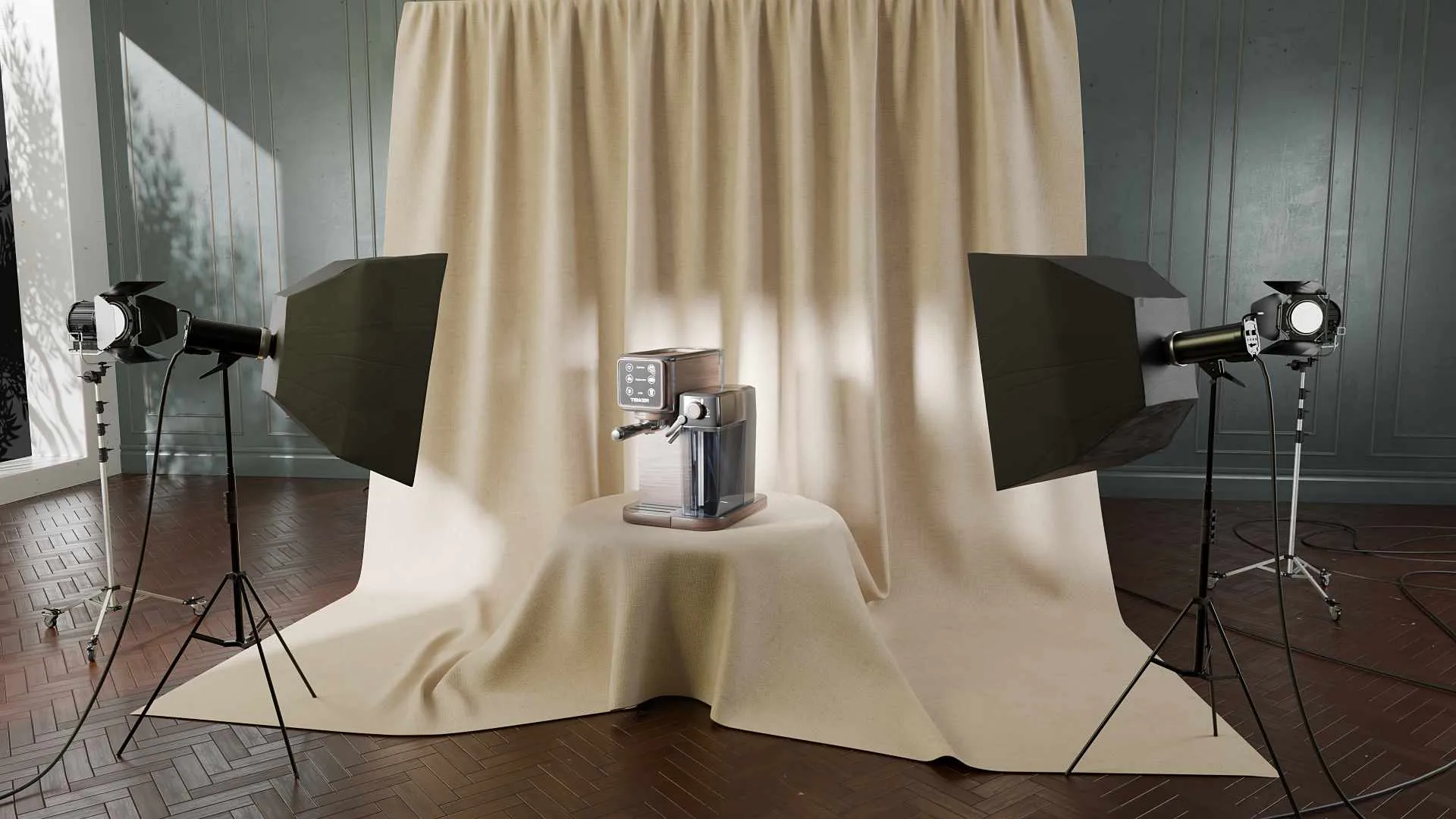
Your Catalog Keeps Growing and Every New Product Means Another Photoshoot. Build the Asset Library Instead
Look at how your product images actually get made, and a pattern shows up that nobody planned.
Every time a new product ships, someone books a shoot. The samples get couriered to a studio, a photographer sets up lights, the shots come back, they get retouched, and they go live. Then a variant launches in a second color, and most of that happens again. Then the packaging changes, or Amazon wants a different set, or the homepage gets a redesign that needs the product on white instead of on grey. Another shoot. Six months in, your store is a patchwork of images taken on different days, under different lights, at slightly different angles, and it never quite looks like one brand.
This is the exact situation we keep seeing from hardware and consumer product brands, and it is worth naming plainly: product photography is a recurring cost. You pay it again for every SKU, every variant, every refresh. It never compounds in your favor. Each shoot buys you that one set of images and nothing more.
A 3D product asset library flips that. You build the product once, and from that single master you generate stills at any angle, on any background, plus 360 spins, exploded views, Amazon sets, ad footage and the hero animation. When the second colorway launches, you do not reshoot anything. You change a material and re-render. The expensive part, building the thing, is paid once and reused forever.
This is not an argument that 3D beats photography at everything. It does not, and we will be specific about where photography still wins. It is an argument about what happens to your image budget as your catalog grows, and about a decision most brands make by accident instead of on purpose.
The reframe: a render is an output, an asset is a master
Most brands that have commissioned 3D before think of it as “we paid for some renders.” That is the wrong unit. A render is a single image that comes out the end. The asset is everything that produced it: the geometry built from your CAD, the materials tuned to match your real finishes, the studio lighting, the camera setup. That bundle is the master.
Once the master exists, an image is nearly free. A new angle is a camera move. A new background is one setting. A print-resolution version for a trade show banner is a higher render count on the same scene. The marginal cost of the next asset collapses, because you are not rebuilding anything. You are reusing the part that was expensive to make.
This is the whole game. The value of a 3D asset library is not in any single render. It is in how many different things you can pull from one master without paying to build it again.
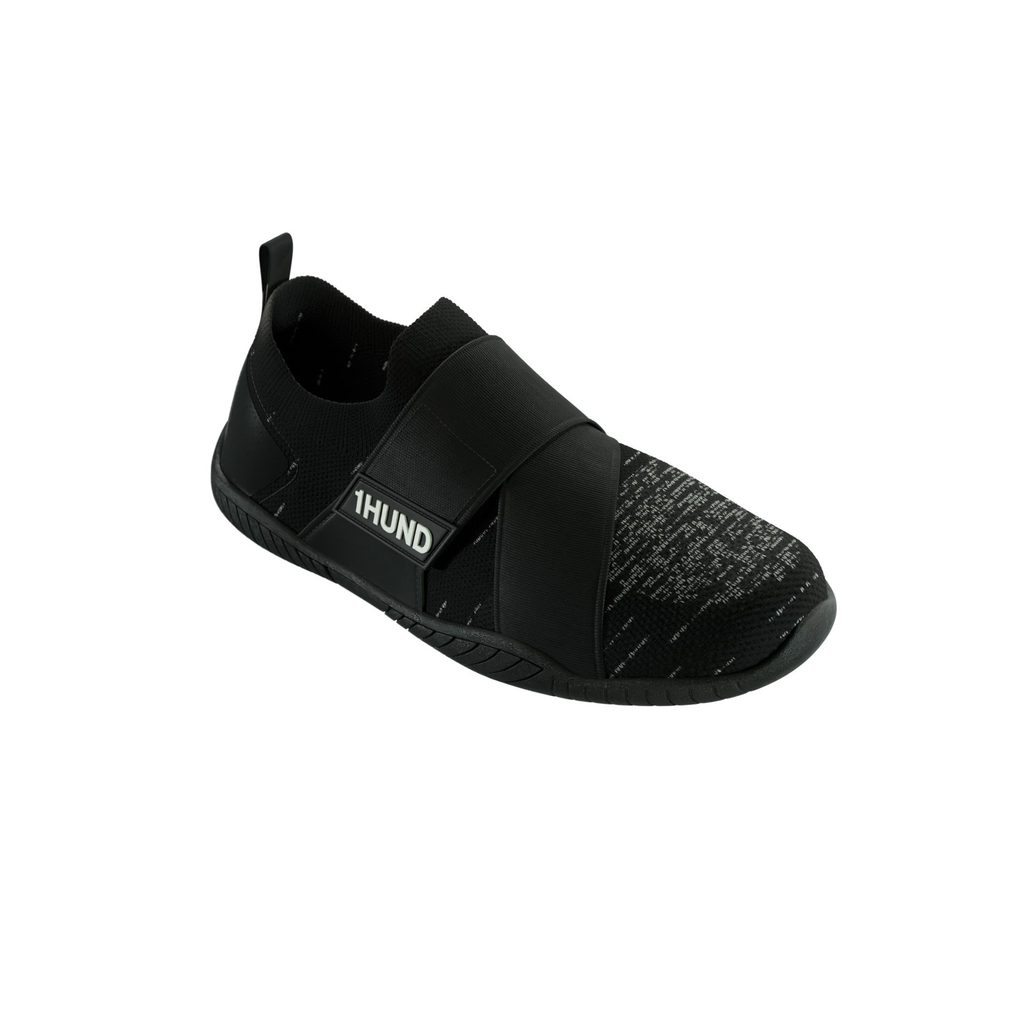
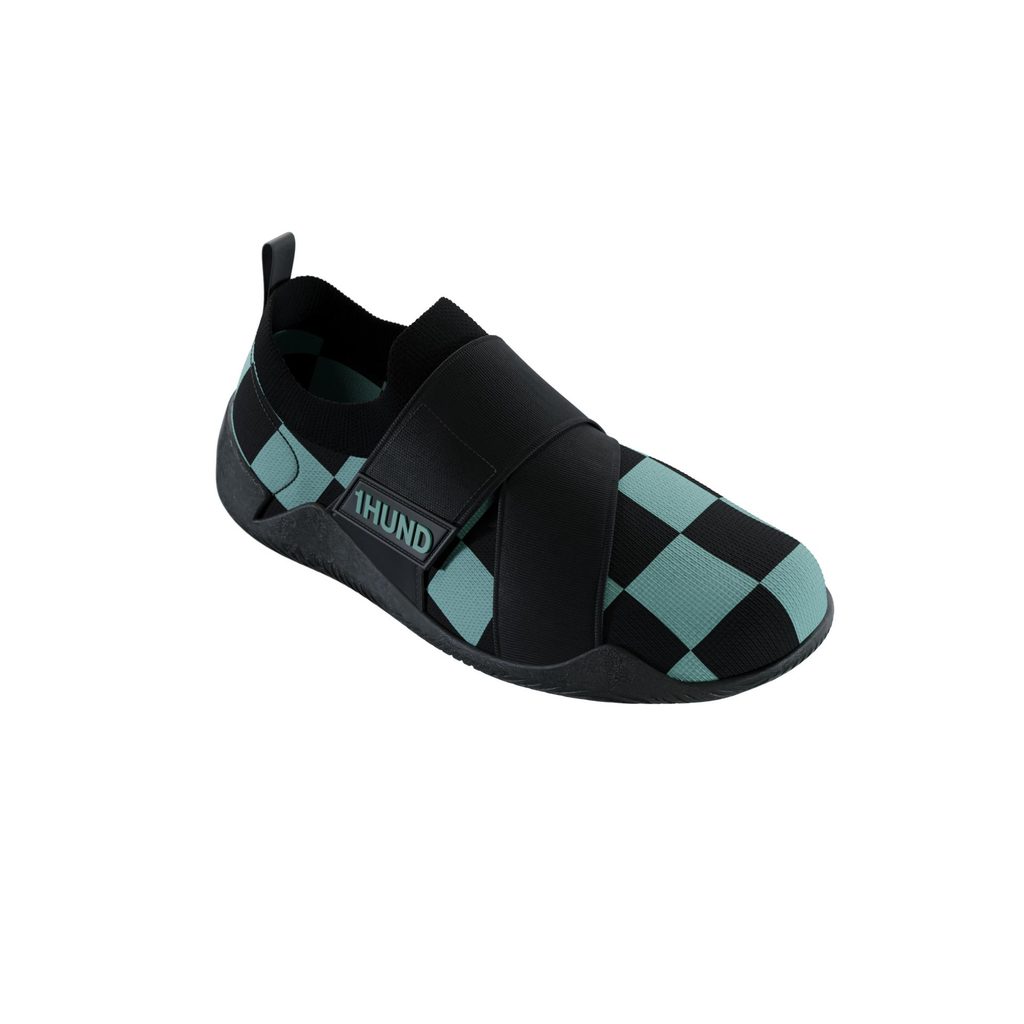
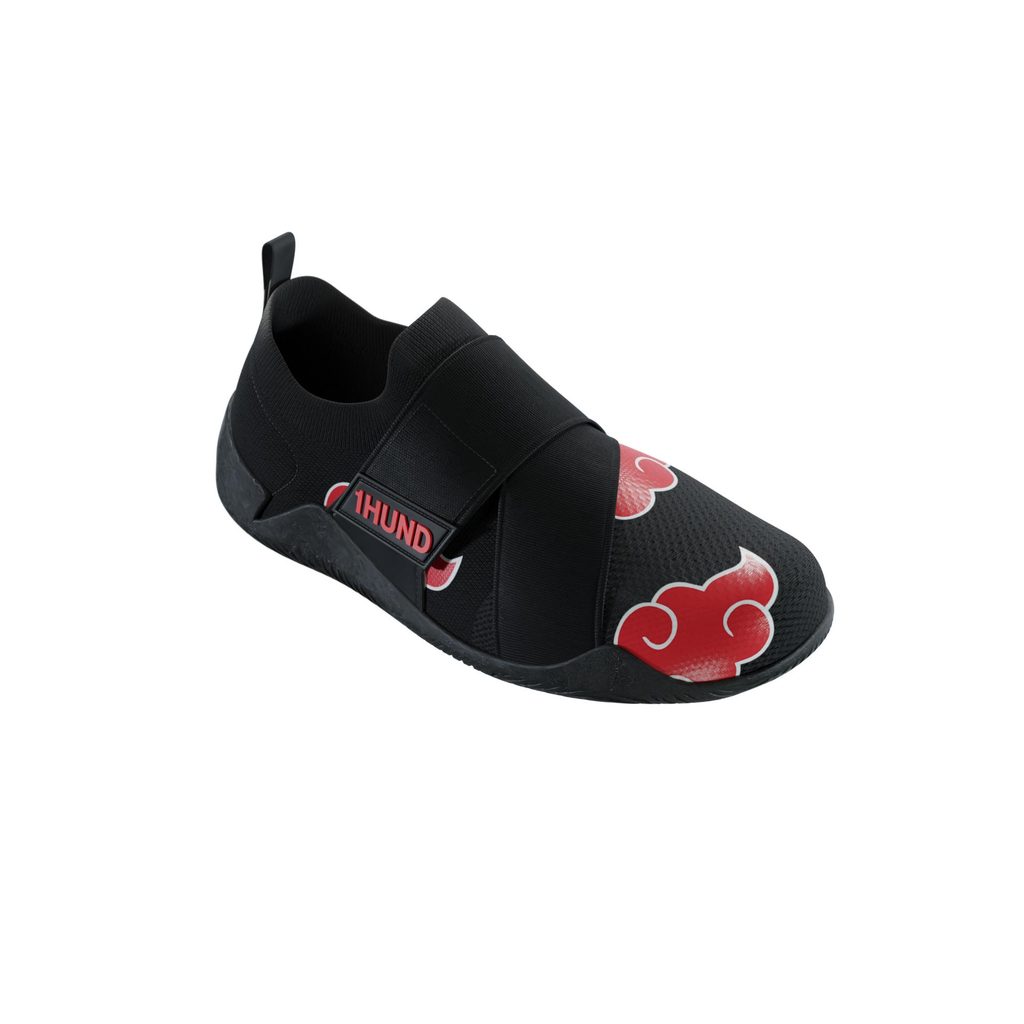
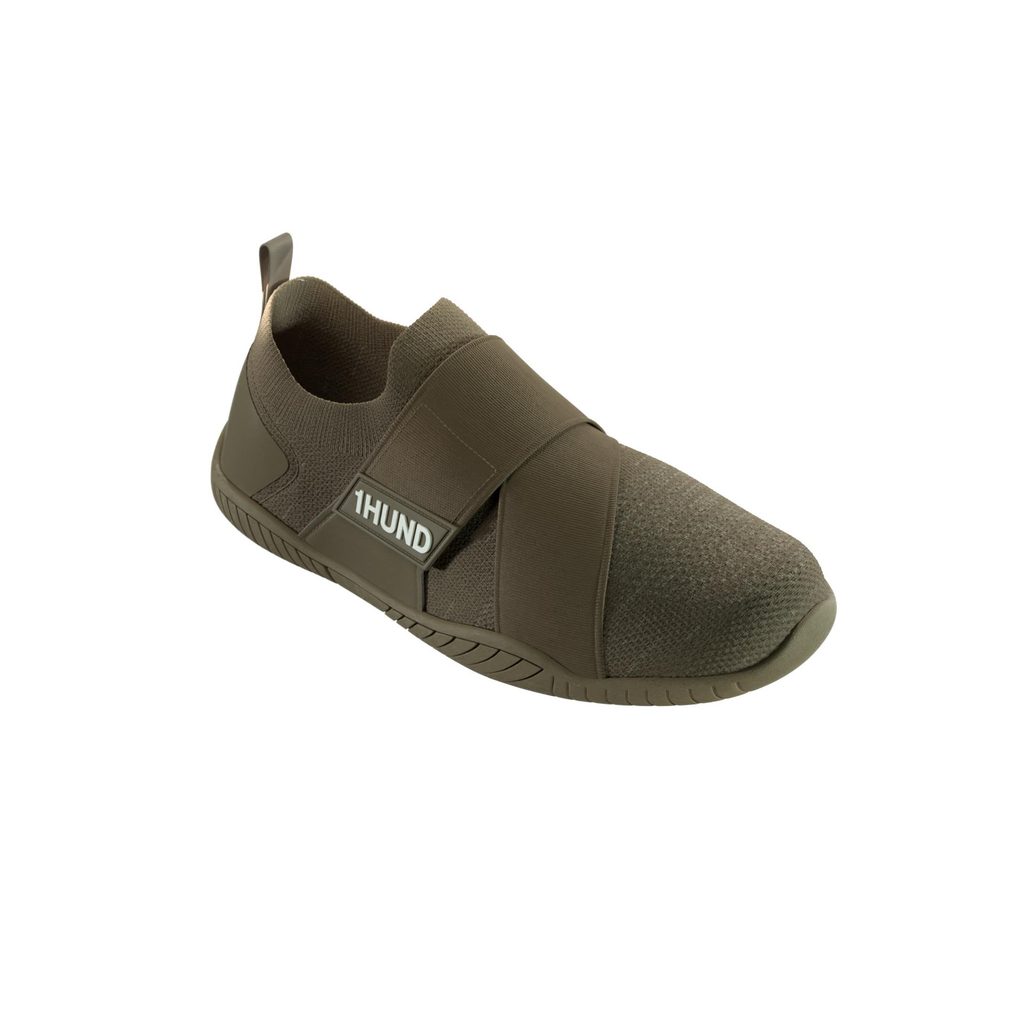
What one master actually produces
Here is what a single production-ready master asset generates, with no additional modelling:
Catalog stills at every angle. Front, three-quarter, back, top, detail crops, all perfectly consistent because they come from the same scene under the same lights. No more mismatched shots from three different photographers.
360 spins. The rotating product view for your product page and marketplace listings, rendered straight from the master.
Amazon and marketplace listing sets. The full sequence marketplaces reward: hero on white, feature callouts, scale references, in-context shots, all matched.
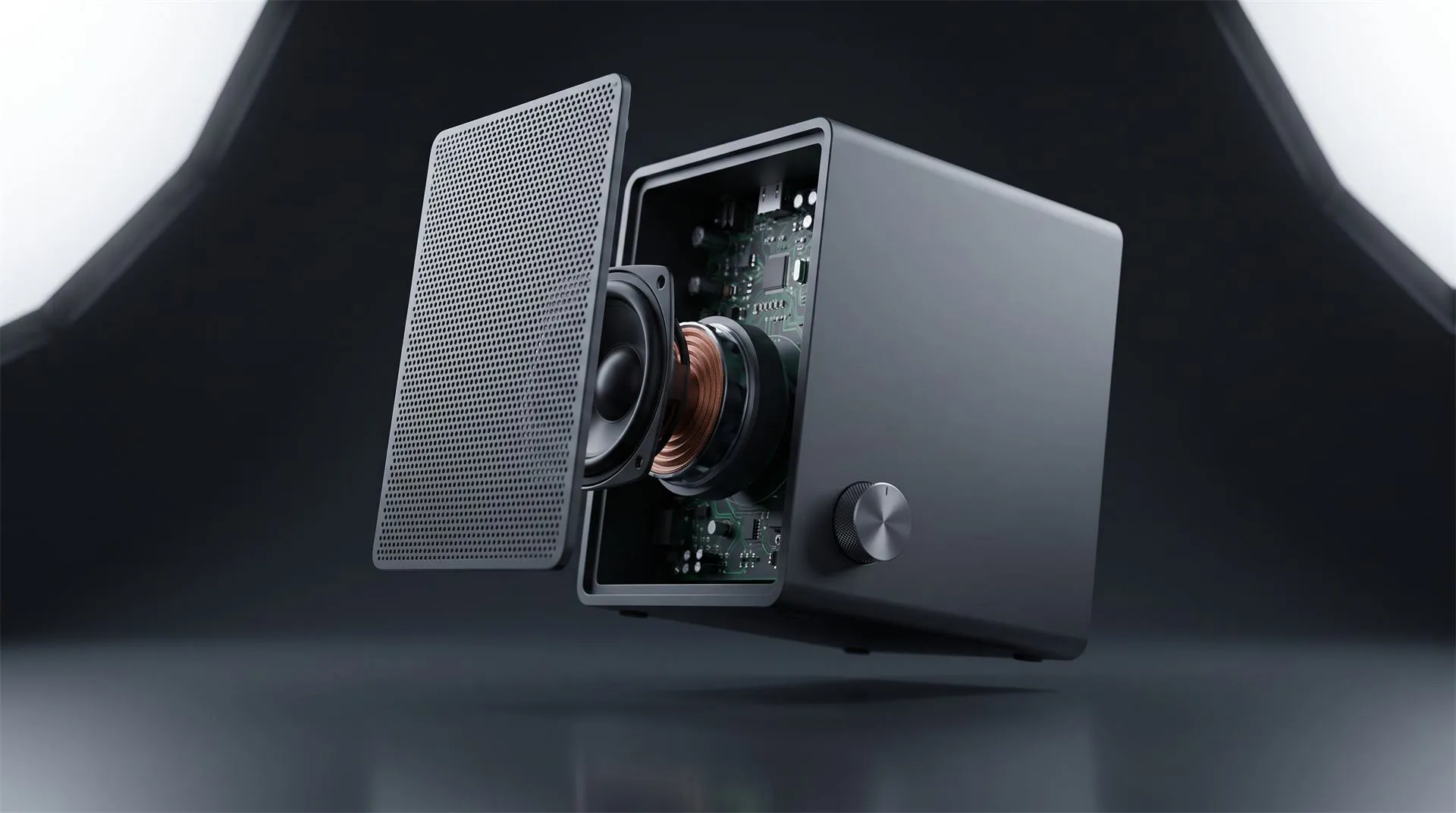
Exploded views and feature diagrams. The internal structure pulled apart to show what is inside, which photography physically cannot do without cutting a real unit in half.
Hero animation and ad footage. The launch video, the social loop, the paid-ad cut, all built on geometry that already exists.
Variant colorways. Every color, finish and material option off the same model. This is the one that changes the math, and it gets its own section below.
New-SKU derivatives. When the next product in the line shares parts, you reuse them instead of starting over.
Web and AR. Lightweight versions for interactive product viewers and augmented reality try-ons, from the same source geometry.
One shoot gives you one set of photographs. One master gives you all of the above, and gives it to you again every time you need a new format. Our free planner lets you see which formats each channel needs for your own launch, with dimensions for each one.
The economics, over a catalog and over time
A single photoshoot can look cheaper than a single 3D asset on day one. That comparison is a trap, because it only holds for day one, and only for one product.
The honest way to compare is over a growing catalog across a year or two, counting every reshoot the photography path actually incurs. Photography charges you per product, then charges you again per variant, then again per refresh. The 3D library charges you once to build each master, then charges almost nothing to reuse it.
| Product photography | 3D asset library | |
|---|---|---|
| First product, first set | Lower upfront | Higher upfront |
| Second colorway of that product | Full or near-full reshoot | Material change, re-render |
| New background or new format | New shoot or reshoot | One setting, re-render |
| Exploded or cutaway view | Not possible without destroying a unit | Included, no extra build |
| Consistency across the catalog | Drifts with every shoot day | Identical by construction |
| Cost curve as catalog grows | Linear, pays again each time | Flattens, reuse dominates |
| Physical sample required | Yes, every time | Only the CAD, once |
The crossover point is the whole decision. Below a handful of products with no variants and no ongoing refreshes, photography can stay cheaper. Above that, once you are managing a catalog that grows, ships colorways, and needs assets in more than one format, the library wins, and the gap widens every month because reuse costs almost nothing.
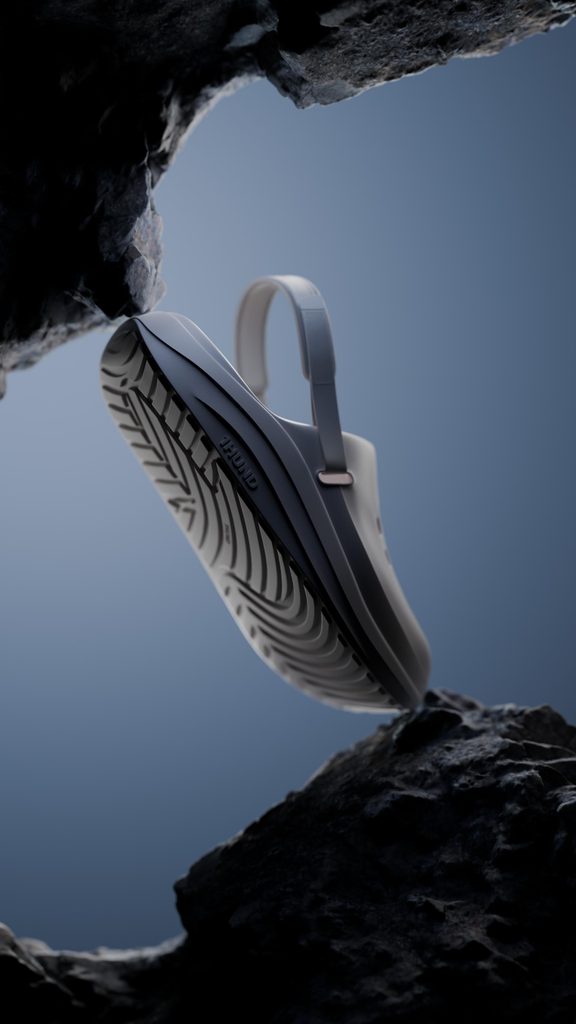
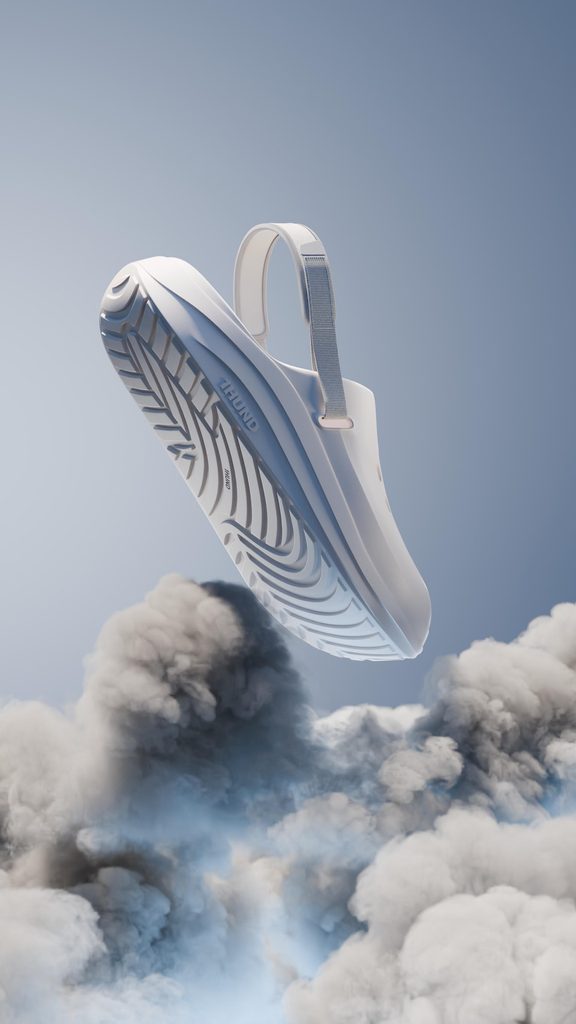

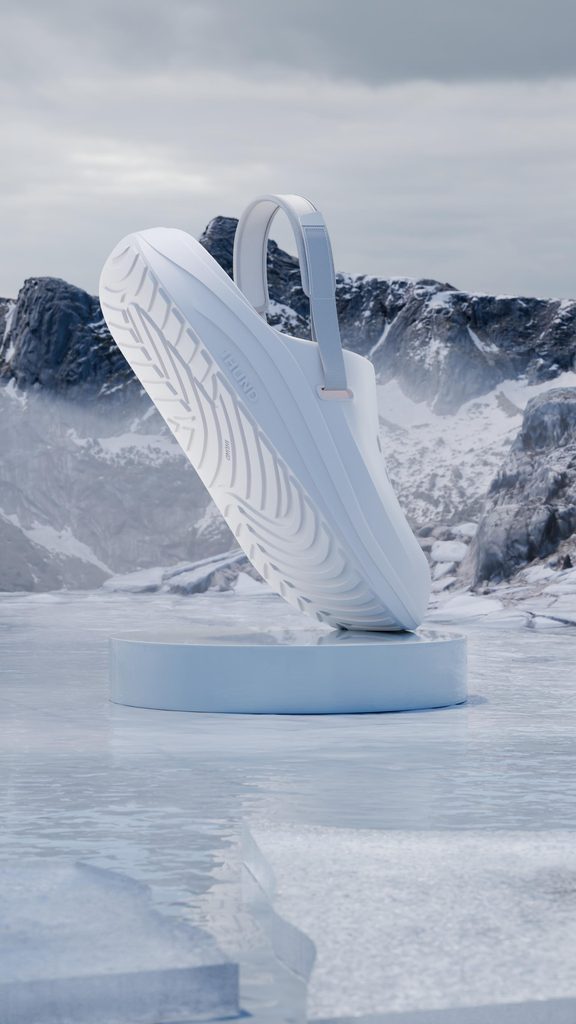
There is a second cost photography carries that rarely gets counted: you need the physical product to exist before you can shoot it. 3D needs the CAD, which exists months earlier. That means your launch assets can be finished before the first unit comes off the line, which is often worth more than the money.
The colorway multiplier
This is where the reusable model stops being a nice-to-have and becomes obviously correct.
Say a product ships in six finishes. Photographing that is six times the work: six sample units, six setups, six retouch passes, and if the lighting drifts between sessions, six slightly different-looking versions of the same object. With a master asset, the geometry, the lighting and the camera are already built and signed off. A new finish is a material swap and a re-render. The sixth colorway costs a small fraction of the first, and all six are pixel-consistent because nothing but the material changed.
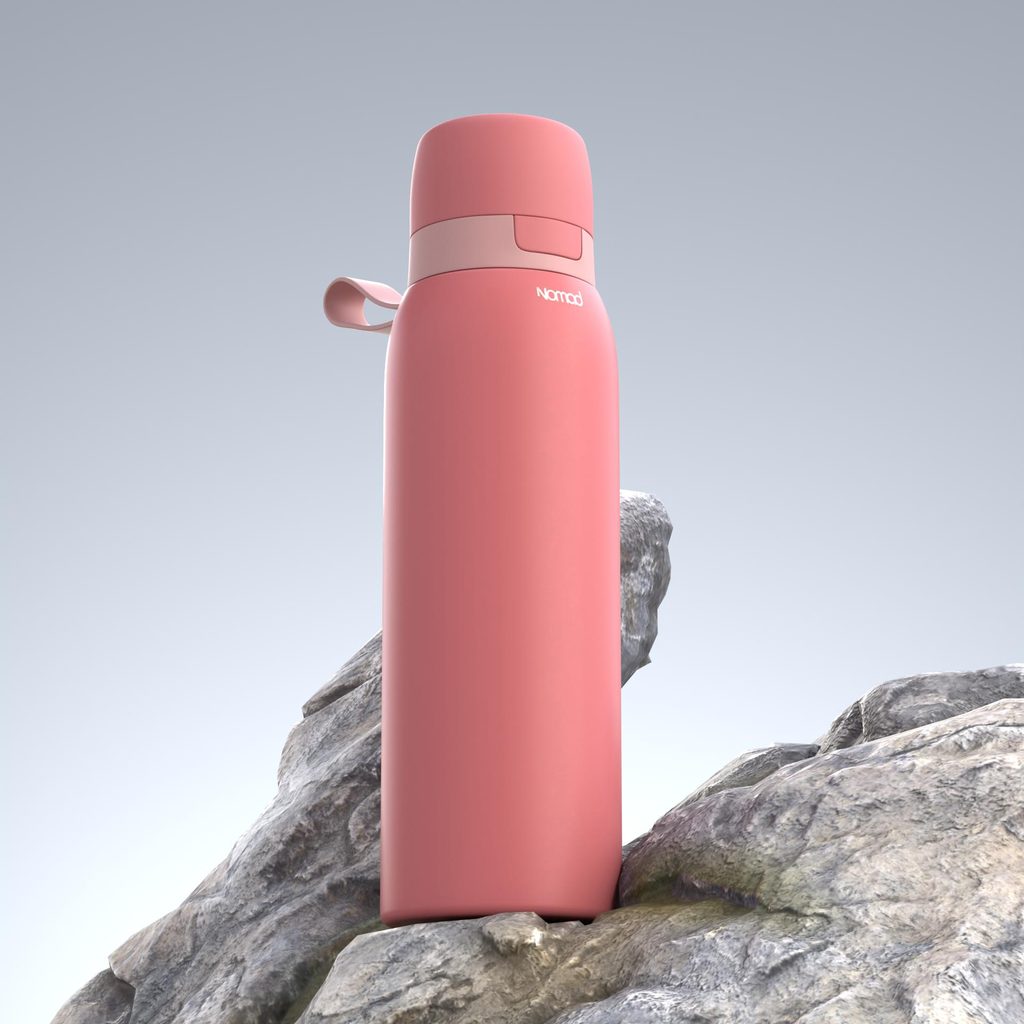
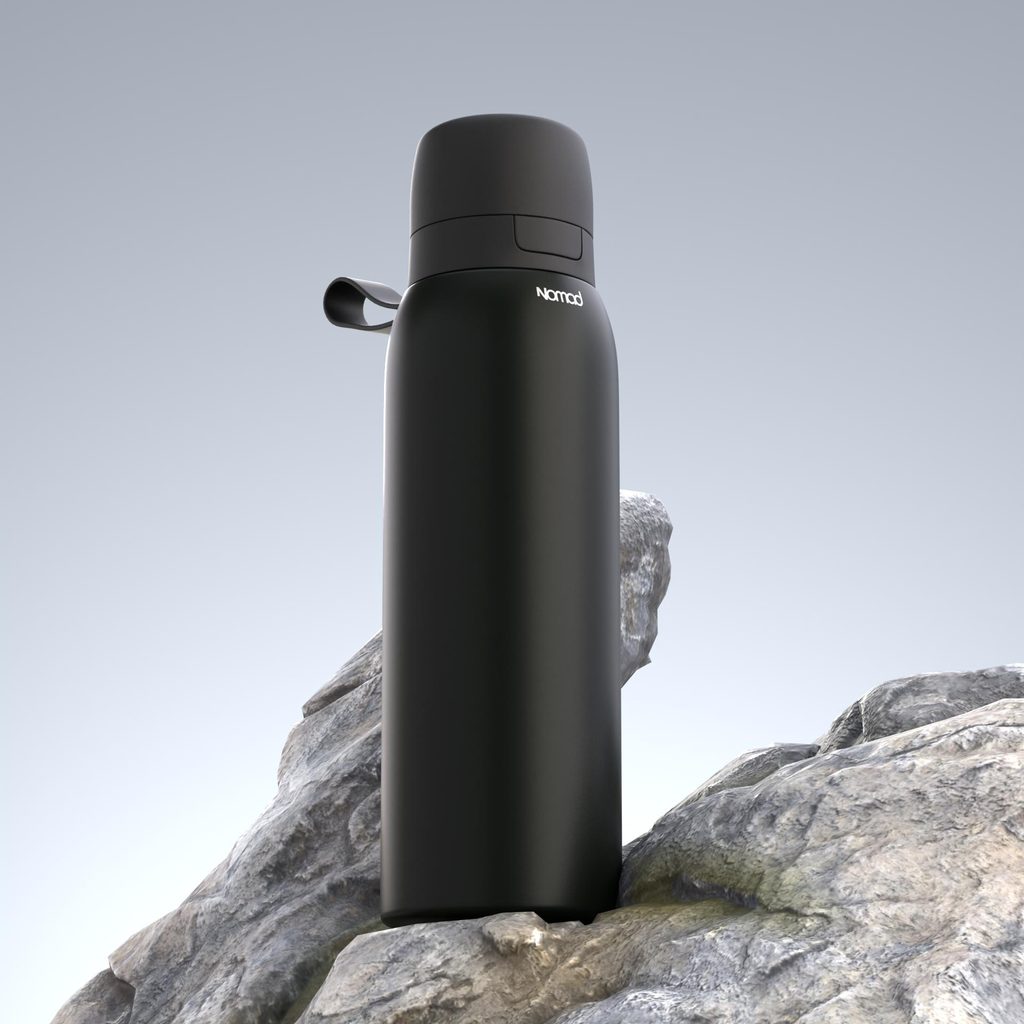
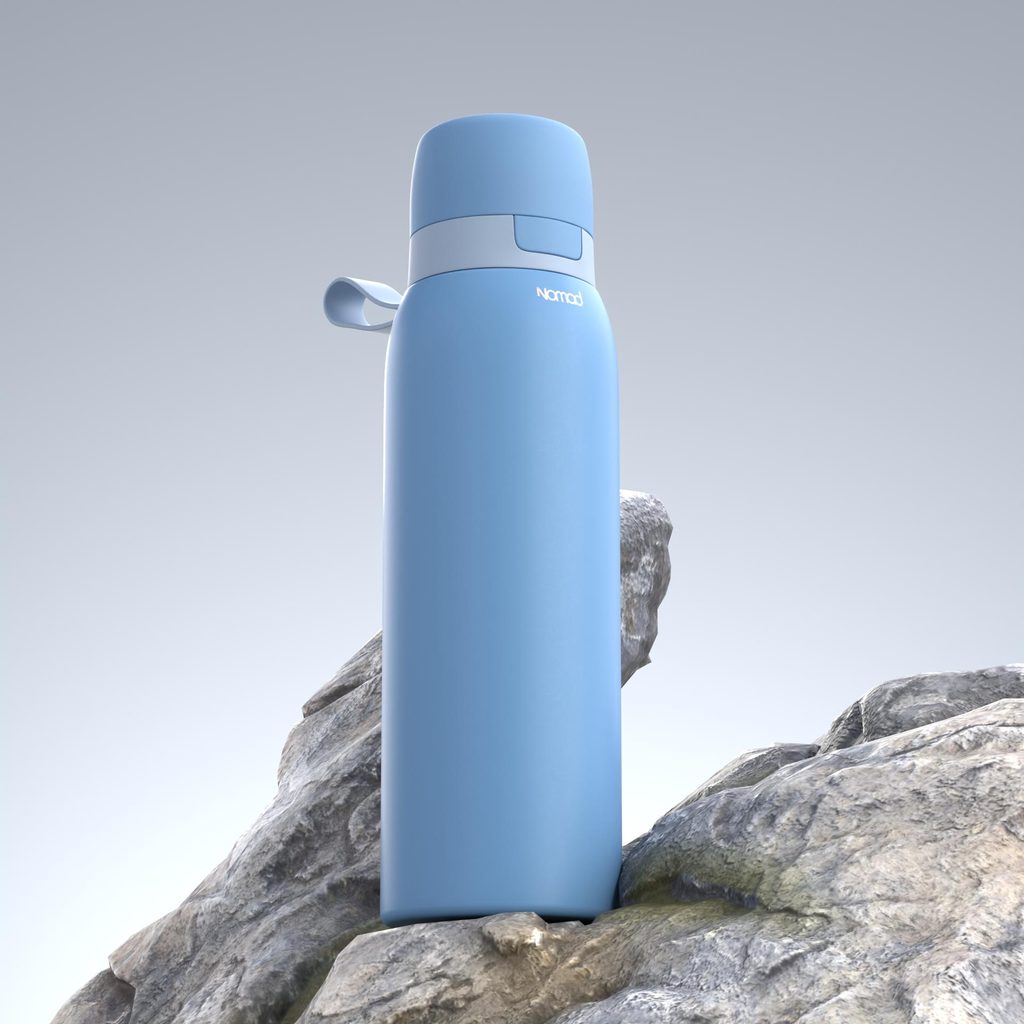
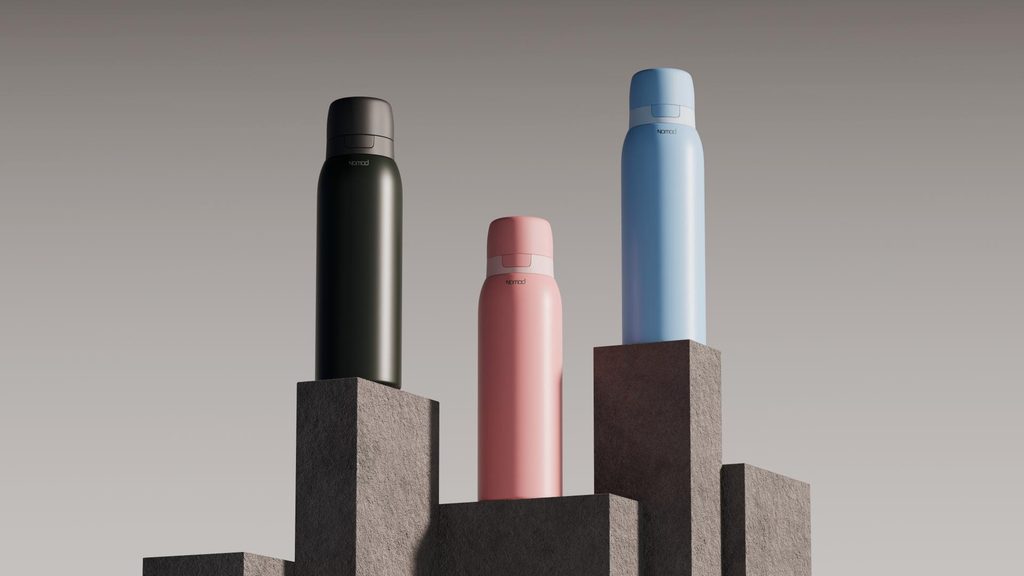
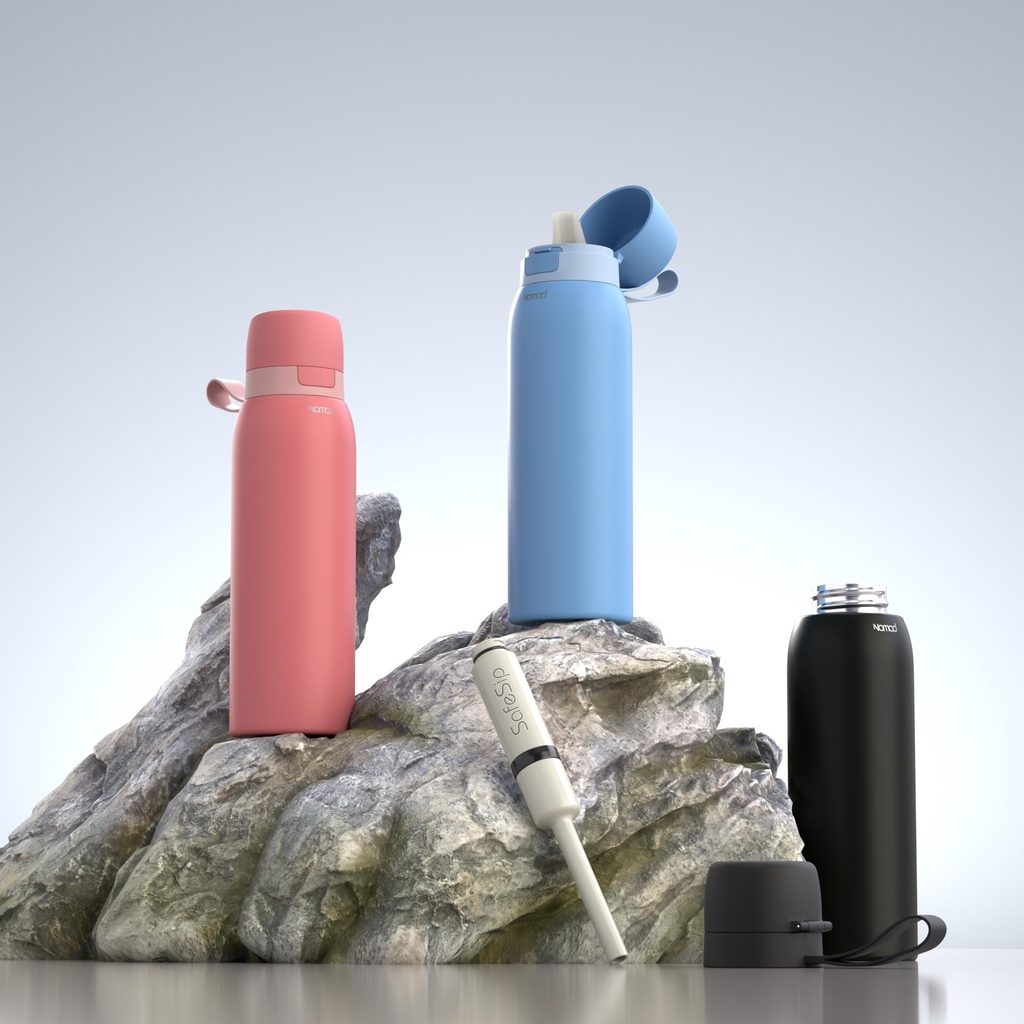
Now extend it. A brand that customizes the same product for different clients, same shape, different logo and colors each time, is in exactly this position. Photograph it and every client is a fresh shoot. Model it once and every client is a re-skin of an asset you already own. The library turns a repeating production cost into a one-time build plus near-free variations, which is the entire reason to own the master rather than rent images one at a time.
Where photography still wins
3D is not the answer to every image, and pretending otherwise costs you credibility.
Lifestyle and human context. A person actually using the product, real hands, a real kitchen, a genuine moment. This is faster and more convincing shot for real than built in 3D, and buyers read it as authentic in a way rendered people rarely match.
Unpredictable organic materials. Food, fabric drape, liquids in motion, anything whose appeal is in messy real-world randomness, is often better photographed than simulated.
One product, no variants, no growth. If you sell a single item, it never changes, and you need one set of images once, a photographer is the cheaper tool. The library only pays off through reuse, and reuse needs something to reuse across.
The sharp way to split it: use 3D for the product, use photography for the world around the product. Most mature brands end up running both, with a 3D library carrying the catalog, the variants and the technical shots, and photography carrying lifestyle and campaign moments. The library does not replace your photographer. It replaces the fourth reshoot of the same product on white.
How to start without boiling the ocean
You do not build the whole catalog at once. You start where reuse is highest and let the library grow.
- Pick the hero and the variant-heavy SKUs first. The products you refresh most, the ones that ship in multiple finishes, and the flagship that appears everywhere. These return the modelling cost fastest because you will reuse them the most.
- Build the masters, not just the renders. Insist that what you are paying for is a reusable asset with clean geometry, matched materials and a documented studio setup, not a one-off image dump. This is the difference between an asset library and a folder of pictures.
- Generate the first full asset set. From each master, pull the catalog angles, the 360, the marketplace set and any exploded view. Prove the reuse immediately.
- Reuse on the next launch instead of reshooting. The next colorway, the next format, the next channel all come off the existing masters. This is the phase where the cost curve flattens and the library starts paying you back.
Treat it as infrastructure that compounds, not as a campaign that ends.
What to hand off to get an accurate quote
Send this up front, in one place, and you will get a real number back quickly instead of a week of clarifying emails.
- Your CAD. STEP is the safe universal format, native is better if you can share it. This is the single most valuable file, because production-ready geometry removes the largest cost in the whole quote. If the product exists only as CAD and has not been manufactured yet, that is fine, and it is actually the ideal moment to start.
- Your real finishes and materials. Physical swatches, finish codes, or reference photos of the actual product. This is how the materials get matched to reality rather than guessed.
- The variant list. Every colorway, finish and configuration you expect to need, now and soon. This is what sizes the reuse, and it changes how the work should be structured.
- Your output list. Which assets you need out the other end: catalog angles, 360, marketplace set, exploded view, animation, ad cuts. The more the master will feed, the more the library is worth.
- Brand references. Logo in vector, fonts, color codes, and any existing images whose look you want matched.
- Deliverable specs. Resolutions, aspect ratios, where each asset publishes, and the deadline.
Two things to check on your side: that whoever holds the CAD internally is cleared to release it, and that your geometry is detailed enough to hold up in close-up, since a model built for a rough preview can look thin under a hero camera.
Common mistakes
Comparing one render to one photo. The library never pays off on a single image. It pays off across a catalog, over time, through reuse. Judge it on the whole growing set, not on day one.
Buying renders instead of assets. If you commission images without owning the reusable master, you have bought pictures, not a library, and the next variant starts from zero. Own the master.
Modelling the low-reuse products first. Starting with the one-off item that never changes gets you the worst return. Start with the heroes and the variant-heavy lines.
Forgetting the CAD lives months before the product. Brands wait for physical samples to shoot, then rush launch assets. The CAD was ready far earlier. 3D lets your assets lead the product instead of trailing it.
Trying to render the lifestyle shot. Real people, real context, real food. Shoot those. Use the library for the product itself.
FAQ
Is 3D more expensive than product photography?
Per single image on day one, sometimes. Across a growing catalog with variants and ongoing refreshes, no. Photography charges you again for every product, variant and reshoot. A 3D master is built once and reused at almost no marginal cost, so the more you use it, the cheaper each asset gets.
Do I need the physical product to make 3D assets?
No. You need the CAD, which usually exists months before the first unit is manufactured. This is why 3D lets launch assets be finished before the product physically ships.
Can one 3D model really produce all my colorways?
Yes. That is the core advantage. Once the master is built, a new finish is a material change and a re-render, and every variant stays perfectly consistent because only the material changed.
Will 3D renders look like real photos or like CGI?
Built correctly from accurate CAD, with materials matched to your real finishes and proper studio lighting, they read as photography. Renders that look like CGI are usually the result of guessed materials and weak lighting, not a limit of the medium.
What do I actually own at the end?
If it is set up as a library rather than a one-off, you own the reusable master assets, and every future angle, format and variant comes off them without rebuilding. Make sure that is the arrangement before you start.
Where does photography still make sense?
Lifestyle, human context, and unpredictable organic materials. Most brands run both: a 3D library for the product, the variants and the technical shots, and photography for the world around it.
Send us your CAD
If your catalog is growing and you are tired of reshooting the same products, send over the CAD for your hero SKU and the variant list. We will tell you what a reusable master for it produces, which assets come off it, and what the reuse is worth against your current photography spend, before you commit to anything.
Related Articles
Product Hero Shots: What They Are, Why Brands Now Render Them in CGI, and What They Cost
Your Product Renders Are Sitting in a Folder. Here Is How to Turn Them Into Ads That Convert on Meta and TikTok
You Made a Product Image with AI. Here Is Why It Cannot Become Your Product Video.
How Much Does 3D Product Rendering Cost in 2026? Per-Image Prices, What Drives Them and How to Pay Less
3D Product Animation Trends in 2026: What Brands Are Doing Now
3D Product Explainer Videos: Examples, Cost and How They Are Made (2026)



 Rachel A