
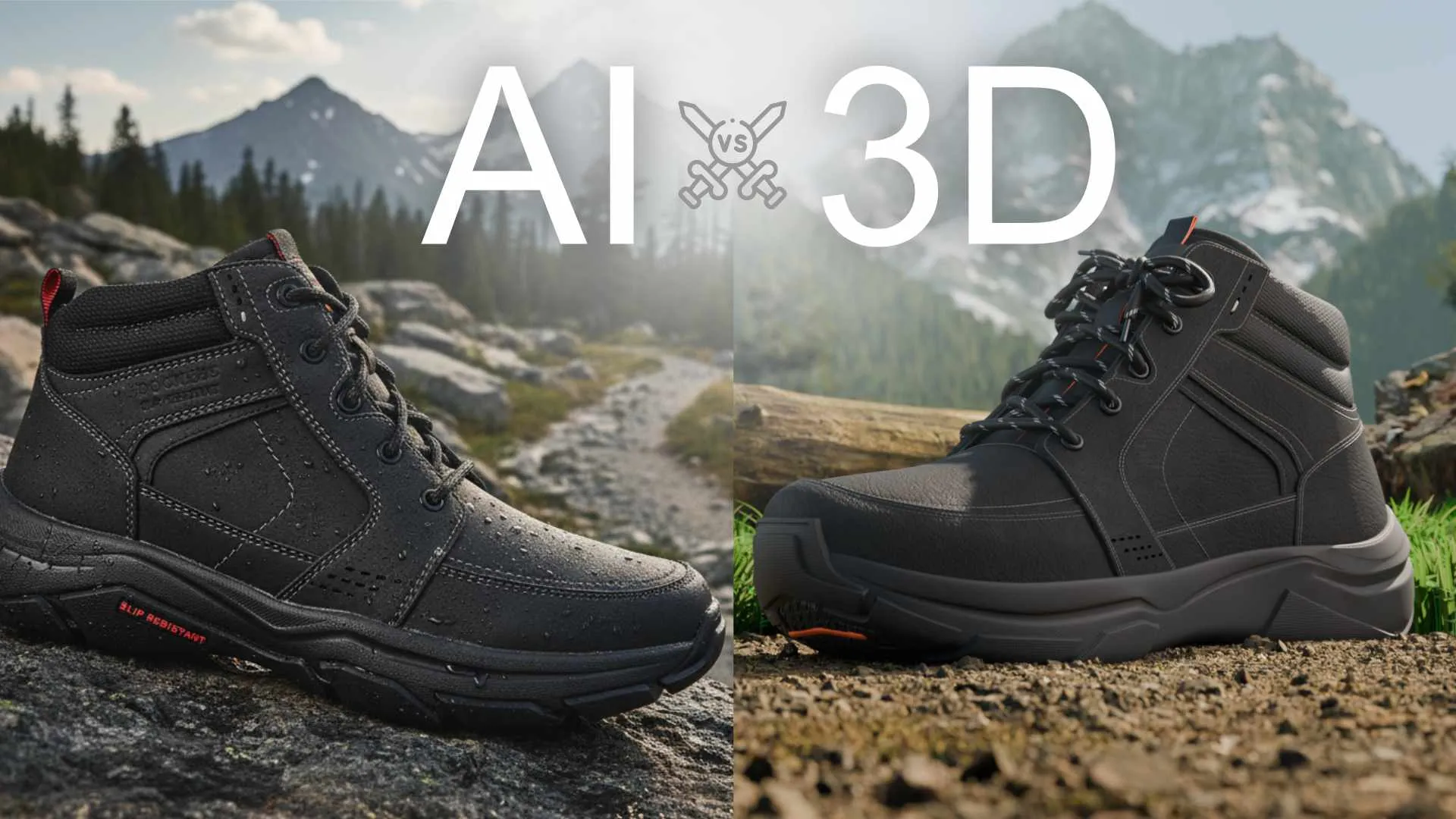
You Made a Product Image with AI. Here Is Why It Cannot Become Your Product Video.
It is becoming one of the most common situations we see, and it is a strange one when you step back and look at it.
Someone in marketing opens an AI image tool, describes the product, and after a few tries pulls out a hero shot that looks genuinely good. The lighting reads like a studio. The angle is flattering. It goes into the pitch deck, the moodboard, maybe the landing page, and nobody questions the image quality. For a still, at a glance, it holds up.
Then someone asks for the video. Or the 360 spin. Or the six-angle Amazon set. Or the exploded view that shows how the thing actually works.
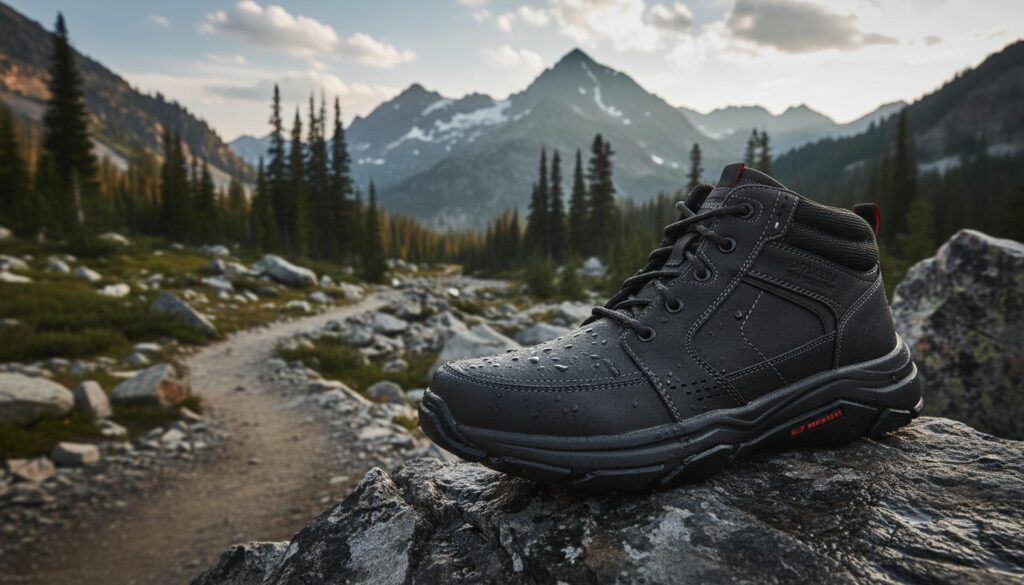
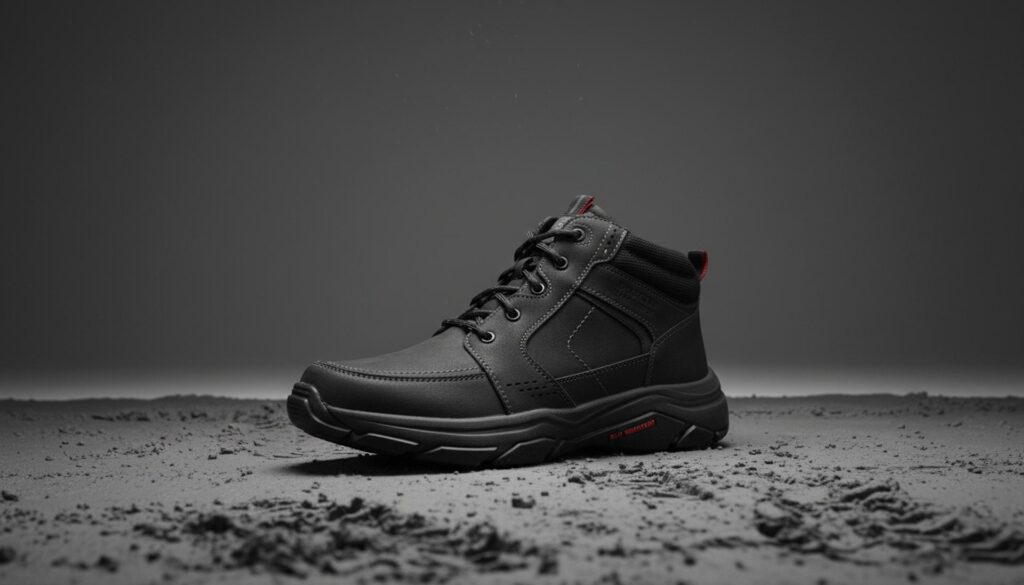
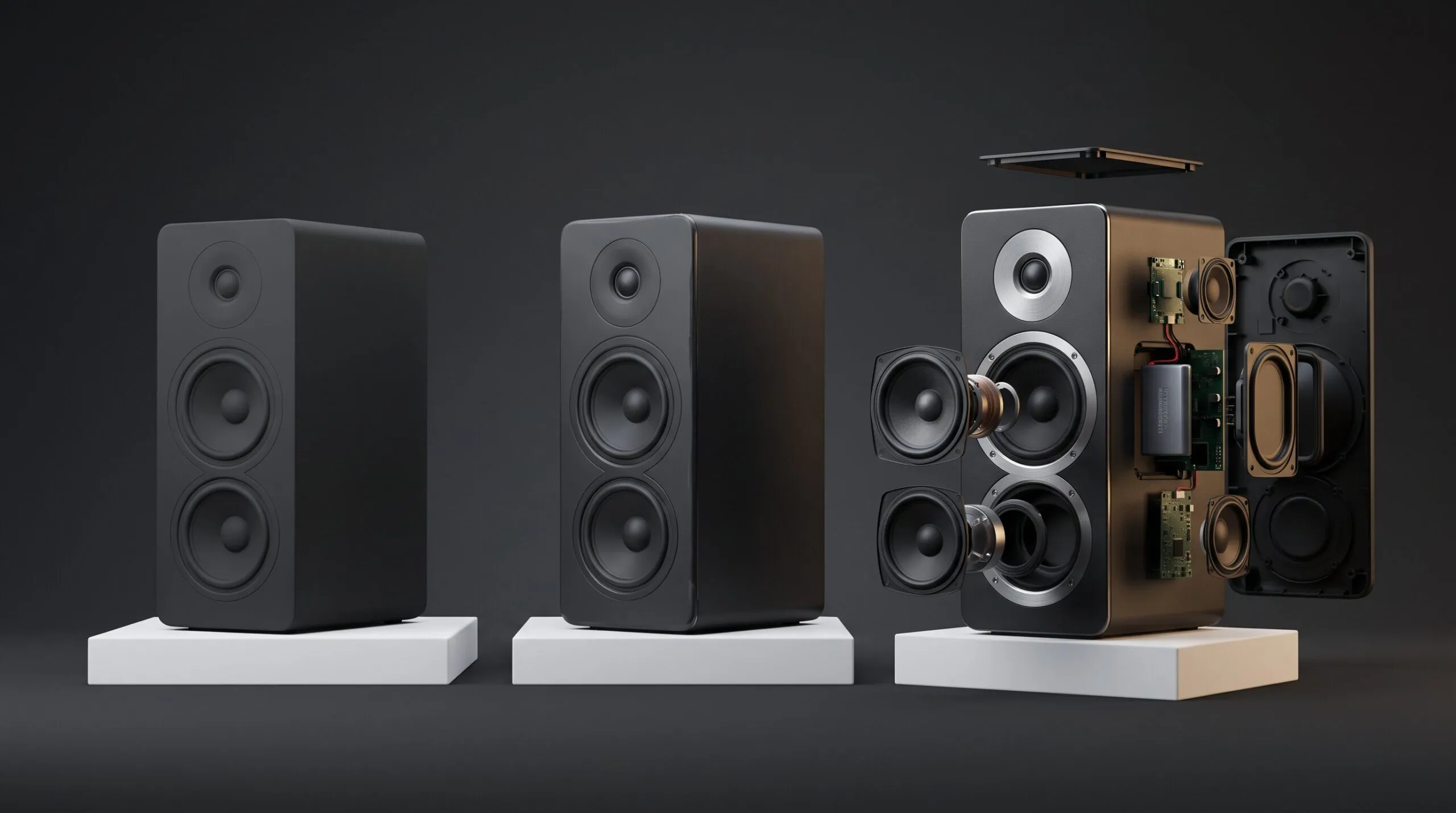
Images generated by Whisk AI (Google)
And everything stops. Not because the idea was bad, but because there is nothing underneath the image. The picture is not a product. It is a flat output with no geometry, no accurate dimensions, and no way to be seen from a second angle without the whole thing changing shape.
The good news is that the AI image is not wasted. It is just in the wrong role. Used as a picture, it is a dead end. Used as art direction, it is genuinely useful. Below is what the image can and cannot do, what AI generation is honestly good for in this workflow, and the three real routes from a concept to a product video that is accurate enough to put your brand on.
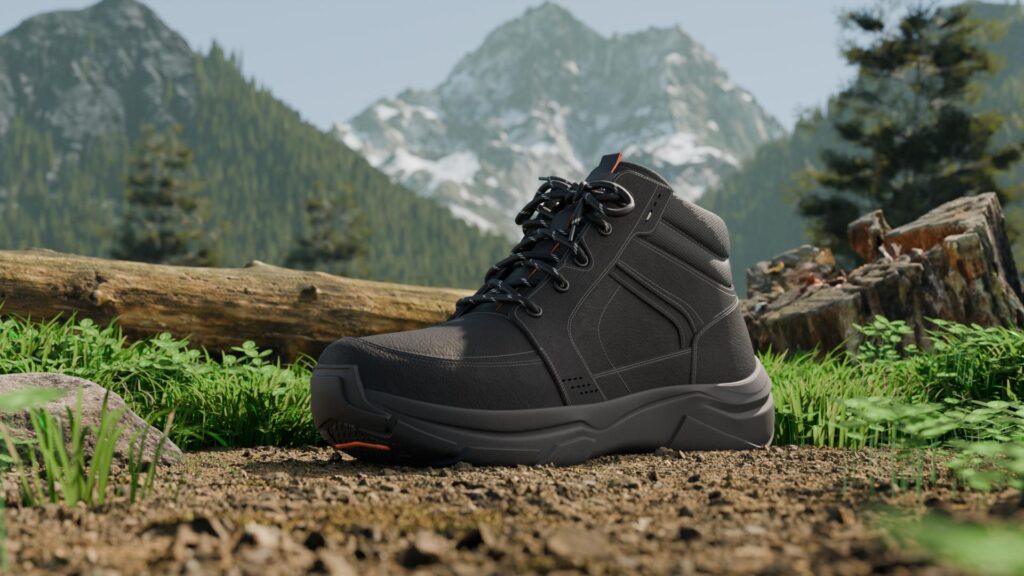
3D Model of a Shoe and 3D Environment Scene Created by Us
First, understand what you actually have
Almost every bad decision in this space comes from skipping this one distinction.
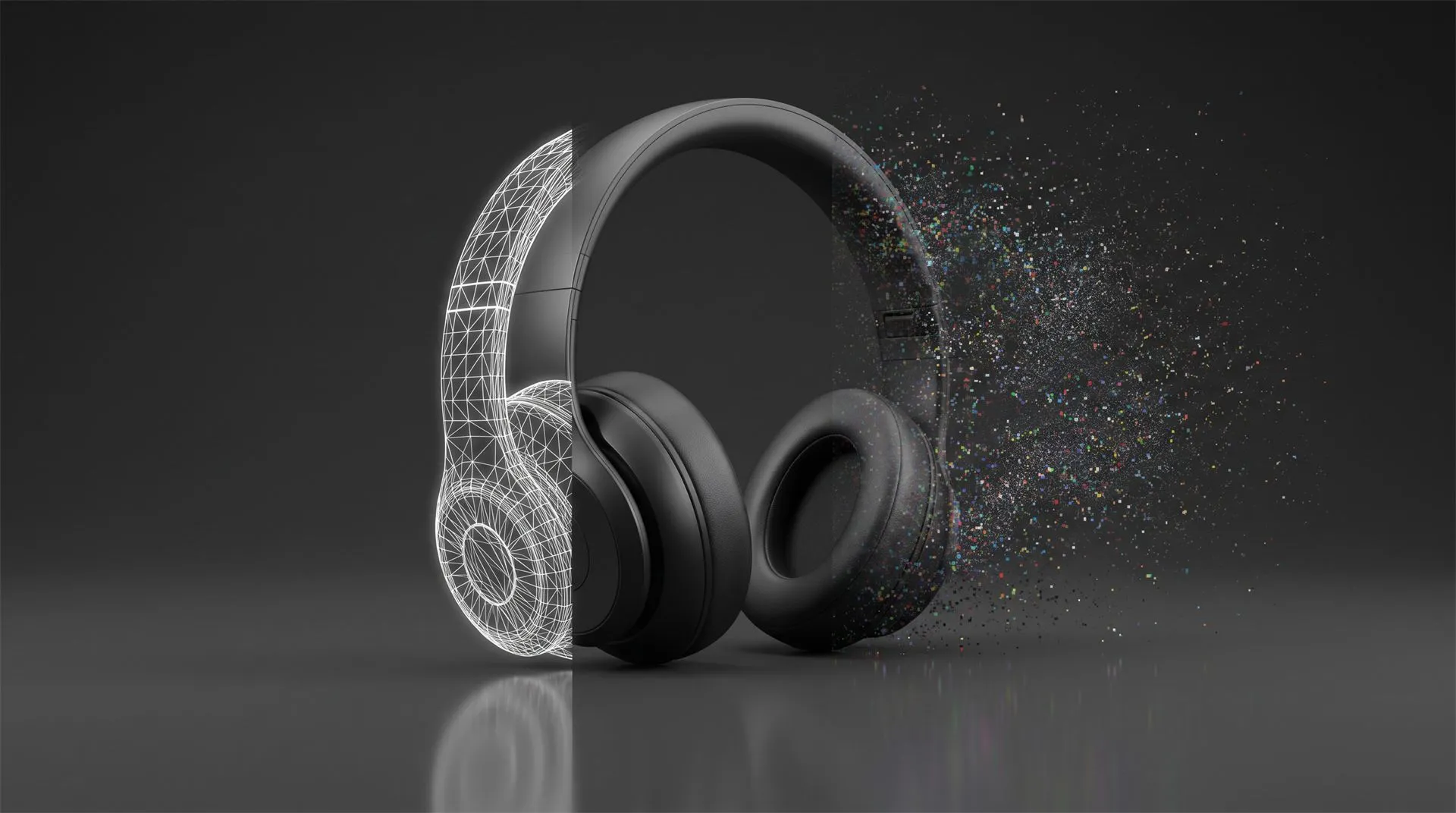
A photograph and a 3D render both look like windows onto a real object, so it is natural to assume an AI image is the same kind of thing with a model sitting behind it. It is not. An AI image is a picture, not a scene. There is no mesh, no depth, no separable parts, no camera you can move. When you ask for “the same product from the other side,” the tool does not rotate a model, because there is no model. It generates a brand new picture and hopes it resembles the first one. Usually it does not, in exactly the ways that matter for a product.
This is the load-bearing fact for everything that follows. A KeyShot or CAD render is the visible surface of a real 3D scene you can move a camera through. An AI image is the surface with nothing behind it.
Where the AI image hits the wall
Five walls, roughly in the order you hit them.
There is no geometry to move. A product video is a camera moving through 3D space, or parts of the product moving relative to each other. Both require geometry. An orbit, a slow push-in, a lid opening, an exploded view, a cutaway of the mechanism, none of these are possible against a flat image, because there is nothing to orbit and nothing to open. Image-to-video tools can add drift, parallax and atmosphere, but they cannot show a true rotation or a real mechanism, because they are inventing pixels frame to frame rather than moving an object.
The product is not accurate. AI generation approximates. It gets the vibe of your product and then invents the specifics: the number of screws, the placement of a port, the shape of a button, the proportions of the housing, the text on the label. For a moodboard this does not matter. For a manufacturer whose real product has to match what the customer saw, it is disqualifying. The AI hero image is a product that does not exist, and your actual SKU will not look like it.
It will not stay consistent. The moment you need a second frame, a second angle or a second asset, the product morphs. Logos smear, text turns to gibberish, a matte finish becomes glossy, a three-button remote grows a fourth button. A product must look identical from every angle and in every asset, and consistency is the single thing current AI generation is worst at. This is why “just make a few more angles for the listing” quietly fails.
You cannot control materials, lighting or brand. You can nudge an AI image with prompts, but you cannot dial in the exact brand color, relight the scene for a different background, match an existing campaign’s look, or guarantee the anodized aluminum reads as anodized aluminum rather than plastic. In a real 3D scene those are precise, repeatable settings. In generation they are suggestions the tool may or may not honor.
Nothing is reusable. This is the expensive one. Every AI image is a one-off. Because there is no model, there is nothing to carry forward. The next asset starts from zero and drifts again. Compare that to a real 3D model, which is built once and then feeds the hero film, the 360, the exploded view, the Amazon set, the ads and next year’s refresh from the same accurate source. The AI route feels cheap per image and turns out expensive per campaign, because you pay again every single time and never build anything you own.
There is a sixth issue worth naming for regulated or crowdfunded hardware: an inaccurate image can be a compliance problem, not just a quality one. If a generated visual shows a feature the product does not have, or represents a simulation as reality, that is a misrepresentation risk on marketplaces and crowdfunding platforms with rules about it.
3D Shoe Exploded View 3D Product Animation
What an AI product image is genuinely good for
None of the above means the tool is useless. It means the image belongs at the front of the process, not the end. Used honestly, AI generation is very good at three things:
Concept and mood. Exploring directions fast, before anyone commits budget. Ten looks in an afternoon, to decide whether the product wants a warm domestic setting or a cold technical one, is a real use and a cheap one.
Pitch and internal buy-in. Getting a rough visual in front of stakeholders to approve a direction, with everyone understanding it is a sketch, not the final product.
Art direction for the people who build the real thing. This is the most valuable role of all, and the rest of this article is about it. A generated image that captures the mood, the palette and the framing you want is an excellent brief to hand a 3D artist. It tells them the target far faster than a paragraph of description.
If you are using AI images for those three jobs, keep going. The problem is only ever the handoff from “nice concept” to “accurate, moving, reusable product footage,” and that handoff needs a real 3D model.
What actually becomes a product video
Three routes, depending on what you have besides the AI image.
Route 1: You have CAD
This is the best case, and more common than people assume, because the product had to be designed and manufactured somehow. If engineering has a STEP file or the native CAD, you are most of the way there. That geometry is accurate by definition, it is your actual product, and it becomes a real 3D scene: materials applied properly, brand colors exact, camera free to move, parts able to rotate, open, slide and detach.
Your AI image does not go in the bin here. It becomes the art direction. The 3D artist matches the mood, lighting and framing you liked from the generated concept, but builds it on geometry that is correct and reusable. You get the look you fell in love with, on a product that actually exists.
The economics are the reason to lead with this. In most 3D video quotes, building the model is the largest single variable cost. If you already have production-ready CAD, that line item collapses. On our own pricing, a client arriving with usable CAD pays $200 for the model tier instead of $400 to $2,000, and a short video on a clean background starts around $1,200 all in rather than $1,800 to $3,400.
Route 2: You have the physical product but no CAD
Common for brands who bought or licensed a product they did not engineer, or whose CAD lives with an overseas manufacturer who will not release it.
Here the real model gets built from the physical product plus reference: photos, measurements, and yes, your AI concept image as the look target. This is a modelling cost you cannot skip, because it is the step that produces the accurate, reusable asset the AI image never could. But it is a one-time cost that then feeds every channel, which is exactly the thing the AI-per-image approach never gives you.
The AI image earns its keep in this route too, as the fastest possible way to communicate the intended look to whoever builds the model.
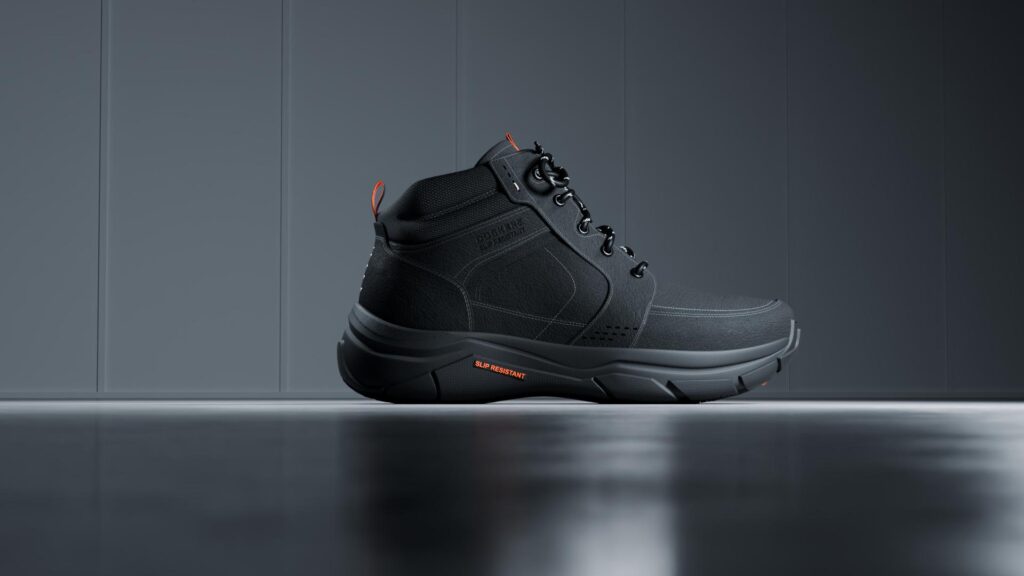
Perfect 3D Model of a Shoe Created by Quince Team
Route 3: You only have the AI image
No CAD, no physical unit yet, just the generated concept. This is the pre-launch, still-in-development case, and it is the one where people most want the image to magically become footage.
It still cannot. But the concept is not worthless: it is the brief. A competent studio can build the product in 3D from your AI concept as the primary visual reference, treating the image the way it would treat a moodboard or a designer’s sketch. You are paying to turn an approximation into something accurate and buildable. Slower and more involved than Routes 1 and 2, because there is no accurate source to start from, but it produces a real asset at the end, which the image alone never will.
The one thing to be honest about internally: if the AI image invented details that your real product will not have, decide now which details are the actual product and which were the tool improvising. The 3D build locks those choices in.
Which path, at a glance
| What you have | What the AI image is for | Realistic route | Relative cost |
|---|---|---|---|
| AI image only, want a still spun 360 | It cannot spin, there is no model | Build a real 3D model first | Modelling, then video |
| AI image + CAD | Art direction for the real build | Route 1, apply look to real geometry | Lowest, CAD removes the big line item |
| AI image + physical product, no CAD | Look target for from-scratch model | Route 2, model from reference | One-time modelling, then reusable |
| AI image only, product not built yet | The brief for the 3D build | Route 3, model from the concept | Highest of the three, no accurate source |
| Concept exploration, internal buy-in | Exactly what it is good at | Keep using AI, no 3D needed yet | Cheap |
What to send when you hand it off
Send all of it in one link and you get a quote in a day instead of five emails.
- The AI image or images. Say clearly that they are AI-generated concepts, not photos of a real unit. This is not an admission, it is useful information that tells the studio the images are the target look, not the source geometry.
- The CAD, if it exists. STEP is the safe universal choice, native format is better if you can get it. This is the single most valuable file in the folder and the one that removes the largest cost.
- Photos or a video of the physical product, if you have one, even rough phone footage. For accuracy this beats any generated image, because it is the real thing.
- What is real and what the AI invented. A short note on which details in the concept are the actual product and which were the tool improvising. This saves a whole revision round.
- A note on what moves. Which parts rotate, open, slide, detach, and what the video needs to demonstrate.
- Brand assets. Logo in vector, fonts, exact color codes, any existing video whose style you want matched.
- Deliverable spec. Duration, aspect ratios, resolution, where it will be published, whether it needs to work without sound, and the actual deadline.
Common mistakes
Treating the AI image as the deliverable. It is the first draft of the look, not the finished asset. The finished asset is a real 3D scene that happens to match it.
Asking for “just a few more angles” of a generated image. There is no model, so each angle is a fresh guess and the product will drift. This is the request that most reliably ends in frustration.
Hiding that the image is AI-generated. The studio will work it out in the first five minutes, and telling them up front changes the plan for the better. It means “match this look on real geometry,” which is a clear, cheap brief.
Paying per image forever. If you are generating asset after asset and each one costs money and drifts from the last, you are renting approximations. One accurate model costs more once and then stops costing.
Putting an inaccurate product in front of buyers or backers. For hardware, especially crowdfunded or regulated hardware, a video that shows features the real product does not have is a problem beyond aesthetics.
FAQ
Can I turn my AI product image into a video?
Not into a real product video. Image-to-video tools can add motion, drift and atmosphere to the flat image, but they cannot show a true rotation, a real mechanism or a consistent product from multiple angles, because there is no 3D model underneath the picture. For an accurate, moving, reusable product video you need a real 3D scene built from CAD, from the physical product, or from the AI image used as a reference.
Why does my product change shape every time I generate a new angle?
Because each generation is a separate picture, not a view of one model. Current AI image tools are weakest at consistency, so logos, text, proportions and finishes drift between outputs. A product has to look identical everywhere, which is why real 3D, built once, is the fix.
Is my AI image useless then?
No. It is excellent art direction. Handed to a 3D artist as the look target, it communicates mood, palette and framing faster than a written brief, and the real build gets made to match it.
I do not have CAD. Can I still get a proper video?
Yes. The model gets built from the physical product plus reference, or from your AI concept if the product does not physically exist yet. That modelling step is the part the AI image cannot replace, and it is what produces the accurate, reusable asset.
Is a 3D model worth the extra cost over just generating more images?
For anything beyond a single concept still, usually yes, because the model is built once and then feeds the hero film, the 360, the exploded view, the Amazon set and the ads from one accurate source, while generated images cost money and drift every single time.
Send us the concept
If you have an AI product image and a video, a 360 or an Amazon set you cannot get made from it, send it over. We will tell you honestly what the image can and cannot become, whether your existing CAD makes it cheap or whether the product needs building from scratch, and give you a fixed quote with the modelling cost already accounted for. The concept you liked stays the target. We just build it on something real.
Related Articles
Your Catalog Keeps Growing and Every New Product Means Another Photoshoot. Build the Asset Library Instead
You Have a KeyShot File but No Animator. Here Is How to Get a Product Video Made
CGI vs AI for Product Visuals: Key Differences, Cost and When to Use Each (2026)
Your Product Renders Are Sitting in a Folder. Here Is How to Turn Them Into Ads That Convert on Meta and TikTok
How to Choose a 3D Product Animation Studio: A Buyer’s Checklist
Product Hero Shots: What They Are, Why Brands Now Render Them in CGI, and What They Cost


 Rachel A