
CGI vs AI for Product Visuals: Key Differences, Cost and When to Use Each (2026)
You need images of a physical product. One person on the team says to commission CGI. Another opens an AI image generator, types a sentence, and has something that looks finished in thirty seconds. Both are pictures made by a computer, so the question in the room is fair: is this not the same thing now?
It is not. CGI is an image calculated from a 3D model that a person built. AI generation is an image predicted by a model that has learned from other images. CGI is not a type of AI, and for a product you actually sell, the difference decides whether the picture matches what arrives in the box.
Here is the whole comparison in one place.
| CGI (3D rendering) | AI image and video generation | |
|---|---|---|
| How it is made | An artist builds the 3D model, materials and lighting, and a renderer calculates the image | A model predicts an image from a prompt or a reference picture |
| Control | Every surface, light and camera position is set on purpose | Steered by prompts, and the result changes on every run |
| Accuracy to your CAD | Exact, because the geometry is your CAD | Approximate, because the tool never reads your CAD |
| Colors and variants | One model, a new material, an identical product every time | Each variant is a new generation, and details can shift |
| Making a change | Move the camera or swap a part, and everything else stays the same | Generate again, and other things may change with it |
| Ownership and copyright | Set by your contract with the studio | In the US, protected only where a human determined the expressive elements |
| Cost | From $550 for a set of up to ten images from your CAD, at our pricing | A subscription from $12 to $76 per month for Runway, at the time of writing, plus your time |
| Time to a first result | About a week for ten images, with CAD supplied | Minutes |
| Best for | Final product images, launch video, marketplace listings | Mood boards, concept exploration, backgrounds |
The rest of this article explains each row, and where the two work better together than apart.
Is CGI the same as AI?
No. CGI is made by people using 3D software, and AI generation is made by a trained model predicting pixels. They are different methods that happen to share a screen.
CGI stands for computer-generated imagery. A 3D artist builds or imports the geometry of your product, assigns real materials to each surface, places lights and a camera, and the renderer calculates how light would behave in that scene. Nothing in the image is a guess. If the product has four buttons, the model has four buttons.
AI image generation works the other way around. There is no model of your product inside it. A generative system has learned what products tend to look like from a very large number of images, and it produces a new picture that fits your prompt. It is predicting what would be plausible, not calculating what is there.
That is why “is CGI AI” has a short answer. CGI is not classified as AI. It is a production craft, closer to photography with a virtual camera than to a chatbot with a paintbrush.
Can AI be used in CGI?
Yes, and it already is, in supporting roles. This is where the confusion between the two comes from.
Modern renderers use machine learning to clean up noisy images faster. Intel’s Open Image Denoise, an open source denoising library for ray traced renders, describes its core as “a collection of efficient deep learning based denoising filters.” That is AI inside a CGI pipeline. It speeds up the calculation. It does not invent the product.
The same goes for upscaling, for generating texture ideas, and for building rough backgrounds. In all of these the 3D model stays the source of truth, and the AI works around it.
What is the difference between CGI and AI for a product image?
CGI starts from the object. AI starts from a description of the object. Everything else follows from that.
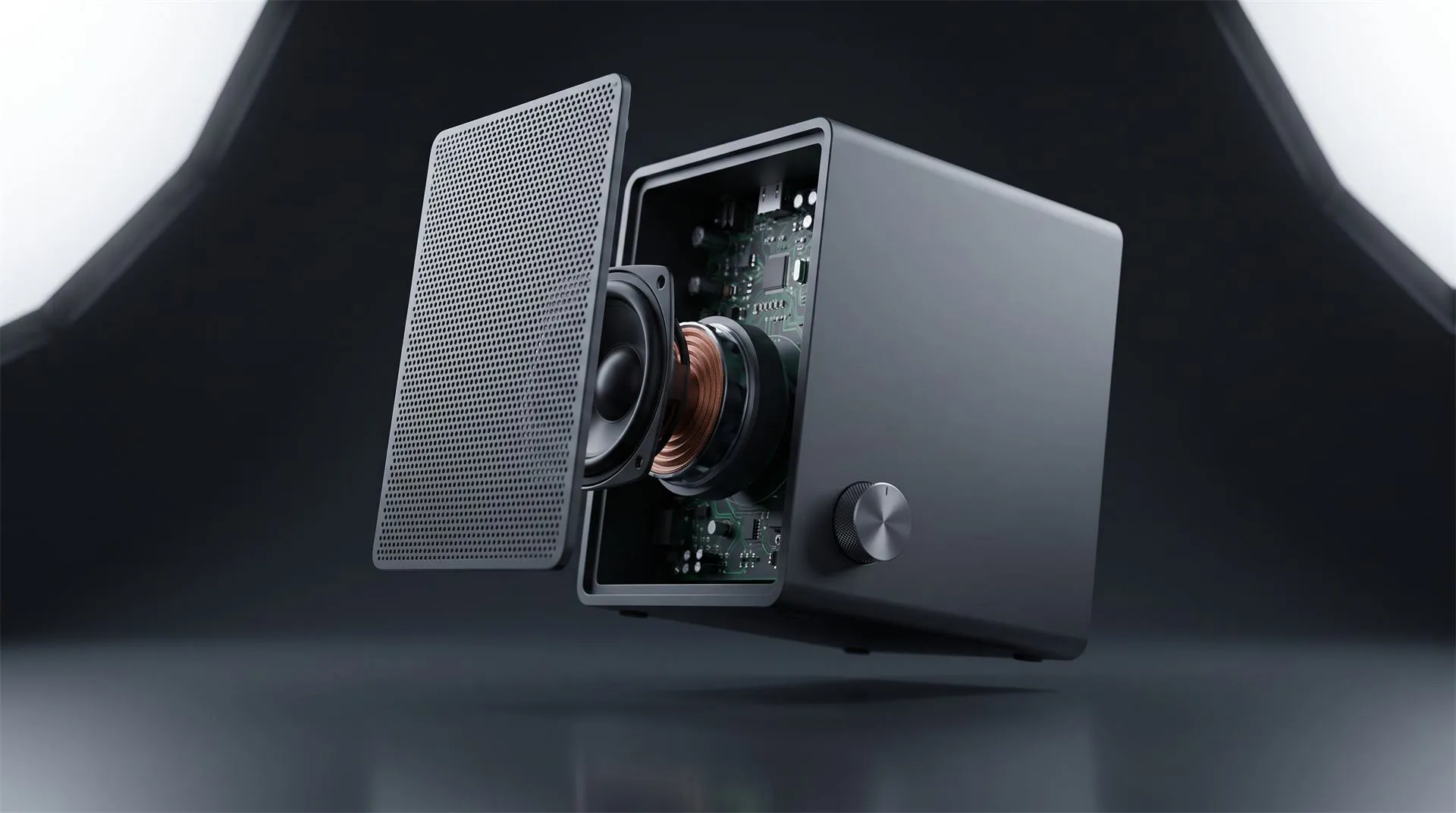
With CGI, the product exists as geometry. You can turn it, open it, change its color, and render it again next year, and it is the same product in every frame. We wrote about what that takes in photorealistic 3D product renders.
With AI, there is no object behind the picture. As that article puts it, there is “no real object, no real material, no real light.” You get an image, and only an image. Ask for a second angle and the generator makes a new guess.
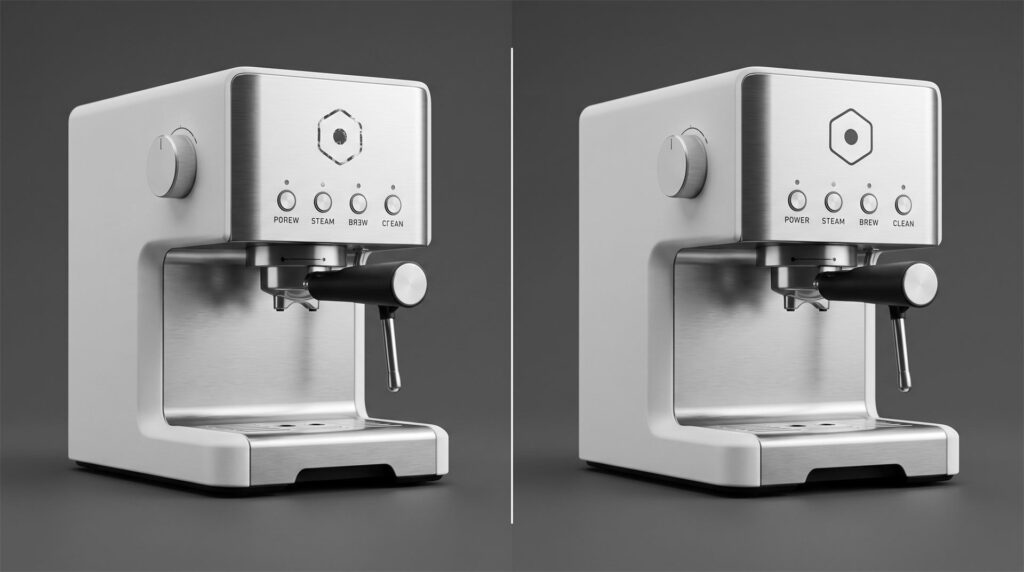
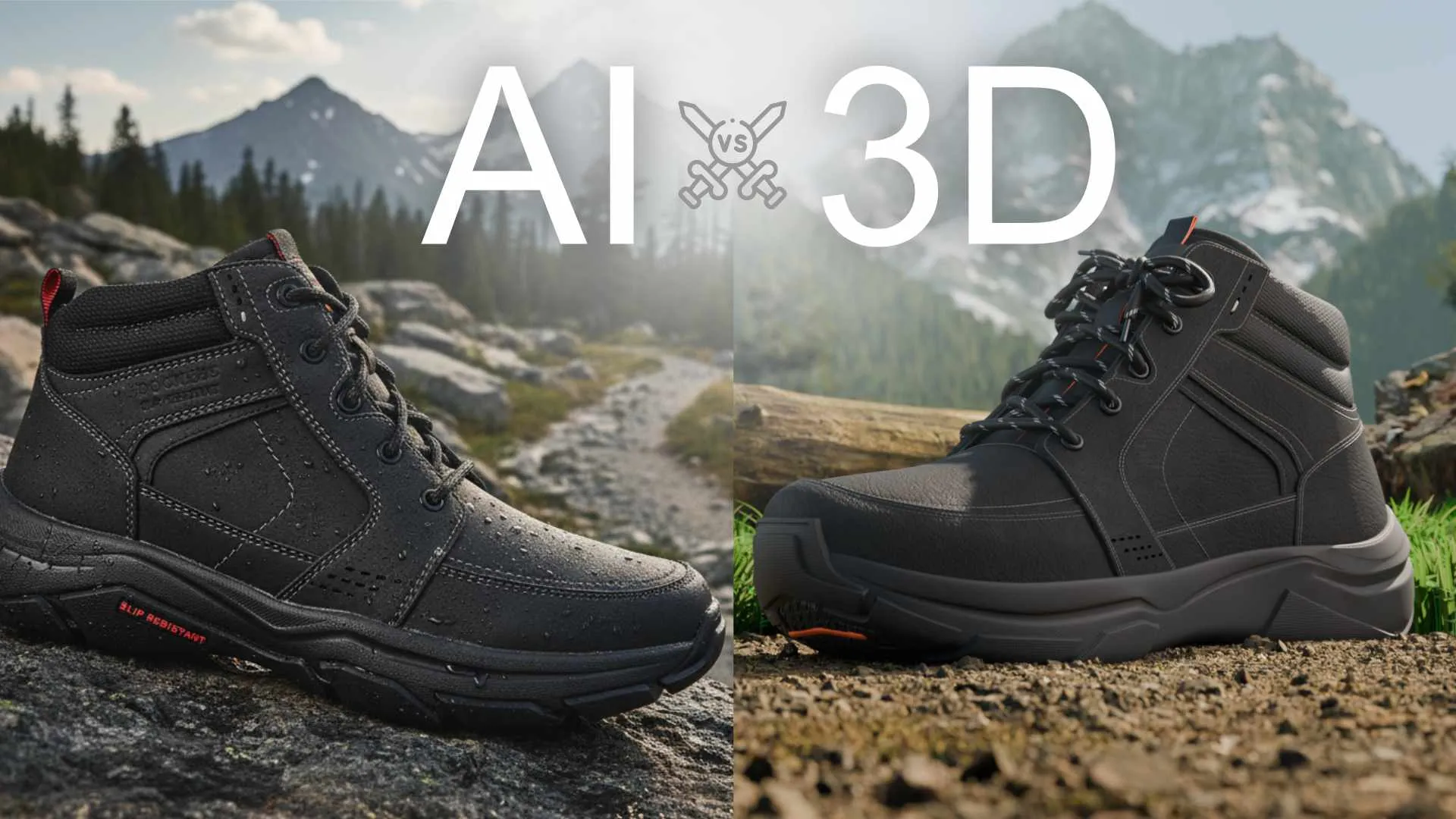
CGI vs AI images, same machine and same angle. A generator guesses at printed details, so logos break and labels turn into near-words. A 3D model carries the real artwork, so it is identical in every shot.
Where does AI go wrong on a physical product?
In the places a customer checks: printed details, consistency between images, and exact proportions. As of late 2026 the tools are improving quickly, and these three are still the weak points for product work.
Logos and small text. Brand marks, control labels and screen content tend to come out almost right, which on a product page reads as wrong.
Consistency across a set. A listing needs six or eight images of the same product. Generated one at a time, button counts, port positions and seams can drift from image to image.
Proportions. A generator has no dimensions to work from. The result can be handsome and still be slightly off in ways an engineer, or a returning customer, will notice.
There is also a ceiling on what you can do next. A generated picture cannot be re-lit, rotated or animated, because there is nothing behind it. We covered that in why an AI product image cannot become a 3D video.
When is AI the right tool?
Whenever the exact product does not need to be in the picture. That covers more work than CGI studios usually admit, and it is where AI saves real money.
-
Mood boards. Ten visual directions in an afternoon, before anyone has spent a budget.
-
Concept exploration. What might this product look like in walnut, in a kitchen, at night.
-
Backgrounds and environments. A setting to place a rendered product into.
-
Internal decks. Pictures that explain an idea to colleagues, not to customers.
-
Early social tests. Finding out which visual style gets attention before producing the real thing.
If the image never has to match the manufactured product, do not pay for CGI. Use the generator.
When do you need CGI?
Whenever a customer could hold the picture next to the product. That is the line.
Product page images, marketplace listings, launch video, packaging, every colorway of the same item, and anything showing a product that is designed but not manufactured yet all sit on the CGI side. The picture is a promise about the object, so it has to come from the object. Our 3D product images page shows what that looks like in practice.
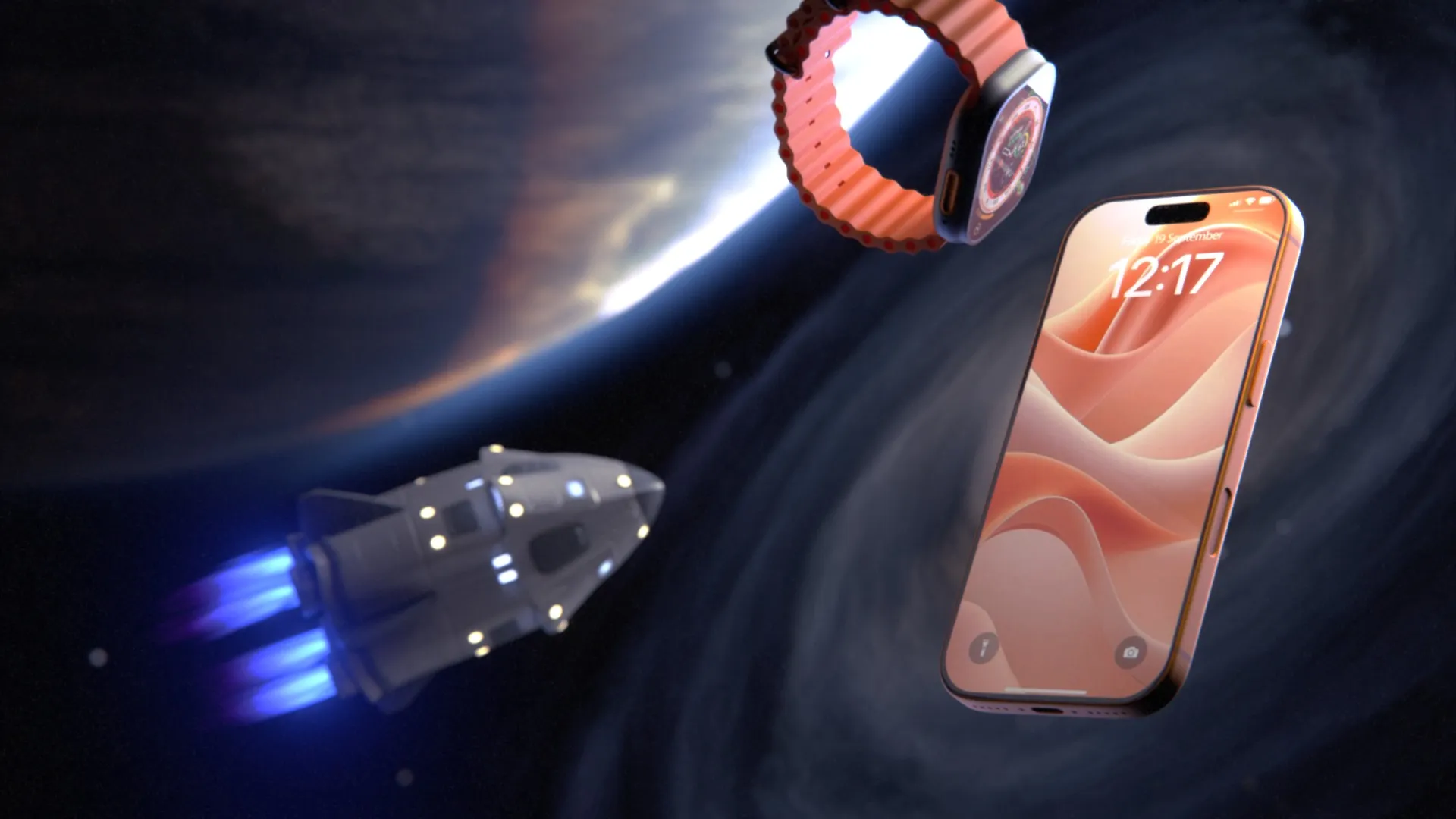
Even a brand with deep AI capability draws the same line. We looked at why Apple still launches in 3D, not AI, and the reason is the one in the table: a 3D scene can be rendered again with a new camera, color or format, and the product stays identical every time.
The hybrid workflow: AI for ideas, CGI for the product
The useful question is not which one, but in what order. This is the sequence that keeps the speed of AI without letting it touch the product.
-
Explore with AI. Generate mood boards until the team agrees on a direction.
-
Lock the direction with people. A generated image is a reference, not an approved design.
-
Build the product in 3D from your CAD. This is the step AI cannot do for you.
-
Render the product in CGI. Final geometry, final materials, final logo.
-
Use AI around the product, never on it. Denoising, upscaling, and background ideas are fair game. The product pixels come from the model.
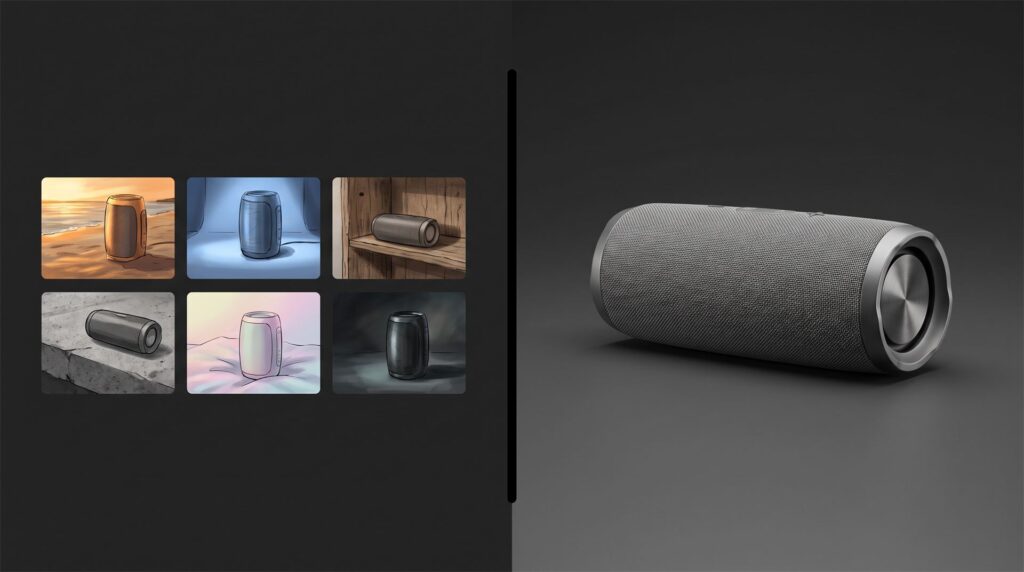
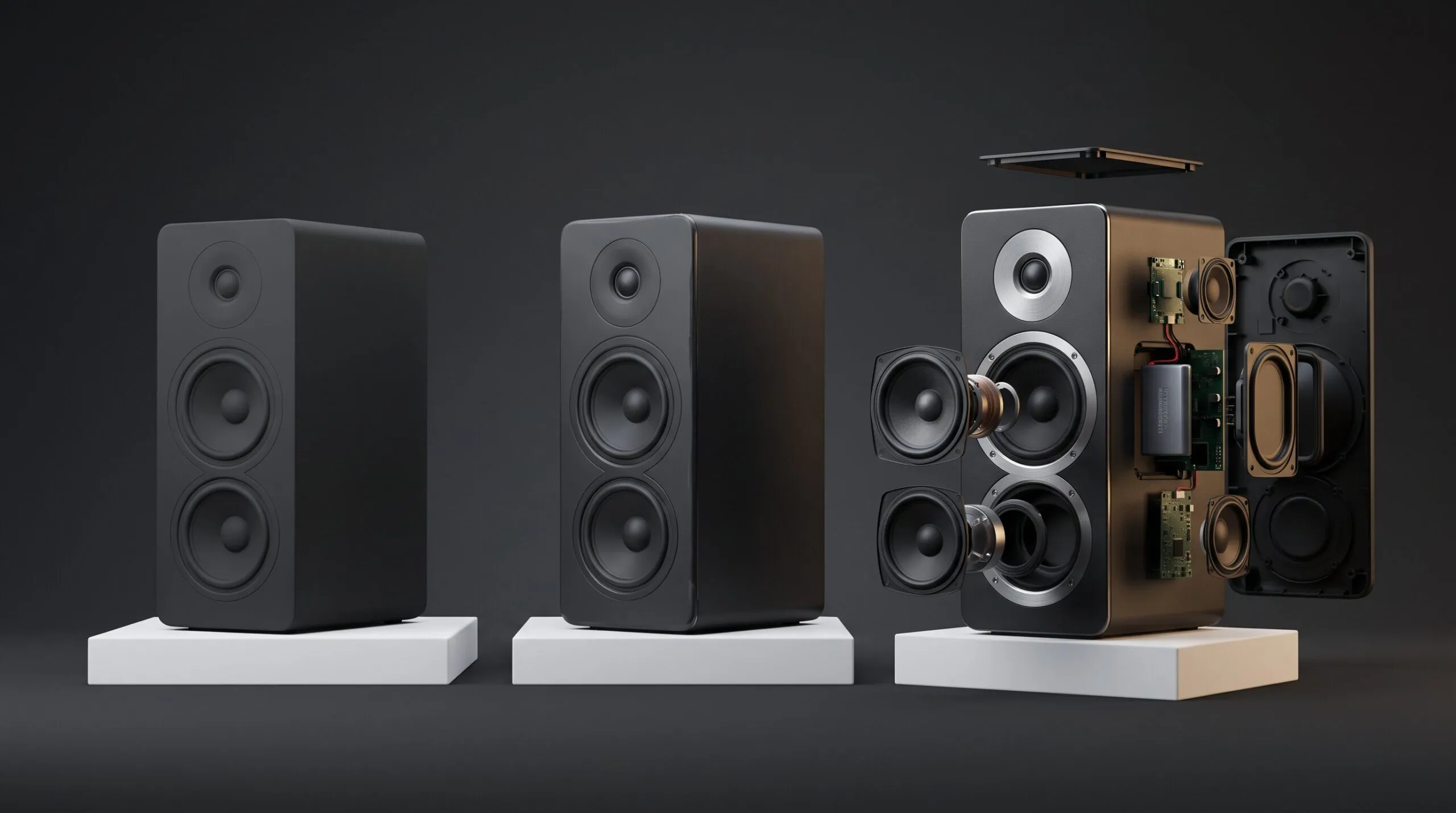
The left side took minutes and settled the direction. The right side is the one that can go on a product page.
What does each one cost?
AI is cheaper to start. CGI is cheaper to be right. The honest comparison includes the hours spent getting a usable result, not only the invoice.
| CGI, at our pricing | AI generation | |
|---|---|---|
| Entry cost | $550 for up to ten images from your CAD on a plain background | Free tier, or $12 to $76 per month for Runway on annual billing, at the time of writing |
| Short video | $1,200 for 10 to 30 seconds from your CAD on a plain background | Included in the subscription, within its credit limits |
| No CAD available | Add $400, $800 or $2,000 to build the model, by complexity | No model needed, and no accuracy either |
| Time to delivery | About a week for ten images, 10 to 15 days for a 30 second animation | Minutes per attempt, and an unknown number of attempts |
| What you keep | Images, and the 3D files if your quote includes them | Images only |
Our figures are additive: $200 to prepare a model from your CAD, then $250 for up to ten images and $100 for a plain background, or $500 for the video length and $500 for the background. Runway’s pricing page lists the current plans for the AI side.
Who owns the result?
With CGI, your contract decides. With AI, the law is less settled, and in the US prompts alone are not enough.
The U.S. Copyright Office addressed this in its 2025 report on copyrightability. Its summary says that “the outputs of generative AI can be protected by copyright only where a human author has determined sufficient expressive elements,” and that protection does not extend to “the mere provision of prompts.” For a brand, that raises a practical question about whether a competitor could reuse an image you generated. Ask your lawyer before you build a campaign on one.
CGI has its own ownership trap, and it is a contract one. Receiving finished images does not mean you received the 3D model and scene files behind them. With us they are not included unless you ask for them in the quote. Ask every studio the same question before work starts.
Do you have to label AI-generated product images?
In the EU, transparency rules for AI-generated content are part of the AI Act, and you should check how they apply to you. This is a legal question, so treat what follows as a pointer, not advice.
The European Commission’s AI Act page says that “providers of generative AI have to ensure that AI-generated content is identifiable,” and that “certain AI-generated content should be clearly and visibly labelled, namely deep fakes and text.” It gives August 2026 as the date the transparency rules come into effect. Platforms and marketplaces may have their own disclosure rules as well, so check each one you publish on.
On the technical side, the industry answer is provenance data. The C2PA standard describes Content Credentials as working “like a nutrition label for digital content,” recording where a file came from and how it was edited.
If your visuals mix rendered and generated elements, how the rules apply is a question for your lawyer, not for a studio.
How do you tell CGI from AI?
Look at a set of images, not a single one. One good picture can fool anyone. Six pictures of the same product cannot hide a generator’s guesses.
-
Count the details across images. Buttons, ports, screws and seams stay identical in CGI.
-
Read the small text. Labels and logos are crisp and correct in CGI.
-
Check the reflections. In CGI they follow the shape of the product and the lights in the scene.
-
Look for provenance data. Content Credentials, where present, state how a file was made.
No visual test is reliable forever. The tools improve every few months. Consistency across a set is the check that keeps working.
What to send when you commission product visuals
-
Your CAD file or 3D model, in STEP, IGES or a native format
-
Any AI mood boards you made, as direction references
-
Logo and label artwork as vector files
-
Materials and finishes by actual spec, and brand colors
-
The list of images, angles and aspect ratios you need
-
Where the images will be used: website, marketplace, print, ads
-
Whether you need the 3D model and scene files afterward
-
Whether AI-generated backgrounds are acceptable to your brand and legal team
Common mistakes
Putting an AI image of the product on the product page. If it does not match the item, the customer finds out when the box arrives.
Treating a mood board as an approved design. A generated concept may show a shape that cannot be manufactured.
Expecting AI to follow your CAD. A reference image steers the style. It does not transfer dimensions.
Assuming a generated image is a protected asset. Check the copyright position before you depend on it.
Assuming finished renders mean you own the 3D scene. They do not, unless the quote says so.
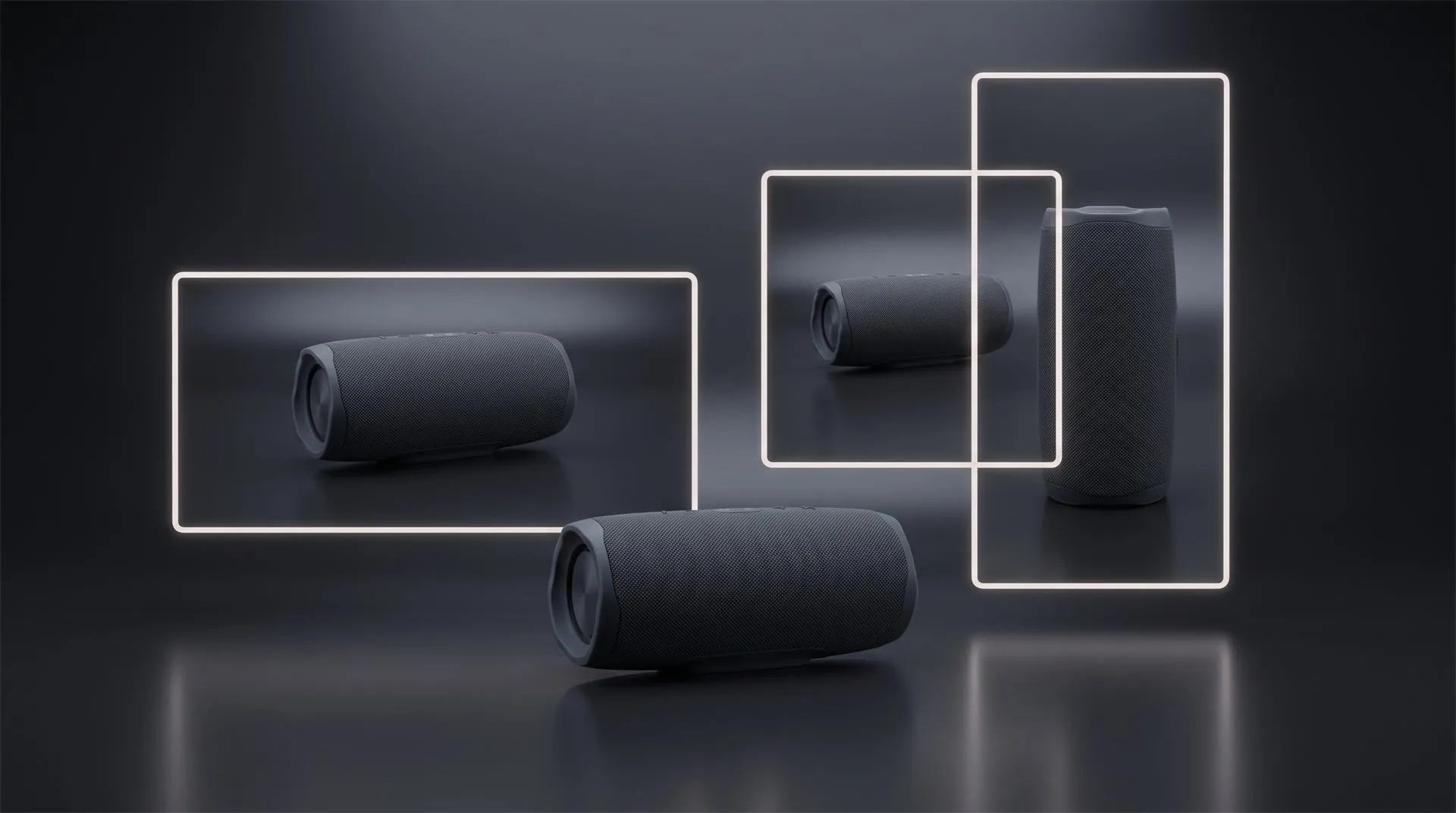
Treating a vertical or square version as a crop. A new aspect ratio means reframing the camera in the 3D scene, which is why it is a separate $100 item on a stills set.
FAQ
Is CGI being replaced by AI?
Not for product visuals. AI has taken over concept work and mood boards. Final images of a real product still come from a 3D model, because that is the only way to keep it accurate and identical across every image.
How to tell CGI from AI?
Compare several images of the same product. In CGI the details, labels and proportions stay identical from one image to the next. In AI-generated sets they tend to drift.
Can AI be used in CGI?
Yes. Renderers already use machine learning for denoising and upscaling, and artists use generators for ideas and backgrounds. The product itself still comes from the 3D model.
Is CGI classified as AI?
No. CGI is made by artists who build a 3D scene that a renderer calculates. AI generation predicts an image from training data. Some CGI tools include AI features, but the method is different.
Is AI cheaper than CGI for product images?
To start, yes. A subscription costs less than a render set. Count the hours spent regenerating, and the cost of an image that does not match the product, before you call it cheaper.
Can an AI generator work from my CAD file?
No. Generators take prompts and reference images, not CAD geometry. A render of your CAD can guide the style, and you can make one yourself in Quince Render Lab, but the output is still a reinterpretation.
Where to go from here
Send us your CAD file, and your AI mood boards if you have them. We will tell you which images need CGI, which ones a generator can handle, and what the CGI part would cost.
Related Articles
3D Product Animation Trends in 2026: What Brands Are Doing Now
You Made a Product Image with AI. Here Is Why It Cannot Become Your Product Video.
How to Choose a 3D Product Animation Studio: A Buyer’s Checklist
It Is 2026, Apple Puts AI in Every Device, and It Still Launched Its New Hardware With 3D Animation
3D Product Explainer Videos: Examples, Cost and How They Are Made (2026)
Product Hero Shots: What They Are, Why Brands Now Render Them in CGI, and What They Cost

 Rachel A