
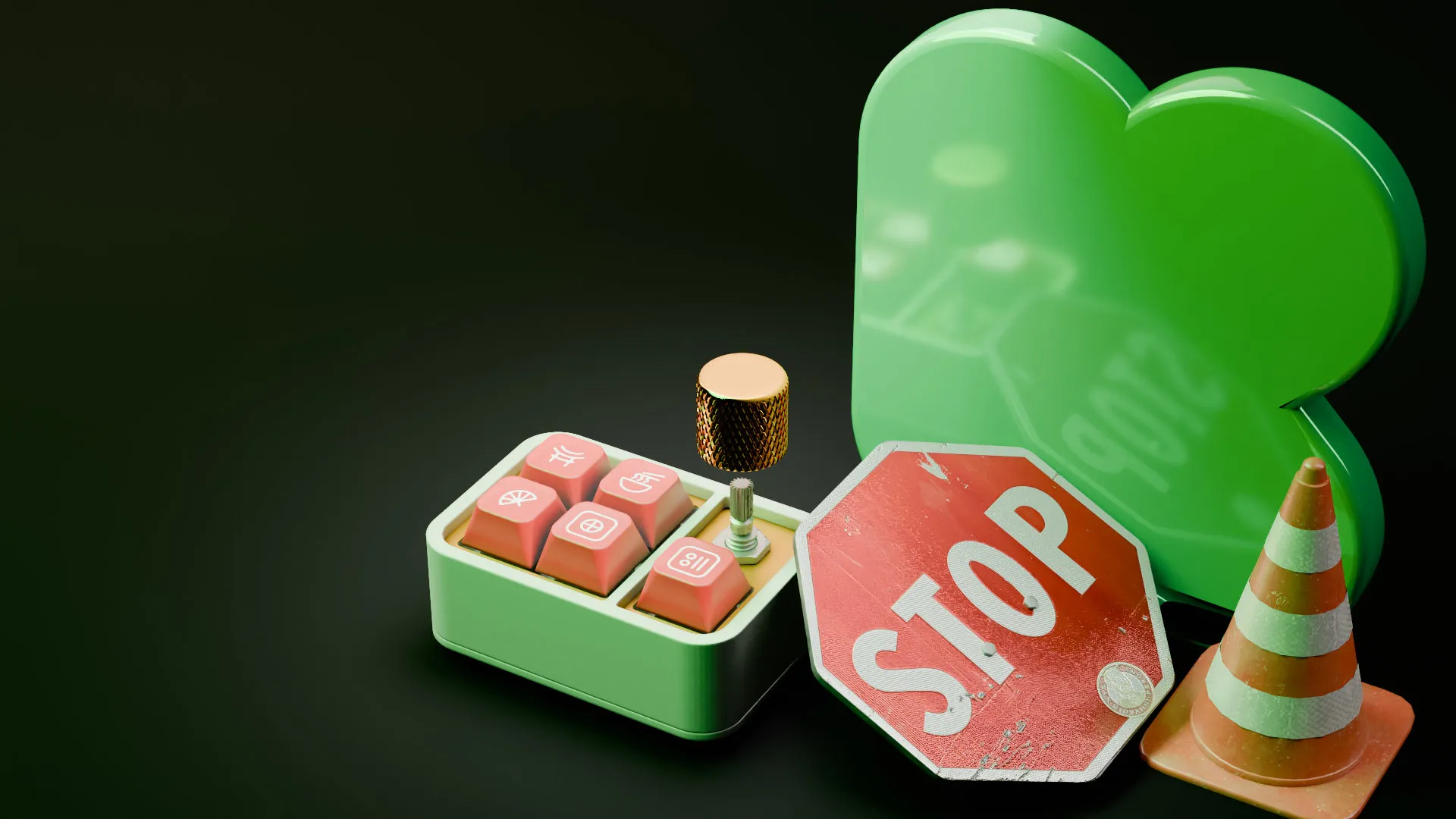
How to Use 3D Animation on Kickstarter Without Getting Your Campaign Cancelled
Most 3D studios selling to Kickstarter creators will not tell you this, because it sounds like arguing against their own service.
Kickstarter prohibits photorealistic renderings in the Hardware and Product Design categories. Not discourages. Prohibits. If a reviewer spots one before you launch, your project is not allowed to go live. If it is discovered after you launch, the campaign is cancelled.
We animate products for a living, including six funded Kickstarter campaigns for a single client, and we would rather you heard this from us before you commissioned the wrong asset.
The good news, and it is genuinely good news: the restriction is narrower than it sounds, and the place where 3D animation makes you the most money is not governed by it at all.
What Kickstarter actually prohibits
Straight from Kickstarter’s rules for hardware and product design projects: creators in these categories are required to show working prototypes, and photorealistic renderings are not allowed. Kickstarter also asks creators to spell out for backers how the product will be produced, and whether they have made anything like it before.
Their original policy announcement is more specific, and it contains two separate prohibitions that people tend to blur together:
1. No product simulations. Projects cannot simulate events to demonstrate what a product might do in the future. Products can only be shown performing actions they can actually perform in their current state of development.
2. No photorealistic renderings. Product images must be photos of the prototype as it currently exists.
Kickstarter later clarified what they meant by “rendering,” because the word covers a lot of ground. Their answer: they mean photorealistic renderings of a product concept, specifically renderings that could be mistaken for a finished product. Technical drawings, CAD designs, sketches, and other artifacts of the design process remain allowed. In their words, seeing the creative process is something they actively want.
On enforcement, Kickstarter has been candid that review is quick and they may not catch everything. That is not a loophole. A cancelled campaign mid-flight, after you have spent months and a marketing budget, is a catastrophic outcome, and backers report projects they find suspicious.
Important scope note: these rules apply to Hardware and Product Design projects developing new products. They are not blanket rules across all of Kickstarter. If you are running a project in a different category, check your own category’s guidance rather than assuming this applies to you.
What this means in practice
Two of the most commonly given pieces of advice about 3D animation for crowdfunding are, for hardware campaigns, straightforwardly bad advice:
- “Use 3D animation instead of building a physical prototype.” You cannot. Working prototypes are required in these categories.
- “Use 3D animation to show planned future features and later versions.” That is the simulation clause. It is exactly what the rule was written to stop.
If a studio pitches you either of those, they have not read the rules.
Where 3D animation legitimately belongs
Here is the part that matters, and it splits into three phases.
Phase 1: Pre-launch, where the rules do not apply and the money is
This is the most misunderstood thing about Kickstarter, and it changes the entire calculation.
Successful hardware campaigns are not won on launch day. They are won in the two to four months before launch, building an email list of pre-qualified buyers through paid ads and a landing page. Campaigns that fund in the first hour do it by emailing a list that already exists.
The industry-standard version of this is a reservation funnel: an ad drives traffic to a landing page, the landing page captures an email, and a small deposit (usually $1) converts an email into a qualified VIP with a guaranteed launch discount. The agencies that specialise in this report that a depositor is dramatically more likely to actually back the campaign than a plain email subscriber, which is why the deposit exists at all.
None of that lives on Kickstarter. Your ads run on Meta, YouTube, and TikTok. Your landing page is your own domain. Your emails are yours. Kickstarter’s on-page content rules do not govern any of it.
This is where photorealistic 3D animation is not just permitted, it is the correct tool. Even LaunchBoom, the largest crowdfunding agency in the space, says it plainly: photorealistic renderings are not allowed on Kickstarter, but they can still be very useful in your marketing during pre-launch.
Practically, that means:
- Hero product animation for paid social, cut to 1:1 and 9:16
- Clean studio-style renders for the landing page above the fold
- Short loops and GIFs for email and retargeting
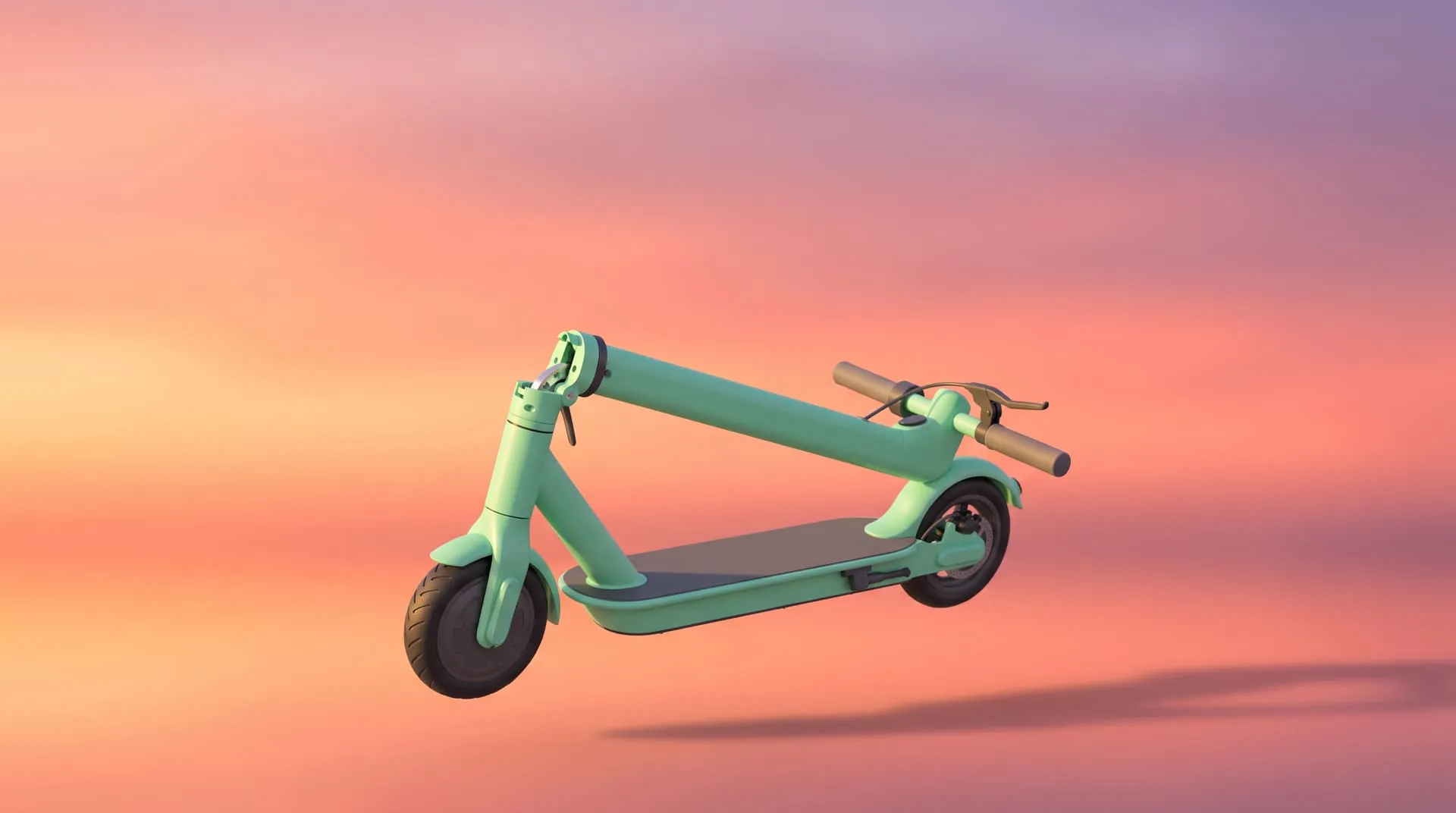
- Colorway and variant visuals to test which version people actually want, before you tool for any of them
That last one is quietly the highest-value use. You can test three colorways in ads for the cost of the render and let the click-through rate decide, months before you commit to a mould.
The catch is timing. Because your ad creative and landing page visuals are needed before the pre-launch starts, the real deadline for booking 3D visuals usually lands two to three months before launch, not the week before. And first-time creators can only open a Kickstarter pre-launch page after their project has been approved, which moves the review step earlier too. To see where those dates fall for your own campaign, use our free Kickstarter launch timeline planner. Enter your launch date and whether you have CAD, and it works backwards through every step, from booking visuals and submitting for review to pre-launch, the campaign page and launch day.
Phase 2: The campaign page, where compliant 3D still does heavy lifting
Once you are on Kickstarter, the rules bind. But “no photorealistic renderings” is not “no 3D.”
What stays compliant, because it reads as design process rather than finished product:
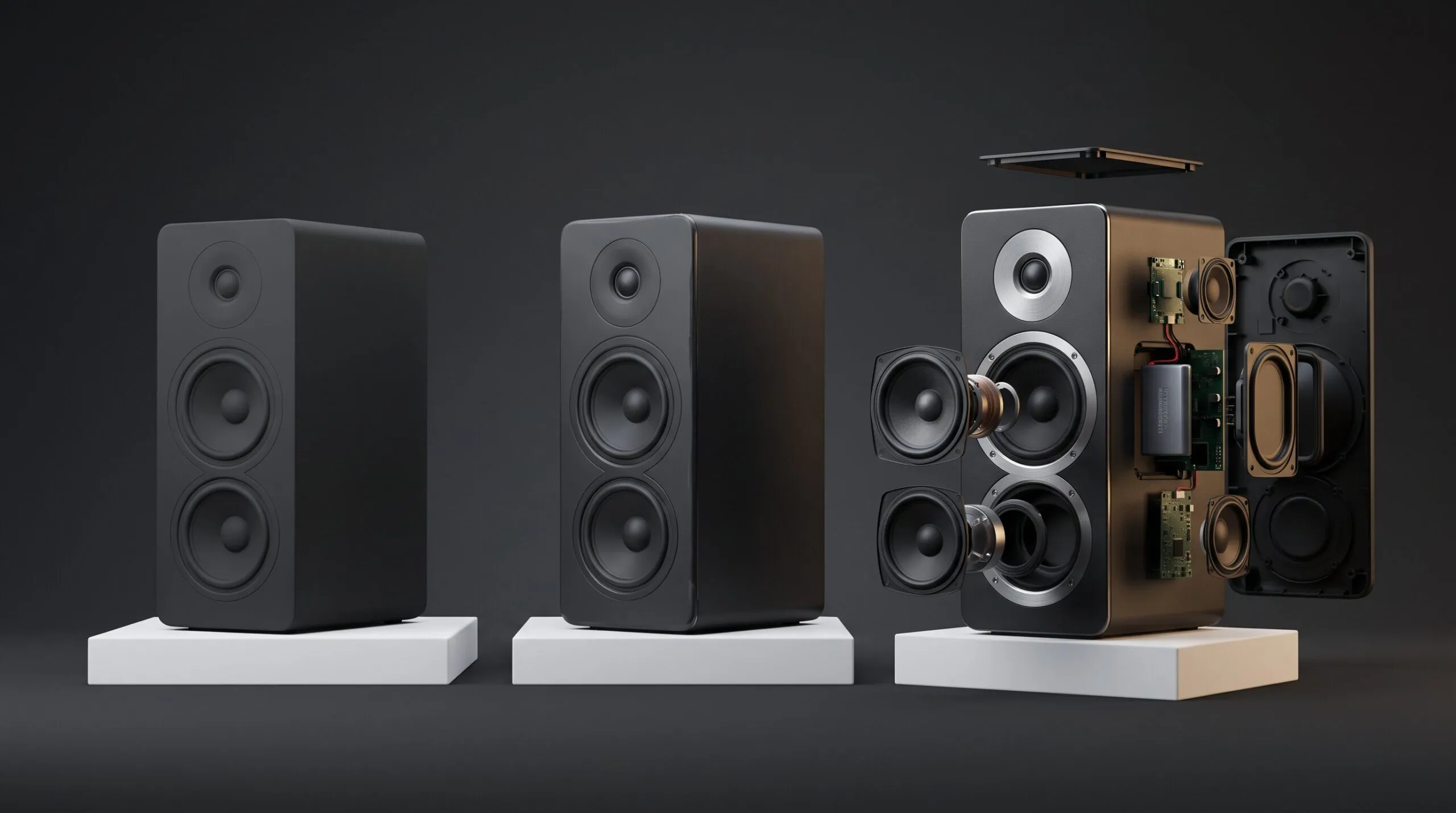
Exploded views. The product separating into its components, labelled. This is a technical illustration in motion. It communicates engineering competence, which is exactly what a hardware backer is trying to assess.
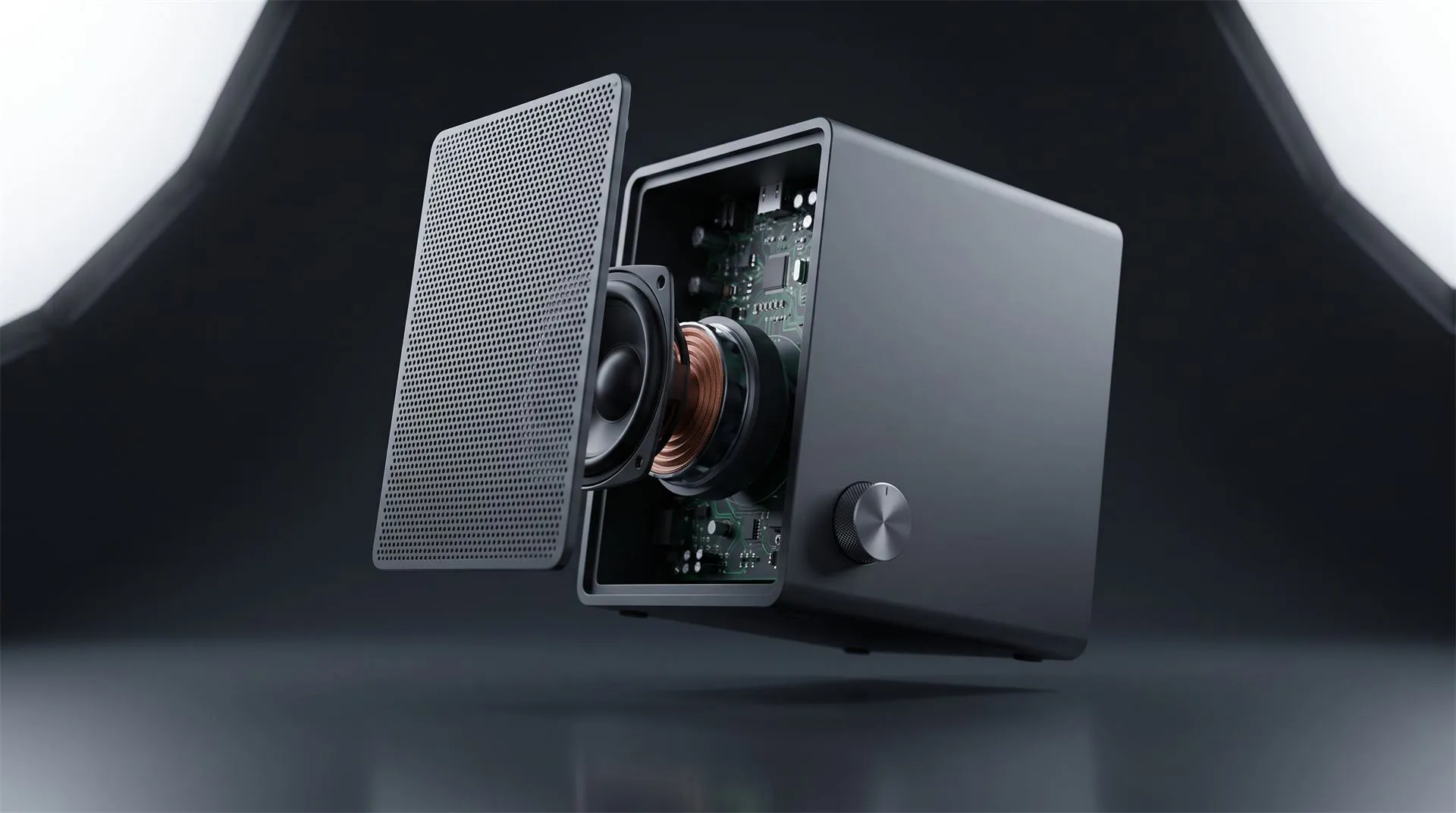
Cutaway and cross-section animation. Show the mechanism inside the housing, the airflow path, the battery placement, the gear train. Your prototype video cannot show this. No camera can. This is the single strongest argument for 3D on a compliant campaign page.
CAD-style and schematic visuals. Wireframe, blueprint, and technical-drawing aesthetics are explicitly named as allowed. They are also a genuinely good look for a hardware campaign, and they are unmistakably not a photo.
Assembly and how-it-works sequences, showing what the product does in its current state, not what a future version might do.
Dimensional and scale visuals. Size comparisons, fit, tolerances.
The organising principle: your prototype footage is the proof, and 3D is the explanation. Film the real thing doing the real thing, then use animation to show the parts of it the camera cannot reach. Style the animation so no reasonable person could mistake it for a photograph. That is both compliant and, for a technical product, more persuasive than a glossy hero shot.
Phase 3: After you fund
Once the campaign closes, the constraint disappears entirely, and you now own an asset with years of life left:
- Backer updates during manufacturing
- Pledge manager and late-pledge pages
- Your own e-commerce store
- Amazon listings and A+ content
- Retail and distributor pitch decks
- Trade show loops
The 3D model built for your pre-launch ads is the same model that renders your Amazon gallery two years later. Almost nobody budgets for this at the start, and almost everybody uses it.
A compliance checklist before you upload
Run this over any 3D asset destined for your campaign page:
- Could a reasonable backer mistake this for a photograph of a real object? If yes, it does not go on the page.
- Does it show the product doing something the current prototype cannot do? If yes, cut it.
- Does it show a future version, a planned feature, or a colorway that does not exist yet? Cut it.
- Is the visual style clearly technical, illustrative, or schematic? Good.
- Is your actual prototype visibly present on the page, doing real things, on camera? It must be.
- Have you explained how you will manufacture it, and what you have built before? Kickstarter asks for this in these categories.
What it costs
Rough figures from our own pricing, so you can budget rather than guess.
| Package | What’s in it | Cost |
|---|---|---|
| Pre-launch still image set | Medium-complexity model, 11-20 images, transparent or solid background, 1:1 and 9:16 | ~$1,500 |
| Pre-launch ad creative | Medium-complexity model, 15s hero animation, studio background, 1:1 and 9:16 | ~$2,300 |
| Campaign page technical explainer | Medium-complexity model, 45s exploded and cutaway sequence, studio background, 4K, voiceover | ~$2,650 |
| Full launch package | Technical model, 60s animation, built 3D environment, all formats, 4K, voiceover | ~$5,850 |
| Additional variant or colorway | Model already exists, re-render only | From ~$950 |
The variables that move the number: how complex the product is to model (an existing production CAD file drops that line from as much as $2,000 to $200), how long the finished video runs, whether you need a solid studio background or a built 3D environment, and which aspect ratios you need. Our pricing calculator will get you a figure in about thirty seconds.
The cheapest way in is stills, not video. A landing page and a Meta ad set need images before they need a hero film, and a still image package costs a fraction of an animation. More usefully, the model is the shared cost between them. Once we have built your product in 3D for a still set, adding animation later skips the largest line on the quote, and the reverse is also true: if you commission the video first, a matching still set off the same model starts at around $900.
That means you do not have to decide the whole package up front. Start with what your pre-launch funnel needs first, and let the campaign page assets come off the same model.
For context on where this sits in a launch budget: experienced crowdfunding agencies generally advise that a campaign video should not exceed roughly $15,000, and that most first-time creators should spend considerably less and redirect the difference into ad spend. A full 3D package from us lands well inside that, which leaves budget where it actually converts.
One thing worth asking any studio for, including us: the frame exports and source renders, not just the finished video file. As the Omni campaign below shows, a single 61-second animation can furnish a dozen page GIFs, section headers, and feature stills. Those extra assets cost nothing extra to produce if you ask for them at the start, and buying them separately later costs real money.
How we work
Four stages, with your approval at each one, so nothing expensive gets rendered before the direction is locked.
Stage 1: 3D Model Creation. We build the digital replica. Send us your CAD file if you have one, since that removes the largest cost line. If not, we work from reference photos of your prototype: multiple angles, plus close-ups of any material or mechanism we need to match.
Stage 2: Concept Renders. Lighting, materials, composition, locked as stills. For a Kickstarter project this is also where we agree the visual register: photoreal for your pre-launch ads, technical or schematic for anything going on the campaign page.
Stage 3: Animatic. A grayscale timed blueprint of the whole video. Deliberately rough, deliberately cheap to change. Structural feedback belongs here, not after final render.
Stage 4: Final Render and Review. Full quality render, then post: effects, color grade, sound design. Your approval, and you have your files.
Revisions: We usually include two sets of revisions at every stage of the production process but are open to discuss your needs.
When to hire us, and it is earlier than you think
Most creators contact an animation studio when they are building their campaign page. That is roughly two months too late.
If your pre-launch ads start running two to four months before launch, and those ads need hero visuals, then your 3D work needs to be finished before the ad campaign begins, not before the page goes live. Build the model early, use it for the whole funnel, and re-render it for the campaign page in a compliant style when the time comes.
Same model. Multiple deliverables. One build cost.
Technical specs for your Kickstarter video
Kickstarter accepts a range of file types but compresses on upload, so start high.
- Container: MP4 is the safe default. MOV and WMV are accepted. Avoid AVI and FLV.
- Codec: H.264
- Upload resolution: 1080p or 720p
- Aspect ratio: 16:9
- Audio: AAC
- Bitrate: target around 1.5 Mbps, raise to 3 to 5 Mbps if your upload looks grainy
Three practical notes. Do not upscale a low-resolution source to 1080p, because compression will make it look worse than the original. Use high-contrast lighting, since detail is the first thing compression eats. And burn in captions or upload an SRT, because a large share of viewers watch on mute, especially on mobile.
Full technical specification can be found here.
Case study: FantasyDesigns, six funded campaigns
We have produced six Kickstarter launch videos for FantasyDesigns since 2023: the first five Omni modular storage campaigns, and most recently Spoolara.
Every one of them funded. Most of them funded by multiples that are difficult to write down without sounding like a typo.
| Campaign | Ended | Result |
|---|---|---|
| Omni | May 2023 | $459,147 from 6,437 backers, 9,183% funded |
| Omni 2 | Sep 2023 | $404,370 from 5,803 backers |
| Omni 3 | Mar 2024 | $231,951 from 3,221 backers |
| Omni 4 | Sep 2024 | $143,696 from 2,219 backers, 3,592% funded |
| Omni 5 | Apr 2025 | $145,312 from 2,135 backers, 4,843% funded |
| Spoolara, 3D Printing Suite | Live now | $67,671 in the opening days, 1,350% funded |
Two of them are worth looking at closely, because they show two different jobs animation does.
Omni: one video, an entire campaign page
The original Omni is a modular display and storage system for miniatures, board games, and collectibles. It raised $459,147 against a $5,000 goal from 6,437 backers, and picked up Kickstarter’s “Project We Love” badge.
The video we delivered runs 61 seconds. What matters commercially is what happened to it afterwards.
FantasyDesigns did not use it once as a header and move on. They cut it into more than a dozen animated exploded-view GIFs placed throughout the page, pulled stills to illustrate individual feature sections, and used rendered frames as the visual identity for section headers like “Customize the way you display” and “How to Assemble.”
One animation build furnished the header, the feature sections, the assembly explanation, and the page’s entire visual language.
That is worth planning for when you commission. Ask for the frame exports and source renders, not just the finished cut.
Why this product needed animation specifically:
The product is a file. Backers receive printable STL files, not a manufactured object. The design is the deliverable. There is no factory sample to photograph, because the thing being sold is the geometry.
The product is a system, not an object. You combine pieces to build a case of any height, width, or depth. You can photograph one configuration. You cannot photograph a system. The page shows wall arrangements at several scales precisely because rendering can generate configurations that do not physically exist yet.
Assembly is the objection. Anyone considering a 3D printable product wants to know how hard it is to put together. Exploded-view animation answers that better than any other medium, which is why it recurs through the page rather than appearing once.
On category: Omni ran in Tabletop Games, which is why the page carries fully photorealistic lifestyle renders alongside the technical exploded views. The Hardware and Product Design restriction discussed above did not apply.
It is a useful campaign to study for exactly that reason, because it shows both registers side by side. The photoreal lifestyle imagery is what you can do when the restriction does not apply to your category. The exploded and cutaway sequences are what you should do when it does, since that technical style stays compliant while still carrying the explanatory load.
Spoolara: animating software instead of a product
Spoolara is a software suite for 3D printing. It launched in July 2026 and cleared its $5,000 goal more than thirteen times over in the opening days, reaching $67,671 from 497 backers with the campaign still running. It also carries the “Project We Love” badge.
This one is a different problem entirely. There is no product to photograph in any sense. The thing being sold is an interface.
Screen recordings of software are usually flat and hard to follow, especially compressed into a Kickstarter player and watched on a phone. What the animation has to do instead is make the interface legible: show the exploded assembly view, the parts breakdown, the build summary, the hardware list, and make a viewer understand in seconds what the tool is for.
The general lesson for anyone launching software on Kickstarter: animate what the software actually does, not what you plan for it to do. Kickstarter’s prohibition on simulating future functionality is not limited to physical products, and a slick UI animation showing features that do not exist yet is the same problem as a render of an unbuilt gadget.
What six campaigns actually demonstrate
Two things, and the second is the one to budget for.
Animation is not a one-time launch expense. It is the visual system for the whole campaign page, and then for the next campaign, and the one after that.
A product line compounds. The first campaign carries the cost of building the model and establishing the visual language. Everything after it inherits both. FantasyDesigns went from a display case to modular miniature storage to a painters and hobby system to a software suite, and each launch had a visual identity ready before it started.
If you are planning a line rather than a single product, factor that in from the first quote.
FAQ
Do these rules apply to my project?
They apply to Hardware and Product Design projects developing new physical products. Games, tabletop accessories, publishing, film, and other categories are governed differently. The Omni campaigns above ran in games and were not subject to the rendering restriction. Check your specific category’s rules before assuming either way.
Can I use 3D renders on my Kickstarter campaign page?
Not photorealistic ones, if you are in Hardware or Product Design. Technical, schematic, exploded, and cutaway animation is allowed because it reads as design process rather than as a finished-product photograph.
Can I use 3D animation instead of building a prototype?
No. Kickstarter requires working prototypes in these categories. 3D animation supports your prototype footage, it does not replace it.
Can I show features that are planned but not built yet?
No. Product simulations are prohibited. Show what the current prototype can actually do.
Where can I use fully photorealistic animation?
Everywhere outside the campaign page: pre-launch Meta and TikTok ads, your landing page, your email sequence, and after the campaign on your store, Amazon listings, and retail materials.
What about Indiegogo?
Unlike some crowdfunding platforms that maintain rigid, explicit restrictions on digital mockups (for instance, Kickstarter explicitly bans CGI or special effects to fake the functionality of a physical prototype that doesn’t exist), Indiegogo does not have a distinct, standalone rule that outright bans Computer-Generated Imagery (CGI) or 3D product renders.
Do you work with first-time creators?
Yes, of course.
How early should I commission the animation?
Before your pre-launch ad campaign starts, which for most creators is two to four months before launch day.
Talk to us before you commission the wrong asset
We have been building 3D product animation since 2012, and we have launch videos on six funded Kickstarter campaigns, across physical products, printable files, and software. If you are planning a launch, we can tell you which assets you need for which phase, and which ones would get your campaign pulled.
If you are still working out what the video should show, sketch the launch video shot by shot before you brief a studio.
Get a rough figure from the pricing calculator, or tell us what you are launching and we will map it out properly.
Related Articles
How to Choose a 3D Product Animation Studio: A Buyer’s Checklist
3D Product Explainer Videos: Examples, Cost and How They Are Made (2026)
3D Product Demo Videos for Physical Products: Examples, Cost and Process
You Have a KeyShot File but No Animator. Here Is How to Get a Product Video Made
3D Footwear Animation Cost in 2026: Real Prices, Real Timelines, No “Contact Us for a Quote”
You Made a Product Image with AI. Here Is Why It Cannot Become Your Product Video.
 Rachel A