
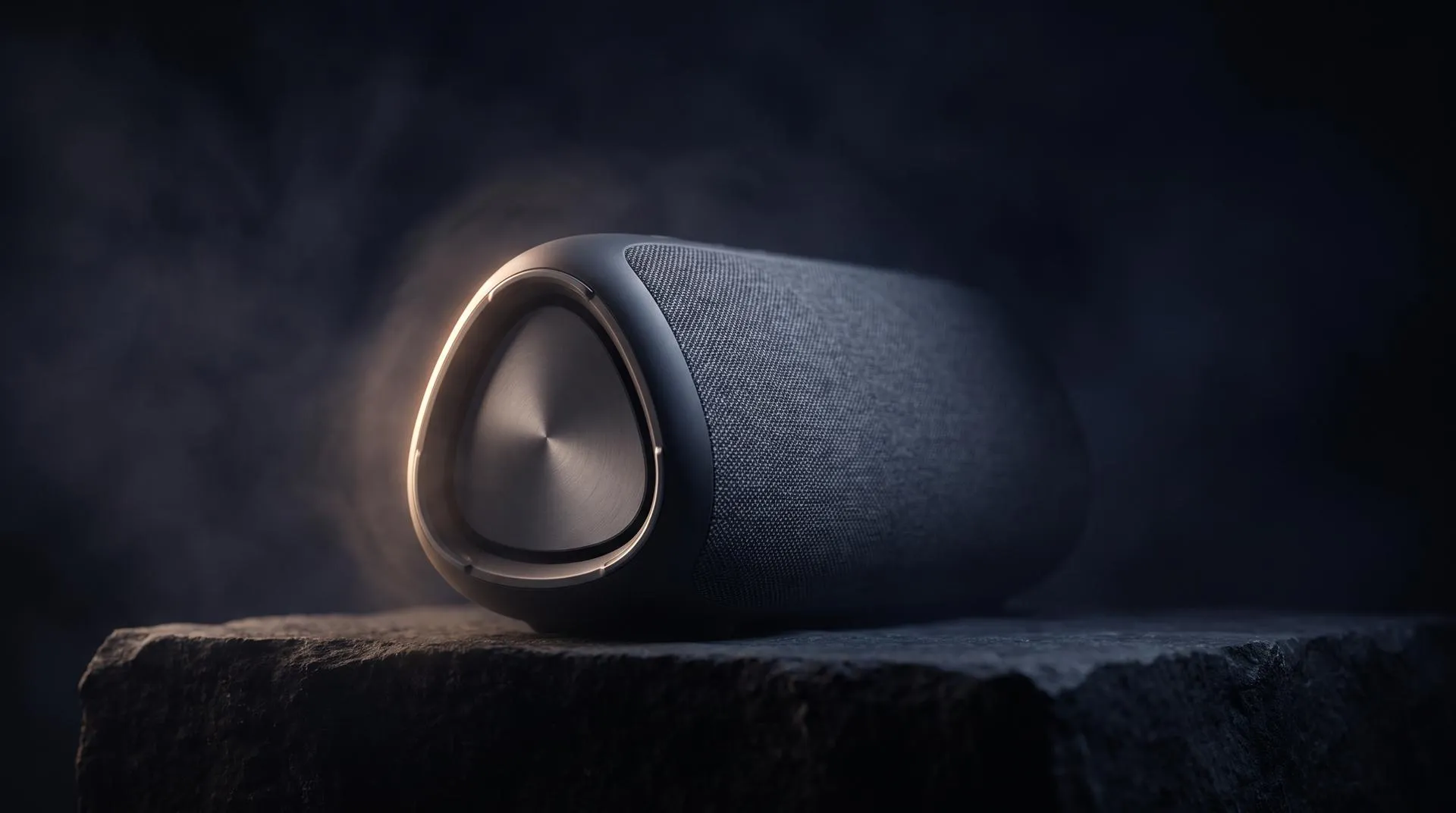
Product Launch Video for Physical Products: Structure, Examples and Cost (2026)
A product launch video is a 30 to 90 second film that introduces a new physical product: what it looks like, what it does better, and where to buy or pre-order it. For hardware it is usually built from the product’s CAD data, because the product often does not exist in finished form yet, or does not film well.
Search for “product launch video” and almost everything you find is about software. Screen recordings, SaaS feature tours, animated logos. Useful if you sell an app. No help at all if you are launching a speaker, a power tool, a camera or a skincare device in eight weeks and the only finished units are three hand-built samples in your engineering lab.
This guide is for that second situation.
What is a product launch video?
It is the first film a buyer sees of your product, made to answer three questions in under a minute and a half: what is it, why is it better, and what do I do now. Everything else on launch day, the teaser, the product page loops, the 9:16 ads, is usually cut from it.
So a launch video is rarely one deliverable. It is the master file for a whole set of assets, and the structure and format decisions you make in week one decide how much you get out of the budget. Unlike a software video, it also has to make a material, a shape and often a hidden mechanism read correctly, which is a lighting and modeling problem before it is an editing problem.
The structure that works for physical products
Our standard launch film has five beats: a reveal, an optional slow rotation, features one at a time, an exploded view, and a close. It works for most physical products because it answers the buyer’s questions in the order they ask them.
| Beat | What happens on screen | Length |
|---|---|---|
| 1. Reveal | The product appears in its setting, usually out of darkness or with a camera move that resolves on it | Up to 5 s |
| 2. Rotation (optional) | A slow turn so the viewer reads the full shape, materials and controls | 3 to 5 s |
| 3. Features | One feature per shot, one claim per feature | 3 to 5 s each |
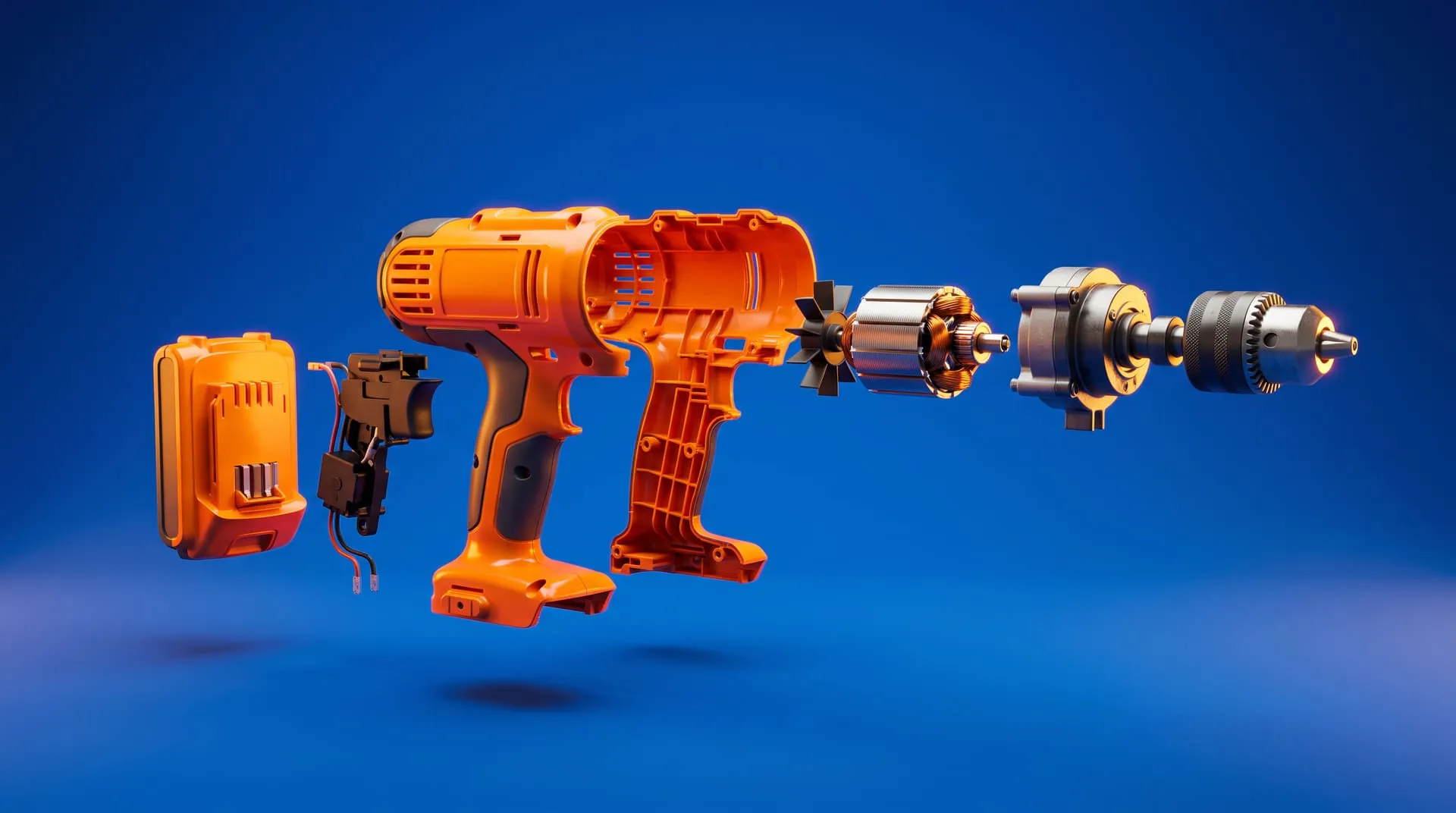
| 4. Exploded view | The parts separate and come back together | 2 to 3 s |
| 5. Close | Call to action and logo | 3 to 5 s |
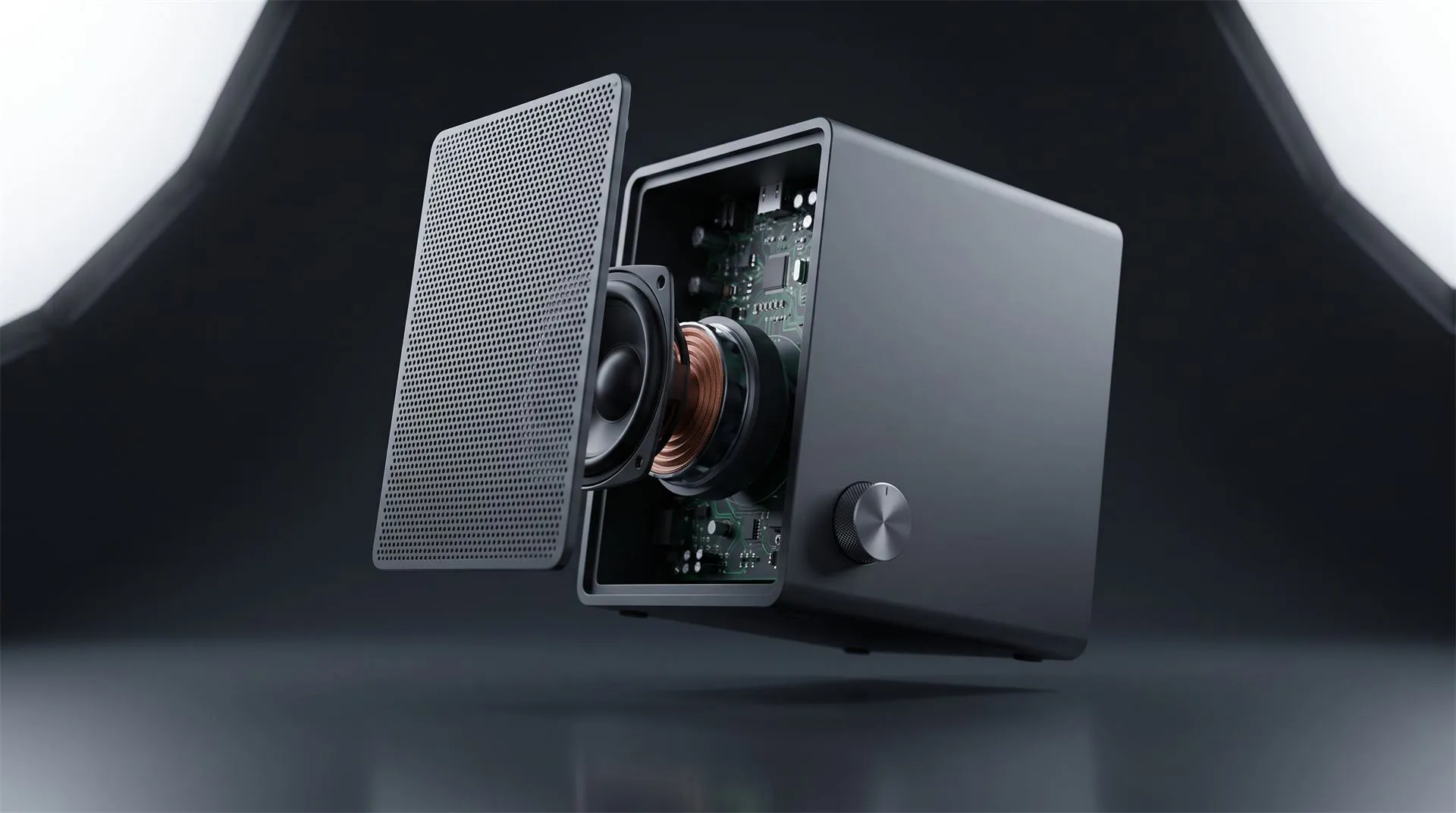
The exploded view moves depending on the product. By default it sits just before the close, as the “this is properly engineered” moment. If the reason to buy is inside, a new driver, a sensor, a battery, a cooling system, move it up to right after the reveal and let the features hang off it.
Features are the beat that decides the length. A 30 second film fits about three features. A 60 second film fits seven or eight. If your list has twelve, the problem is not the runtime. It is that nobody has decided which three matter.
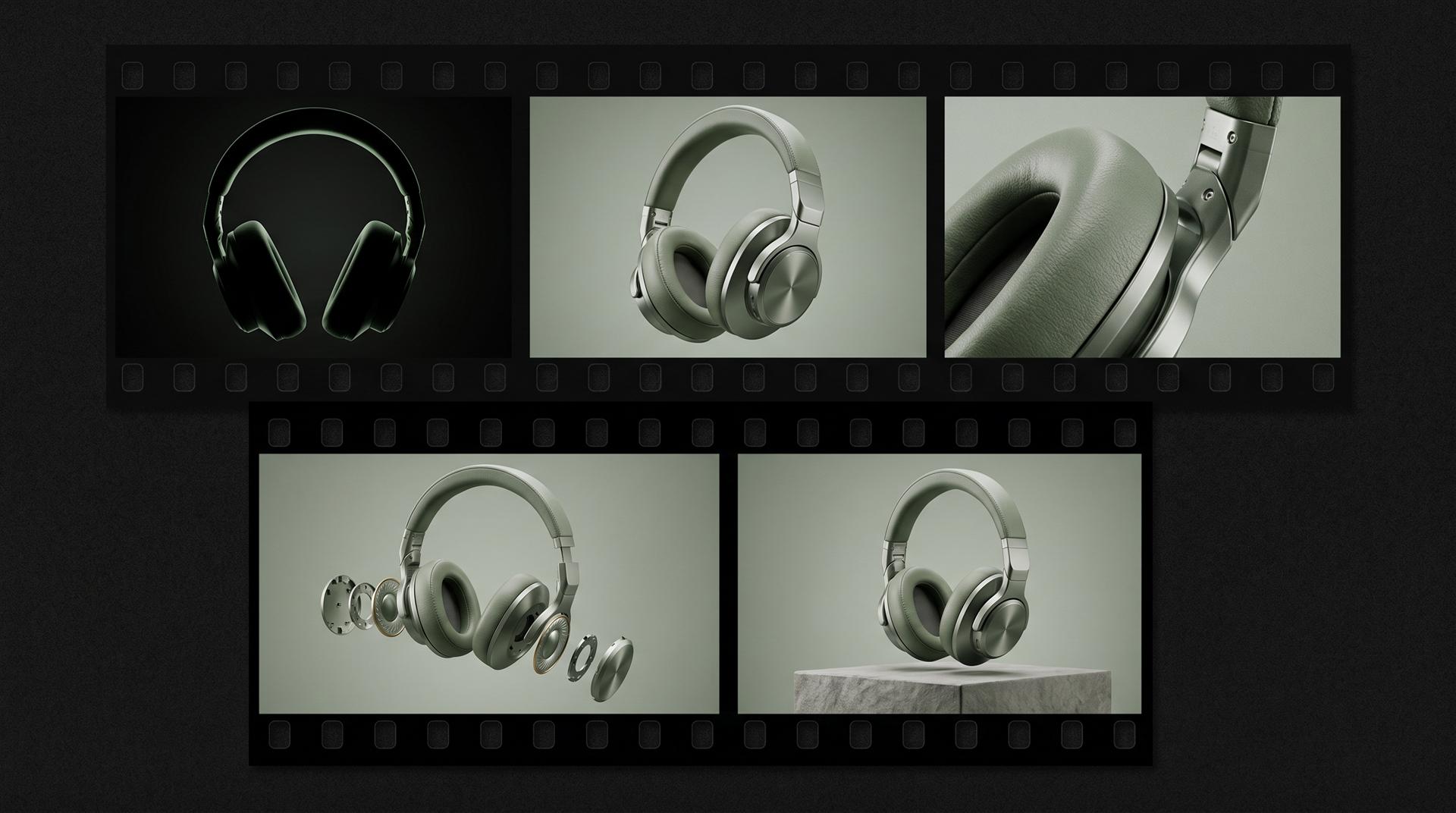
The five beats as frames: reveal, rotation, a feature macro, the exploded view and the closing hero shot.
Here is the same structure laid out as two real timings:
| Beat | 30 s launch film | 60 s launch film |
|---|---|---|
| Reveal | 0 to 4 s | 0 to 5 s |
| Rotation | 4 to 8 s | 5 to 10 s |
| Features | 8 to 20 s (3 features) | 10 to 50 s (8 features) |
| Exploded view | 20 to 23 s | 50 to 53 s |
| Close | 23 to 27 s | 53 to 58 s |
To try it with your own feature list, our free product video storyboard creator builds a timed storyboard and flags films that run too long.
15 s vs 30 s vs 60 s vs 90 s: which cut goes where
Make one master film and cut it down, rather than briefing four separate videos. Each length has a natural home:
| Cut | Best home | What survives the edit |
|---|---|---|
| 15 s | Teaser, pre-launch ads, Reels and TikTok | Reveal, one feature, date or close |
| 30 s | Paid social, retailer and marketplace listings, email | Reveal, three features, close |
| 60 s | Your product page, YouTube, press kit | Full structure |
| 90 s | Launch event, trade show loop, sales deck, YouTube | Full structure plus context or a use sequence |
Sound changes the edit. Meta’s guidance on Reels ads says Reels default to sound on and recommends 9:16 video with key messages inside the safe zone. Your product page is the opposite. Chrome’s autoplay policy always allows muted autoplay but limits autoplay with sound, so the website cut has to work silently.
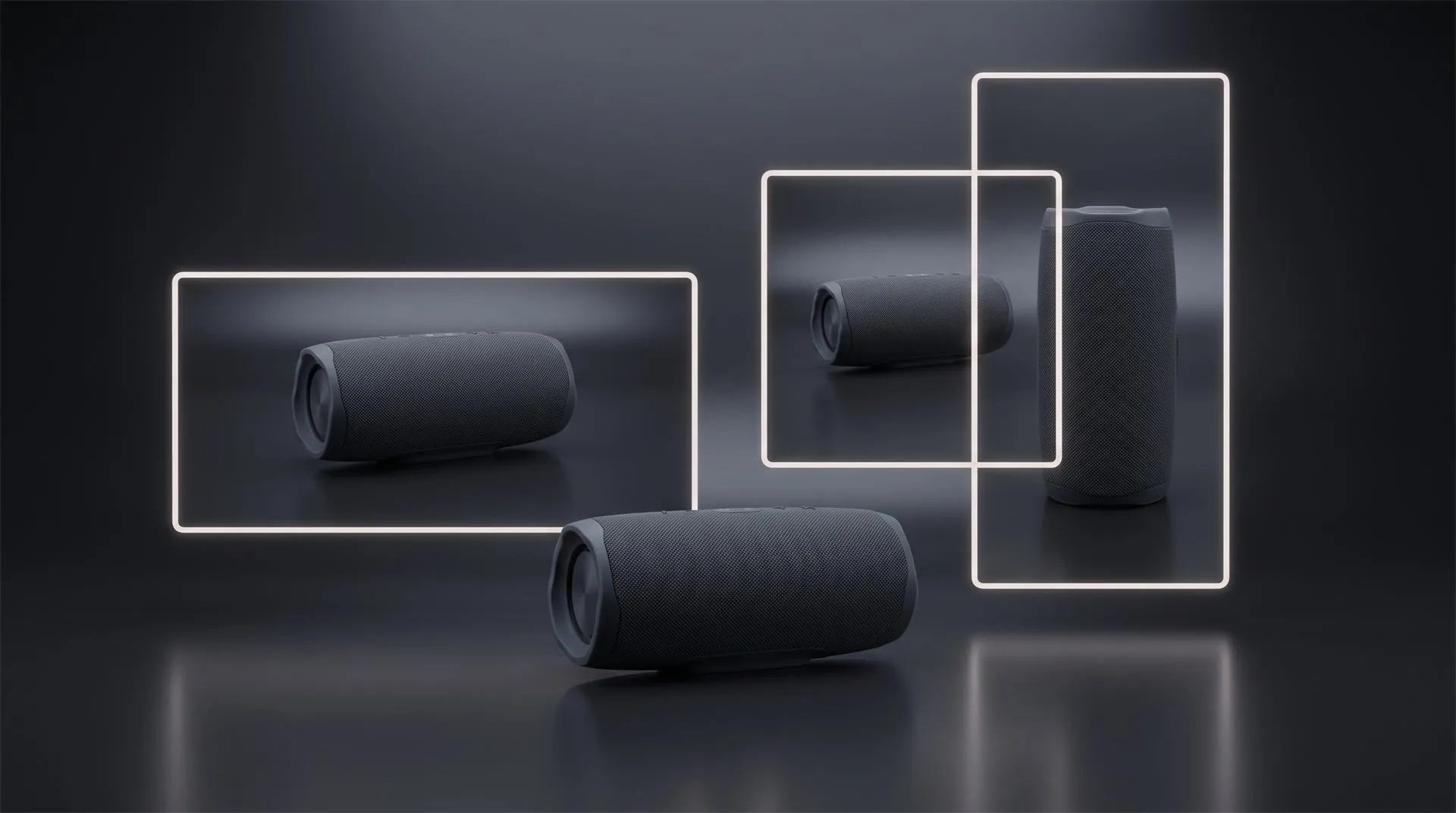
And a 9:16 or 1:1 version is not a crop. Turning a horizontal film into a vertical one means reframing the camera inside the 3D scene, shot by shot, so the product and any on screen text still sit where they should. That is why extra formats are priced as separate deliverables, and why you should list every format you need before the animation starts, not after.
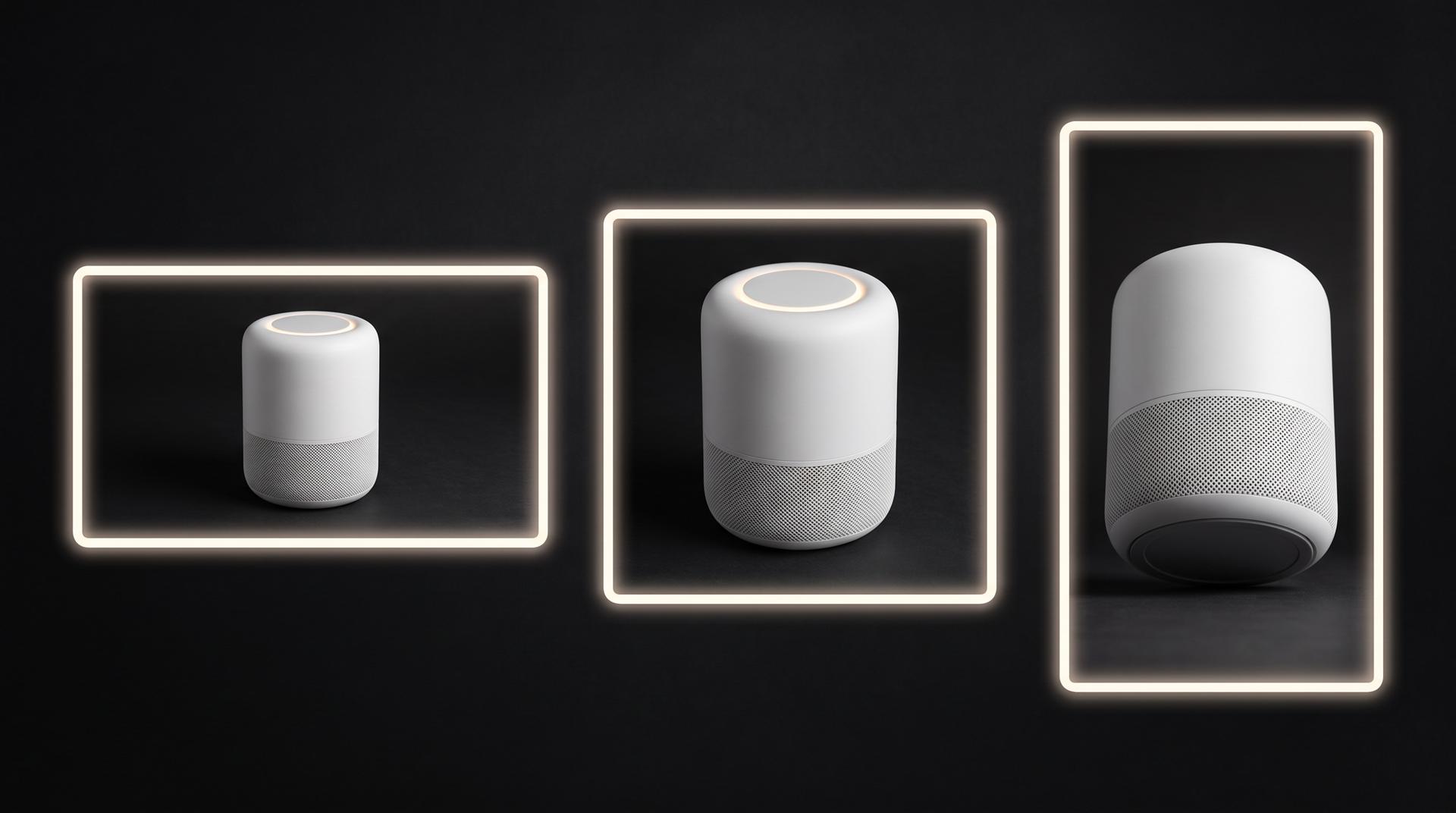
Same product, three formats, three different camera positions. A vertical cut is a new shot, not a resize.
Not sure which formats you need? Our product launch asset planner turns your sales channels into one asset list with sizes.
Live action vs 3D animation vs hybrid
If you have a finished, good-looking product and the story is about people using it, film it. That is often cheaper, and real hands holding a real product carry a kind of credibility a render does not. We would rather tell you that than sell you an animation you do not need.
| Live action | 3D animation | Hybrid | |
|---|---|---|---|
| Needs a finished product | Yes, camera-ready units | No, a usable CAD file is enough | At least one hero unit for the filmed part |
| Can show internals | Only by taking a unit apart | Yes, cutaways and exploded views | Yes, in the 3D shots |
| Late design change | Reshoot | Update the model, re-render affected shots | Depends which shots it hits |
| New color variants | New samples, new shoot | A material change | Usually in the 3D shots |
| People and real use | Strongest | Possible, but usually stylized | Strong |
| Main cost drivers | Crew, location, talent, shoot days | Modeling, length, environment | Both |
Hybrid, filmed people and settings cut with CG product shots, costs more than either route alone because you pay for a shoot and for 3D. It is the right call when the product needs to be both exact and lived in.
One caution if you crowdfund. Kickstarter’s rules for hardware and product design projects require working prototypes and do not allow photorealistic renderings. A 3D film is fine in pre-launch ads and after funding, but not on the campaign page itself. Details in Kickstarter rules for 3D animation.
Examples worth studying
Ask what each film had to prove, not how good it looked. These brands have bigger budgets than yours, but each uses a pattern you can copy.
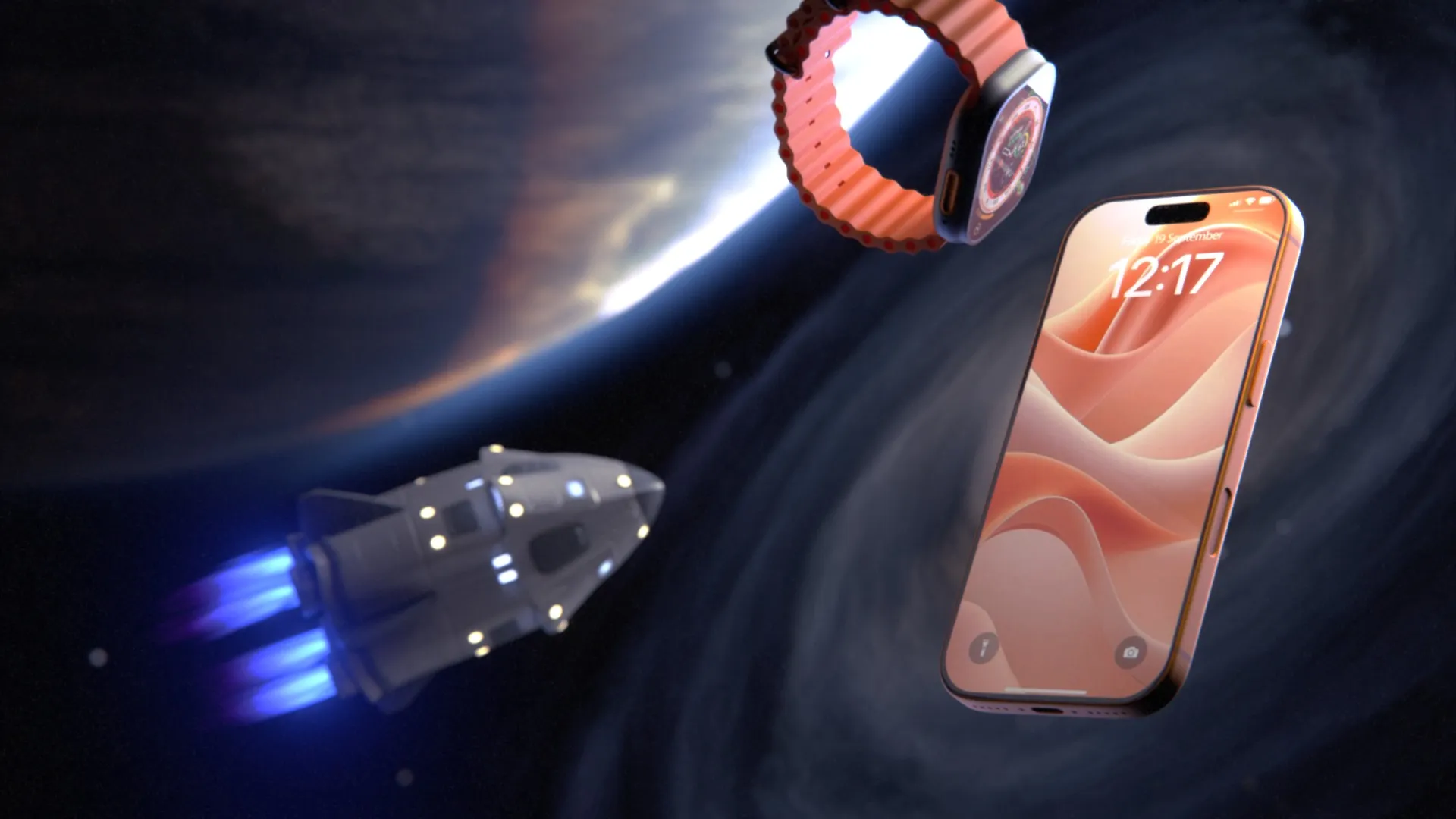
Apple iPhone 18 Pro: same outside, so the film goes inside. According to Apple’s announcement the phone keeps the aluminum unibody of the previous generation, so most of the film is spent inside it: the aperture mechanism, the camera module pulled out of its housing and two full exploded views. We went through it frame by frame in why Apple still launches its hardware with 3D animation.
Apple Watch Series 12: one model, many finishes. The same case appears in several finishes: one master model and a material library instead of a flawless sample of every variant.
DJI: the teaser carries a date. DJI launches almost monthly, always with the same sequence of teaser, reveal and product page loops. For a successor in a known line the teaser shows the product openly. We broke the system down in how DJI uses 3D product animation.
Dyson Spot+Scrub Ai: a hybrid done well. Real footage of the robot cleaning sits next to 3D sequences that show what no camera can, from a wireframe view of the room to cutaways of the internal mechanics. More in how Dyson uses 3D product animation.
And two from our own work. For a new Philips OLED TV we made a launch video of about one minute built entirely from the client’s 3D model, moving from a minimalist look into a living room scene, following Philips, Dolby, Roku and AMD brand guidelines at once. For ADI Global’s Araknis Wi-Fi router the launch film runs 1:38 and mixes photoreal rendering with animated network signals, delivered in 4K in 16:9 and 1:1.
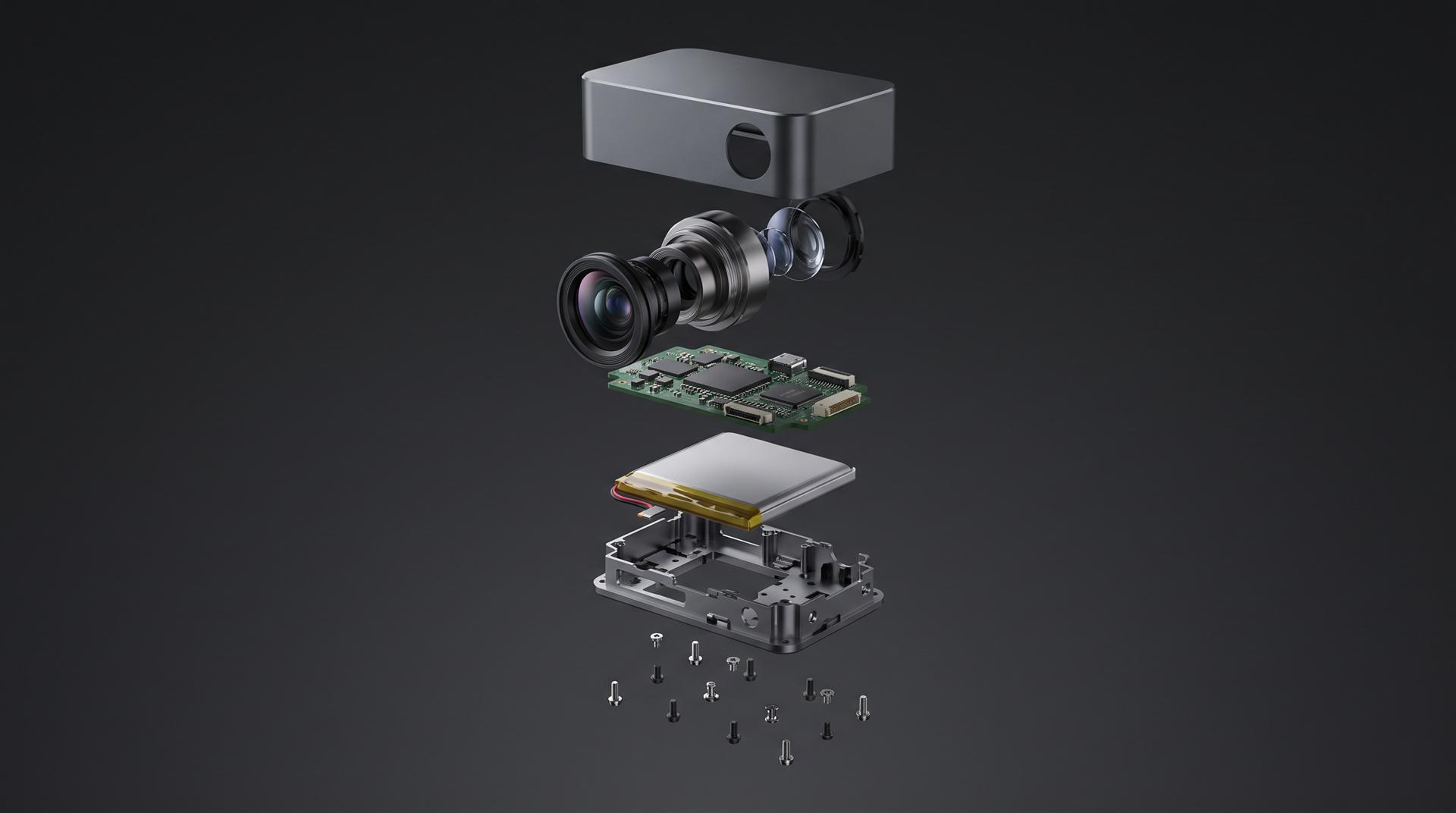
An exploded view only works if the internal parts are in the CAD file. Check that before you plan the shot.
Timeline: when to start before launch day
Work backward from the first date anything has to be public, which is usually the teaser, not launch day. The teaser is cut from the main film or made alongside it, so the film runs on the teaser’s schedule.
With a usable CAD file supplied, a roughly 30 second animation typically takes us about 10 to 15 days. Longer films take longer. For the Araknis film, a 90 second to 2 minute brief with motion graphics, voiceover and two formats, the quoted window was two to three months.
A workable plan for a 60 to 90 second film with cutdowns:
- 8 to 10 weeks out: brief, feature list ranked, formats listed, CAD sent.
- 6 to 8 weeks out: look and style agreed, first renders of the product.
- 5 to 6 weeks out: animatic (a gray, rough timed version) approved. This is where structure changes are cheap.
- 3 to 4 weeks out: final color film, then the teaser and vertical cuts.
- Launch: product page, listings and ads all running from the same master.
You do not need final CAD to start. A teaser built around one component can go into production while the rest of the design is still moving. What you do need is a date after which the exterior will not change.
What a product launch video costs
Our pricing is additive: the 3D model, the length and the background are separate lines, so you can see what each choice costs. These are the numbers from our pricing page:
| Scenario | 3D model | Length | Background | Total |
|---|---|---|---|---|
| 15 s teaser, CAD supplied, plain background | $200 | $500 (10-30 s) | $500 | $1,200 |
| 30 s launch film, CAD supplied, simple 3D environment | $200 | $500 (10-30 s) | $2,000 | $2,700 |
| 60 s launch film, CAD supplied, simple 3D environment | $200 | $1,000 (31-60 s) | $2,000 | $3,200 |
| 90 s launch film, no CAD, moderately complex product, simple 3D environment | $800 | $2,000 (61-120 s) | $2,000 | $4,800 |
| 90 s launch film, CAD supplied, detailed VFX environment | $200 | $2,000 (61-120 s) | $5,000 | $7,200 |
Without a usable CAD file the model has to be built: $400 for a simple object, $800 for a moderately complex one and $2,000 for a very technical one. Each extra format is a separate line: $250 for 9:16, $250 for 1:1 and $250 for 4K. A voiceover is $100. So the 60 second film above, delivered in 4K with vertical and square versions, comes to $3,950.
If you have an in-house KeyShot designer, check what you already have. A clean turntable from KeyShot can cover the rotation beat and some listing placements on its own. It usually cannot cover the camera moves, exploded views and pacing of a full launch film.
What to send when you brief a launch video
- Your CAD file or KeyShot scene, with the assembly structure intact if anything needs to come apart
- Your features ranked, with the top three marked
- The launch date and the date the first teaser goes public
- Every channel and format you need: 16:9, 9:16, 1:1, 4K, textless versions
- Materials and finishes by real spec: anodized, brushed, soft-touch, gloss
- Brand guidelines, including partner logos you are required to show
- Whether you need a voiceover or on screen text, and in which languages
- Written agreement on who owns the 3D scene and model after delivery
That last item matters. Receiving the finished video does not mean you own the 3D scene and model behind it. If you want to reuse them for the next colorway or revision, agree on it before the project starts.
Common mistakes
Briefing four videos instead of one. Separate briefs for teaser, film and social cuts mean paying to set up and light the same product more than once.
Too many features. Twelve features in 60 seconds means viewers remember none of them. Rank them and keep the top ones.
Starting too late. Counting back from launch day instead of from the first teaser leaves the film weeks short, because the teaser and pre-launch ads need it first.
Changing the exterior after the animatic. Small internal changes are manageable. A changed housing late in production means re-rendering most of the film.
Ignoring crowdfunding rules. A photoreal 3D film on a Kickstarter hardware campaign page breaks the platform’s rules, whatever its quality.
FAQ
What is a product launch video?
A 30 to 90 second film that introduces a new product: what it is, why it is better and how to buy it. For physical products it is often made in 3D from CAD, and the teaser, ads and product page loops are cut from it.
How long should a product launch video be?
60 seconds for the main film on your product page and YouTube, with 30 and 15 second cuts for ads and listings. Go to 90 seconds only if there is a mechanism or use case that genuinely needs the time.
How much does a product launch video cost?
With our pricing, a 15 second teaser from your CAD starts at $1,200, a 60 second film with a 3D environment is $3,200, and a 90 second film with a full VFX environment is $7,200. Extra formats, 4K and voiceover are priced separately.
Should I use live action or 3D animation for a product launch?
Use live action if the product is finished, films well and the story is about people using it. Use 3D if the product is not finished, the reason to buy is inside it, or you need many variants and formats. A hybrid gives you both, at a higher cost.
How far ahead of launch should production start?
About 8 to 10 weeks before launch for a 60 to 90 second film with cutdowns, and at least 4 to 6 weeks for a 30 second film from finished CAD. Count back from the date your first teaser goes public, not from launch day.
Planning your launch
Send us the CAD file, the feature list and the launch date. We will tell you which cuts you need, what they would cost, and whether filming the real product would do the job for less. Get in touch, or map the film first with the free storyboard creator.
Related Articles
3D Product Demo Videos for Physical Products: Examples, Cost and Process
3D Product Explainer Videos: Examples, Cost and How They Are Made (2026)
3D Product Animation Trends in 2026: What Brands Are Doing Now
Industrial 3D Animation: How Equipment Makers Explain Machines You Cannot Film (Examples, Cost, Process)
It Is 2026, Apple Puts AI in Every Device, and It Still Launched Its New Hardware With 3D Animation
Exploded View Animation From CAD: What It Takes, What It Costs, and When You Do Not Need a Studio
 Rachel A