
Product Teaser Videos for Physical Products: What to Show, How Long and How to Make One From CAD (2026)
A product teaser video is a 6 to 20 second clip that shows one detail of a new product before launch, plus a date or a reason to sign up. It does not explain the product. It makes people curious enough to wait for the real reveal. For hardware, it is usually rendered from CAD, because the finished product often does not exist yet.
Most guides to teaser videos are written for apps, films and events. This one is for a different situation: you have a speaker, a tool, a wearable or a kitchen device launching in six weeks, the design is close to final, the only units are hand-built samples, and marketing wants something public before the launch film is ready.
What is a product teaser video?
It is the first public piece of a launch: short, incomplete on purpose, and built around a single idea. A good teaser answers one question for the viewer, “when?”, and leaves the rest open. “What is it?” and “why should I buy it?” belong to the launch video.
That is why teasers are cheap to watch and easy to get wrong. If you put three features, a price and a product rotation into 15 seconds, you have made a bad short ad, not a teaser.
Teaser vs trailer vs launch video: what is the difference?
A teaser comes first and hides most of the product, a trailer shows more closer to launch, and the launch video explains everything on launch day. In product marketing the words “teaser” and “trailer” get mixed up, so agree on what you mean before you brief anyone.
| Teaser | Trailer | Launch video | |
|---|---|---|---|
| Length | 6 to 20 s | 30 to 60 s | 30 to 90 s |
| Goal | Curiosity, a date, sign-ups | Build expectation, show the look | Explain and sell |
| How much of the product | One detail, a silhouette, or a sound | Most of the shape, a few features | Everything, including how it works |
| Typical channel | Reels, TikTok, Shorts, email, homepage banner | YouTube, social, landing page | Product page, YouTube, paid ads |
| When it goes out | 2 to 4 weeks before launch | 1 to 2 weeks before | Launch day |
Many hardware brands skip the trailer completely and go straight from teaser to launch film. That is fine. The order that matters is teaser first.
What to show and what to hide in a product teaser
Show one thing that only your product has, and hide everything a competitor could copy or a reviewer could judge. The detail you pick is the whole teaser, so pick it carefully.
Good things to show:
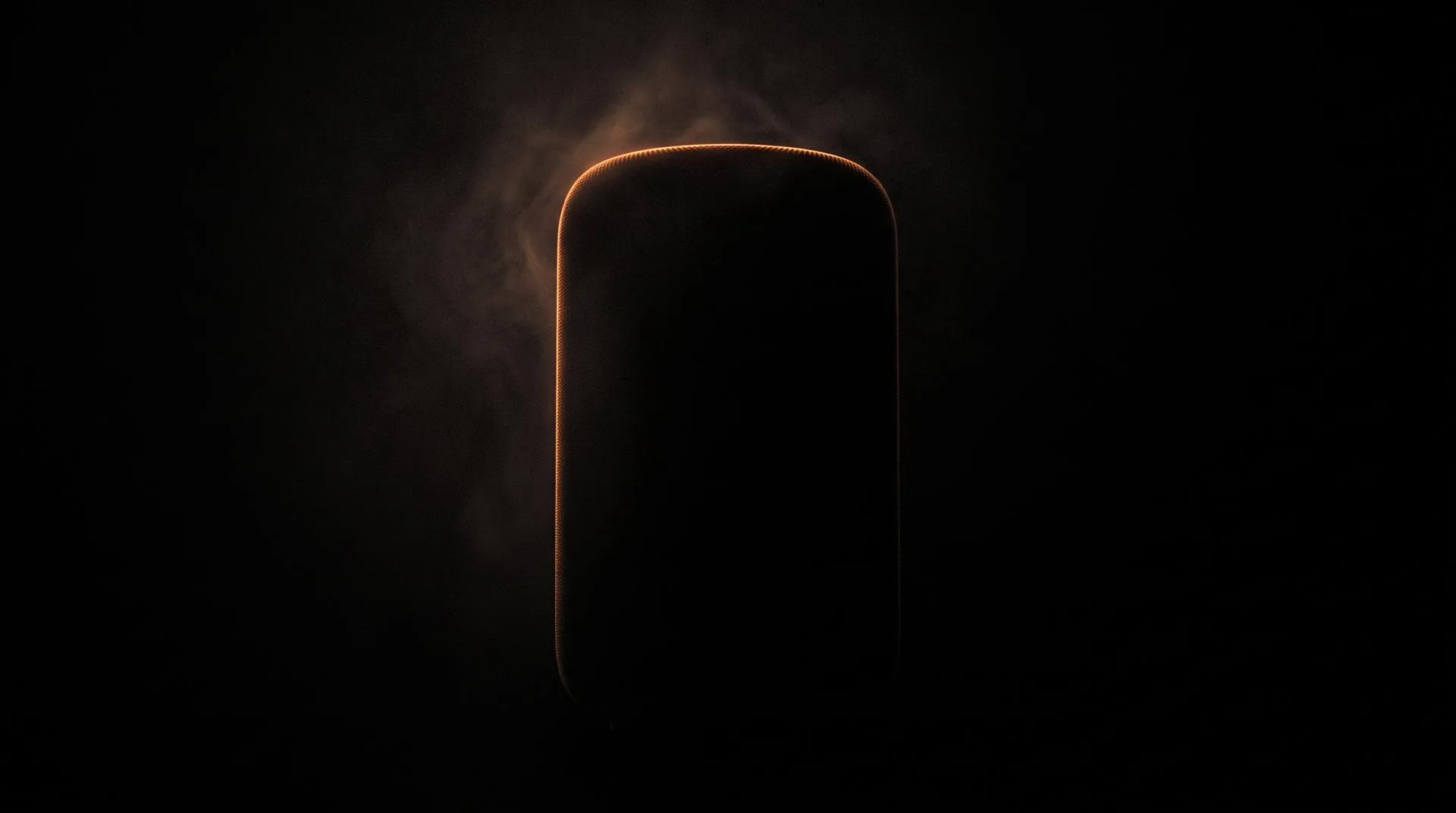
- The silhouette. The outline of the product in rim light. People recognize shape before detail.
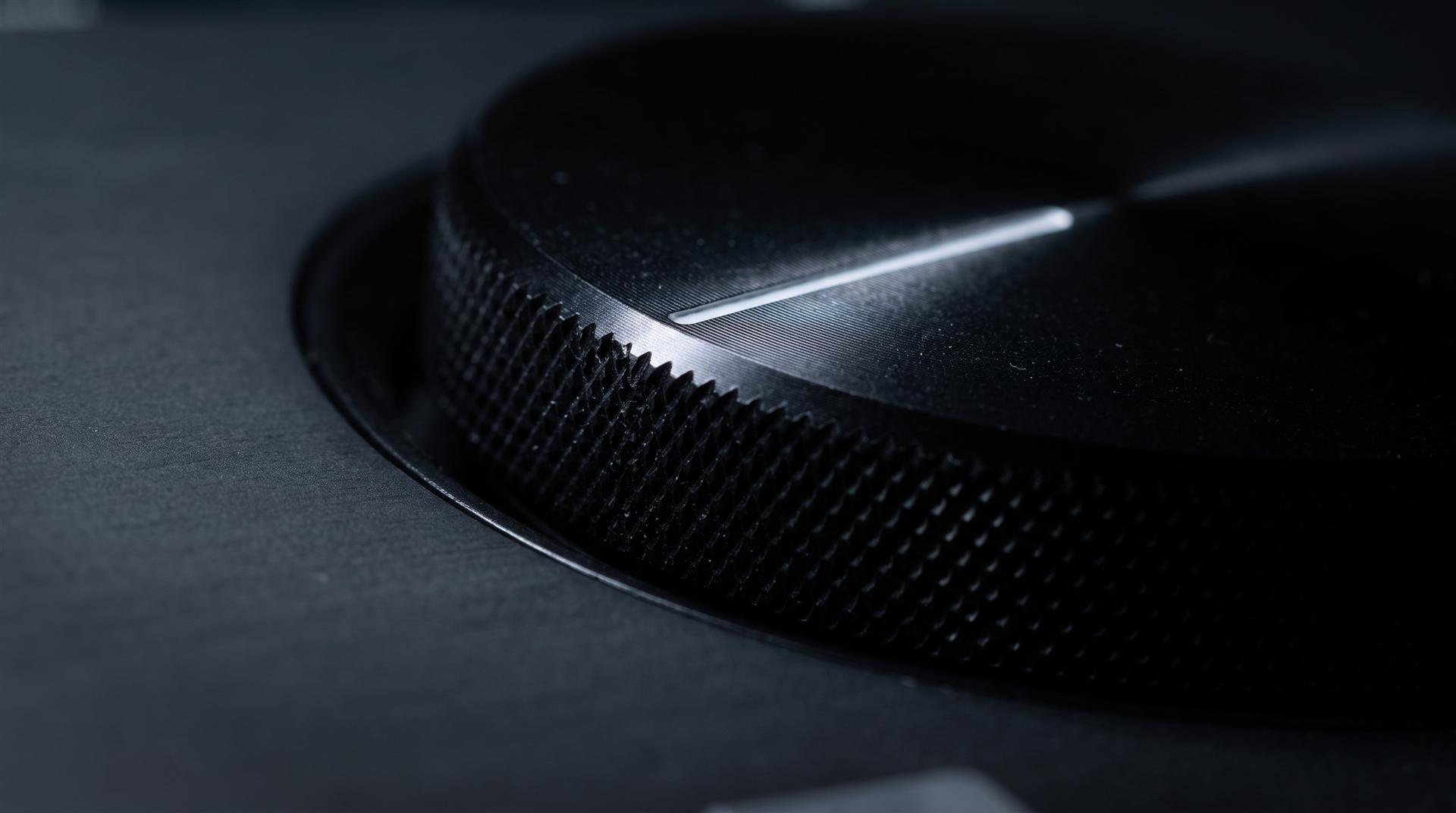
- One signature detail. A machined dial, a fabric texture, a hinge, a light bar. Something that makes the viewer zoom in.
- The date. A teaser without a date or a sign-up link is a mood piece. It collects views and nothing else.
- The brand. Your logo at the end, so the curiosity has somewhere to go.
Things to hide until launch:
- The full product from the front
- Price and specs
- Features that are still being tested and might change
- Anything you are not allowed to show yet because of a retail partner, patent filing or crowdfunding plan
How much you hide depends on how new the product is. We looked at this in how DJI uses 3D product animation: a new category gets a fragment or a silhouette, while a successor in a known line can show the product openly, because the teaser’s real job is to carry the date. DJI puts the date and time right in the teaser title.
For a pocket camera that buyers already know, DJI showed the product itself and kept the date front and center:
6 product teaser video ideas for physical products
Each of these ideas shows one thing and holds back the rest. Five of the six are rendered from the same 3D model you will later use for the launch film. The sound-only teaser needs little more than audio and a date card.
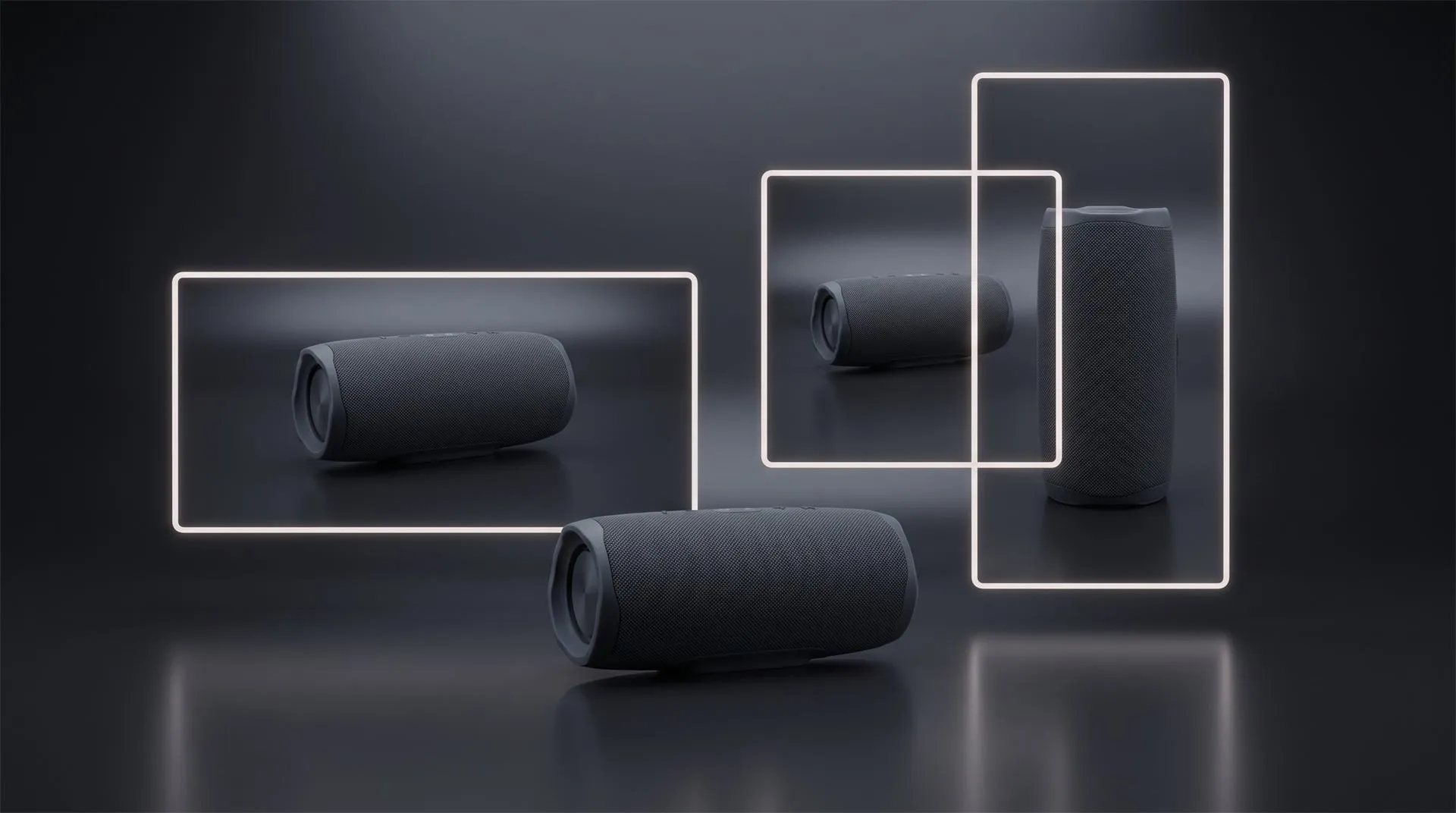
1. Silhouette reveal. The product sits in darkness and a single rim light traces its outline. Maybe the light moves slowly and shows a little more of the shape by the end. It works best for products with a strong, simple outline: speakers, monitors, appliances.
2. Macro detail. The camera stays very close on one part: a knurled dial, a stitched seam, a grille pattern, a button with a satisfying click. The viewer never sees the whole product. This is the safest teaser when the overall design may still change, because only one part has to be final.
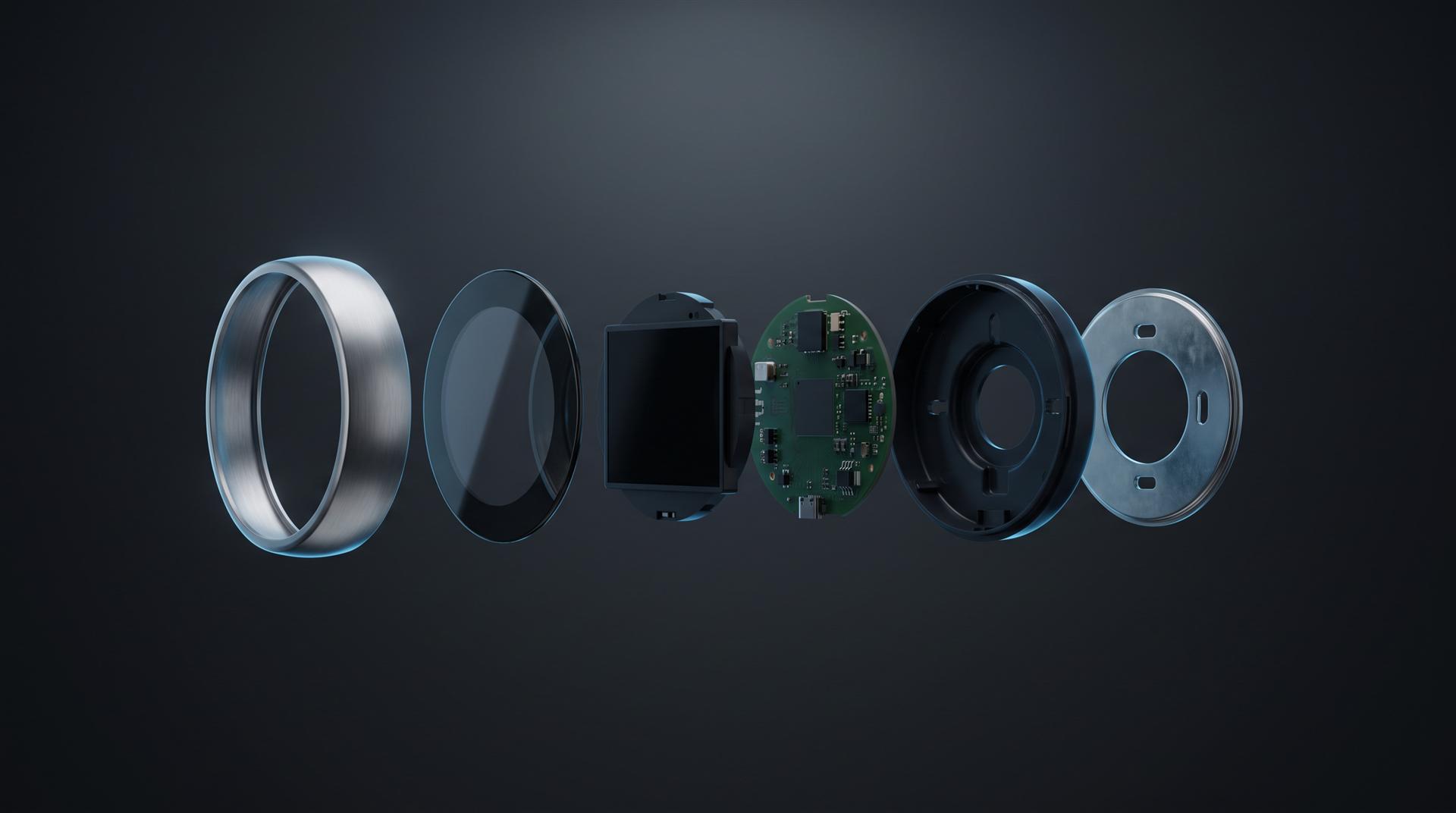
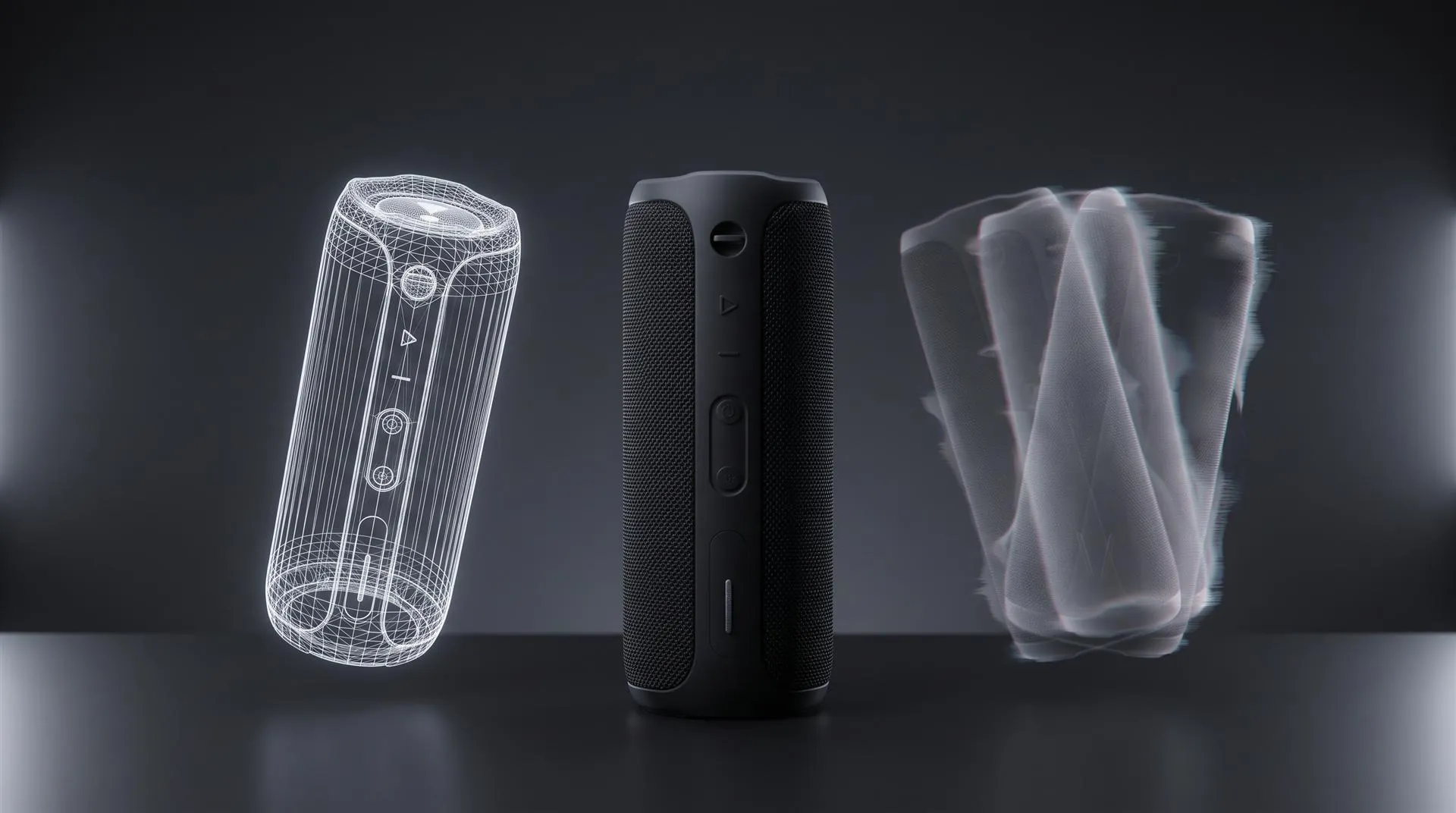
3. Exploded view. Parts float in from the dark and lock together, but the camera cuts before you see the finished product. For engineered products this teases “what is inside” instead of “what it looks like”, which suits brands that sell on build quality.
4. Light sweep. A band of light runs across the surface and shows the material for a second, then everything goes dark again. It is short, loops well and is a good fit for square and vertical feeds. Here is a light sweep loop from one of our boot films:
5. Sound only. A black screen, or nearly black, with the product’s sound: the click of a latch, a motor spinning up, a speaker’s first bass note. It only works if the sound is really distinctive, and it needs good sound design. For audio products it is often the strongest option.
6. Countdown. A series of short teasers, one every few days, each showing a bit more. Day one is the silhouette, day two a detail, day three a material, launch day the full product. This turns one 3D setup into several posts and gives people a reason to follow you.
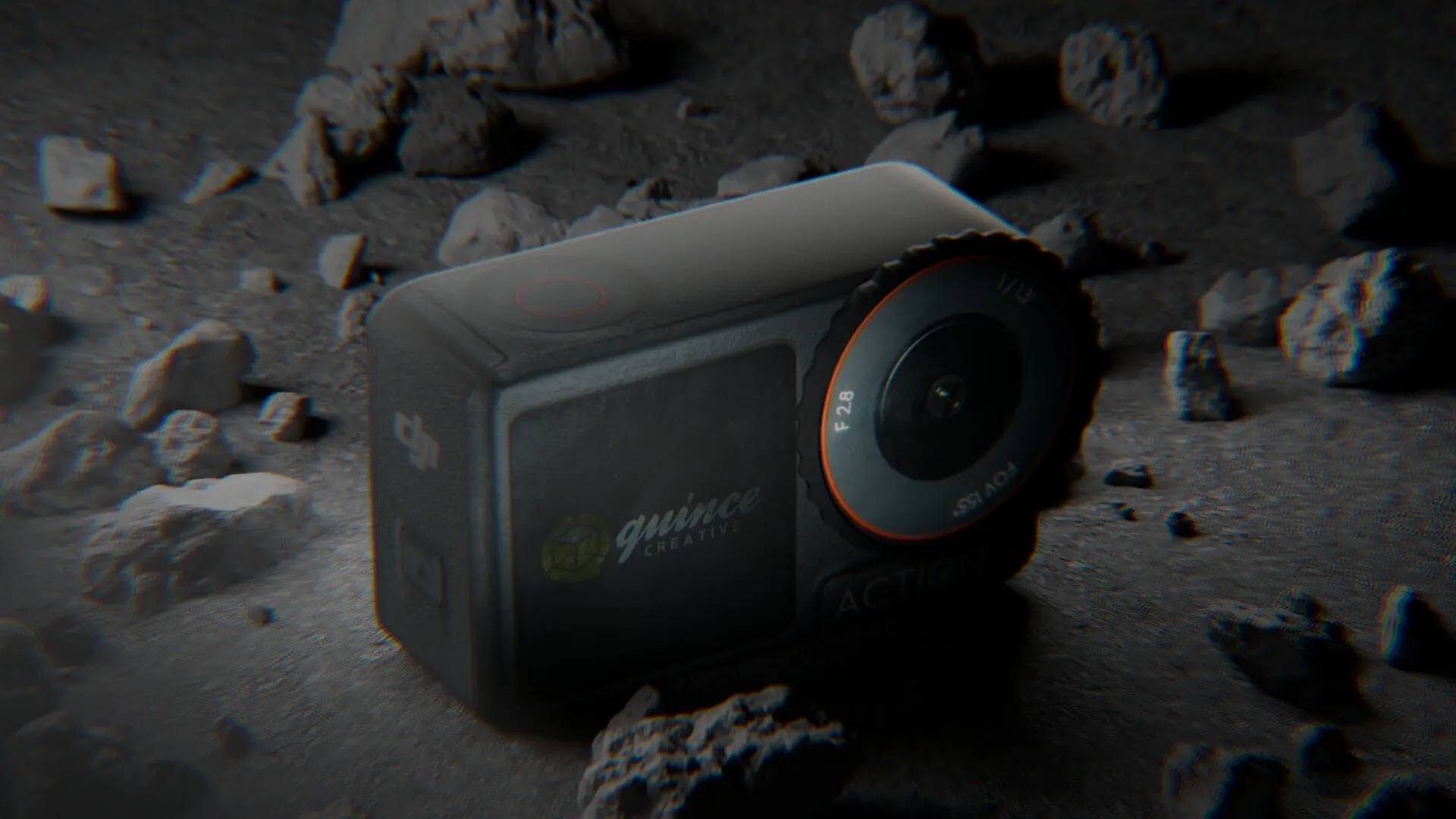
A related idea is the emerging shot, where the product rises out of something, like rock, sand or smoke, and you only see part of it. We used this for a 1HUND clog coming out of cracked rock, with a slow macro of the logo and the ventilation holes:
If you want something louder, a CGI stunt in a real location can also work as a teaser. We cover that format in FOOH ads explained.
How long should a product teaser video be?
Make a 15 second master and cut a 6 second version from it, which covers almost every placement. Go past 20 seconds and it stops being a teaser.
| Length | Where it fits | What fits in it |
|---|---|---|
| 6 s | YouTube bumper ads, story ads, autoplay banners | One shot, logo, date |
| 15 s | Reels, TikTok, Shorts, paid social | Two or three shots, logo, date or sign-up |
| 20 to 30 s | YouTube, landing page, email | A slower reveal, still with no full product |
Some platform limits to know, at the time of writing:
- Google describes YouTube bumper ads as non-skippable ads lasting between 5 and 6 seconds. If you plan to run them, the 6 second cut has to stand on its own.
- Meta recommends 9:16 for Instagram Reels ads and suggests keeping 14% at the top, 35% at the bottom and 6% on each side free of text and logos, because the interface covers those areas.
- YouTube Shorts can be up to 3 minutes long, but a teaser should not use anywhere near that.
Formats need separate framing. Plan 16:9 for your website and YouTube, 9:16 for Reels, TikTok and Shorts, and maybe 1:1 for feeds. A vertical version is not a crop of the horizontal one. The camera has to be framed again for each shape, or the product ends up cut off or tiny. Decide the formats before animation starts, not after. For more on vertical product ads, see our guide to 3D product ads for Meta and TikTok.
Can you make a teaser before the first prototype exists?
Yes. A 3D teaser only needs the CAD data for the part you show, so it can be made weeks before you have a finished sample. This is the biggest practical advantage of CGI for teasers.
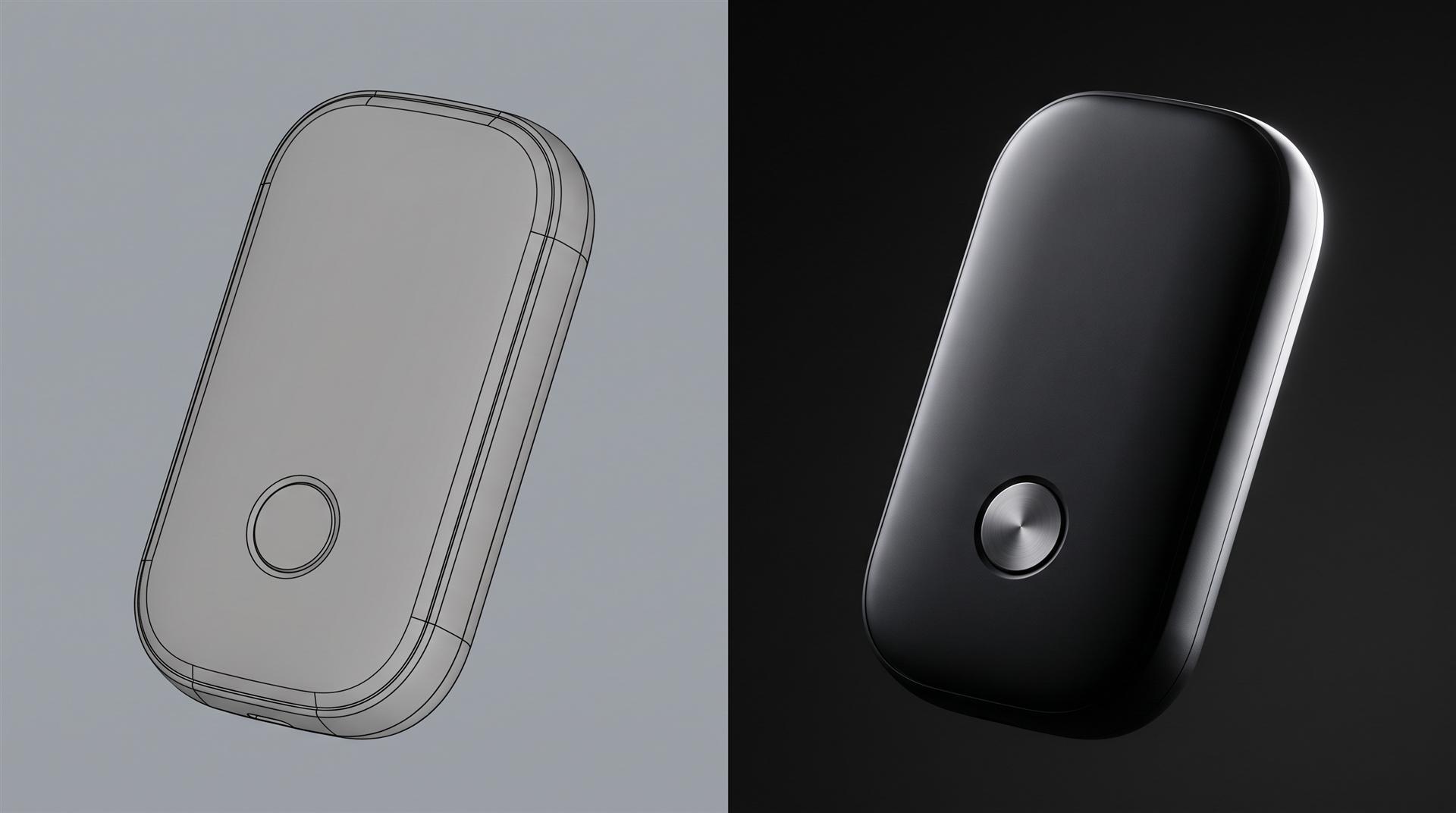
A filmed teaser needs a product that looks perfect on camera. A rendered teaser needs:
- the CAD file (STEP, IGES, SolidWorks or similar), or a KeyShot scene
- final colors and materials for the visible parts
- your logo as a vector file
For a macro or silhouette teaser, only the visible part has to be final. A teaser built around one dial can go into production while engineering still changes the inside. A full product reveal needs the finished model, approved colors and correct screen content, so it is the version that slips when the schedule is tight.
Crowdfunding adds one rule. If you plan a Kickstarter campaign, keep three uses apart. Photoreal teasers are fine in your pre-launch ads and on your own sign-up page. On the campaign page itself, Kickstarter’s rules for hardware and product design projects say “We do not allow photorealistic renderings”, so the page needs real footage or clearly non-photoreal visuals. After the campaign, on your store and in ads, the same 3D model is free to use again. Our Kickstarter 3D animation rules article goes through this step by step.
One more thing to agree on early: owning the rendered teaser does not mean you own the 3D model and scene files. If you want to reuse the model for the launch film, product stills or a second teaser, put file delivery in the contract.
When should the teaser go out?
Usually 2 to 4 weeks before launch, which means production starts 5 to 7 weeks before launch. Work backward from the date the teaser goes public, not from launch day.
- About 7 weeks out: pick the teaser idea and lock the part you will show. Send CAD.
- About 6 weeks out: model prep, materials and lighting. Approve stills from the 3D scene before animation.
- About 5 weeks out: animation, then a first color version for review.
- 4 to 2 weeks out: teaser goes live, with the vertical and 6 second cuts.
- Launch day: the launch video, cut from the same 3D scene.
For reference, an animation of about 30 seconds from your CAD usually takes us 10 to 15 days. A teaser is shorter, but most of that time goes into model prep, materials and lighting, which a short clip needs just as much. So do not plan it on a much shorter schedule.
How much does a product teaser video cost?
With your CAD file and a plain background, a 10 to 30 second teaser on our calculator is $1,200. That is $200 to prepare your CAD model, $500 for the 10 to 30 second length (the shortest tier we have) and $500 for a simple single-color background.
| Teaser setup | What you pay for | Total |
|---|---|---|
| CAD supplied, plain background | $200 model + $500 length + $500 background | $1,200 |
| Same, plus a 9:16 version | + $250 for vertical | $1,450 |
| CAD supplied, simple 3D environment (stylized studio, plinths) | $200 + $500 + $2,000 | $2,700 |
| No CAD, plain background | $400 to $2,000 model by complexity + $500 + $500 | $1,400 to $3,000 |
The best value is a teaser made together with the launch film. It comes off the same model and the same lighting, so you do not pay to set up the product twice. If you know both are coming, brief them together.
Checklist: what to send a studio for a teaser
- CAD file or KeyShot scene, plus final colors and materials
- Logo and any on-screen type as vector files
- The one thing you want to show, in one sentence
- What must stay hidden
- The teaser date and the launch date
- Formats needed (16:9, 9:16, 1:1) and lengths (6 s, 15 s)
- Where it will run, so safe zones are planned in
- One or two reference teasers you like
- Whether you need the 3D files delivered after the project
Common mistakes with product teasers
- Showing everything. A full rotation with features is a short ad. Hold something back.
- No date and no link. Curiosity with nowhere to go is wasted. Add a date, a sign-up or both.
- Too long. If it needs 40 seconds, it is a trailer. Cut it.
- Making horizontal first and “cropping” vertical later. The vertical cut needs its own framing. Plan it from the start.
- Teasing a feature that might change. If engineering is still testing it, do not put it in public.
- A teaser that does not match the launch film. Different lighting, a different color, a different mood. Make both from the same 3D scene so they feel like one launch.
- Text in the safe zones. On Reels and TikTok, the date at the very bottom gets covered by the interface.
FAQ
What is a product teaser video?
A short clip, usually 6 to 20 seconds, that shows one detail of a new product before launch, plus a date or sign-up link. It creates curiosity, it does not explain the product.
How long should a product teaser video be?
Make a 15 second master and a 6 second cut. That covers Reels, TikTok, Shorts and YouTube bumper ads. Over 20 seconds it starts to work like a trailer.
What is the difference between a teaser and a trailer?
The teaser comes first and hides most of the product. A trailer is longer, shows more and comes out closer to launch. Many product brands go straight from teaser to launch video.
Can I make a teaser before the product is manufactured?
Yes. A 3D teaser is rendered from CAD, so you only need final design data for the part you show. You do not need a production sample.
Where should I post a product teaser?
Instagram Reels, TikTok and YouTube Shorts in 9:16, your website and YouTube in 16:9, and your email list. Paid placements like YouTube bumper ads need a 6 second cut.
Planning a teaser for your launch?
Send us the CAD file and your launch date. We will tell you which teaser fits, and whether you need a studio at all. Sometimes a still from your KeyShot designer and a good date card is enough.
Send us the file
Related Articles
Product Launch Video for Physical Products: Structure, Examples and Cost (2026)
Product Hero Shots: What They Are, Why Brands Now Render Them in CGI, and What They Cost
3D Product Animation Trends in 2026: What Brands Are Doing Now
AI Product Video Generators vs 3D Animation: What They Get Right and Wrong for Physical Products (2026)
How DJI Uses 3D Product Animation to Launch a Product Almost Every Month
How Much Does 3D Product Rendering Cost in 2026? Per-Image Prices, What Drives Them and How to Pay Less


 Rachel A