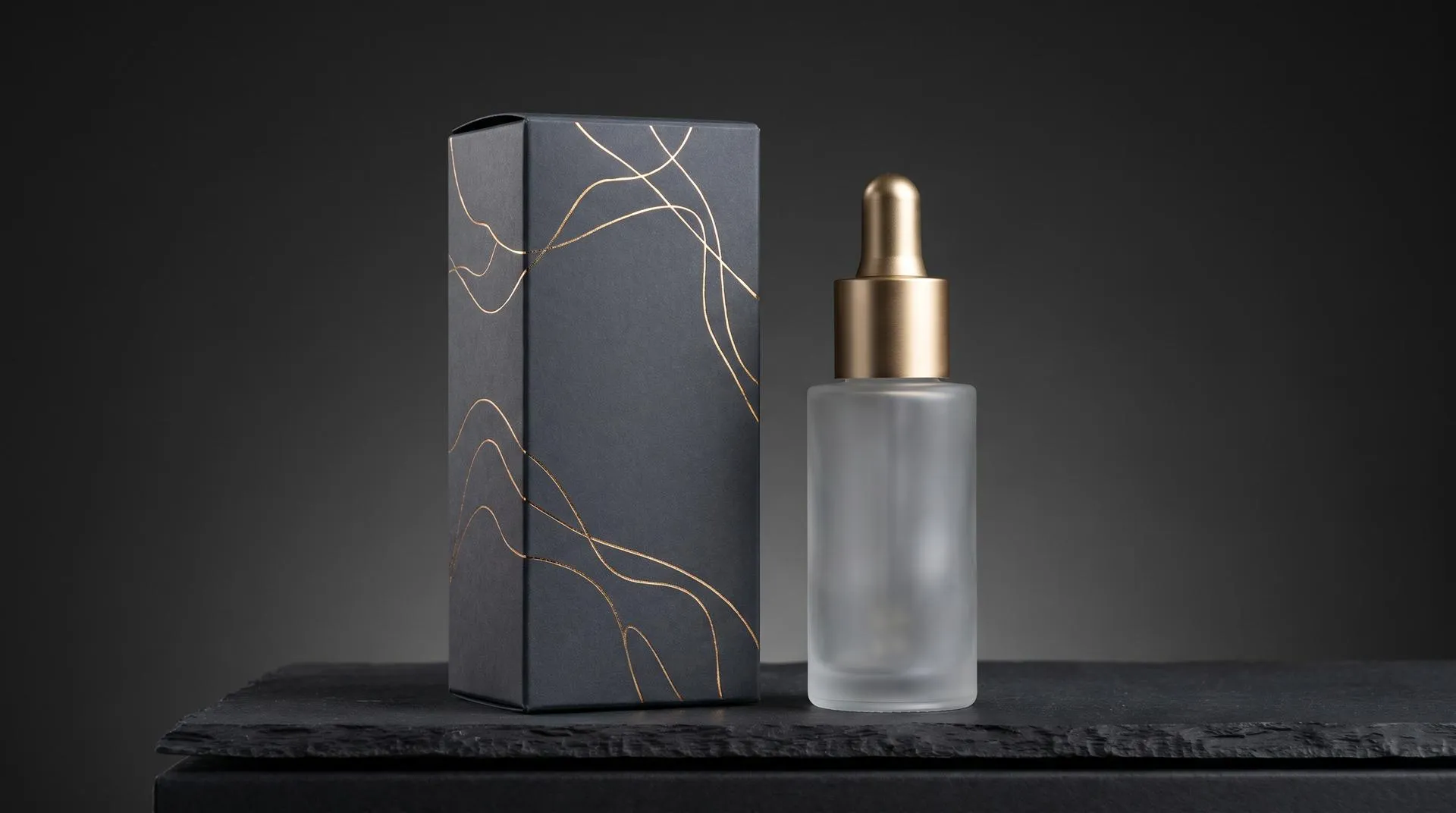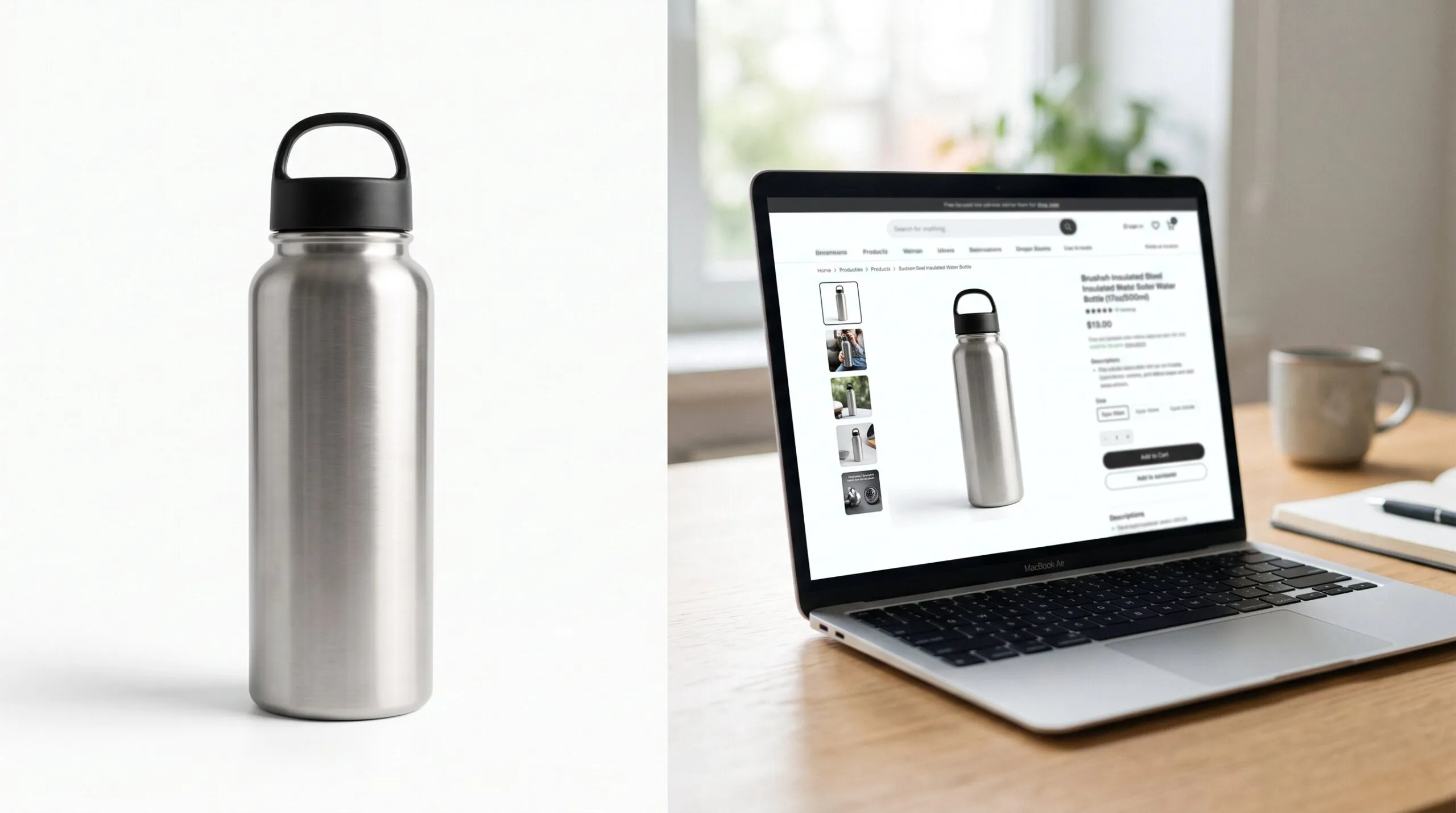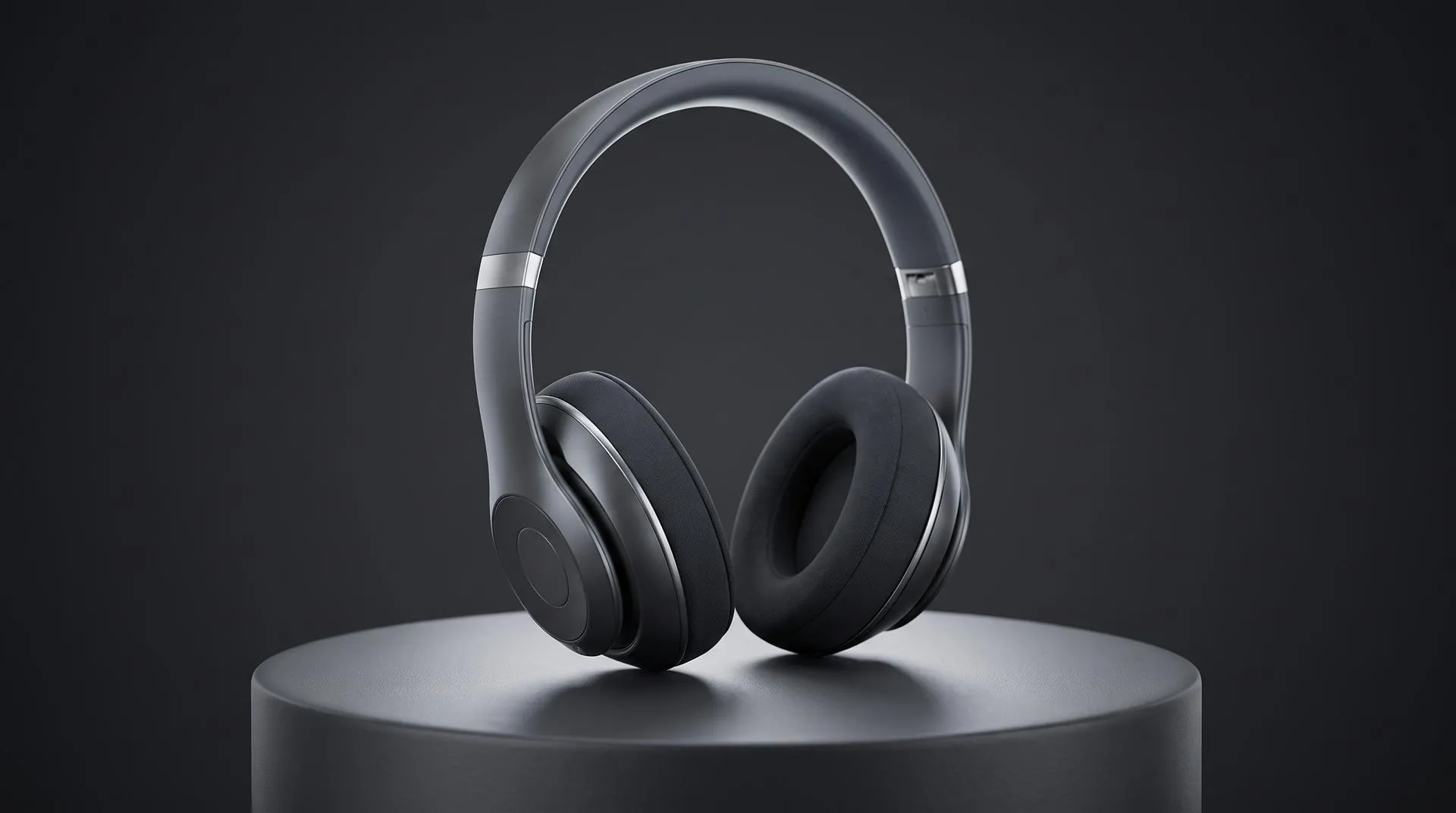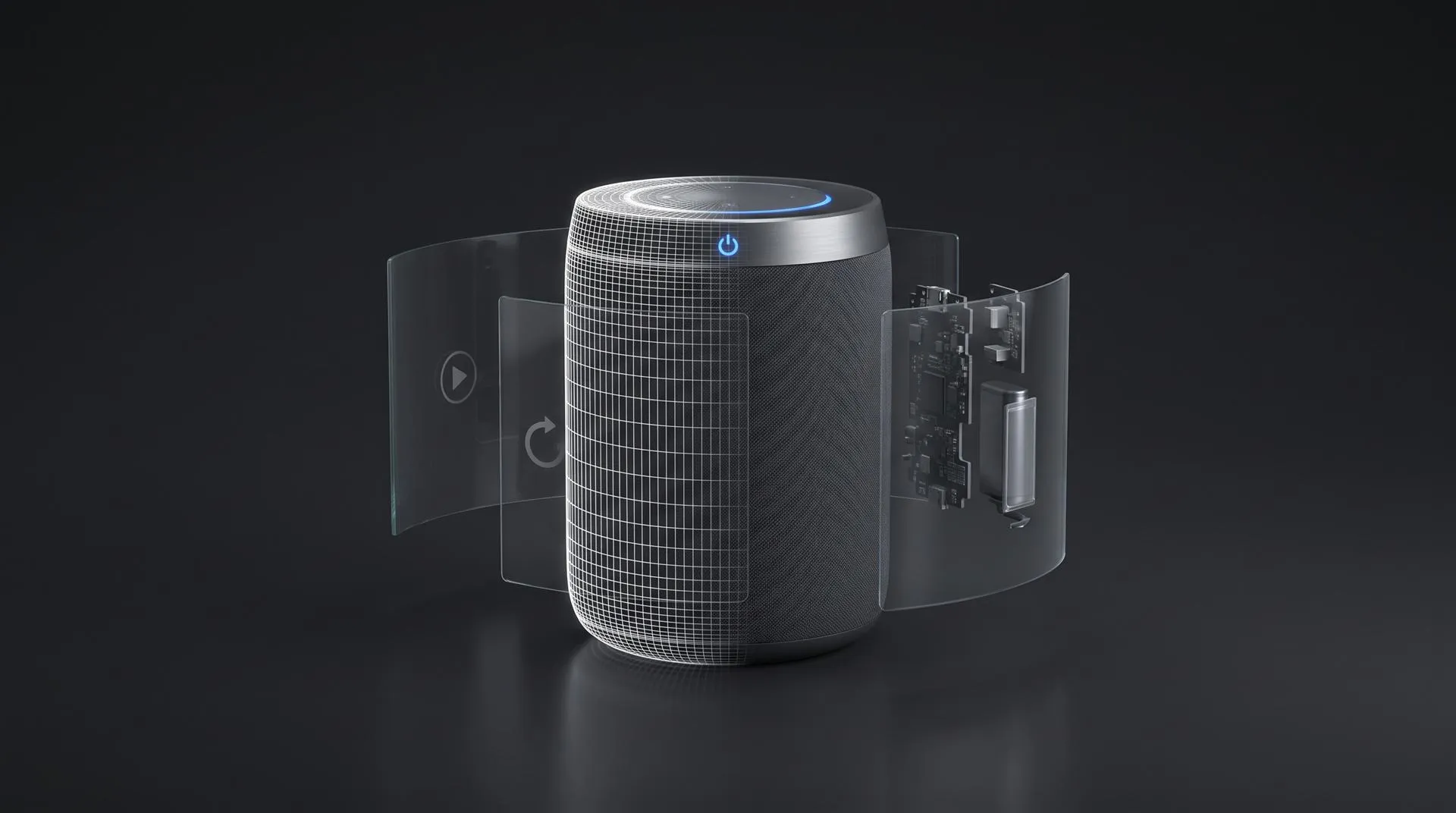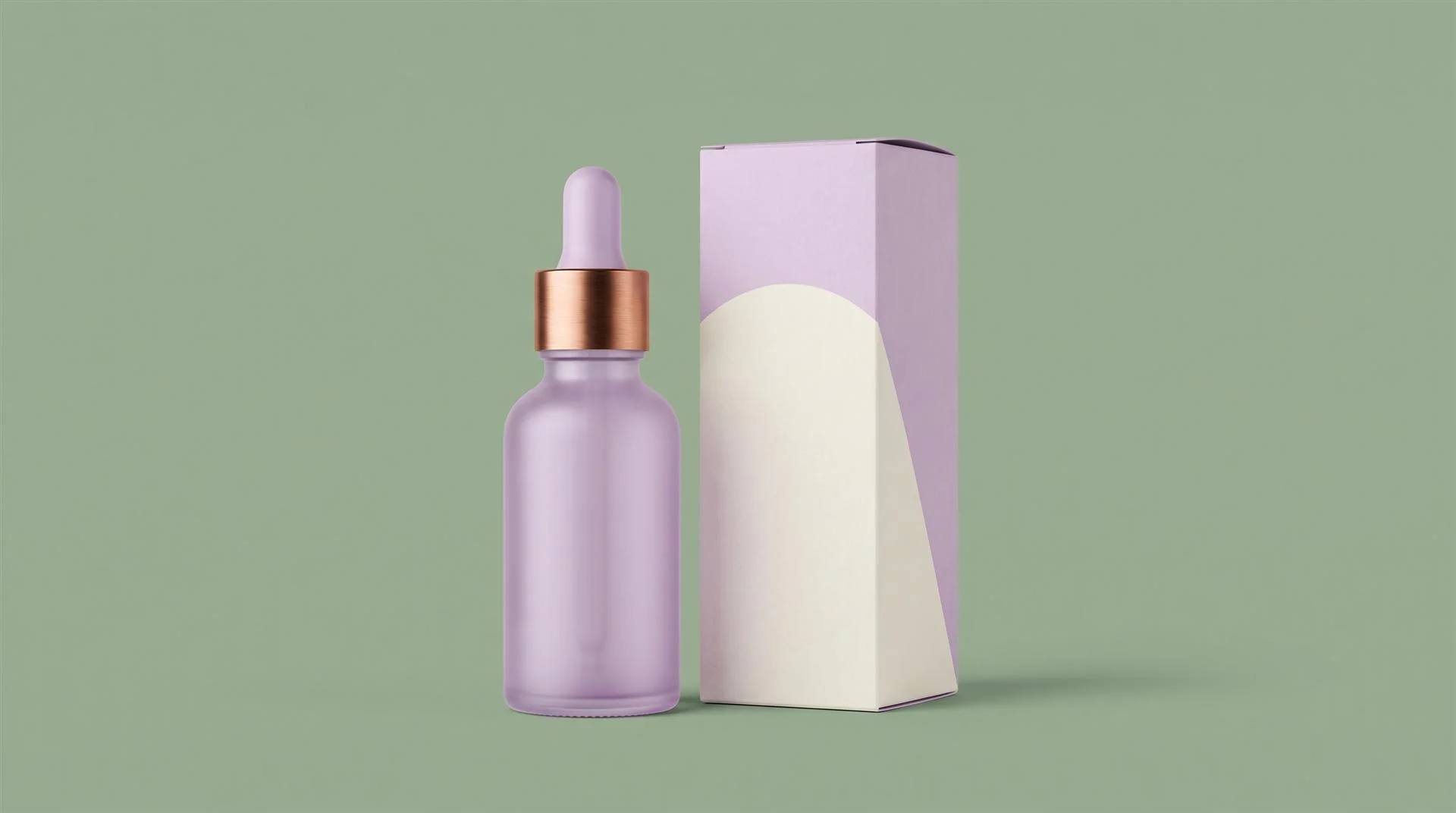
A packshot is a clean image of a product, usually with its packaging, on a plain background. Nothing else is in the frame: no props, no scene, no people. It shows exactly what the customer gets, so it becomes the main image on product pages and marketplaces and the closing frame of an ad. It can be photographed or rendered from a 3D model.
If a retailer, an agency or a European distributor has asked you for “packshots,” this is what they mean. The request usually comes with a deadline, a list of SKUs and a spec sheet. The question is whether to book a photo studio or have the packshots rendered from the CAD file your engineers already have.
This article covers what a packshot is, how it differs from a hero shot and a lifestyle image, when CGI beats a camera (and when it does not), and what marketplaces like Amazon expect.
What is a packshot?
A packshot is the plain, honest product image: the item and usually its pack, lit evenly, on a white or solid color background. Its job is recognition. A shopper should see the packshot and then recognize the same box on a shelf or at their door.
The term comes from advertising. As Wikipedia’s packshot entry puts it, a packshot is a still or moving image of a product, usually including its packaging and labeling, and it is often a few seconds of a TV commercial. In a TV spot that is typically the closing frame, where the product and pack sit on screen while the voiceover says the name.
Today most packshots are e-commerce images. The word is more common with UK and European brands and agencies. In the US, the same image is often called a “product shot,” “silo shot” or “white background image.” They all mean roughly the same deliverable.
Packshot vs hero shot vs lifestyle image
A packshot informs, a hero shot impresses, and a lifestyle image shows the product in use. Most product launches need all three, and each one has a different job.
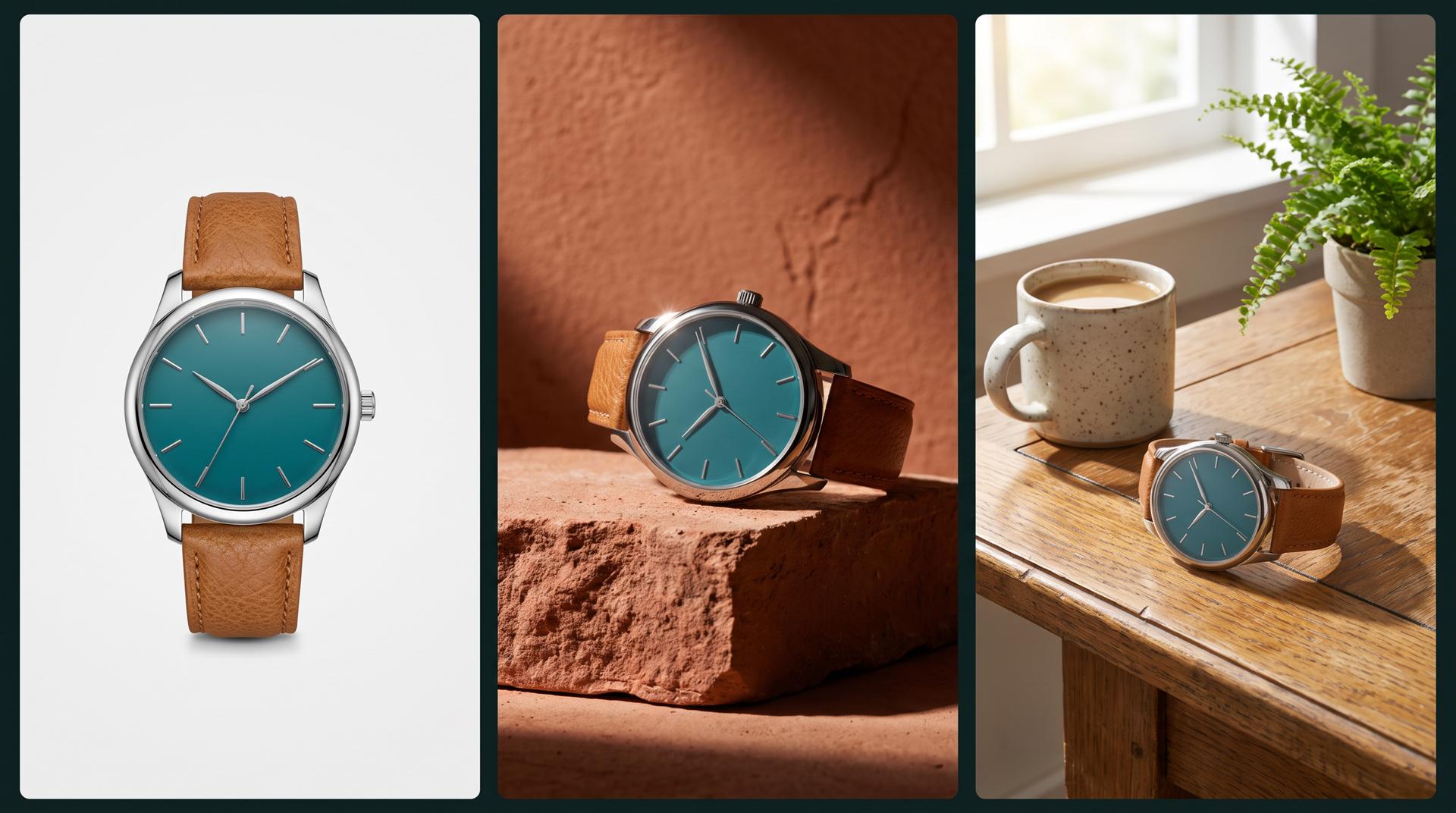
| Packshot | Hero shot | Lifestyle image | |
|---|---|---|---|
| Goal | Show exactly what you get | Make the product look its best | Show the product in real life |
| Background | White, transparent or one solid color | Dark, colored or styled set | A real or 3D room or location |
| Lighting | Even and soft, true colors | Dramatic, shaped by rim lights | Natural, matching the scene |
| Props | None | Few, built around the product | Yes, the setting tells a story |
| Typical use | Marketplace main image, catalog, retailer feeds, end frame of an ad | Homepage banner, launch page, key visual | Social, ads, email, secondary listing images |
We covered the middle column in detail in our guide to the product hero shot. The short version: a packshot on white rarely stops anyone in a feed, and a hero shot on a dark set will not pass most marketplace main image rules. You need both.
Photo packshot vs CGI packshot: which is better?
A photo packshot is usually better when the product exists, is simple and comes in one or two versions. A CGI packshot is better when the product is not manufactured yet, is shiny or transparent, or comes in many colors. That is the honest split.
A CGI packshot is a 3D render, not a retouched photo. We take your CAD file or build the model, apply real materials, light it in a virtual studio and render the image. The geometry comes from your engineering data, so ports, seams and proportions are correct.
| Photo packshot | CGI packshot | |
|---|---|---|
| Product sample needed | Yes, a clean final unit for every version | No, a CAD file or drawings are enough |
| Product not manufactured yet | Not possible | Possible, from engineering files |
| Glass, chrome, glossy plastic | Hard to light, reflections need retouching | Reflections are controlled in the scene |
| Colors, flavors, sizes | Each one shot and retouched separately | Change the material, render again |
| Consistency across a catalog | Depends on the studio and the day | Same light and camera for every SKU |
| Changes after delivery | Reshoot | Edit the file and re-render |
| Textiles, food, organic shapes | Easy and convincing | Possible, but more work to look real |
| Small run, one simple product | Usually cheaper | Model cost makes it pricier |
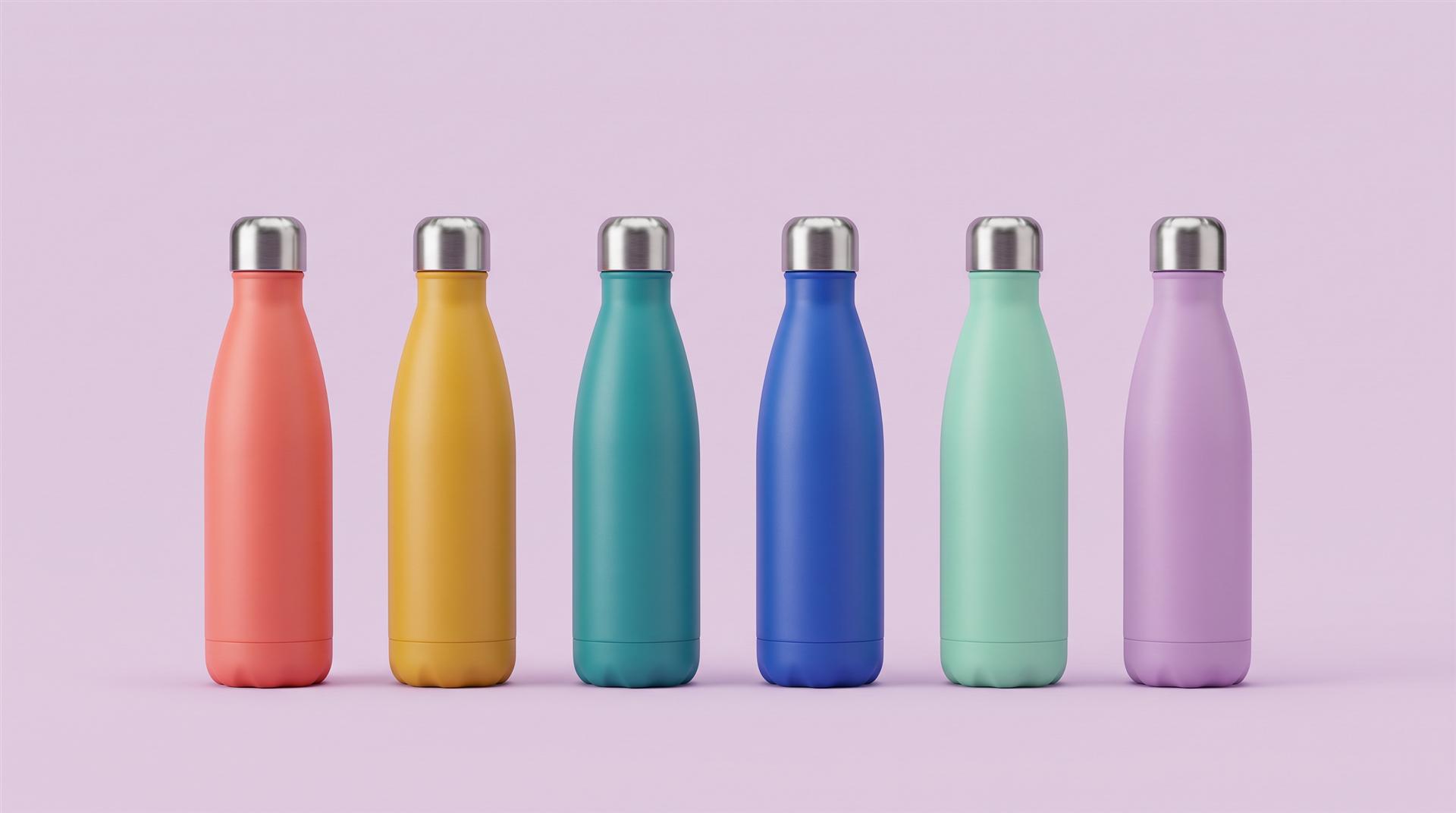
Catalogs are where CGI pays off. Once the model exists, a new colorway is a material change and a new render, with the exact same light, angle and shadow as the rest of the set. A photo studio can match that too, but every product has to be on set, clean and final.
When you do not need a studio for this. If your product already exists, has a matte finish and comes in one color, a good product photographer with a light tent will get you a fine packshot. If you have an in-house KeyShot designer, they can produce clean white-background packshots from your CAD file themselves. A studio earns its fee when the set is large, the materials are tricky, the product is not built yet, or the same model will later drive 3D packaging renders and animation.
What are the packshot requirements for Amazon and other retailers?
For the Amazon main image, the summary from Amazon’s own staff is: pure white background (RGB 255, 255, 255), the product filling 85 percent or more of the frame, at least 1,000 pixels on the longest side, and no added text, graphics or watermarks. That is the list in an Amazon staff post on main image requirements, at the time of writing. Category rules can add more, so check the guide for your category in Seller Central.
A few points matter for packshots specifically:
- The packaging may not belong in the main image. A separate Amazon staff post on photography standards lists “showing products still in packaging” as a common mistake, unless the item is a consumable or a collectible. So for a gadget, the main image is the product alone, and the pack goes into a secondary slot.
- It has to be the actual product. The same posts say the image must show the real item being sold, with no illustrations and no props that are not included. A photoreal render built from production CAD shows the real item. A render that looks computer-made, or a rough look-alike, is a risk.
- One view only. Collages of several angles or colors in the main image are listed as a common mistake.
Google Shopping has similar rules. Google’s Merchant Center image requirements reject promotional overlays and “mockups, or illustrations that don’t depict the physical product.” Google asks for at least 500 x 500 pixels and recommends around 1,500 x 1,500 or more. For products shown in their packaging, it asks for a view that shows the pack as a three-dimensional object, not only the flat front.
Retailers and distributors usually send their own spec sheet. Typical items are background (white or transparent), file format, minimum size, margin around the product and file naming. Ask for it before the shoot or render starts, not after delivery. A transparent background is simple in CGI: the renderer can output the product with no background at all, for example the Transparent option in Blender’s film settings.
What is an animated packshot?
An animated packshot is a short clip, usually 2 to 5 seconds, where the product and pack settle into a clean final frame at the end of an ad or a product video. It is the moving version of the TV end frame: a slow turn, a pack that lifts and lands, a cap that opens, then a hold on the product.
This is where a CGI packshot pays for itself twice. The model you built for the stills is the same model the animation uses. You do not pay to build the product again, and the end frame of the ad matches the images on your product page exactly.
Plan the formats up front. A 16:9 end frame, a 1:1 feed version and a 9:16 story version are three different camera setups, not three crops of one file. The pack has to sit well in each frame.
How to order CGI packshots, step by step
- List every SKU and version. Colors, flavors, sizes and pack variants. This drives the price more than anything else.
- Get the retailer specs. Background, size, margins, file format and naming for each channel.
- Send the files. CAD (STEP is fine), packaging dielines with final artwork, and material references.
- Approve one master packshot first. Light, angle and shadow get locked on one product.
- Roll out the rest of the set. Every other version uses the same camera and light as the master.
- Check against the specs before upload. Background values, frame fill and file size.
What to send for a CGI packshot
- CAD file of the product (STEP, or native SolidWorks, Fusion or similar)
- Packaging dielines with final print artwork, if the pack is in the shot
- Color references: Pantone codes, physical samples or photos in daylight
- Finish notes: matte, gloss, soft-touch, brushed metal, frosted glass
- A list of SKUs, colorways and angles
- Retailer or marketplace specs, if you have them
- Any packshots you like, from your brand or others
Common mistakes with packshots
- Shooting or rendering before you have the retailer specs. Redoing margins and backgrounds for 40 SKUs is slow and annoying.
- Using an off-white background. An image that looks white to your eye can still fail an automated check if the pixels are not true white.
- Putting the pack in the Amazon main image for a non-consumable product. Keep the pack for secondary images.
- Making the CGI too perfect. No contact shadow and flawless edges read as fake. A good packshot render still has a soft shadow and realistic material detail.
- Using approximate geometry. If the model is a look-alike instead of your real CAD, the image does not match the product in the box.
- Assuming you own the 3D model. Owning the images does not mean you own the scene and model files. Put that in the contract if you want to reuse them.
FAQ
What is a packshot?
A packshot is a clean image of a product, usually with its packaging, on a plain white or solid color background. It is used as the main product image in stores and marketplaces and as the closing frame of ads.
What is the difference between a packshot and a product shot?
Mostly the word. “Packshot” is more common in the UK and Europe and often includes the pack. “Product shot” is broader and can also mean a styled hero or lifestyle image.
Can a packshot be made in 3D instead of photographed?
Yes. A CGI packshot is rendered from a 3D model, usually built from your CAD file. It works before the product is manufactured and makes colorways and catalog consistency much easier.
What background should a packshot have?
Pure white for marketplace main images such as Amazon. Transparent for retailers who place the product on their own layouts. A solid brand color works for your own site and social.
How much does a CGI packshot cost?
With our pricing, up to 10 packshots from your CAD file on a white or transparent background cost $550 in total ($200 model preparation, $250 for the images, $100 for the background). Without CAD, the model is $400 to $2,000 depending on complexity. Market prices are in our 3D product rendering cost guide.
Need packshots for a launch or a catalog?
Send us your CAD file and SKU list. We will tell you which packshots are worth rendering, which are easier to photograph, and whether your own KeyShot designer could handle them. If CGI is the right route, our 3D product images service covers the full set.
Send us your file and we will suggest the right route