
2D vs 3D Animation: Differences, Cost and Which One to Use for a Product Video
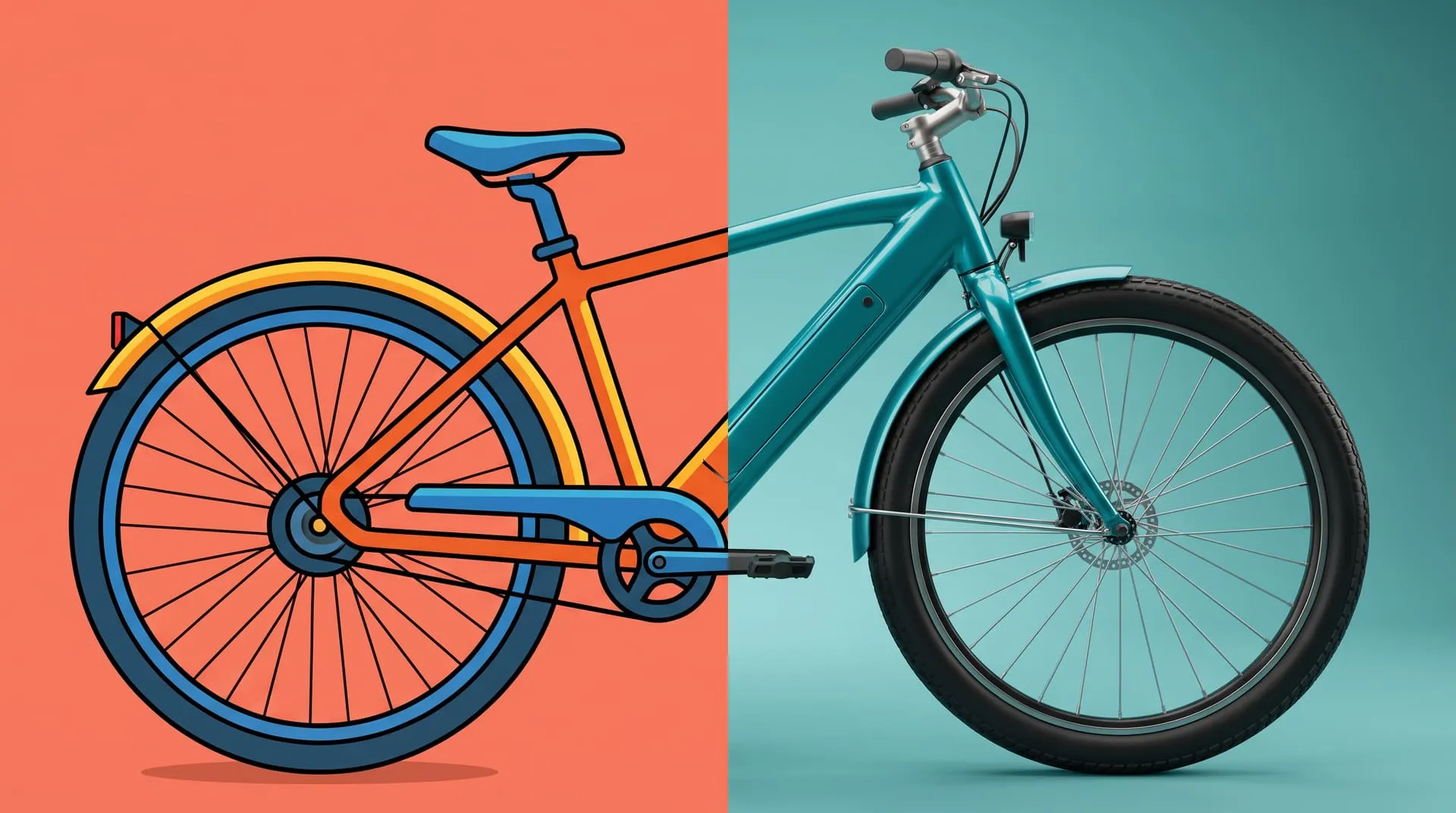
2D animation is drawn on a flat plane, so every new angle has to be drawn again. 3D animation is built from a digital model that a virtual camera can film from any side, with real light and materials. 2D suits stylized ideas and interfaces. 3D suits physical products that must look exactly like the real thing.
That is the short version, and it is true for films, games and ads alike. This article answers the general question first, then the one our clients actually ask: you have a product, a launch date and a budget, so which kind of animation should the video be?
One thing up front, because it affects how you read the rest. We are a 3D studio. We do not make standalone 2D animation. We do use 2D graphics inside our 3D videos, and we will tell you below when 2D on its own is the better buy.
What is the difference between 2D and 3D animation?
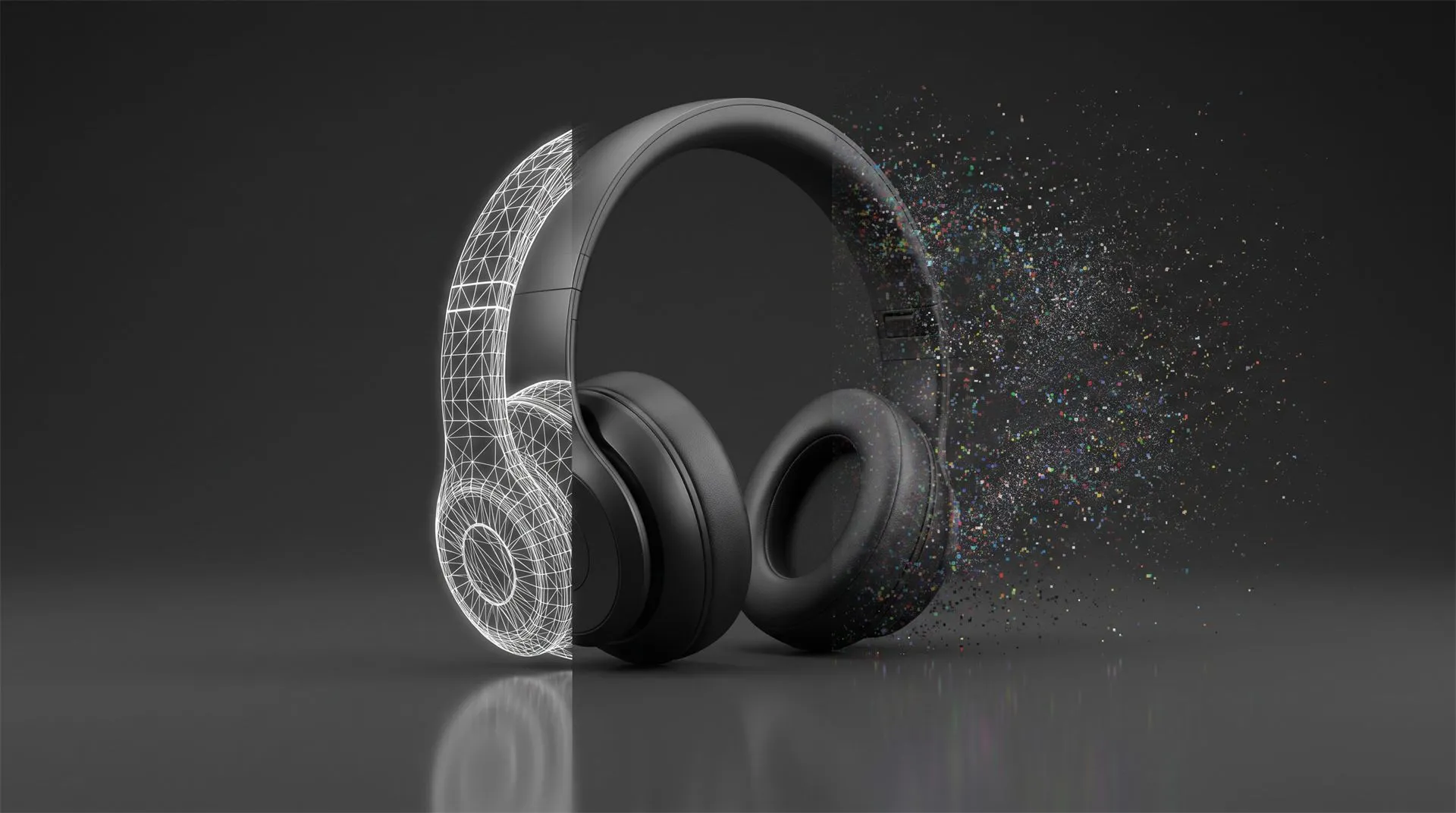
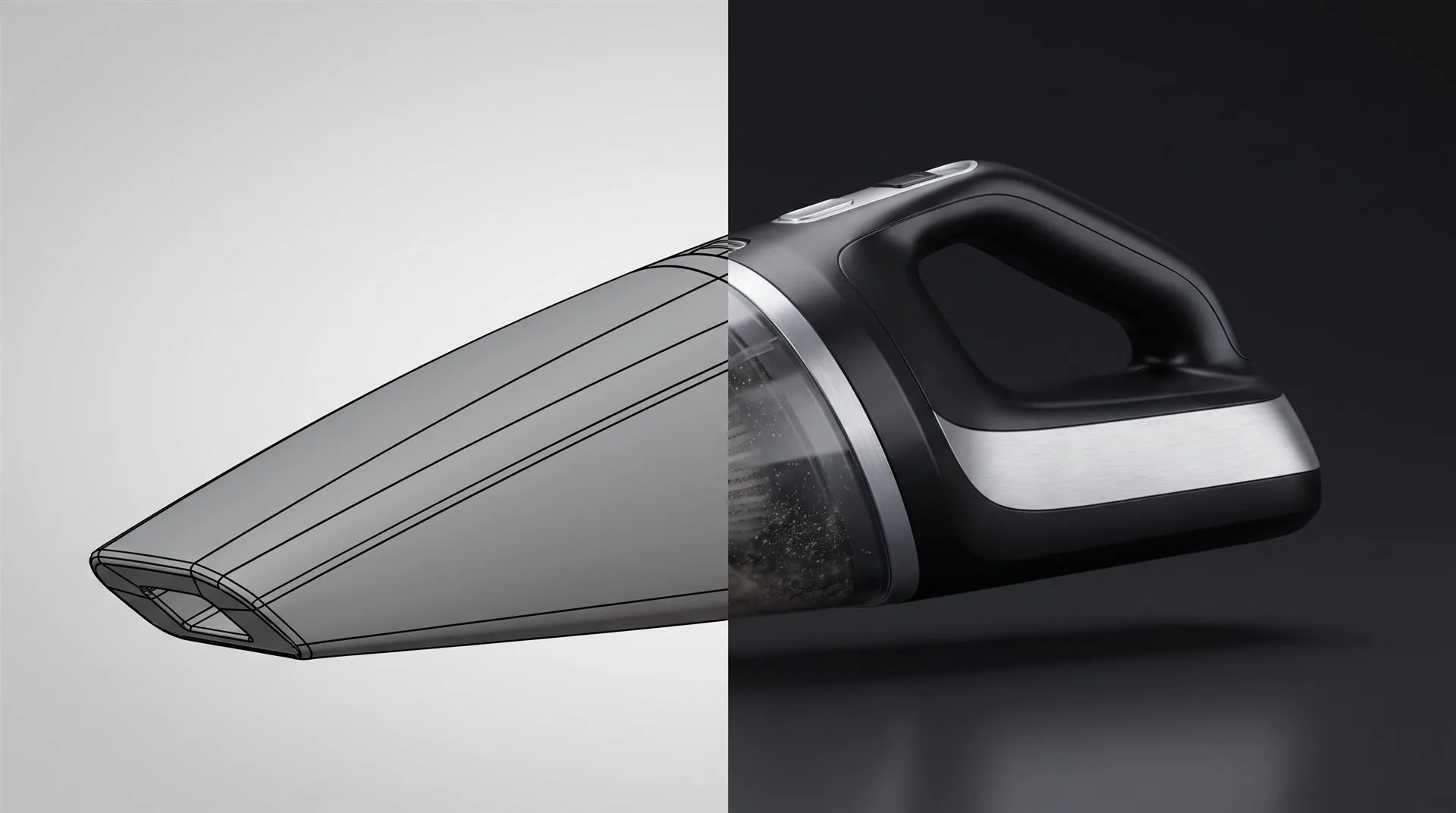
The difference is where the picture comes from: drawings in 2D, a model and a camera in 3D.
In 2D, artists draw or build flat artwork, frame by frame or with cut-out pieces that move like puppets. Tools such as Toon Boom Harmony are made for this. If the character turns its head, someone draws the new side.
In 3D, the object is modeled once, with real proportions, then given materials and lights. Animators set key poses and the software fills in the motion between them. As the Blender manual puts it, a keyframe “is simply a marker of time which stores the value of a property.” Anything that bends or moves, from a character’s arm to a product’s hinge, is driven by a rig, such as Blender’s armatures.
| 2D animation | 3D animation | |
|---|---|---|
| Starts from | Drawings or flat vector art | A 3D model, often built from CAD |
| New camera angle | Drawn again | Move the camera |
| Look | Stylized, graphic, illustrated | From stylized to photorealistic |
| Materials and light | Painted by hand | Calculated from the scene |
| Setup before the first shot | Short | Longer: model, materials, lights |
| Changing the product later | Redraw the affected shots | Update the model, render again |
| Reuse after the video | Mostly the artwork itself | Stills, other formats, AR, configurators |
How is each one made?
2D goes from script to drawings. 3D goes from script to a model, then to shots. The early steps are the same: script, storyboard, and an animatic, which is the storyboard timed to the voiceover. After that the two split.
A 2D video:
- Style frames that set the look
- Artwork for every scene and every angle
- Animation, drawn or rigged in 2D
- Compositing, text and sound
A 3D product video:
- A 3D model, built from your CAD or from drawings and photos
- Materials matched to the real finishes
- Lighting and camera moves
- Animation and rendering
- Compositing, graphics and sound
The 3D list front-loads the work. Once the model is right, though, every extra shot, angle and format comes from the same model instead of new drawings. That is why 3D gets cheaper per shot the more you use it.
Which one should you use for a physical product?
For a physical product, 3D is usually the right call, because the video has to show the real object from more than one side. Work through these questions in order:
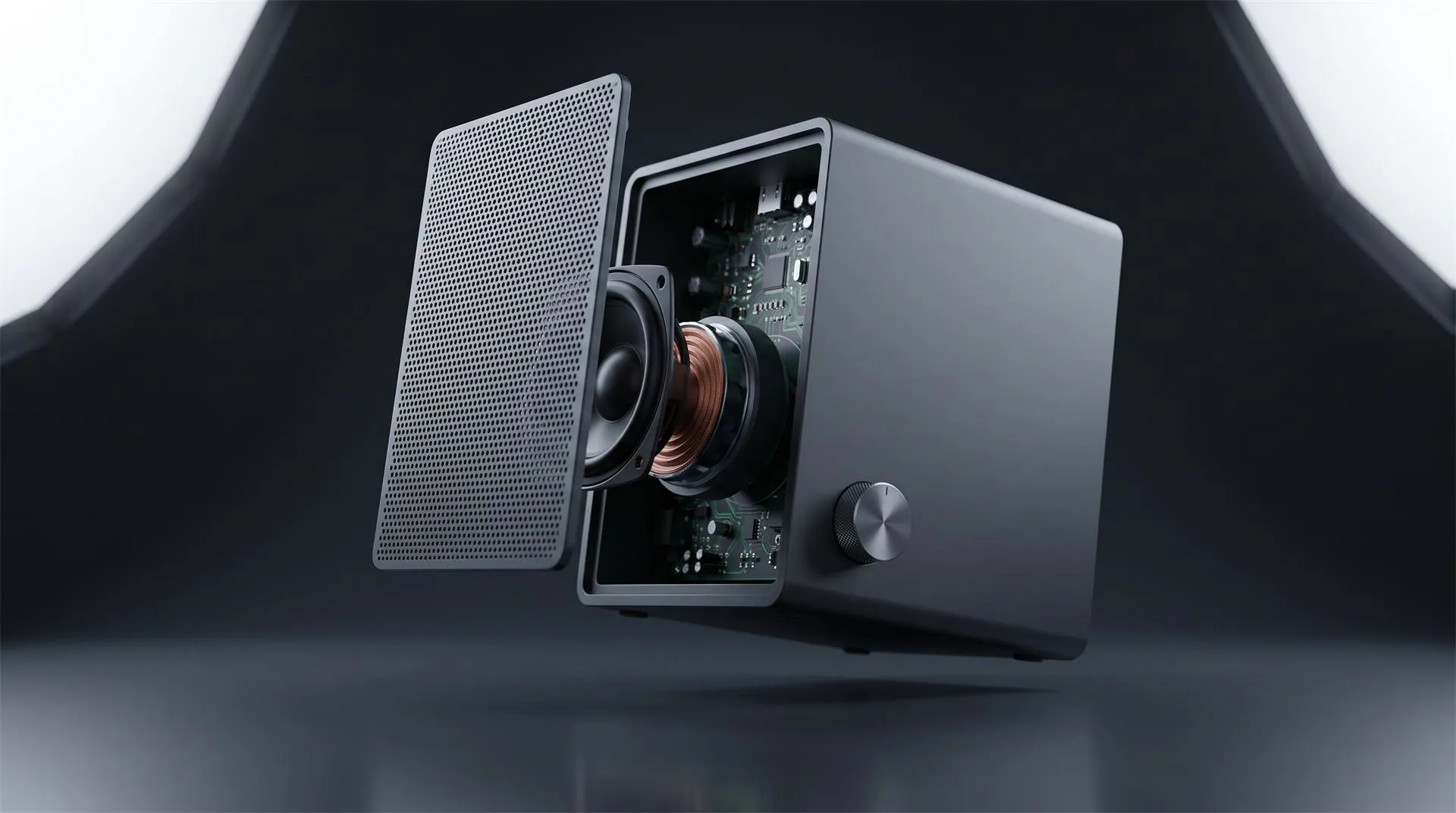
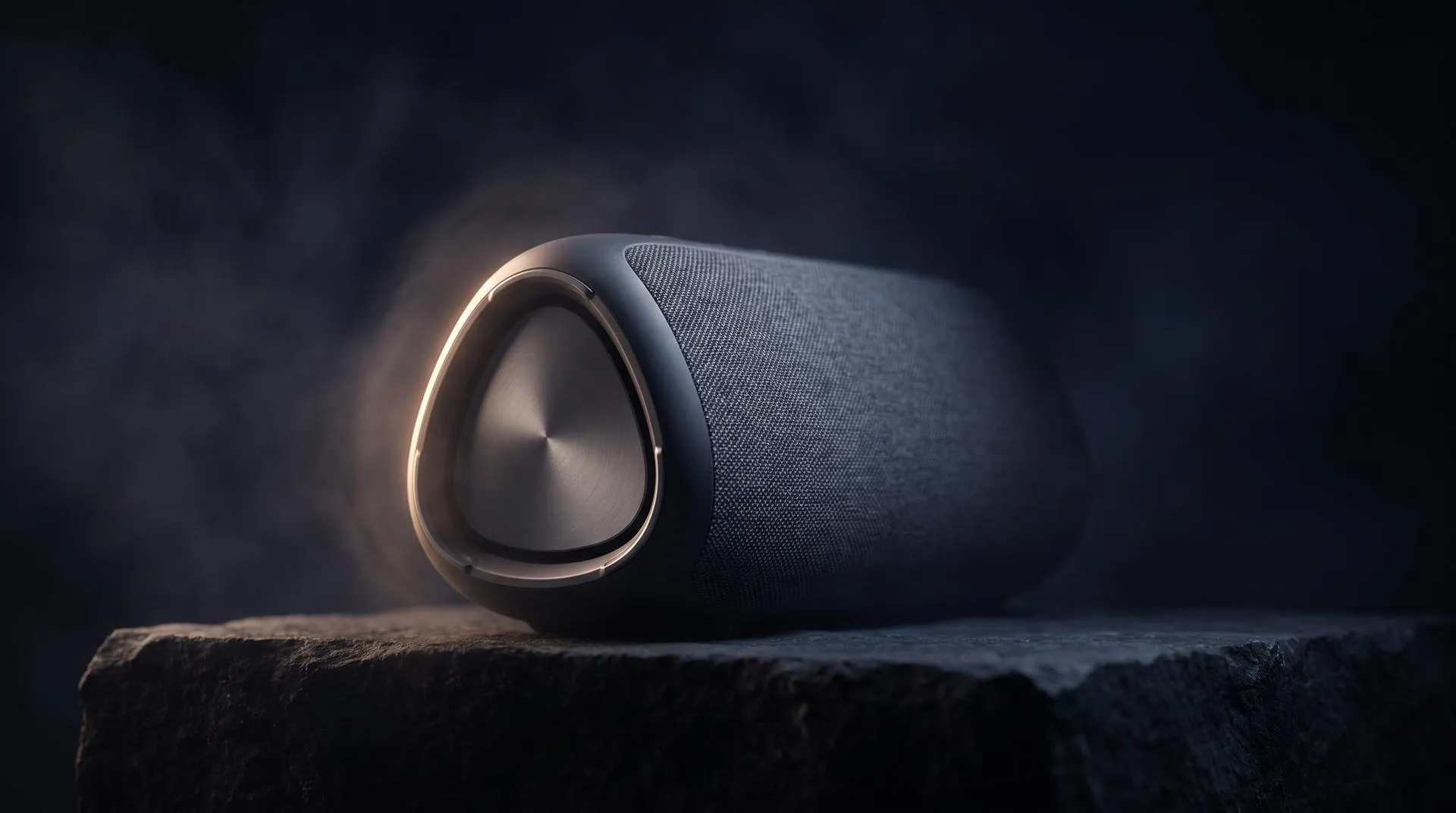
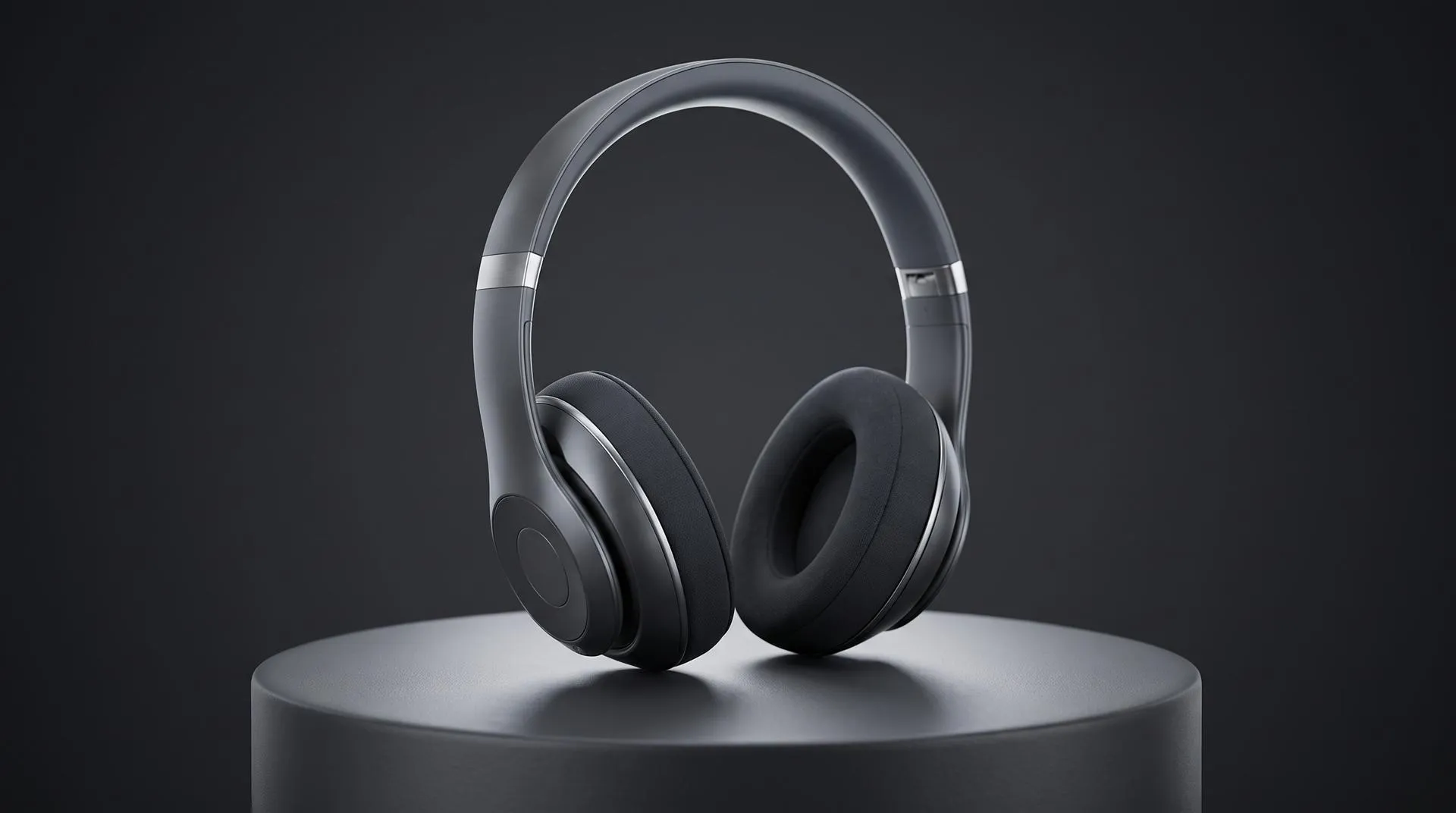
- Does the viewer need to see the actual product? If the shape, materials or finish are part of the sale, use 3D. A drawing of a speaker does not sell the speaker.
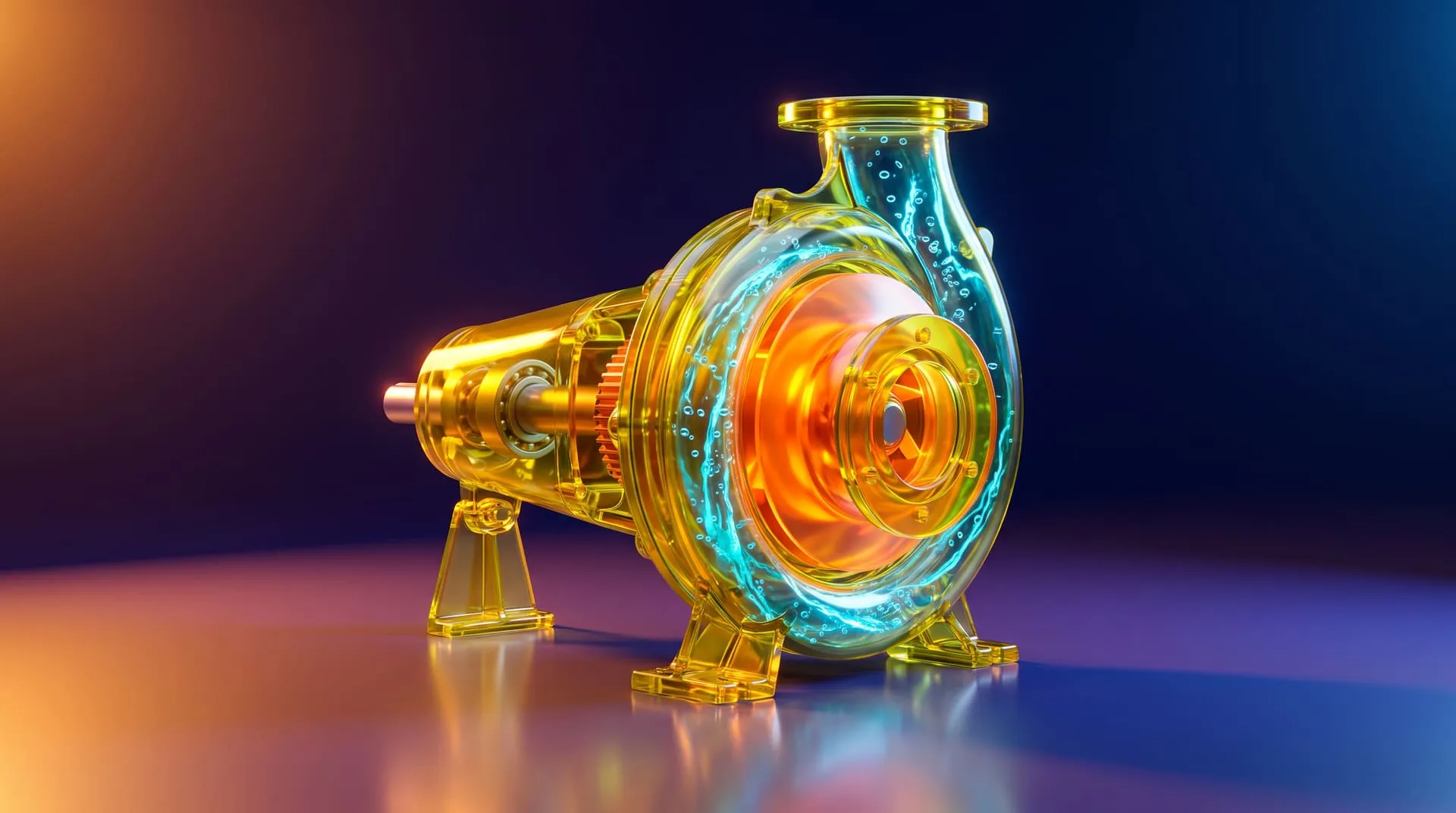
- Do you need several angles or a close look inside? Exploded views, cutaways and turning the product around are natural in 3D and slow to draw in 2D.
- Do you have CAD? A CAD model is most of a 3D model already, which brings the cost of 3D down.
- Will you need more than one video? Stills for the store, a vertical cut for social, an AR model: they all come from the same 3D model.
- Is the story mostly abstract? If the video explains a process, a service or an app more than the object itself, 2D may be the better fit.
If you answered yes to any of the first four, start with 3D. If only the fifth applies, read the next section.
When is 2D animation enough?
2D is enough, and often better, when the product itself does not need to be seen. We would point you to a 2D studio in these cases:
- The video is about software, an app or a service, and the screen is the product.
- The idea is abstract: how a subscription works, how data moves, why a method is better.
- Your brand already speaks in an illustrated style, and the video should match it.
- The budget is small and the message is simple.
In those cases 2D is usually faster to start, and a talented illustrator gives it a character 3D would struggle to match. Prices for 2D vary widely by style and studio, and since we do not make it, we will not quote a number.
Can you mix 2D and 3D in one video?
Yes, and most good product videos do. The product is 3D, so it looks real, and the explanations around it are 2D: callout lines, icons, charts, labels and on-screen text.

In our own work, a watch film used 3D for the watch and flat callout lines to name its materials and finishes:
For a ventilation system, the ducts were 3D while the hot and cold airflow, the captions and the thermometer icon worked as 2D information graphics on top. The full project is in the Schweigen case study.
How much does each one cost?
3D costs more to set up and less to extend. 2D costs less to start and more each time you need something new. For 3D, the biggest single factor is whether you have CAD.
At our pricing, a 3D animation built from your CAD on a plain background costs $1,200 for 10 to 30 seconds and $1,700 for 31 to 60 seconds. Without CAD, the model is built from drawings and photos for $400 to $2,000, depending on how complex the product is. Each extra format, such as a square or vertical version, is $250, because the camera has to be reframed in the scene. The full breakdown is on our pricing page.
On time, a roughly 30 second 3D animation from CAD takes about 10 to 15 days, and a full launch film about 20 business days.
For 2D we have no numbers to give, as said above. When you compare quotes, compare what you get afterwards too: a 3D model keeps paying for itself in stills and new videos, while 2D artwork mostly stays in the video it was drawn for.
Is 3D animation harder than 2D?
Neither is easier, they are hard in different places. 2D asks for strong drawing skills on every frame. 3D asks for modeling, materials, lighting and rendering before the first frame moves, and then the motion is easier to adjust. For a buyer, the practical question is not which is harder but which one shows your product best.
What to send when you ask for a quote
Whichever way you lean, these make the answer faster and more accurate:
- The product: CAD (STEP is ideal), or drawings and photos if there is no CAD
- What the video must explain, in two or three sentences
- Where it will be shown: website, Amazon, social, trade show, sales meetings
- The formats you need: 16:9, square, vertical
- Length, deadline and a rough budget
- Two or three videos you like, in either style
Common mistakes
Picking 2D to save money on a product that needs to be seen. If buyers cannot tell what the product looks like, the video did not do its job, however cheap it was.
Picking 3D for an idea that has no object. A photoreal render of an abstract concept is expensive and often less clear than a simple drawing.
Forgetting the second and third use. Before you decide, list where else the visuals will go: product pages, Amazon, social, trade shows.
Assuming you own the 3D model. Receiving the finished video does not mean you received the model and scene files. If you want them, ask for them in the quote.
Treating a vertical version as a crop. A new aspect ratio in 3D means moving the camera in the scene. In 2D it often means redrawing the layout.
FAQ
What is the main difference between 2D and 3D animation?
2D is drawn on a flat plane and every angle is drawn separately. 3D uses a digital model that a virtual camera can film from any side, with calculated light and materials.
Is 2D animation cheaper than 3D?
Often, for a short and simple video. For a physical product that needs several angles, stills and later versions, 3D usually costs less over the life of the product, especially when you have CAD.
Which is faster, 2D or 3D?
2D starts faster. 3D takes longer to set up, but once the model exists, new shots and changes come quickly.
Can you combine 2D and 3D animation?
Yes. Most product videos show the product in 3D and explain it with 2D callouts, icons and text.
Will AI replace 3D animation?
Not for products that must look exactly like the real thing. AI video still changes details from shot to shot. We compare the two in CGI vs AI for product visuals.
Which is better for a product video?
3D, if the product itself needs to be seen. 2D, if the story is about software, a service or an idea. If you are not sure what 3D product animation involves, start with what 3D product animation is.
Not sure which one you need?
Send us your product, or a sketch of the idea, and the places the video will be used. If 3D is the right tool, we will tell you what it takes. If 2D would do the job better, we will tell you that too. Get in touch.
Related Articles
Industrial 3D Animation: How Equipment Makers Explain Machines You Cannot Film (Examples, Cost, Process)
3D Product Explainer Videos: Examples, Cost and How They Are Made (2026)
Product Launch Video for Physical Products: Structure, Examples and Cost (2026)
How Much Does 3D Product Rendering Cost in 2026? Per-Image Prices, What Drives Them and How to Pay Less
CGI vs AI for Product Visuals: Key Differences, Cost and When to Use Each (2026)
SolidWorks Animation vs a Marketing Product Video: What You Can Make in SolidWorks and When to Hand the CAD to a Studio
 Rachel A