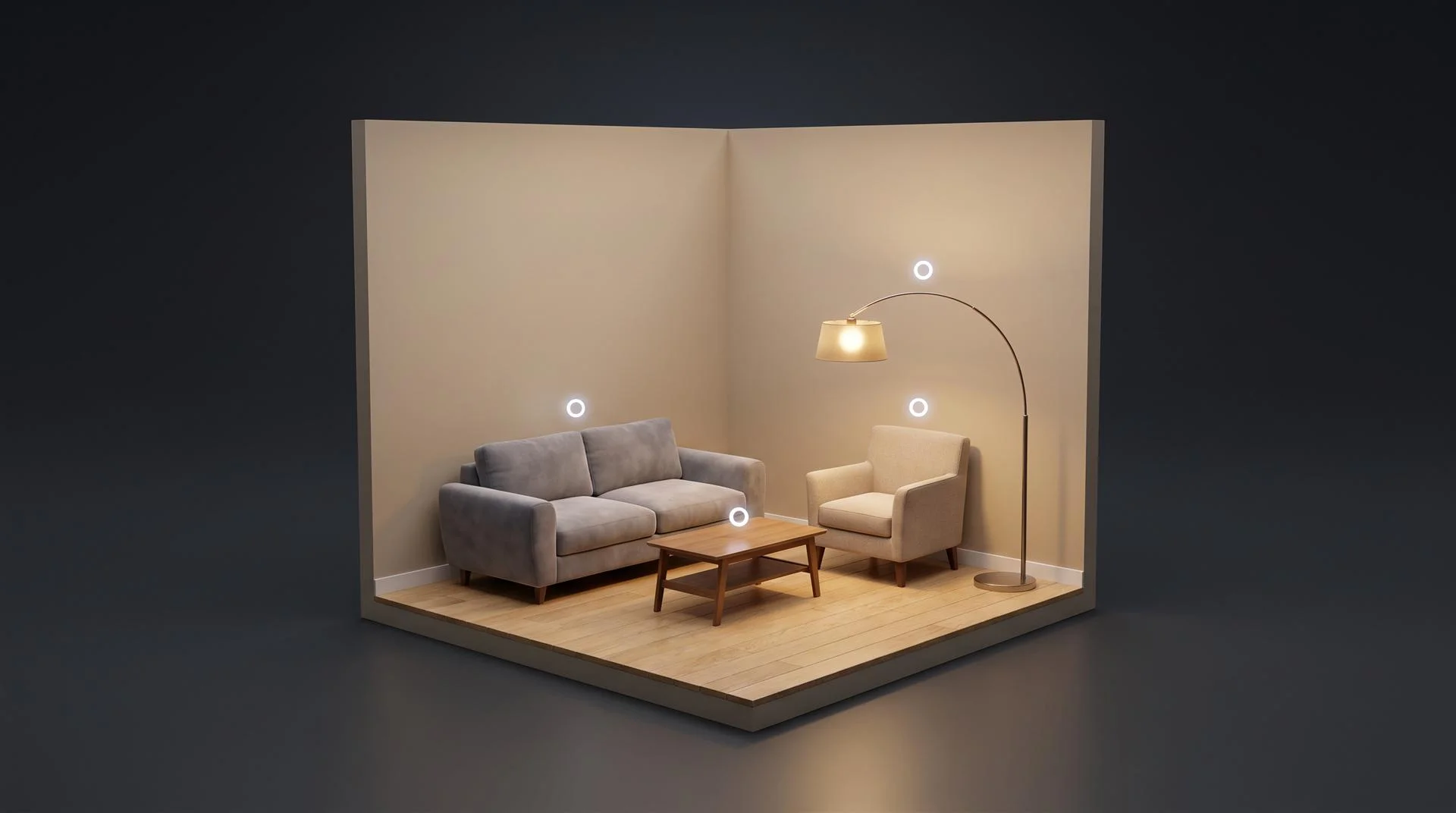
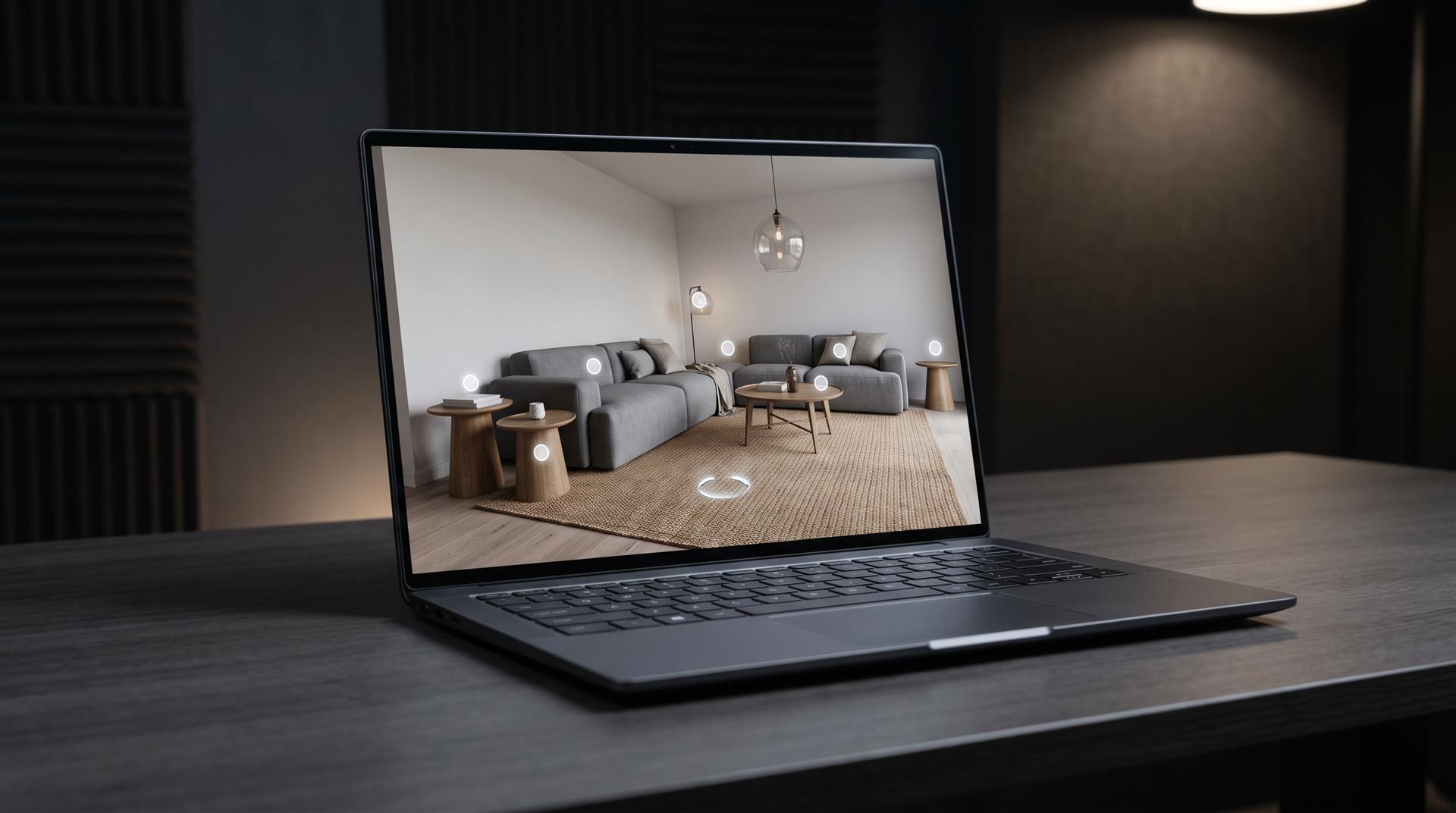
A virtual showroom is a 3D space in the browser where buyers walk through a room, click on products and inspect them from any angle, without visiting a store or a trade show booth. It runs on a platform, but what buyers actually look at is the 3D model of each product. If those models are poor, the showroom is poor.
Most platform sales pages skip that part. The demo sofas were built by a 3D team. Yours will be built from whatever files you can hand over. This guide covers what a virtual showroom is, what it costs, and how to get the product models right first.
What is a virtual showroom?
A virtual showroom is an online, navigable version of a physical showroom, built from 3D content or captured from a real space. Visitors move through it on a laptop or phone, open product details through hotspots, and sometimes switch finishes or colors. Some also run in a VR headset.
The term covers three quite different things, and vendors use them interchangeably:
- 3D virtual showroom. Room and products are 3D models rendered in real time. Layouts, products and finishes change without a new shoot. The most flexible version, and the one that depends most on model quality.
- 360 photo tour. A real showroom shot with a 360 camera. Realistic but frozen: nothing can be rotated, recolored or replaced without reshooting.
- Virtual reality showroom. Either of the above in a headset. The WebXR Device API lets a browser 3D showroom open in VR, so it is usually an extra mode, not a separate build.
A good public example is Duravit. Its virtual showroom is an online version of the company’s Design Center in Hornberg, with free navigation, floor plan and dollhouse views, product hotspots and a VR option for compatible headsets.
Who uses virtual showrooms?
Brands with big, configurable or expensive products that buyers want to see in context before they commit. The common categories:
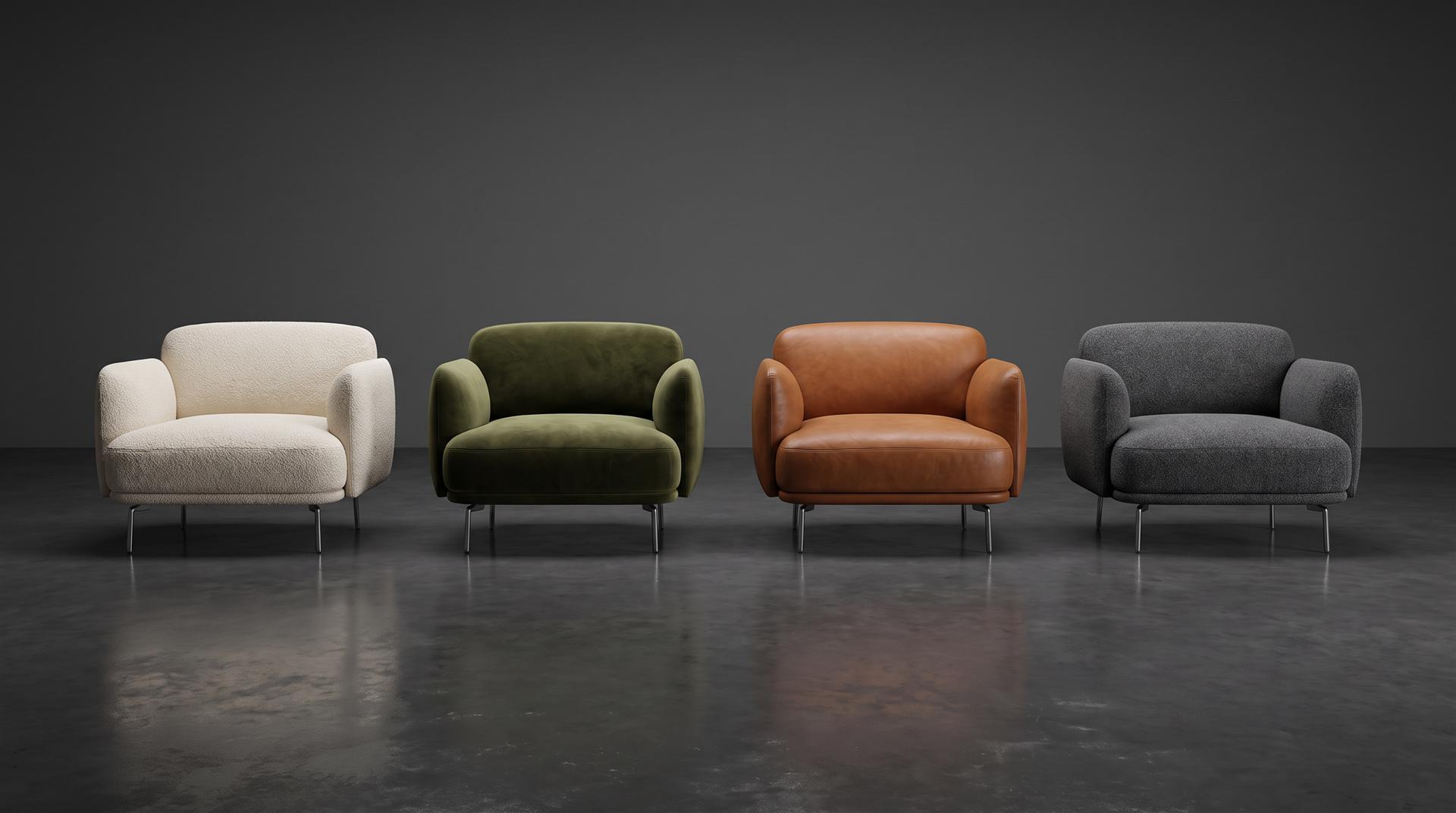
- Furniture. A virtual furniture showroom shows a sofa in a room, in every fabric, without a warehouse full of samples.
- Bathroom and kitchen. Fixtures only make sense installed, which is why Duravit builds whole rooms.
- Automotive. BMW’s real-time 3D experience, EVE, started in dealerships and moved into the online configurator. AWS has a write-up of how BMW streams it to browsers, which shows how much engineering a car-grade version takes.
- B2B and trade shows. A permanent booth that sales reps can walk a dealer through on a call.
- Fashion and footwear. Wholesale buyers browse a season before samples ship.
Platform vs content: the part platforms do not tell you
The platform is the building. The 3D product models are what is inside it, and they are usually the bigger job. A platform gives you navigation, hosting, hotspots, analytics and sometimes a cart. It does not give you photoreal models of your products.
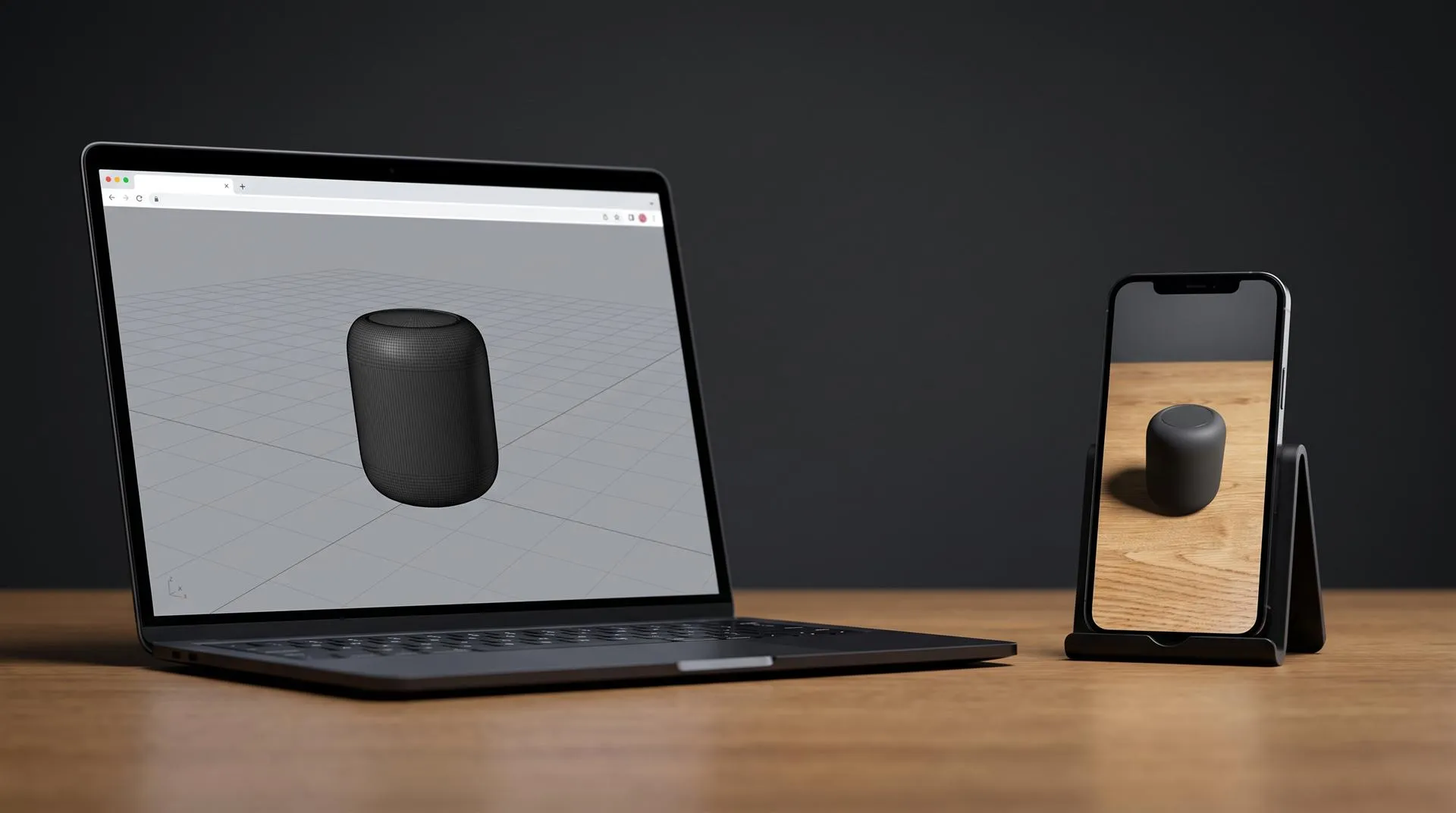
Every product needs a web-ready 3D model. That almost always means a GLB file, the binary version of glTF, the open Khronos format built for loading 3D models efficiently on the web. Forty products means forty models, plus every finish you want to show.
Web-ready is a strict spec. Shopify’s guide for creating 3D models for merchants is a good public benchmark: GLB delivery, a total file size around 4 MB, the lowest polycount that keeps the product’s details, and textures no larger than 2048 x 2048 px for mobile web. A showroom loads many models at once, so the budget per product is often tighter.
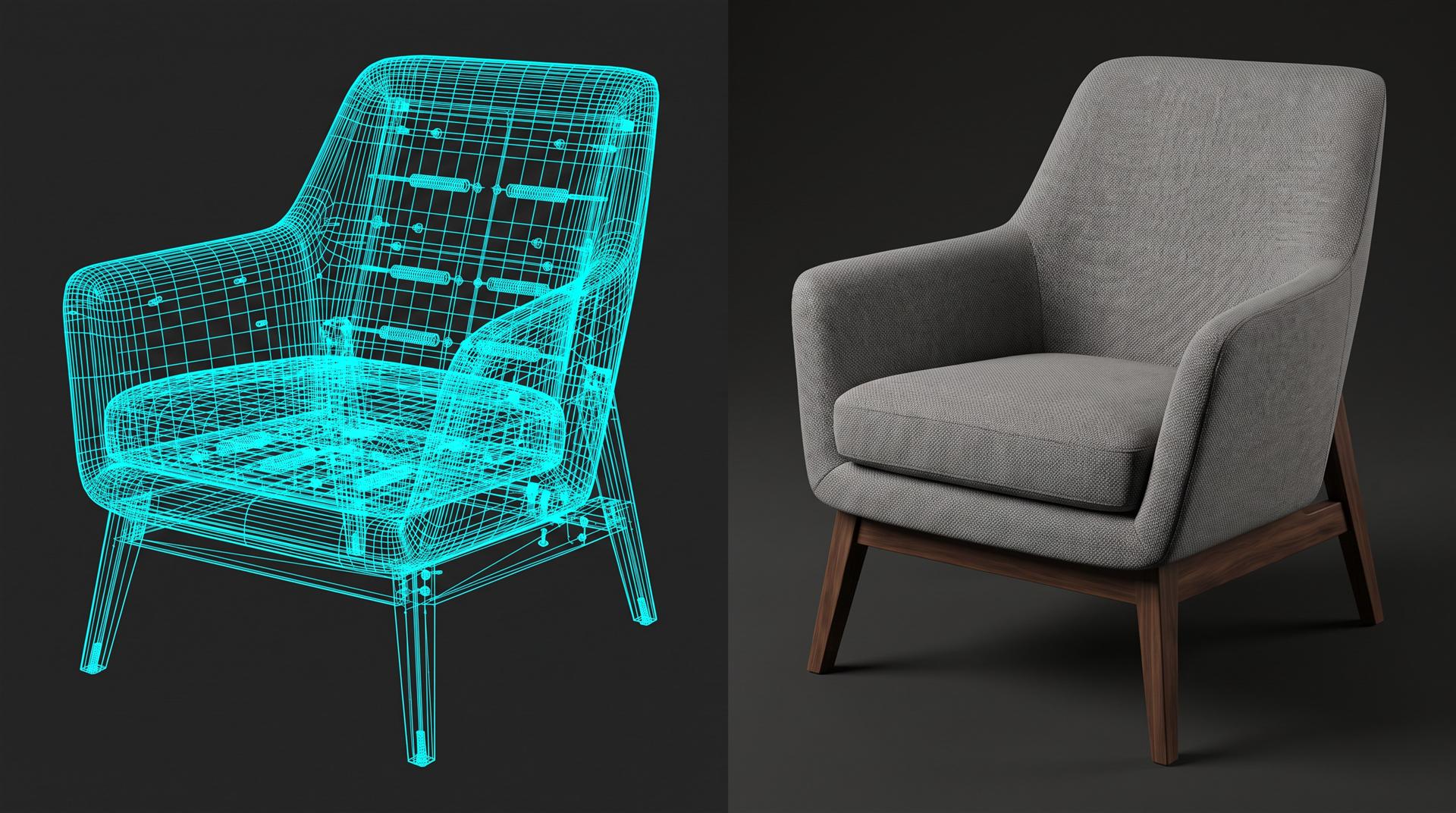
Your CAD file is a starting point, not a showroom asset. CAD is built for manufacturing: hidden internal parts, millions of polygons nobody will see, no realistic materials. It has to be cleaned, reduced and given materials (fabric, brushed metal, glazed ceramic) that hold up under real-time lighting. With only photos, the model is built from scratch. Our 3D modeling services page covers both routes.
What a studio should hand over for a showroom:
- An optimized GLB per product, within the platform’s size limit
- Material variants, as separate files or inside one file, depending on the platform
- A high-resolution master model for later renders and animation
- A short spec sheet: polycount, texture sizes, real-world scale and pivot point
Owning showroom GLBs does not mean you own the full-quality 3D scene behind them. Agree in writing up front which source files you receive.
A reclining sofa we modeled and rendered for ecommerce. The same 3D model that drives a turntable like this can be optimized into a showroom asset.
Virtual showroom vs 3D configurator vs product video
They answer different buyer questions, and many brands need more than one. A showroom answers “what does the range look like together?”, a configurator answers “what does my version look like?”, and a video answers “why should I care?”
| Virtual showroom | 3D configurator | 360 photo tour | 3D product video | |
|---|---|---|---|---|
| What the buyer does | Walks a room, clicks products | Changes options on one product | Walks a real, photographed room | Watches |
| Best for | Range browsing, B2B sales calls, trade shows | High-consideration product with options | Showing a real flagship store | Launch, ads, product pages |
| What you need | Web-ready model of every product plus a room | One very good model with all variants | A physical showroom and a 360 shoot | One high-quality model |
| Updates | Swap models, no reshoot | Add variants | Reshoot | New render |
| Main cost driver | Number of products and finishes | Number of options and logic | Size of the space | Length and scene complexity |
A handful of products with many options: a 3D product configurator is often the better first build. A wide range that buyers browse together: the showroom earns its keep. A configurator from one of our shoe projects:
How much does a virtual showroom cost?
A virtual showroom costs a platform fee plus the 3D content, and the content scales with your product count. Platform pricing varies widely by vendor and plan, so get quotes for your product count and traffic. The content is easier to estimate, because it is mostly a per-product number.
| Cost line | What drives it | Typical model |
|---|---|---|
| Platform or development | Hosting, features, number of visitors and products | Monthly subscription, or a one-off custom build |
| 3D product models | Product count, complexity, whether CAD exists | Per product |
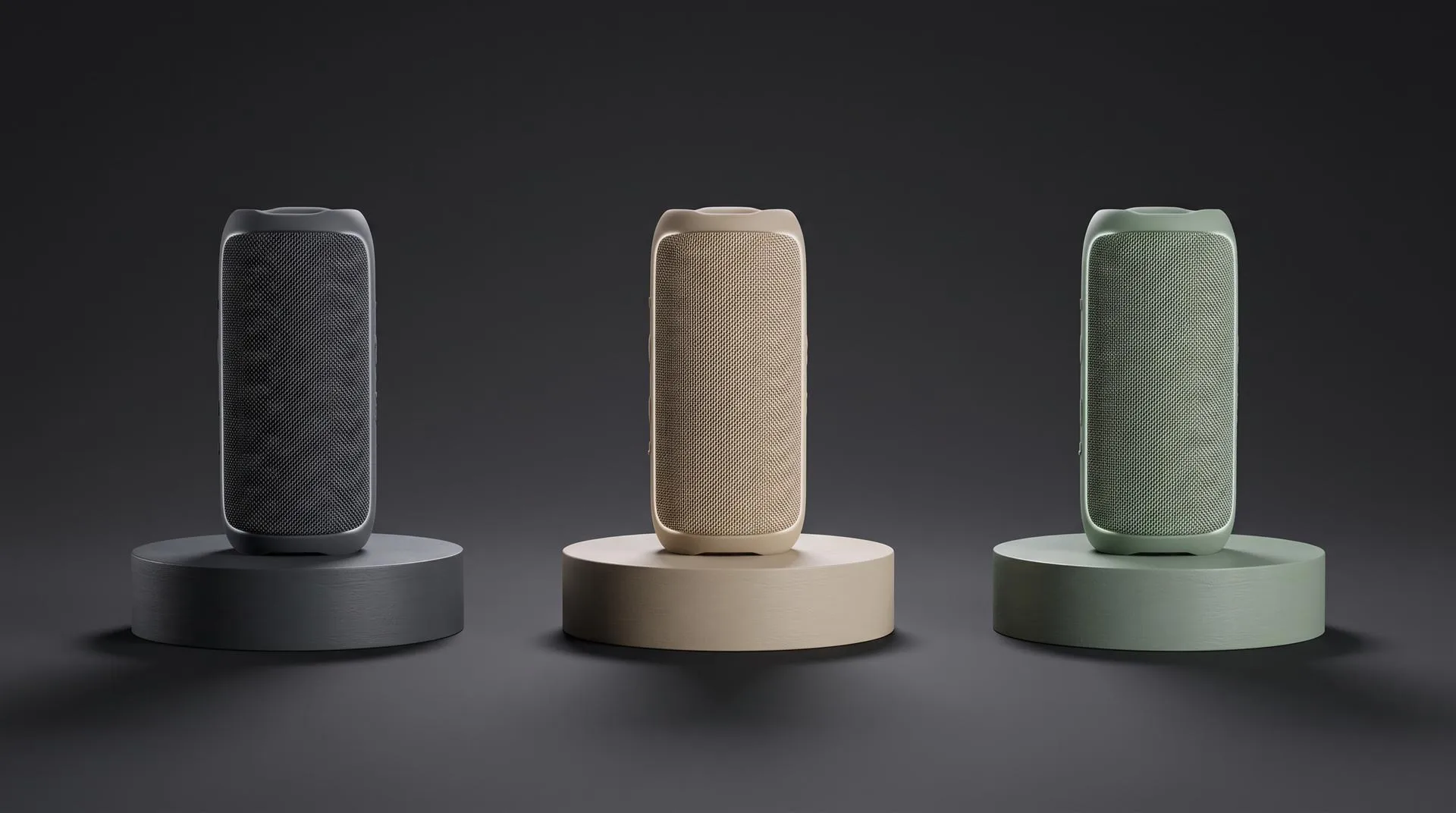
| Finishes and variants | Number of colors, fabrics, materials | Per variant |
| The room itself | Stock template vs a custom space modeled to your brand | Per project |
| Updates | New collections each season | Per new product |
For the product models, here is how we price them. If you give us a usable CAD model, preparing it is $200 per product. Modeling from scratch is $400 for a simple object, $800 for a medium complexity one and $2,000 for a very technical one. A model that has to run in a browser usually needs an extra optimization pass on top of that, which we quote with the project. Interactive builds like configurators start at a few thousand dollars for one product with a few color and texture options, and rise with the number of parts and the store integration. Our pricing page has the calculator for renders and video.
The math that surprises people: a showroom with 60 products in 4 finishes is 60 models and 240 material setups. The platform fee is often the smaller line.
How to start small
Start with one room and five hero products, then expand once you see who uses it.
- Pick the goal. Dealer sales calls, a trade show booth or a shopper-facing page. Each needs a different room and different hotspots.
- Choose five hero products. Best sellers, or the ones hardest to explain in a photo.
- Collect the files. CAD where you have it, plus photos, swatches and dimensions.
- Get the models built to a web spec. Ask for your platform’s GLB size limit before modeling starts.
- Build one room. A stock template is fine for a first test.
- Measure. Visits, hotspot clicks, and whether sales reps actually use it.
- Expand in batches, reusing the master models for renders and video.
A note from our own work. For Global Furniture USA we built a virtual showroom for one of their retail partners. The brief started as video footage of the real store. It could not be camera-tracked, and objects had to be removed from the floor, so we modeled the interior in 3D instead. Captured footage looks cheaper until you need to change what is in it.
What to send a studio for showroom models
- A product list with the hero products marked
- CAD files (STEP, IGES or native) where they exist
- Product photos from several angles, including close-ups of materials
- Physical swatches or high-resolution scans of fabrics and finishes
- Dimensions for every product
- The platform you plan to use and its file size limit
- Which finishes and colors must be shown at launch
- What source files you want to own at the end
Common mistakes
- Buying the platform first, then waiting months on product models.
- Uploading raw CAD. It loads slowly and looks like a technical drawing.
- Modeling every SKU at launch. Five strong products beat sixty average ones.
- Skipping the phone test. Plenty of visitors open the link on mobile.
- Not owning the masters. Every future render or animation starts from zero.
- Using a 360 photo tour for a range that changes every season. Each change is a reshoot.
When you do not need a virtual showroom
If you sell a few products online, good renders, a 360 product view or an interactive 3D model on the product page will do more than a room people have to walk through. Showrooms make sense when buyers browse a range, not when they decide on one item.
FAQ
What is a virtual showroom?
A 3D or 360 version of a showroom that buyers explore online. They move through a room, click products for details, and in some cases change finishes or view it in VR.
How much does a virtual showroom cost?
It is a platform fee plus 3D content. The content is usually the larger part, since every product needs its own web-ready model. Count your products and finishes before you compare platforms.
Do I need 3D models of every product?
For a 3D showroom, yes, every product you show needs a model. You do not need every product at launch, though. Start with your hero products and add the rest in batches.
Can I use my CAD files for a virtual showroom?
As a starting point, yes. CAD gives accurate geometry, but it has to be cleaned, reduced and given realistic materials before it works in a browser.
Virtual showroom or 3D configurator: which one first?
Few products with many options: configurator first. A wide range that buyers browse together: showroom first. Both can use the same master models.
Talk to us about the models
If you are planning a virtual showroom, send us your product list and whatever files you have. We will tell you what the models will take, which products to start with, and whether a showroom is the right build at all. Get in touch here.